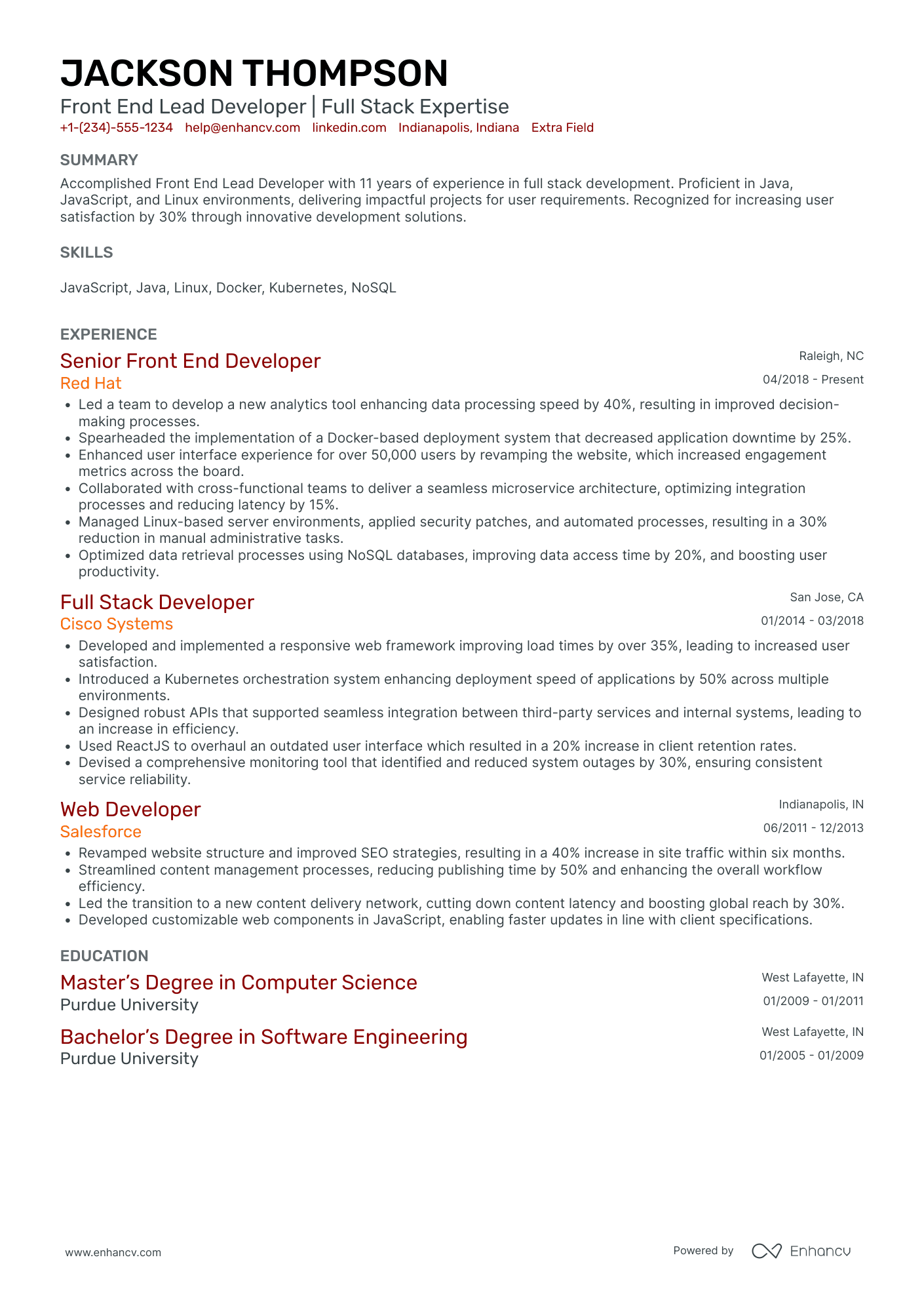
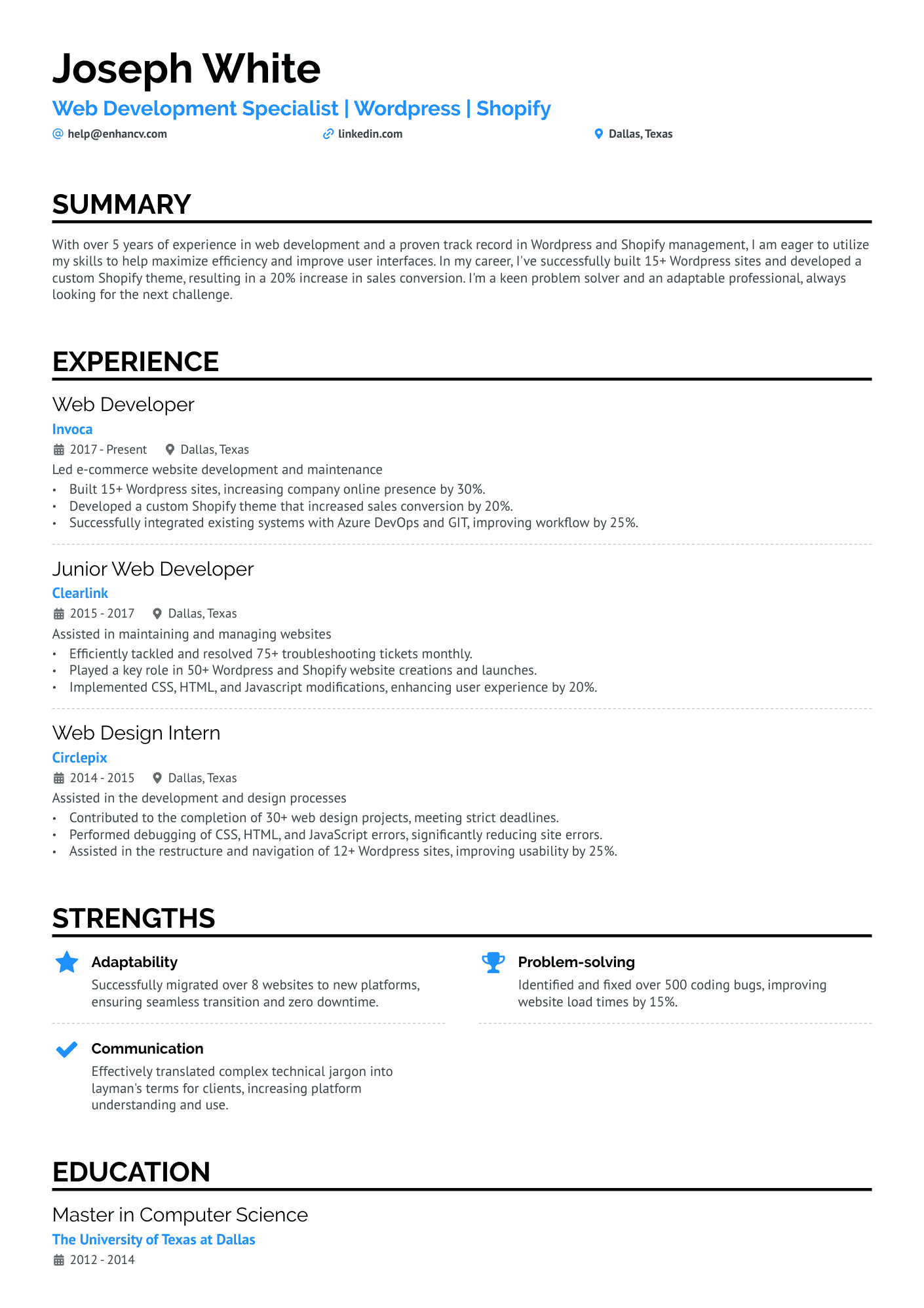
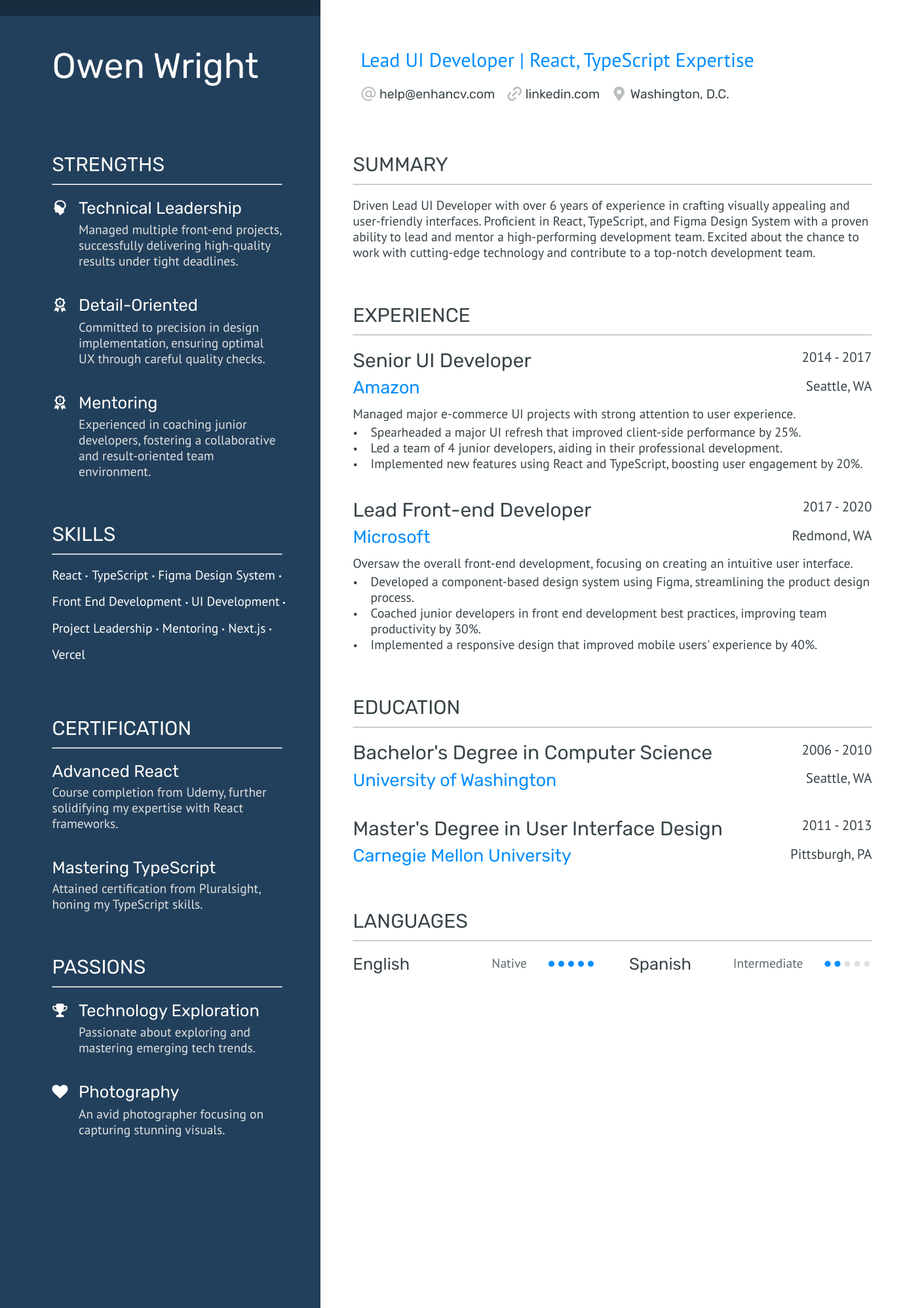
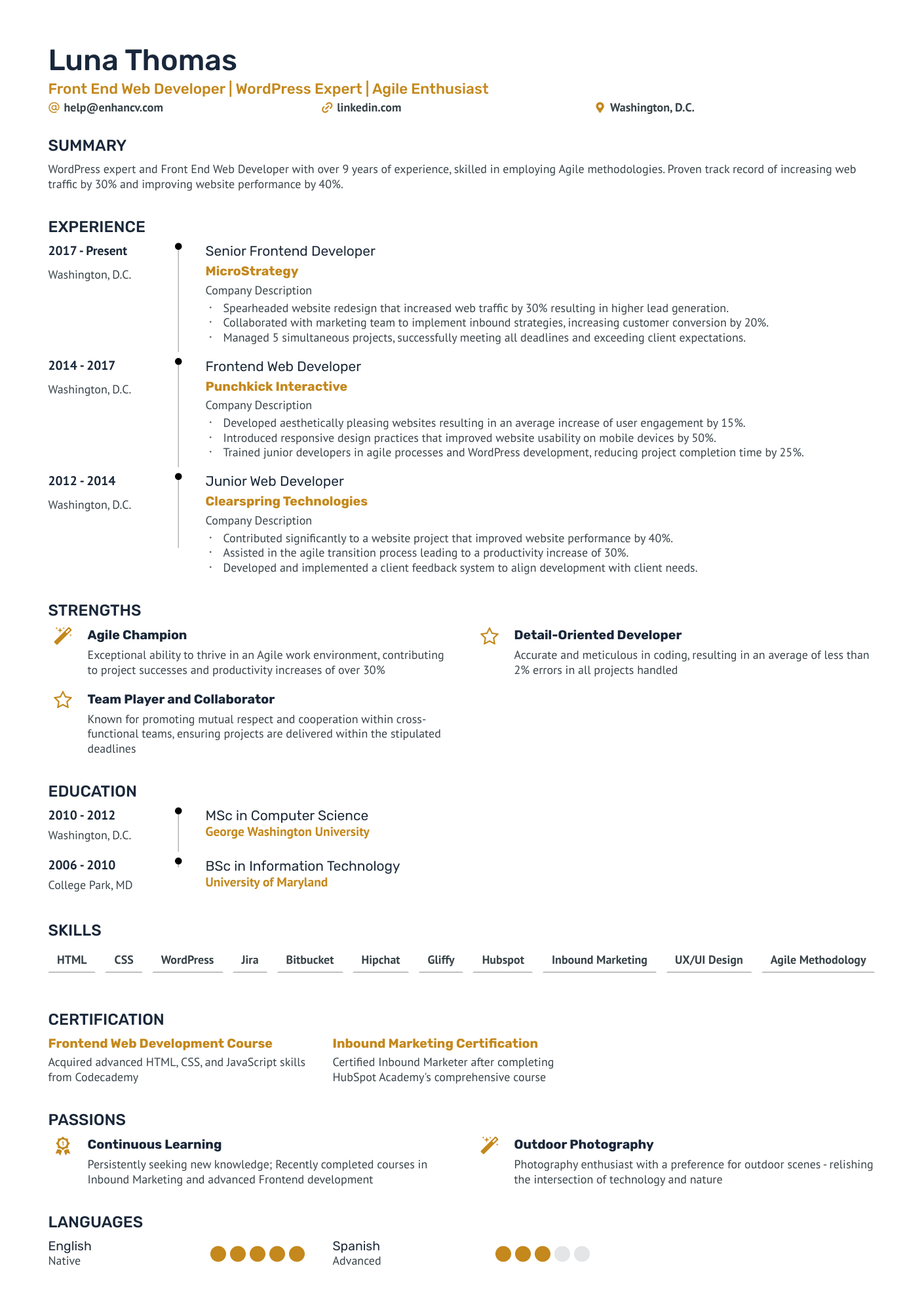
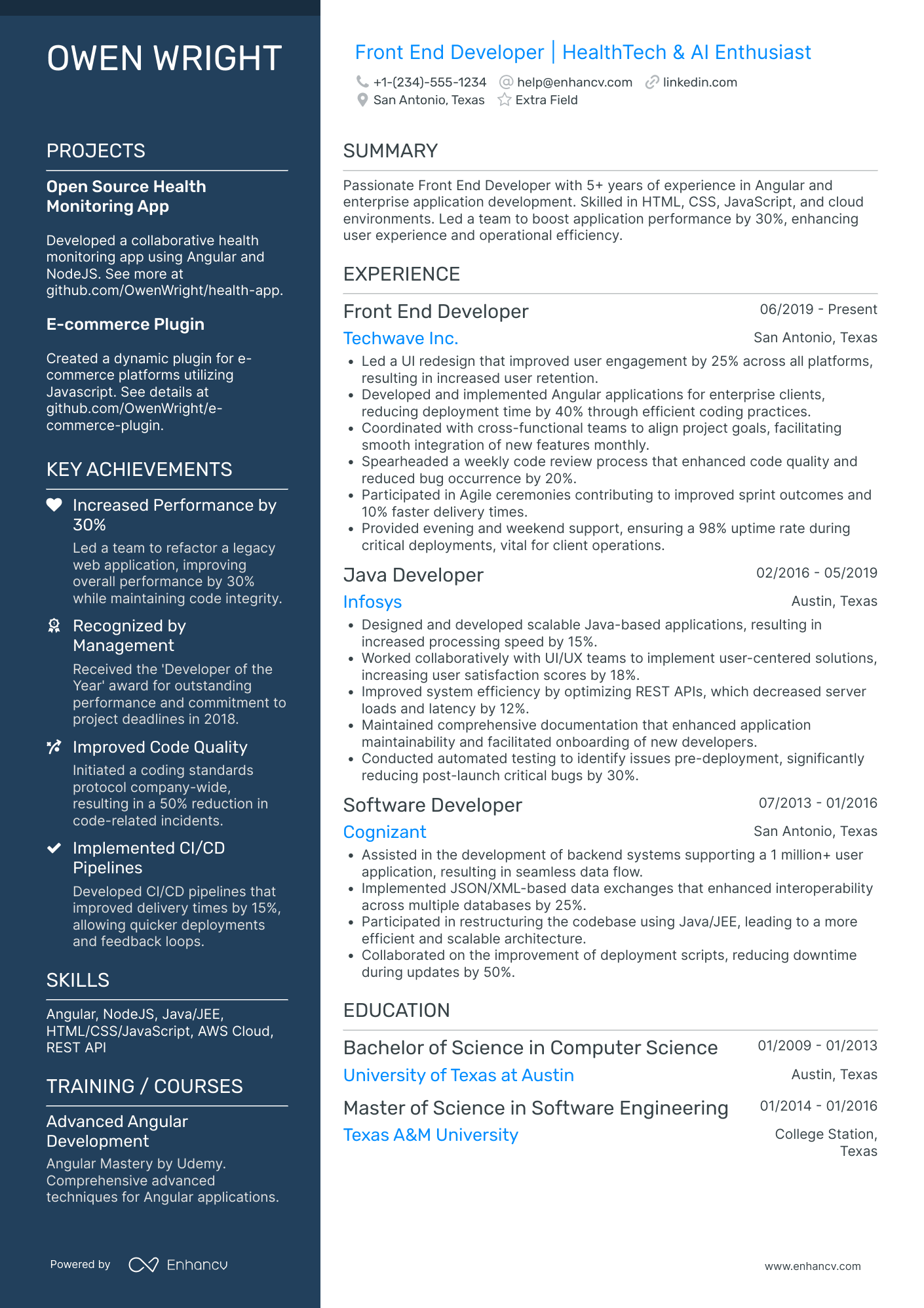
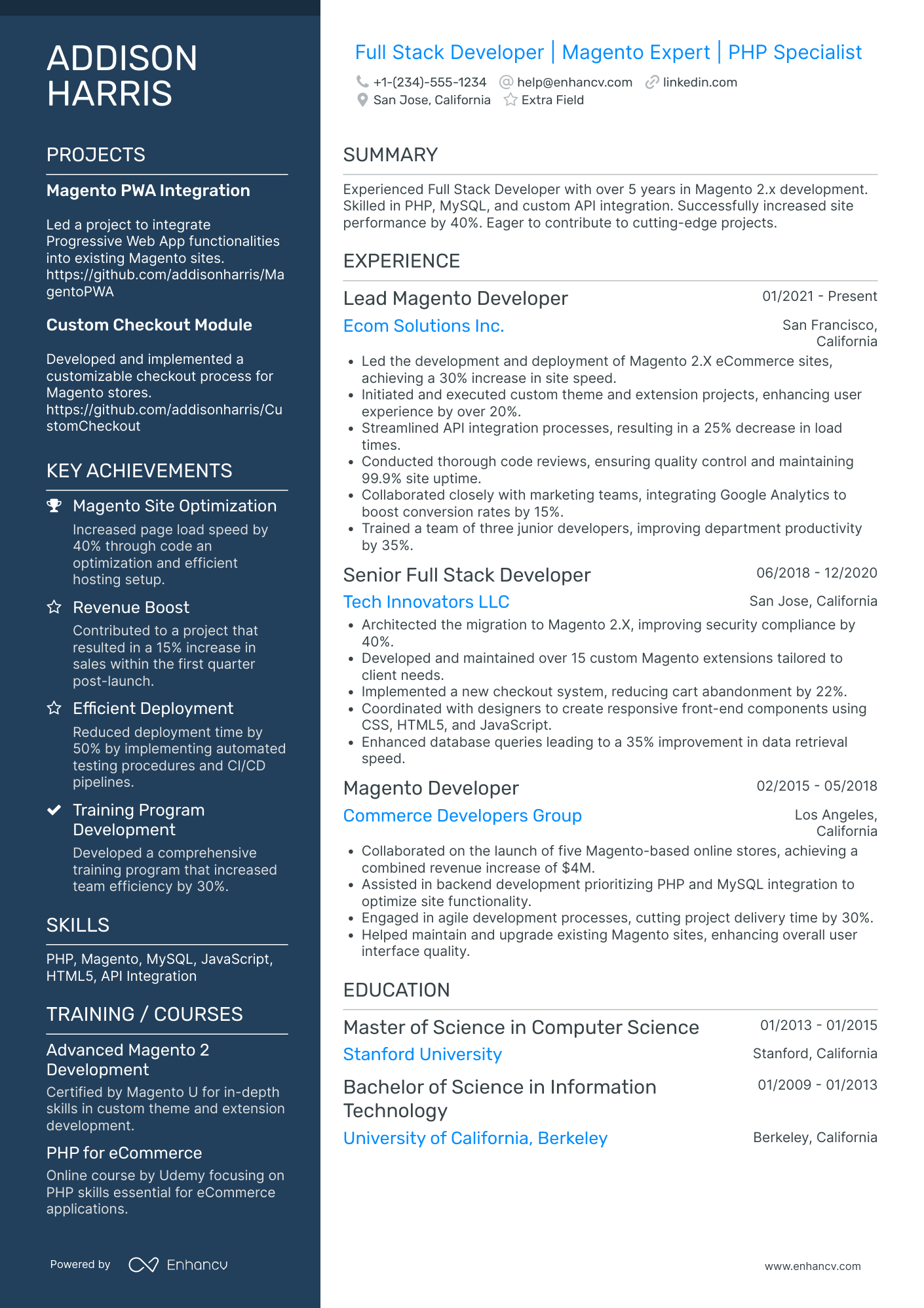
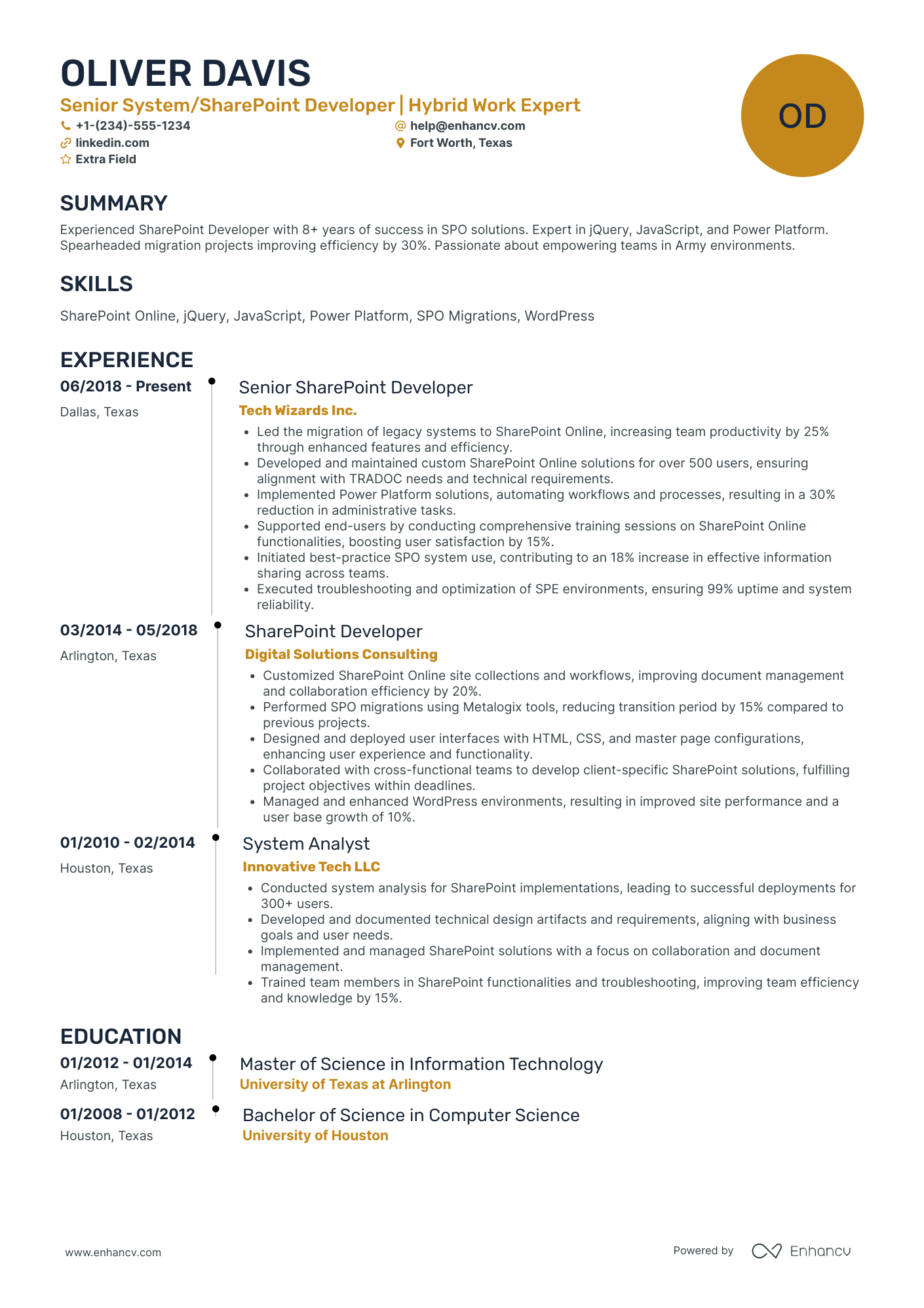

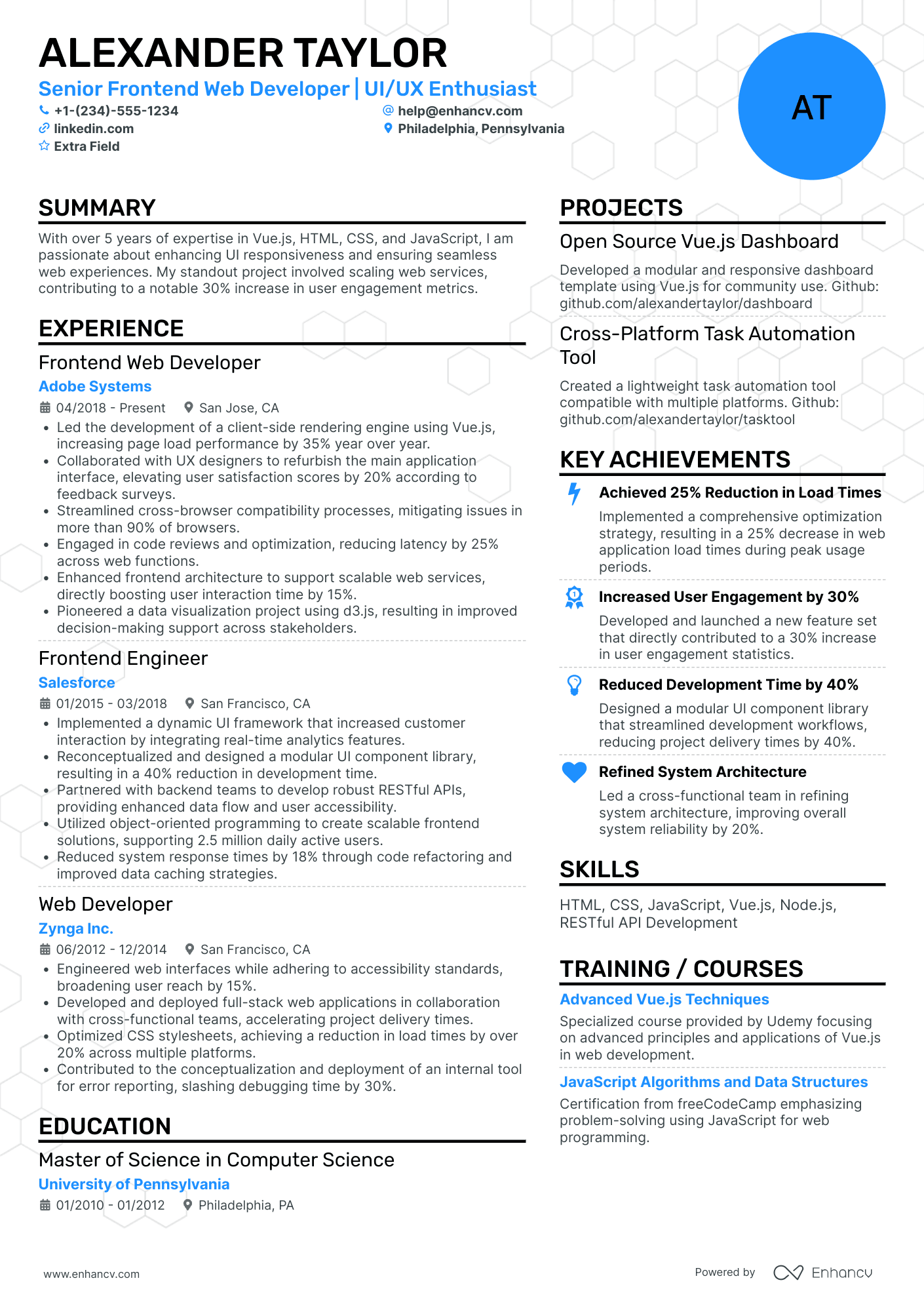
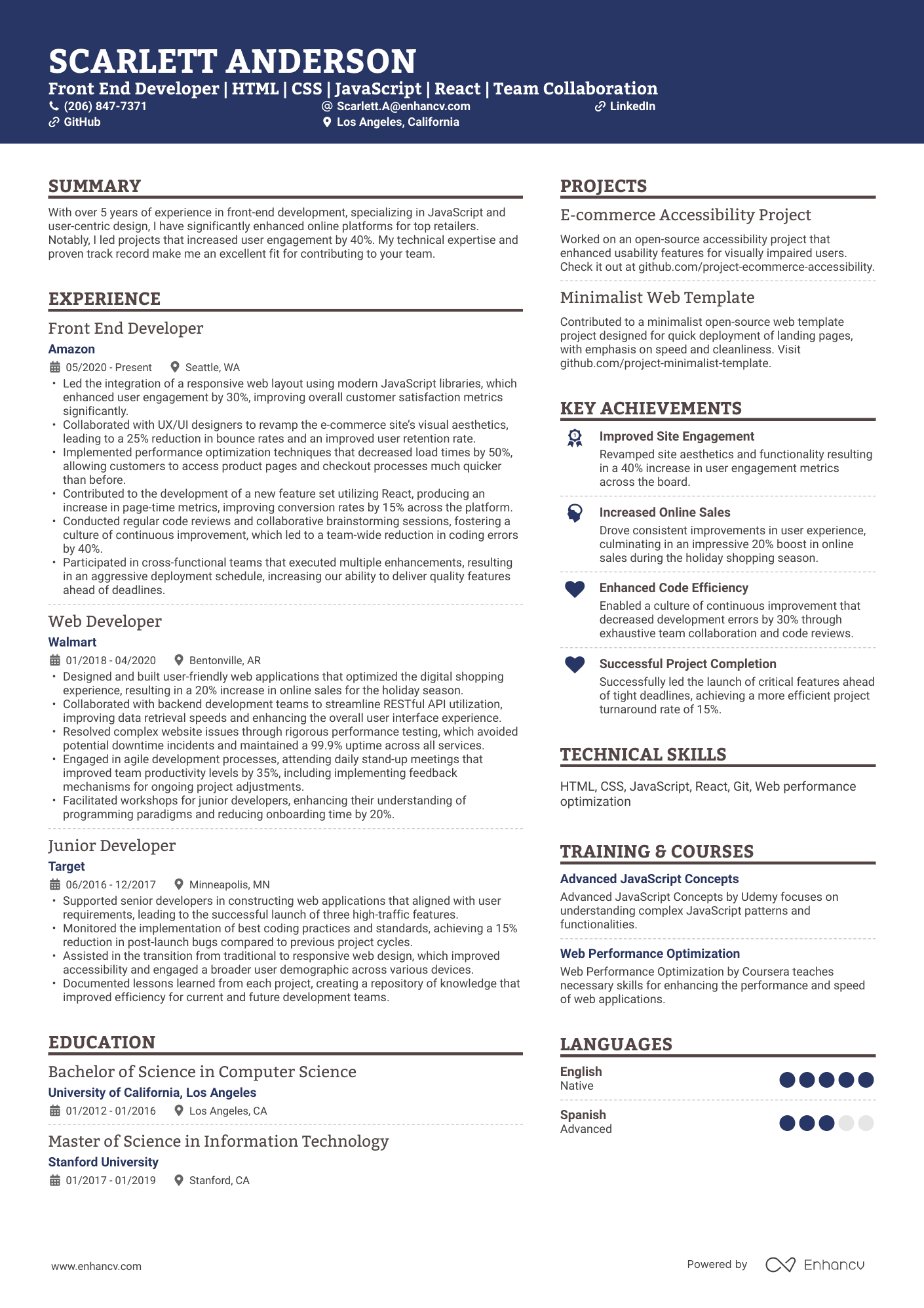
Front-end developer resumes often fail for a simple reason: they list tools instead of impact. In a market where companies screen thousands of potential employees through applicant tracking systems (ATS) and fast recruiter scans, simply writing “React, JavaScript, HTML/CSS” isn’t enough.
A strong front-end resume shows measurable improvements—faster load times, cleaner UI, accessible components, scalable architecture, and features shipped across real users and environments.

Key takeaways
- Lead with a clean reverse-chronological or hybrid format.
- Use measurable impact in every experience bullet (speed, stability, accessibility).
- Tailor your resume to the job’s tools, methods, and metrics.
- Include a GitHub link and, if possible, a separate portfolio or live project link in the header.
- Highlight modern frameworks like React, Next.js, and TypeScript.
- Add a projects section, especially if you’re junior or switching careers.
- Use Enhancv to tailor, test, and polish your resume into an ATS-friendly PDF.
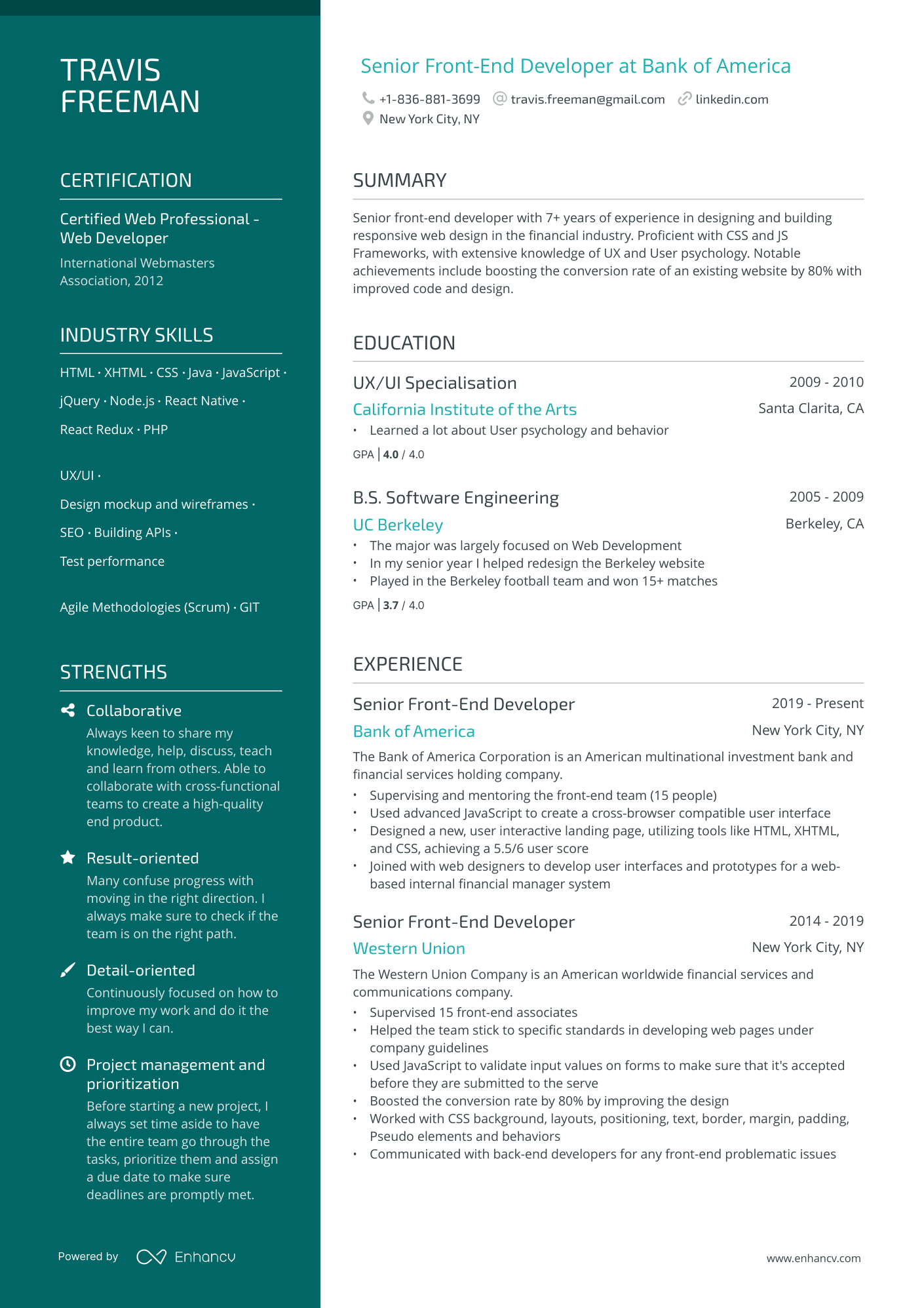
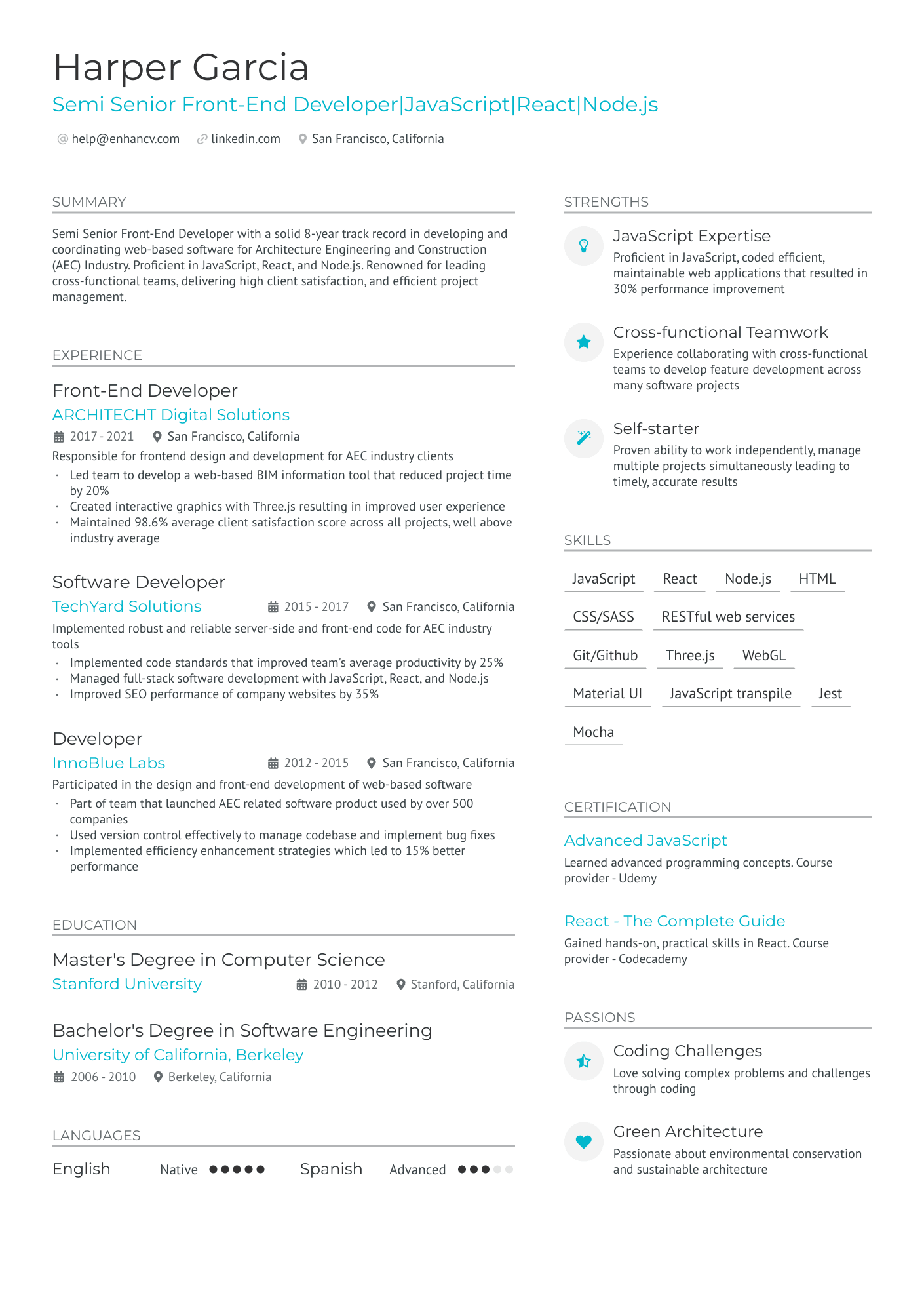
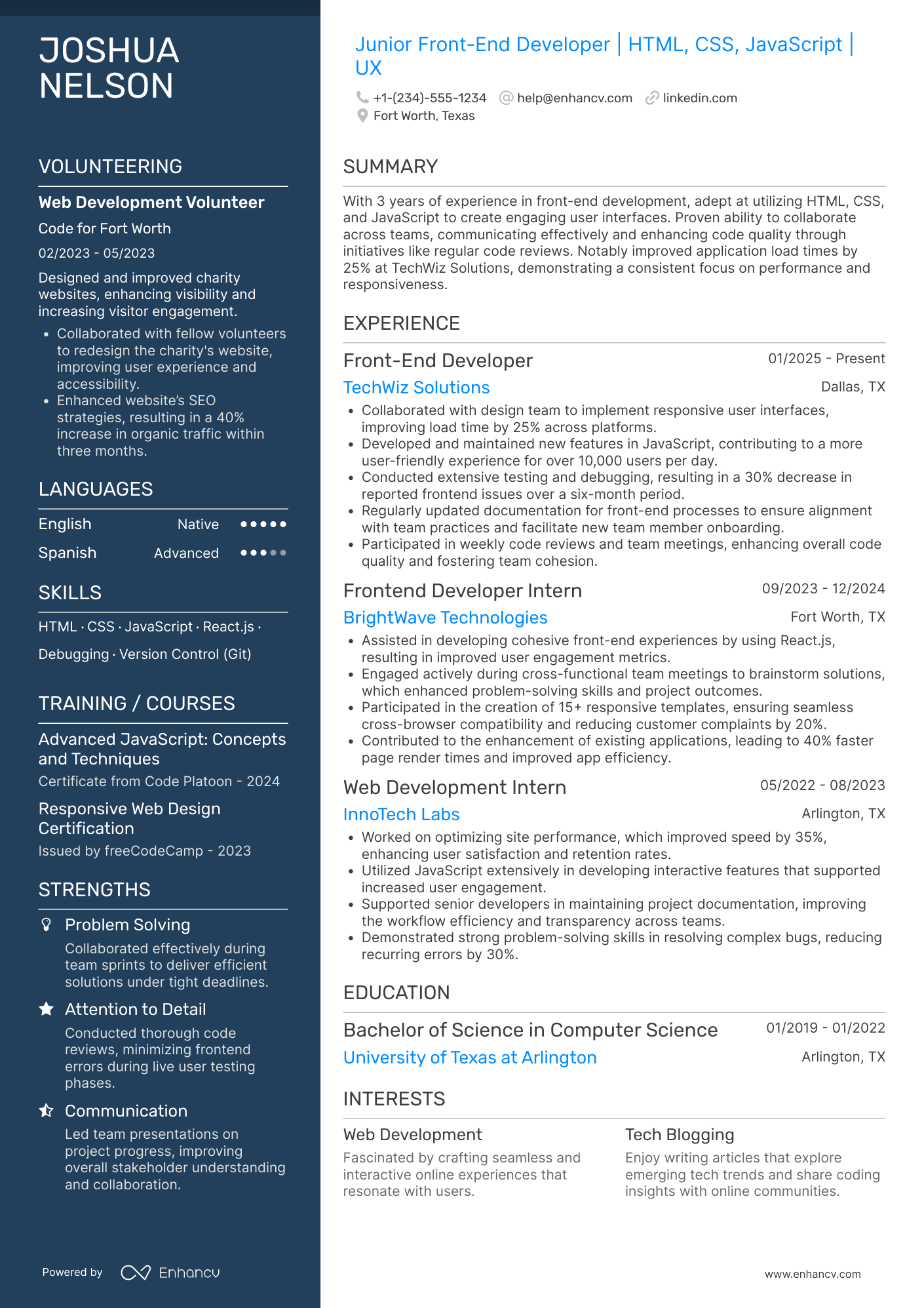
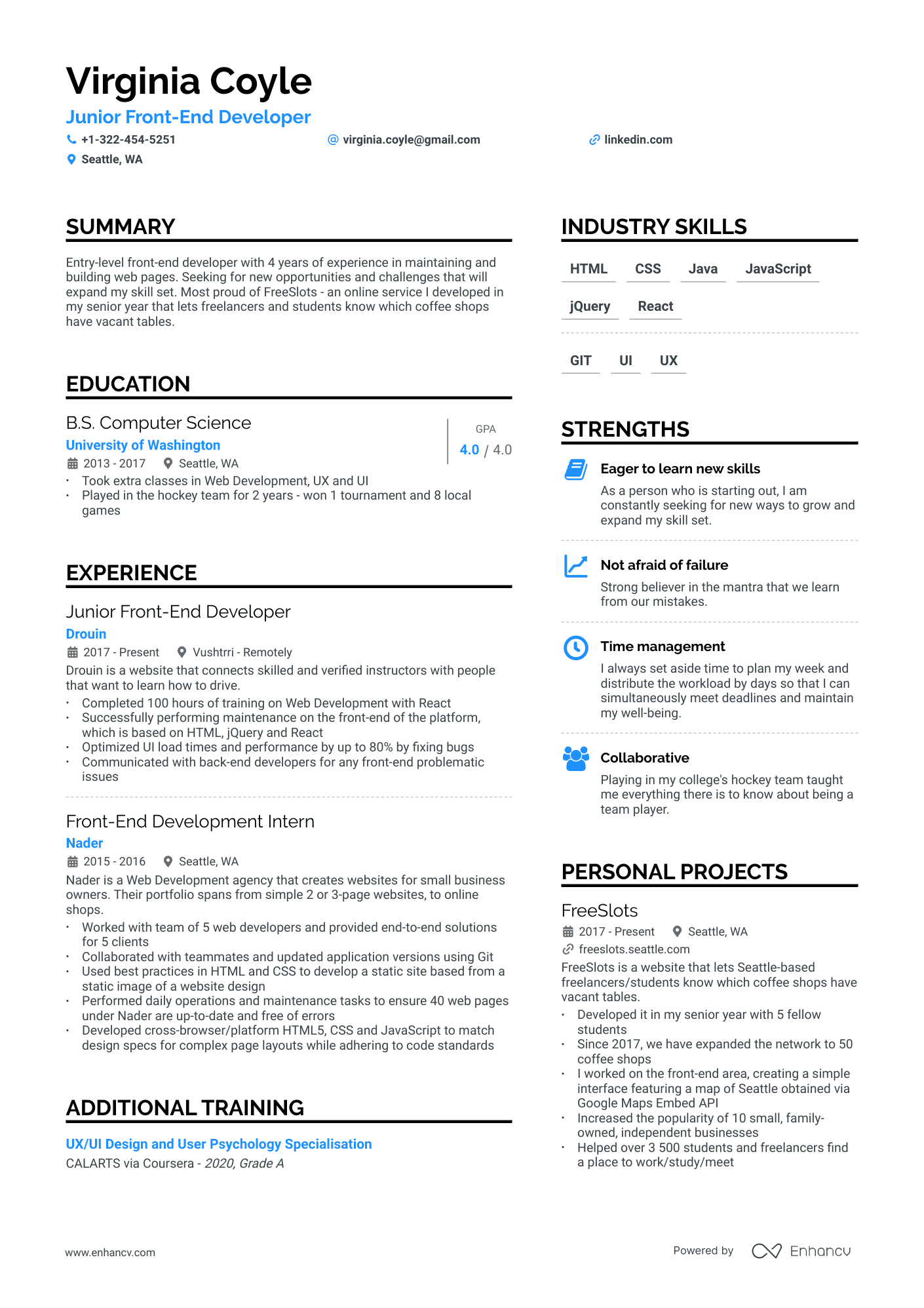
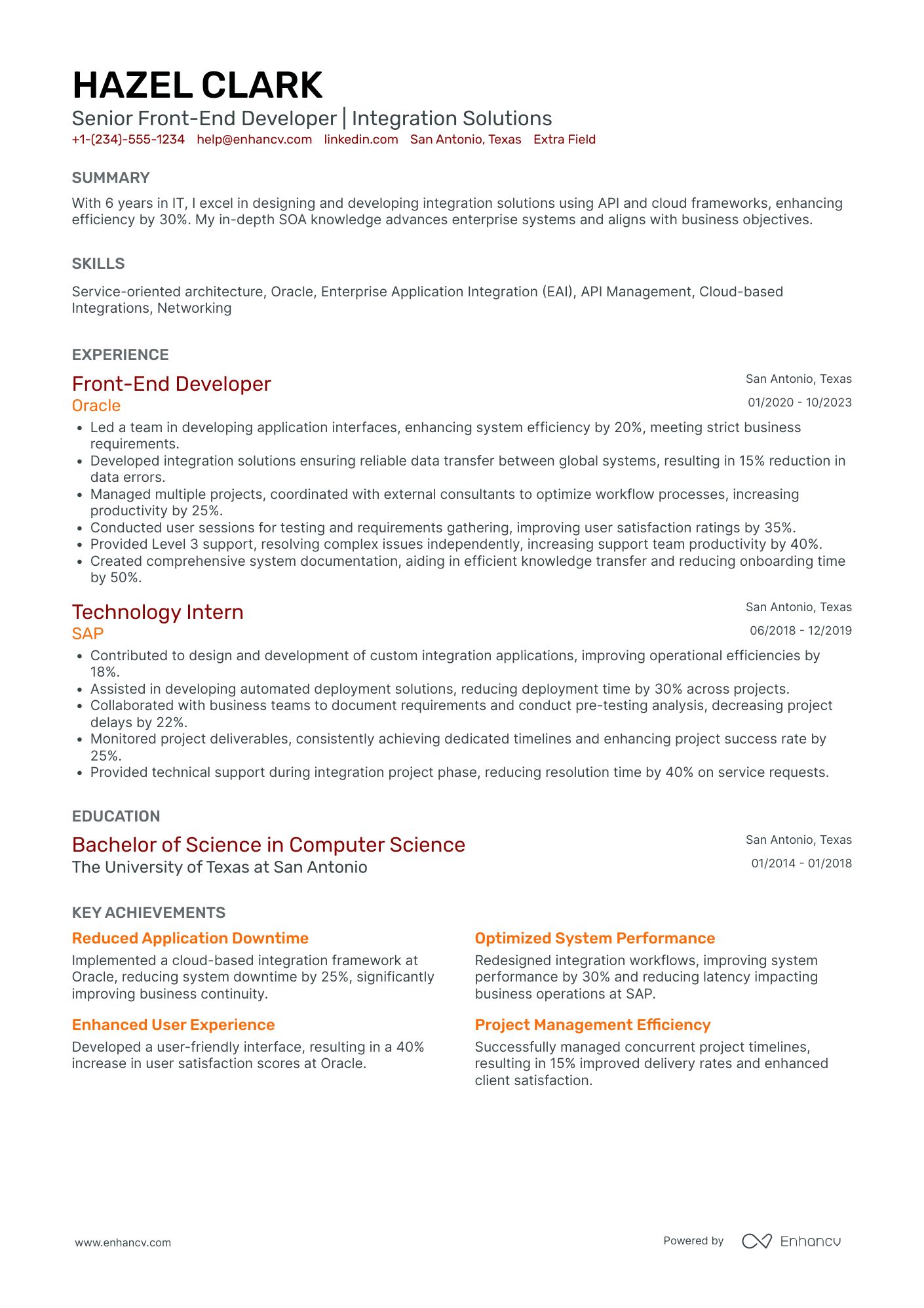
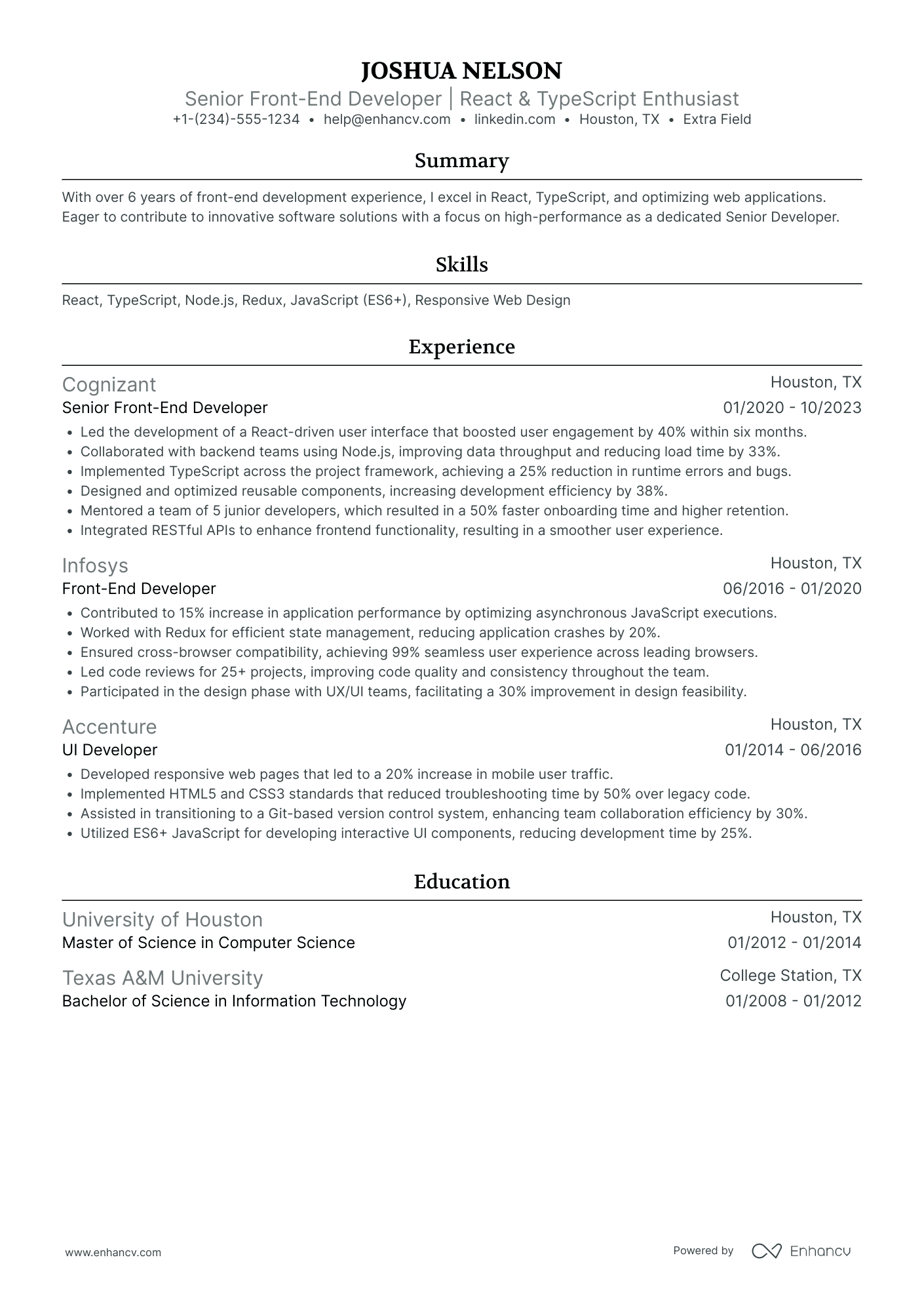
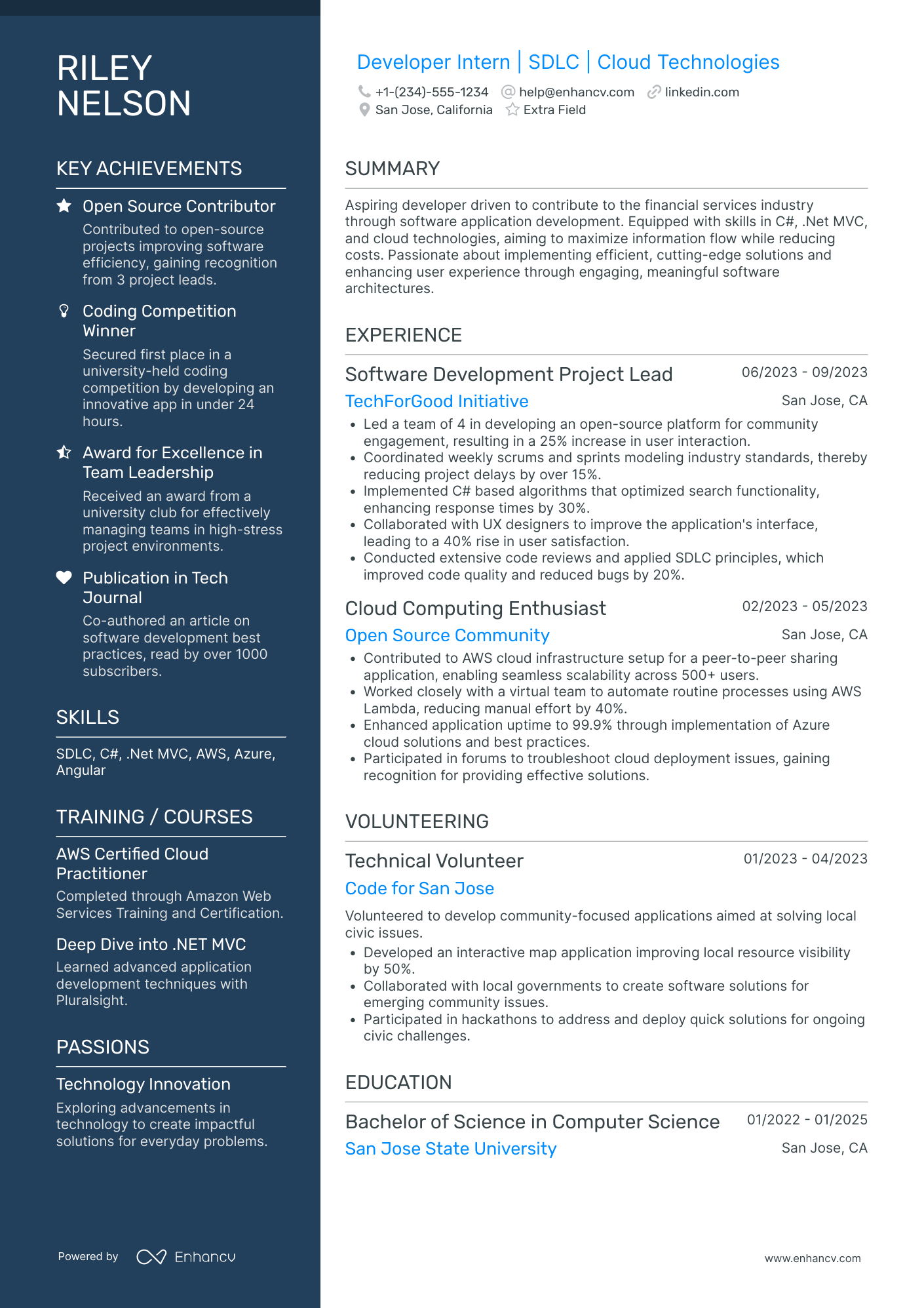
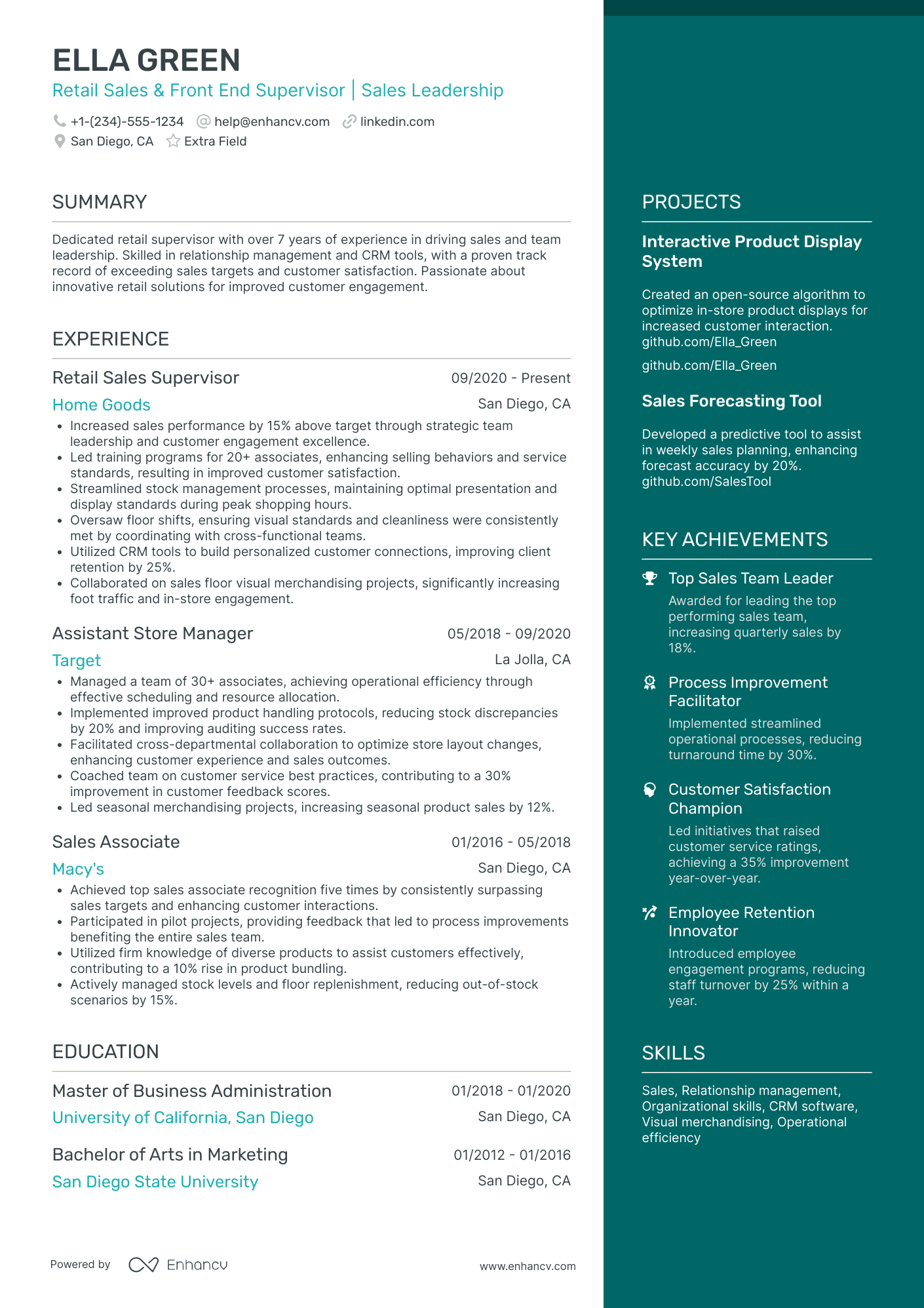
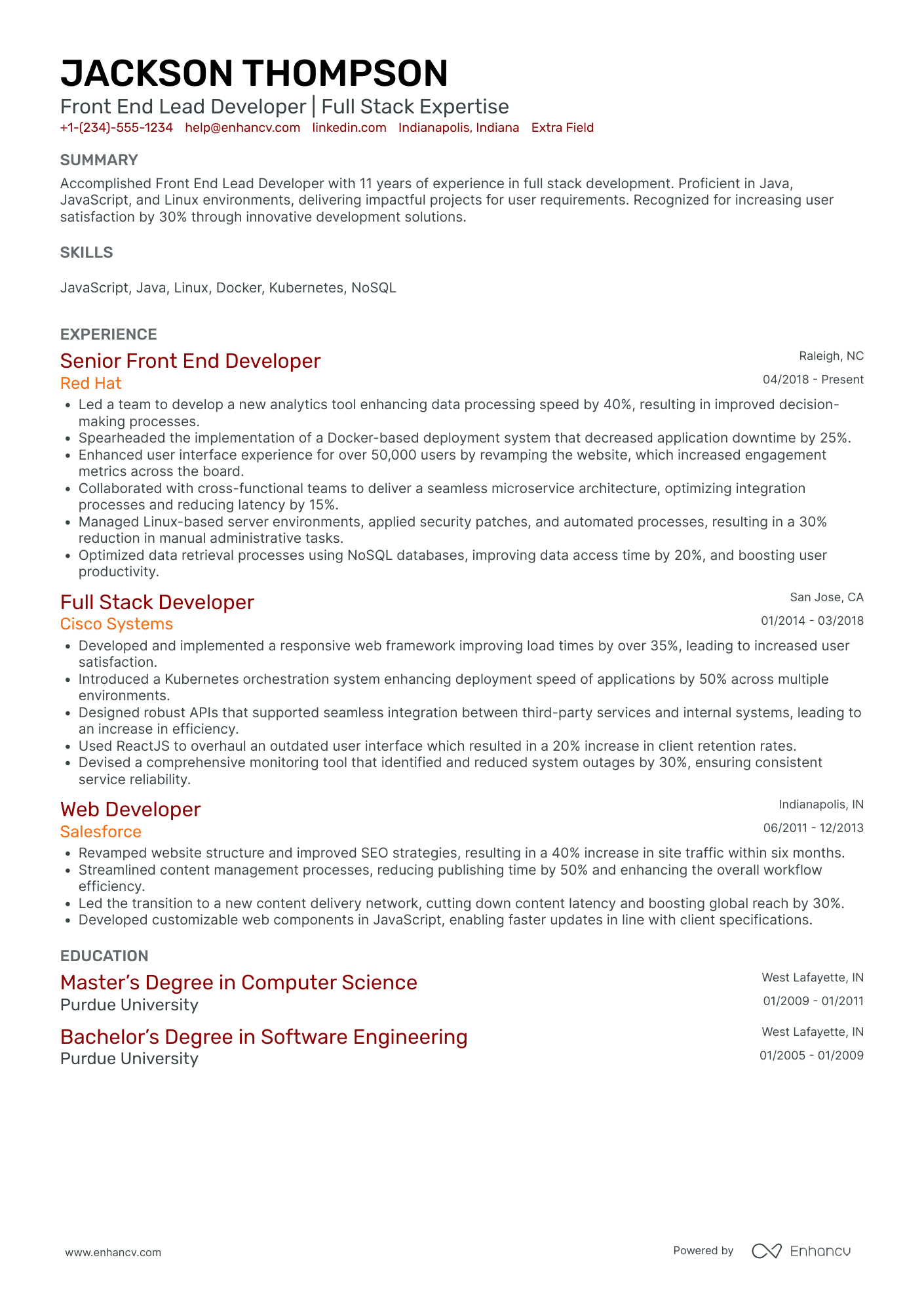
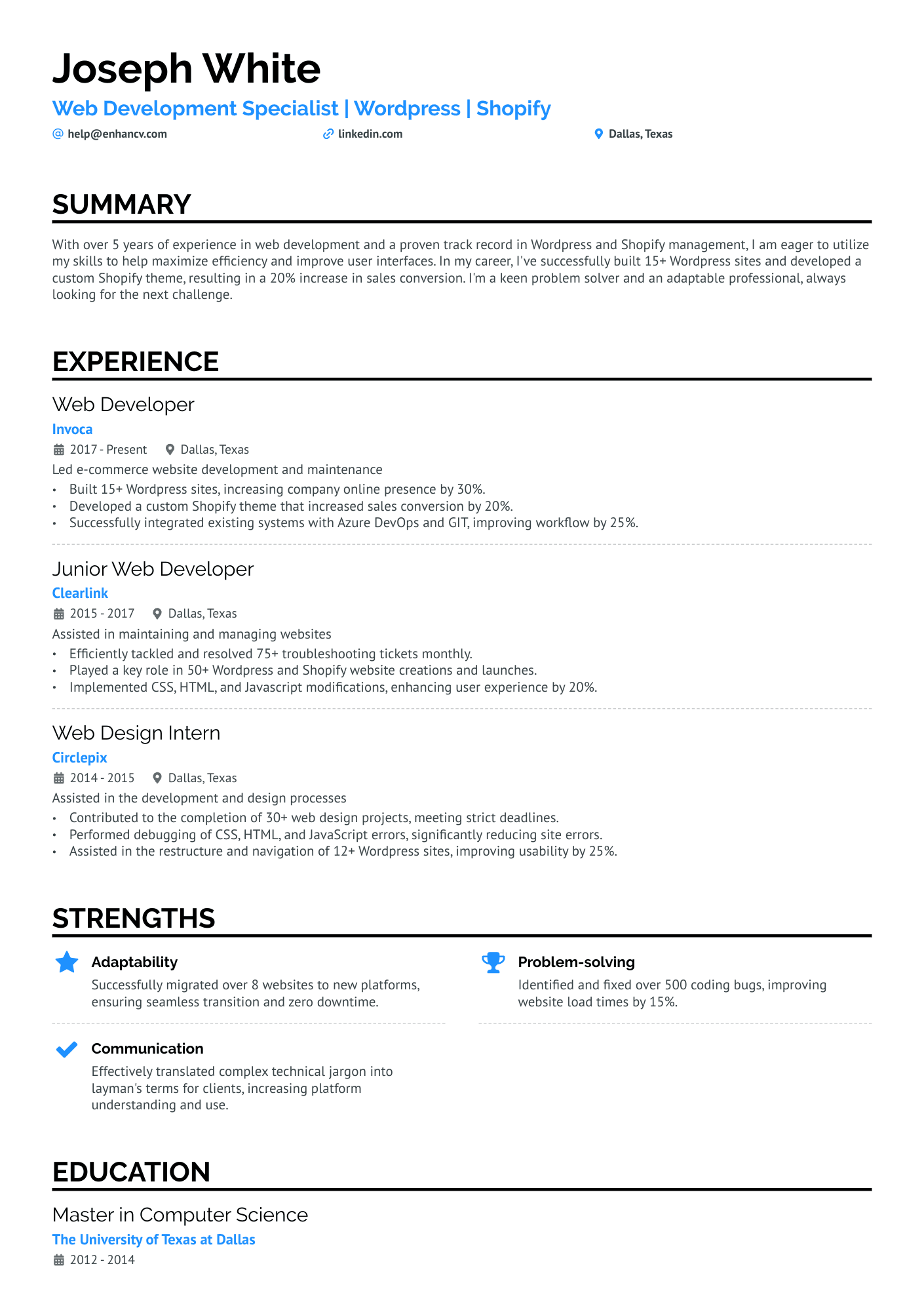
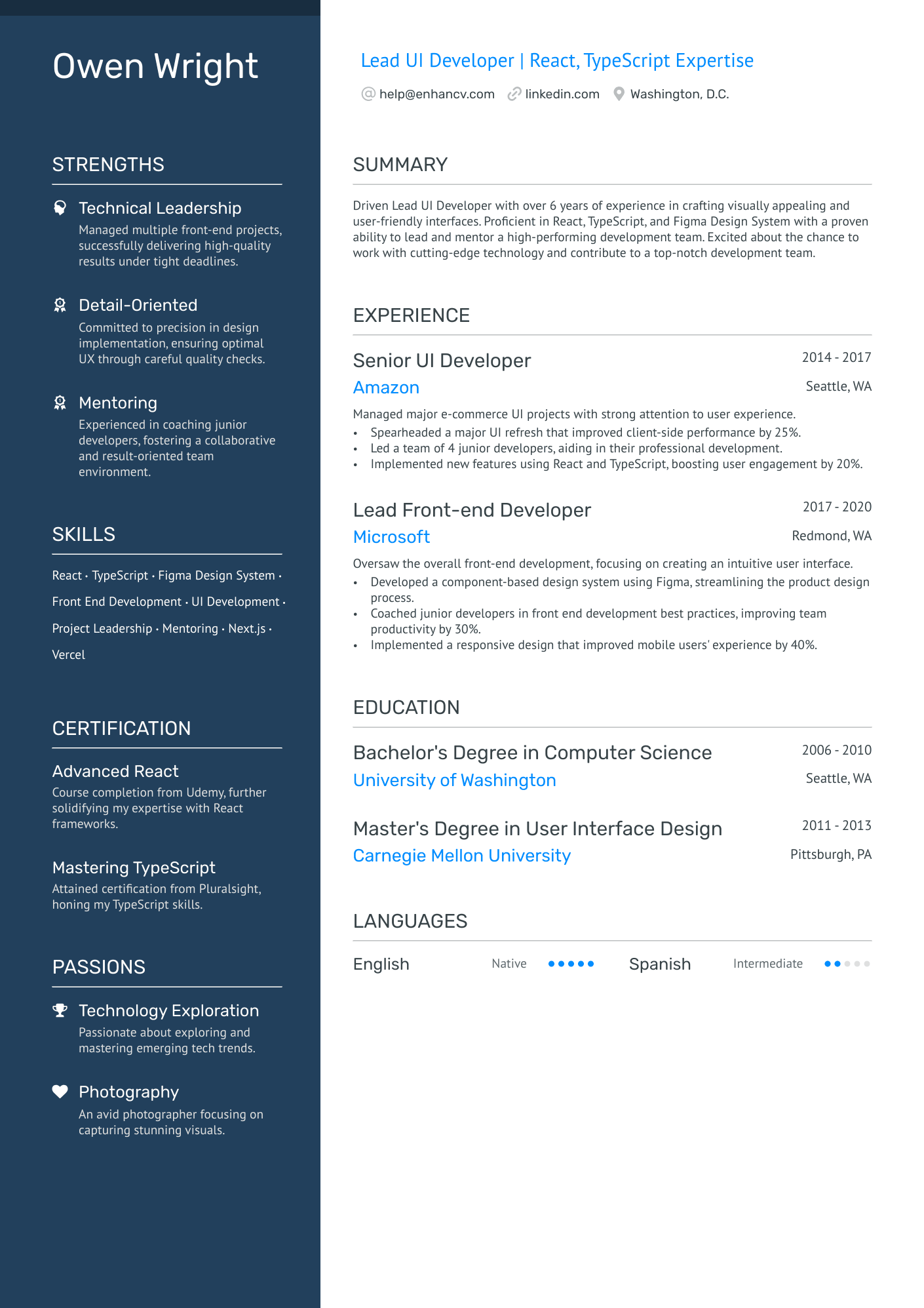
If you want to see how other developers present their skills and achievements, browse the additional resume examples below. They’ll help you compare formats and choose the approach that works best for your background.
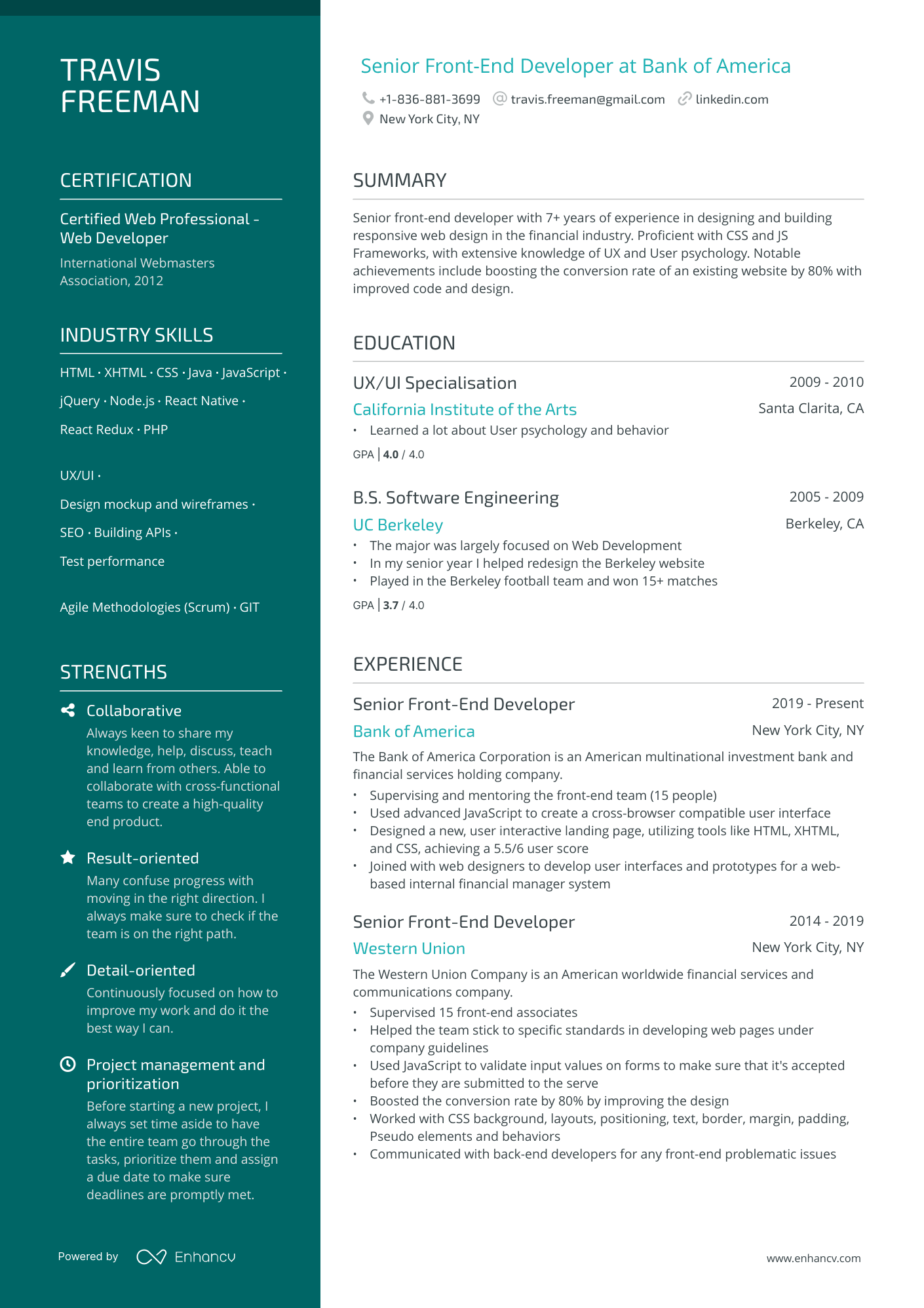
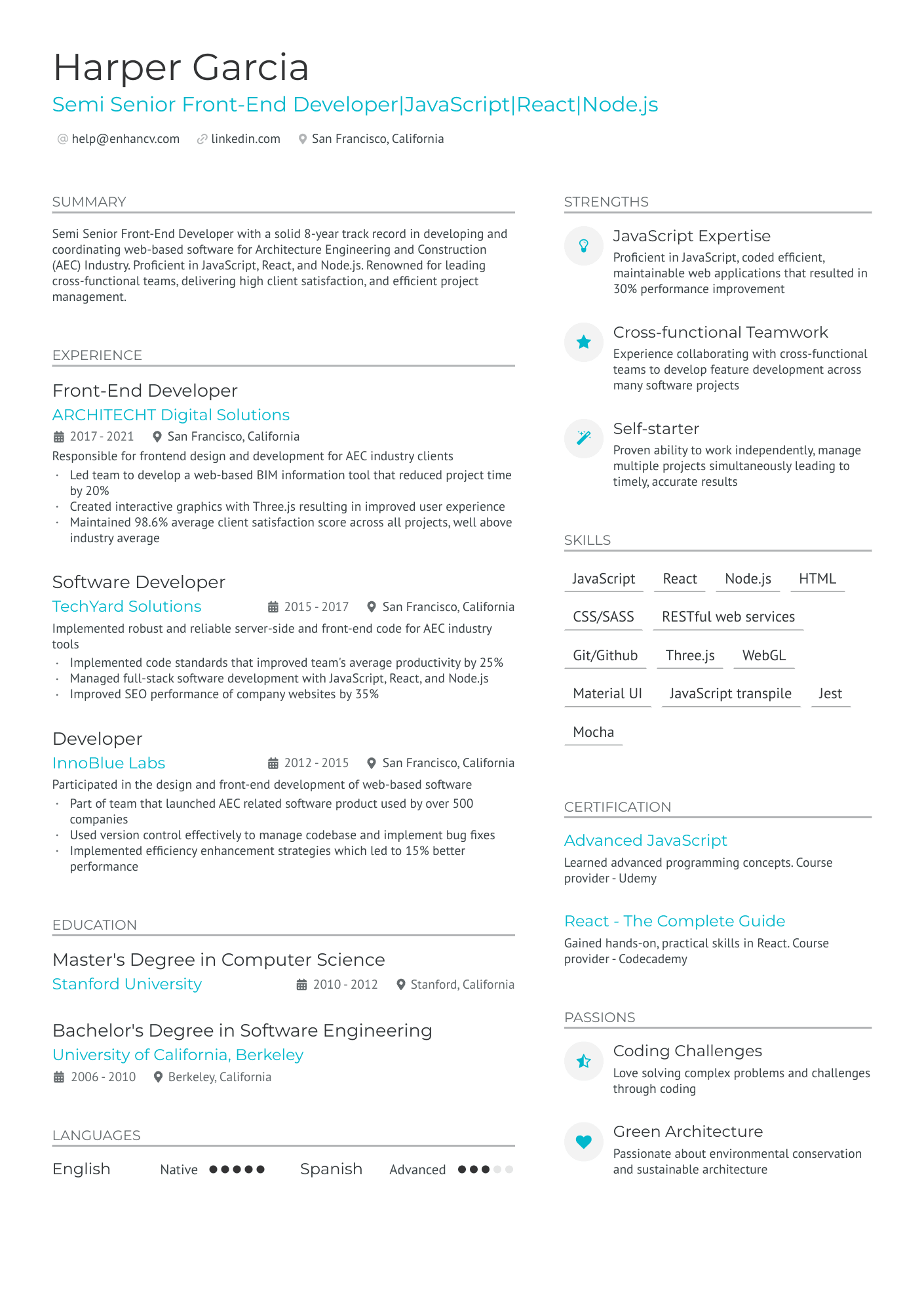
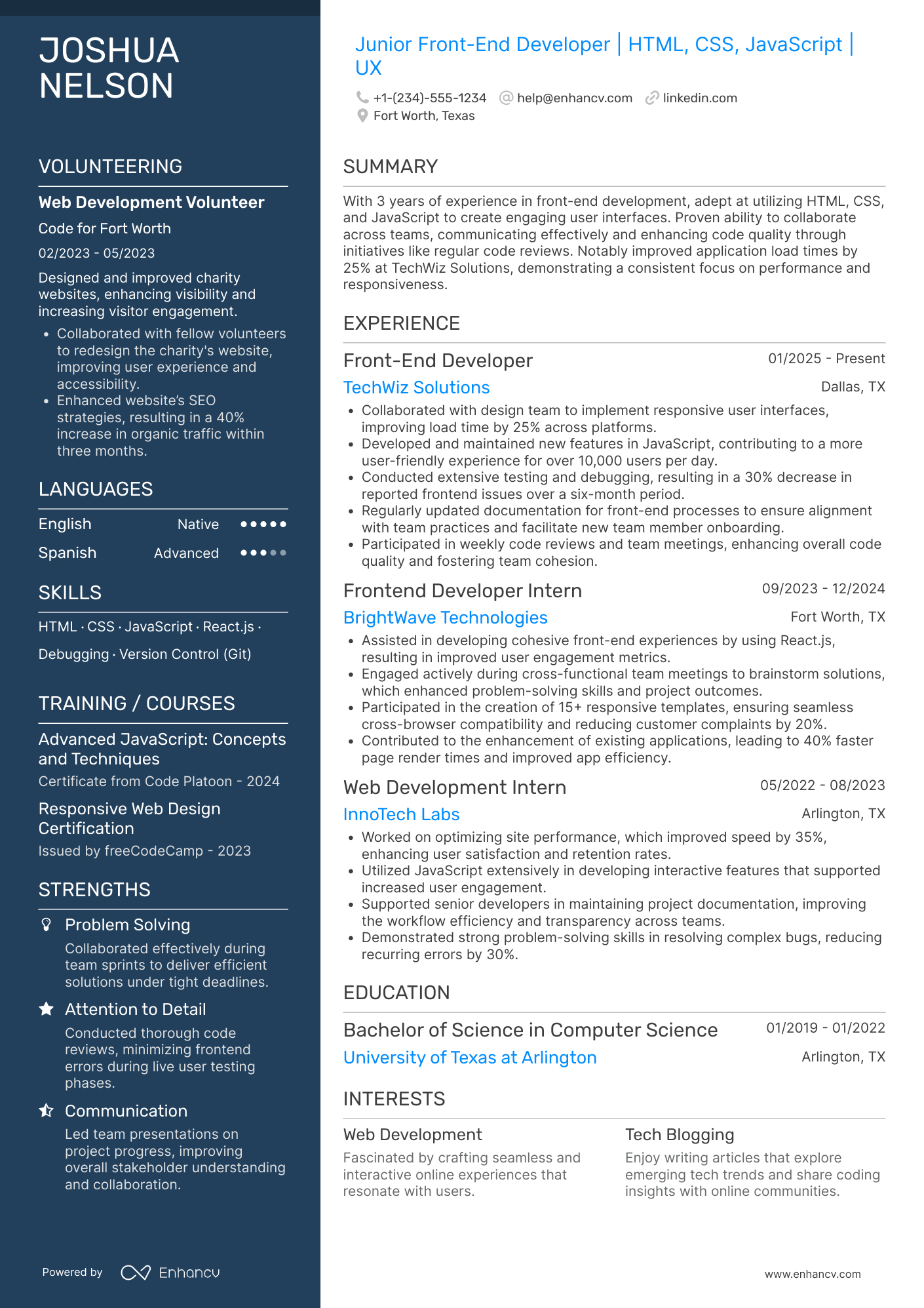
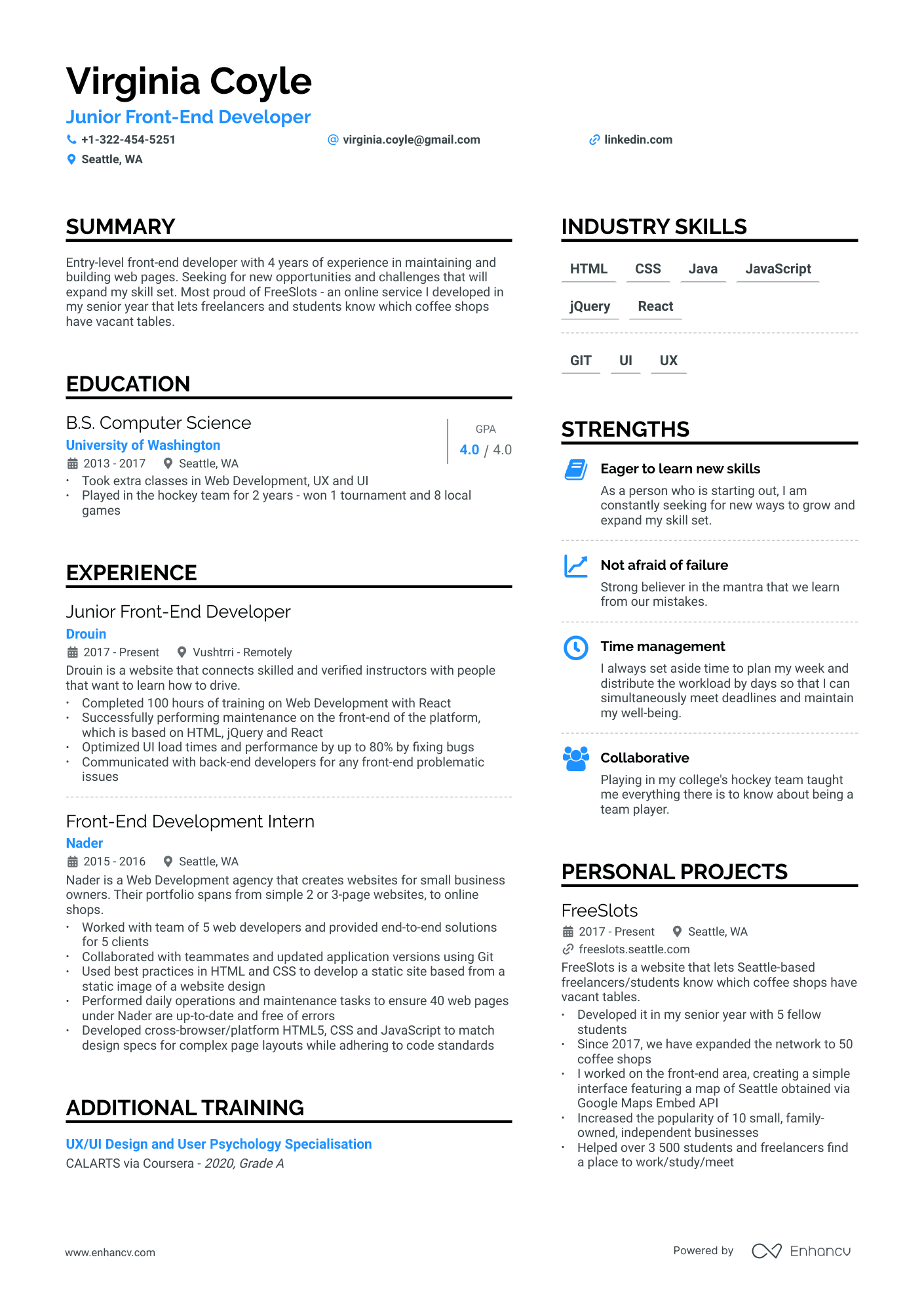
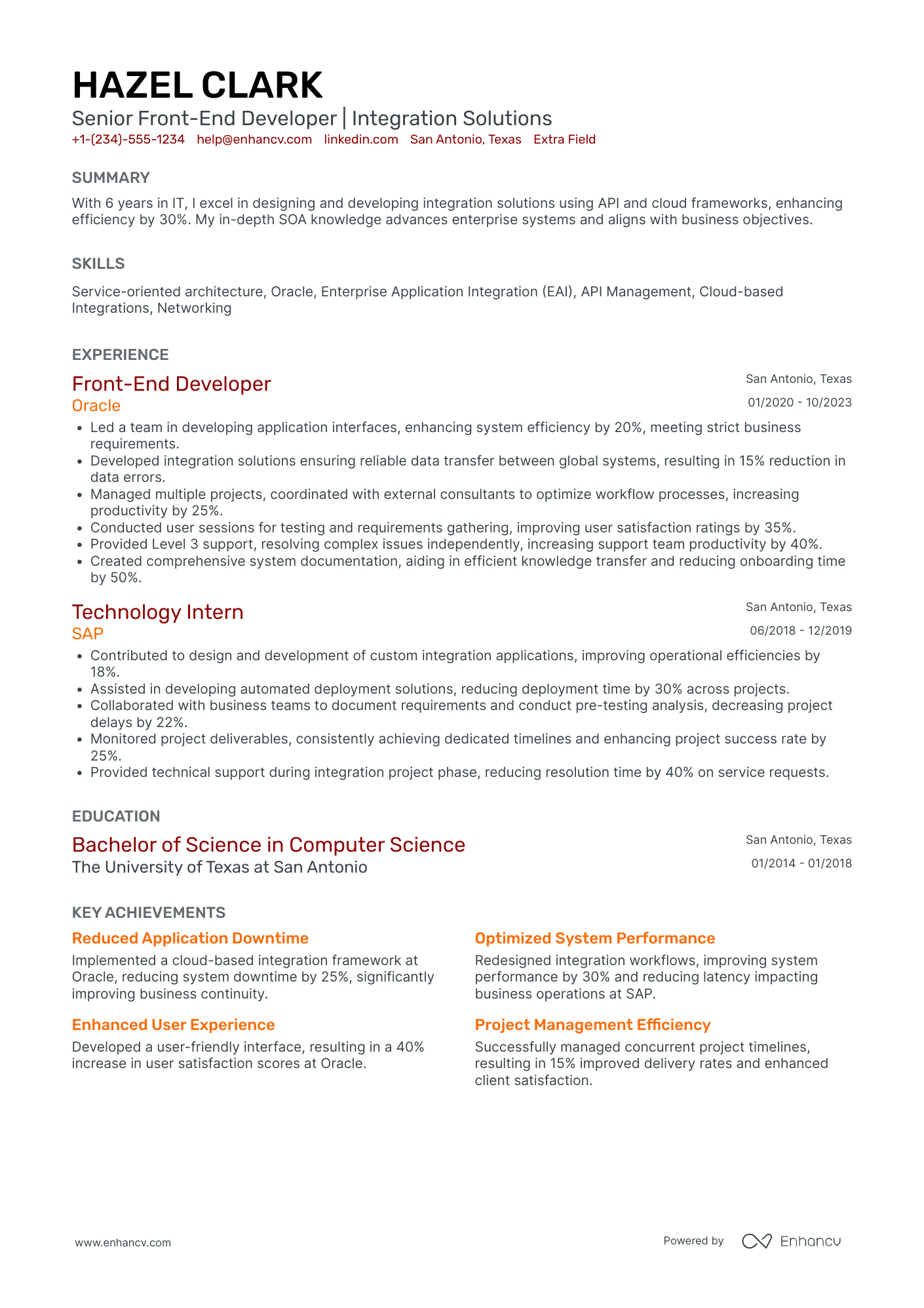
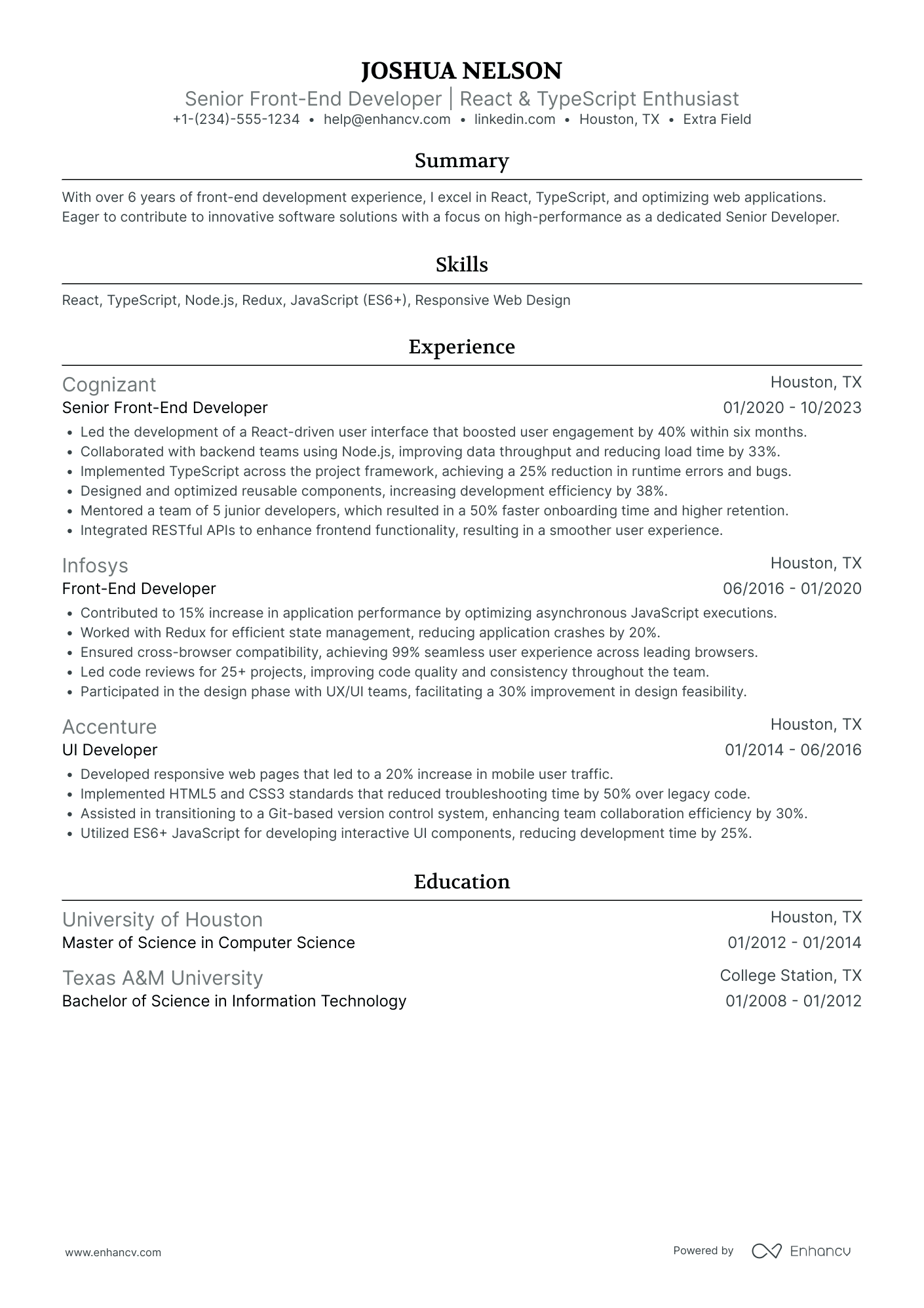
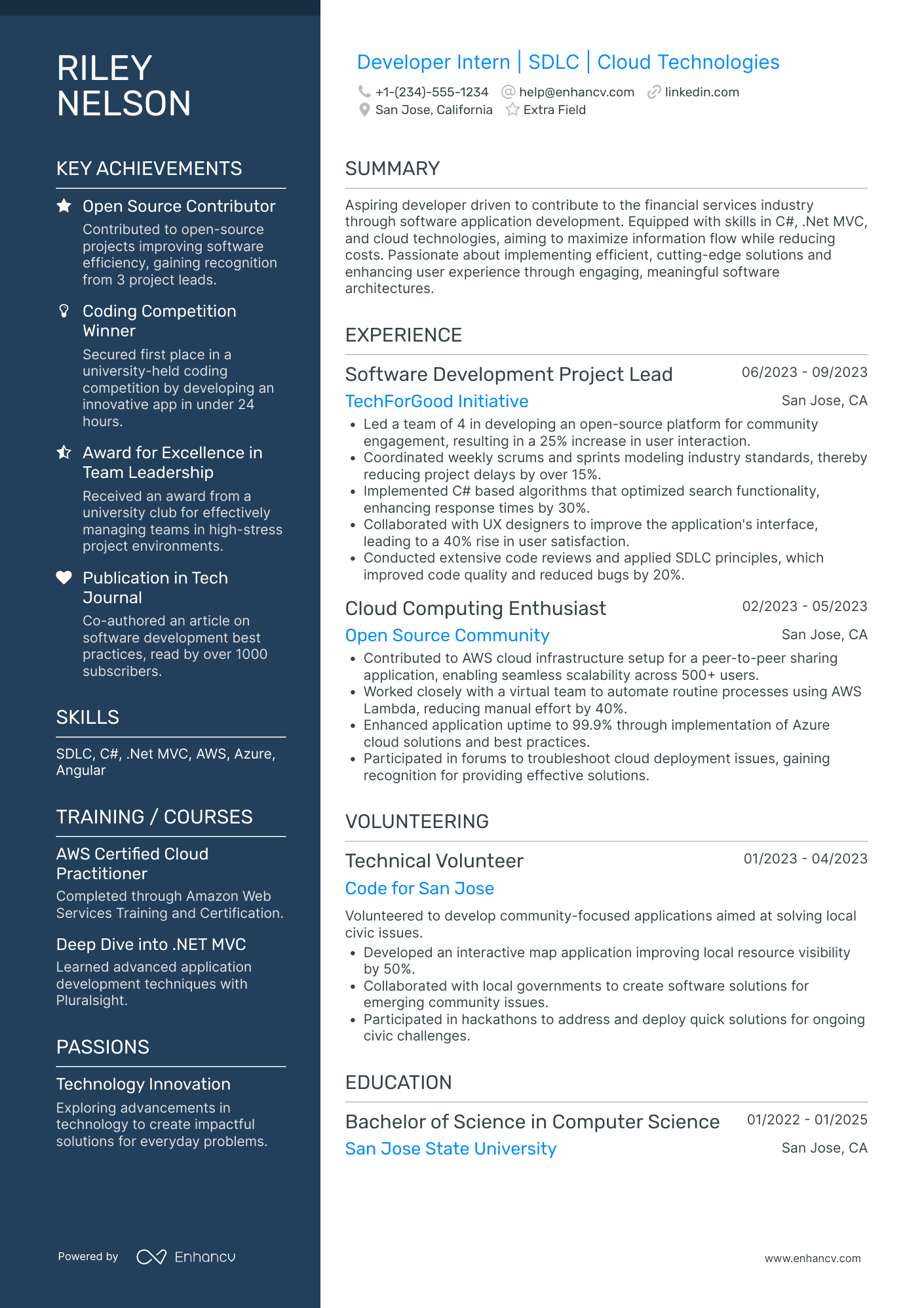
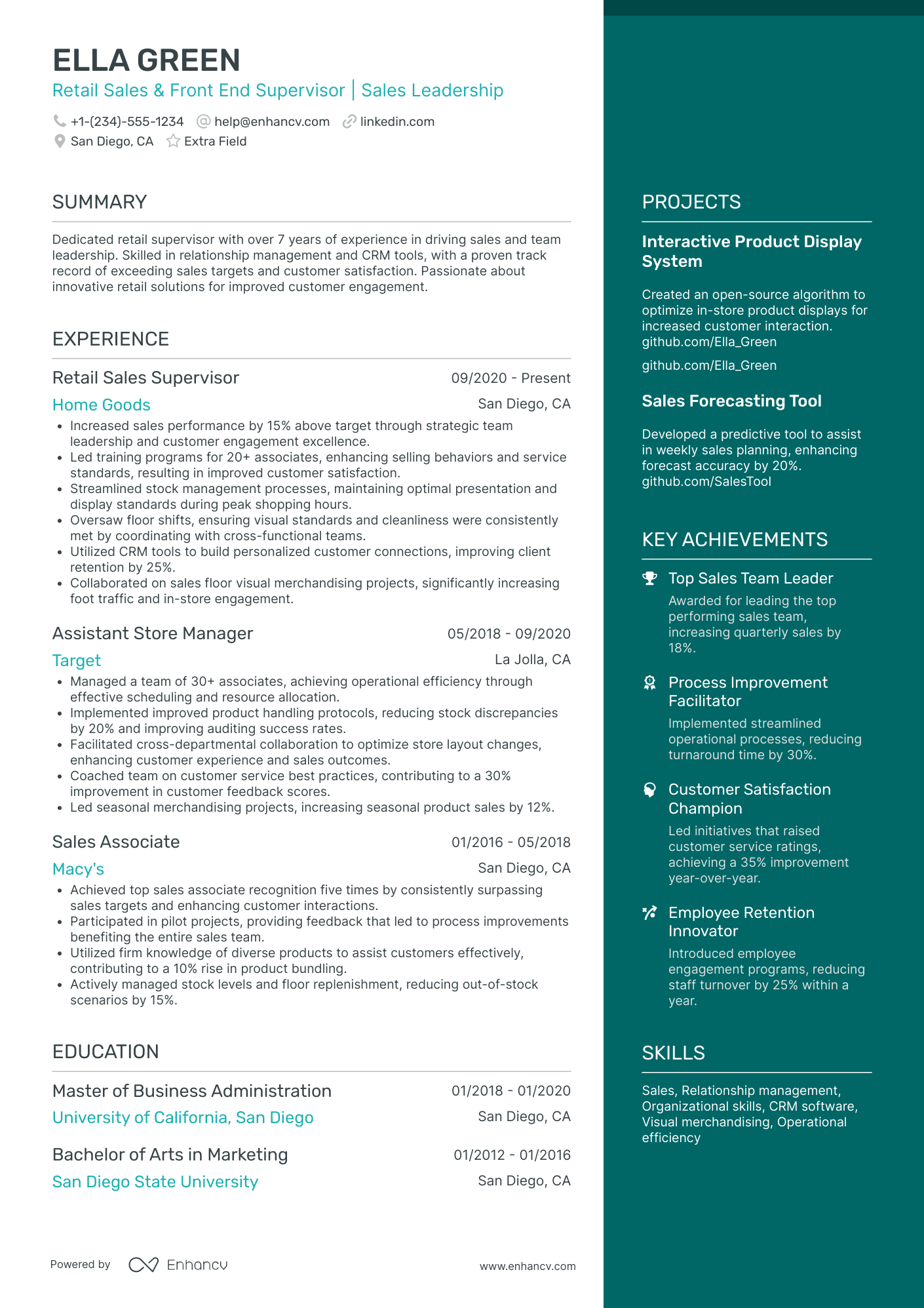
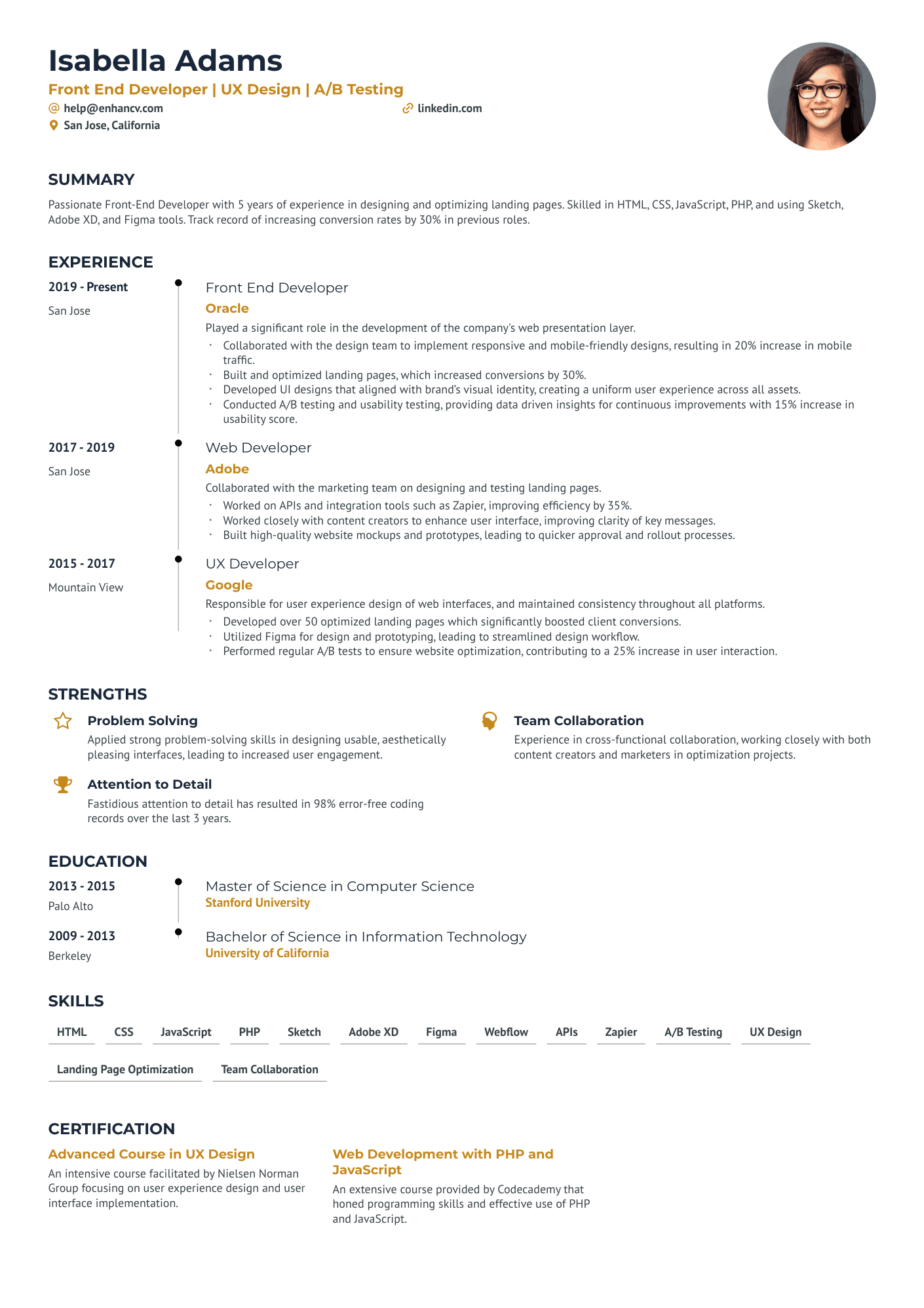
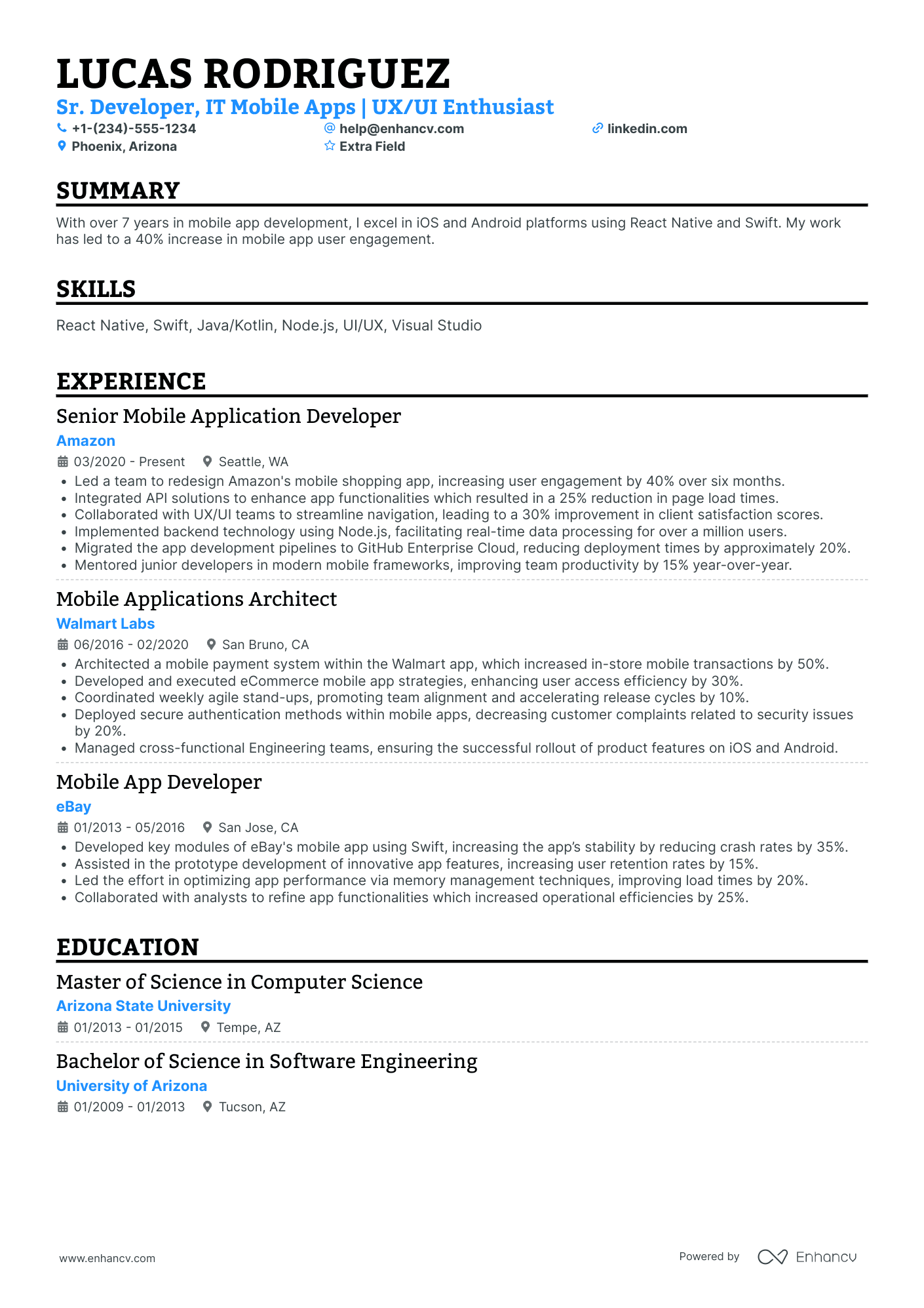
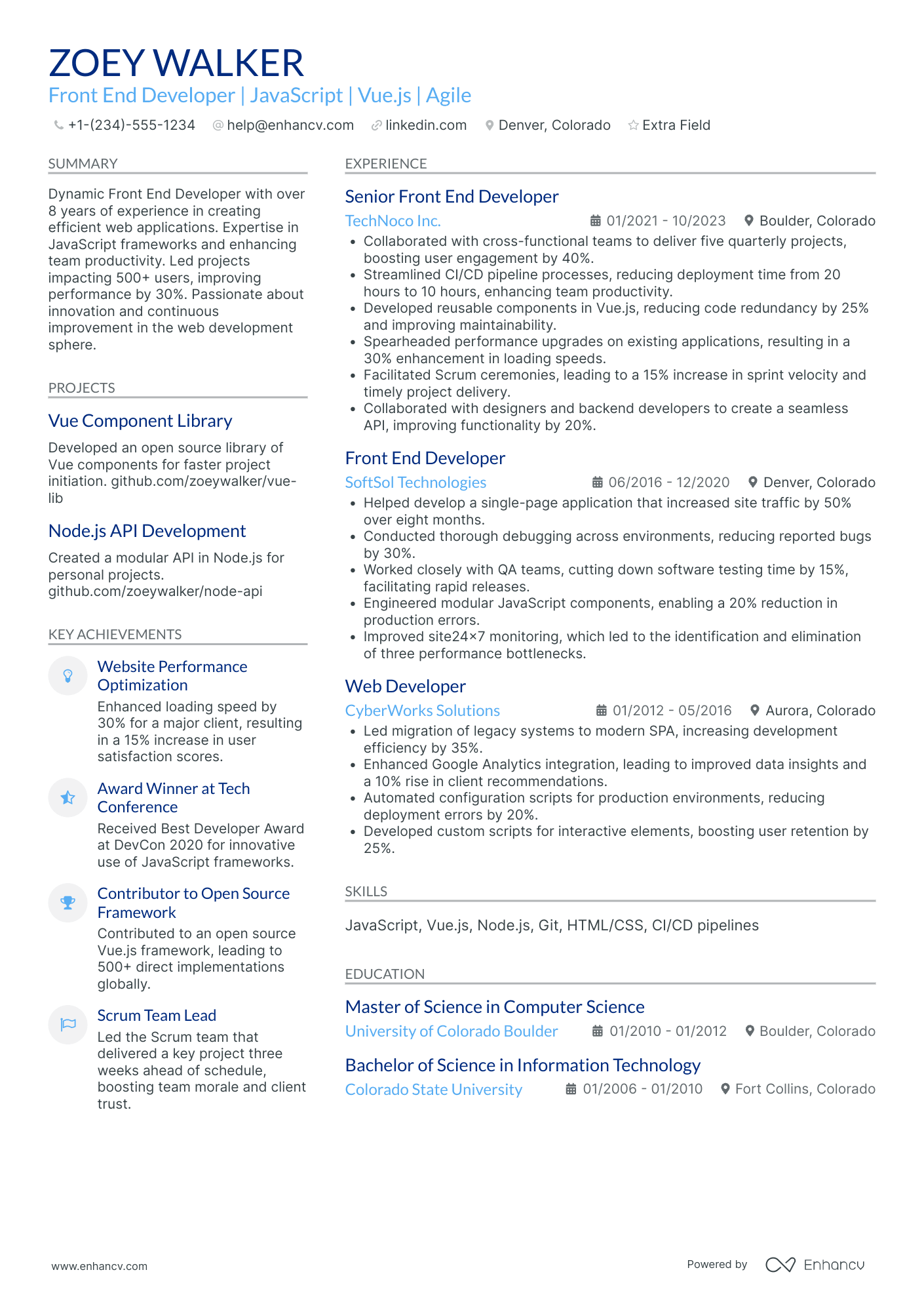
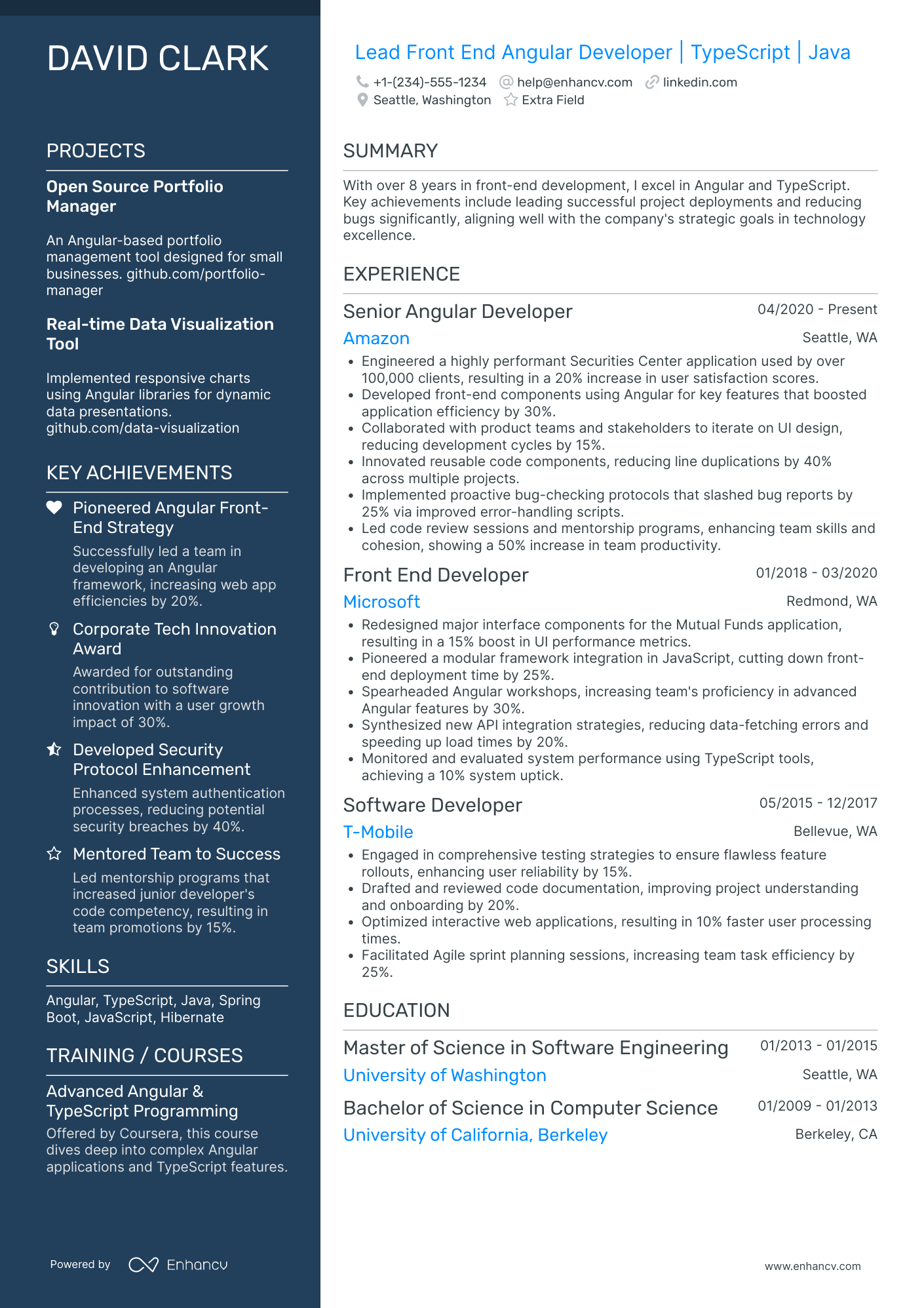
Front-End Developer resume examples
By Experience
By Role
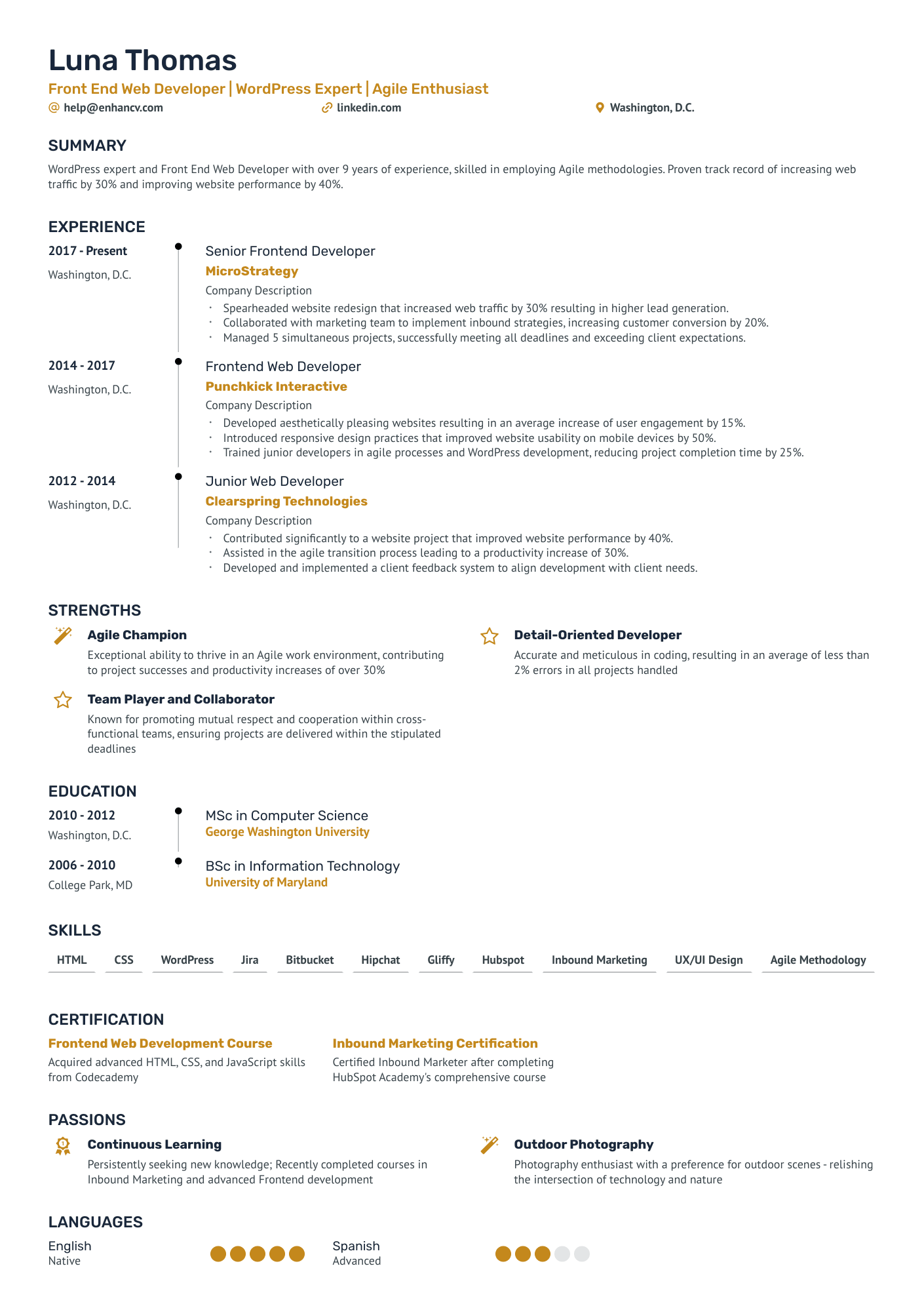
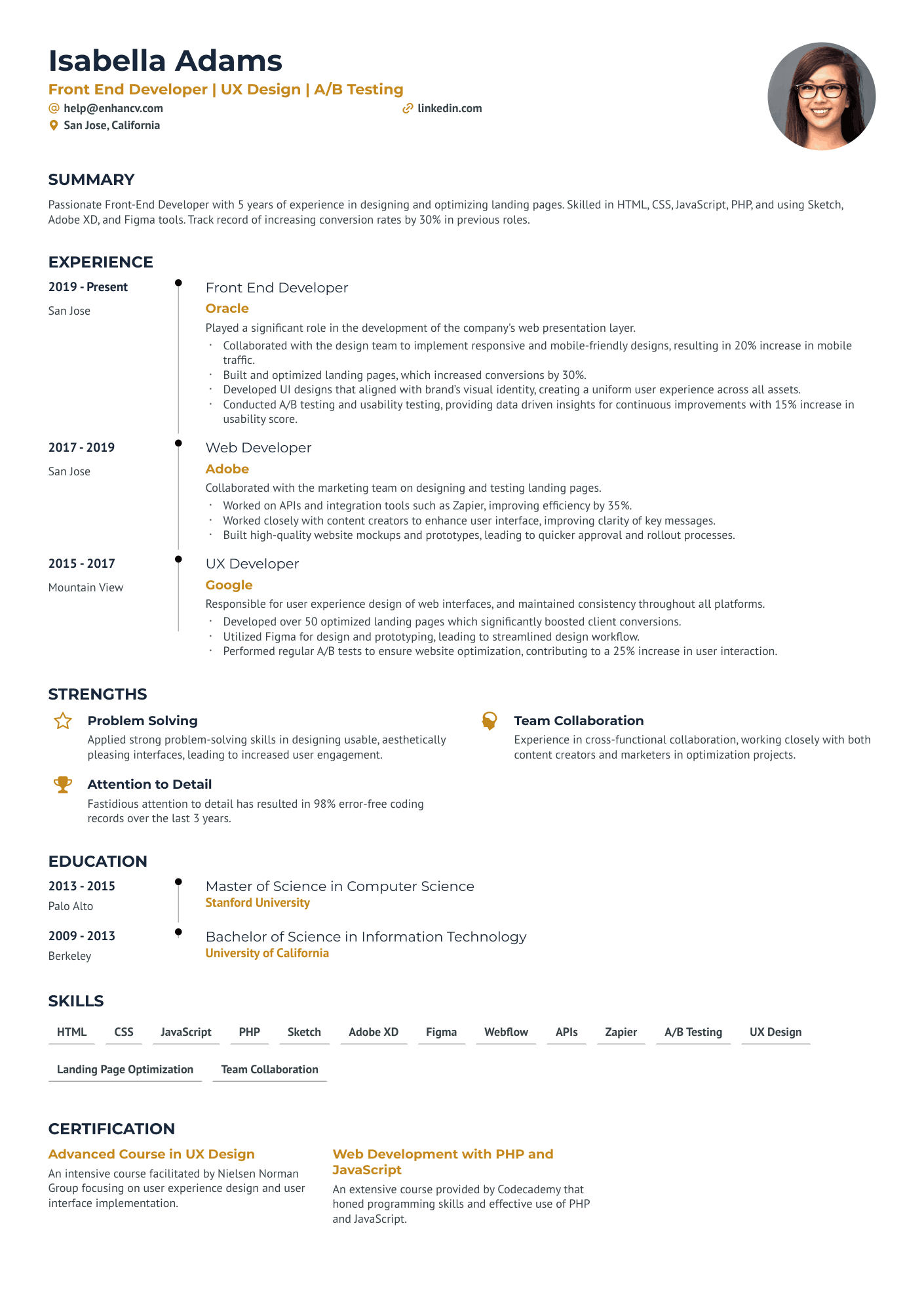
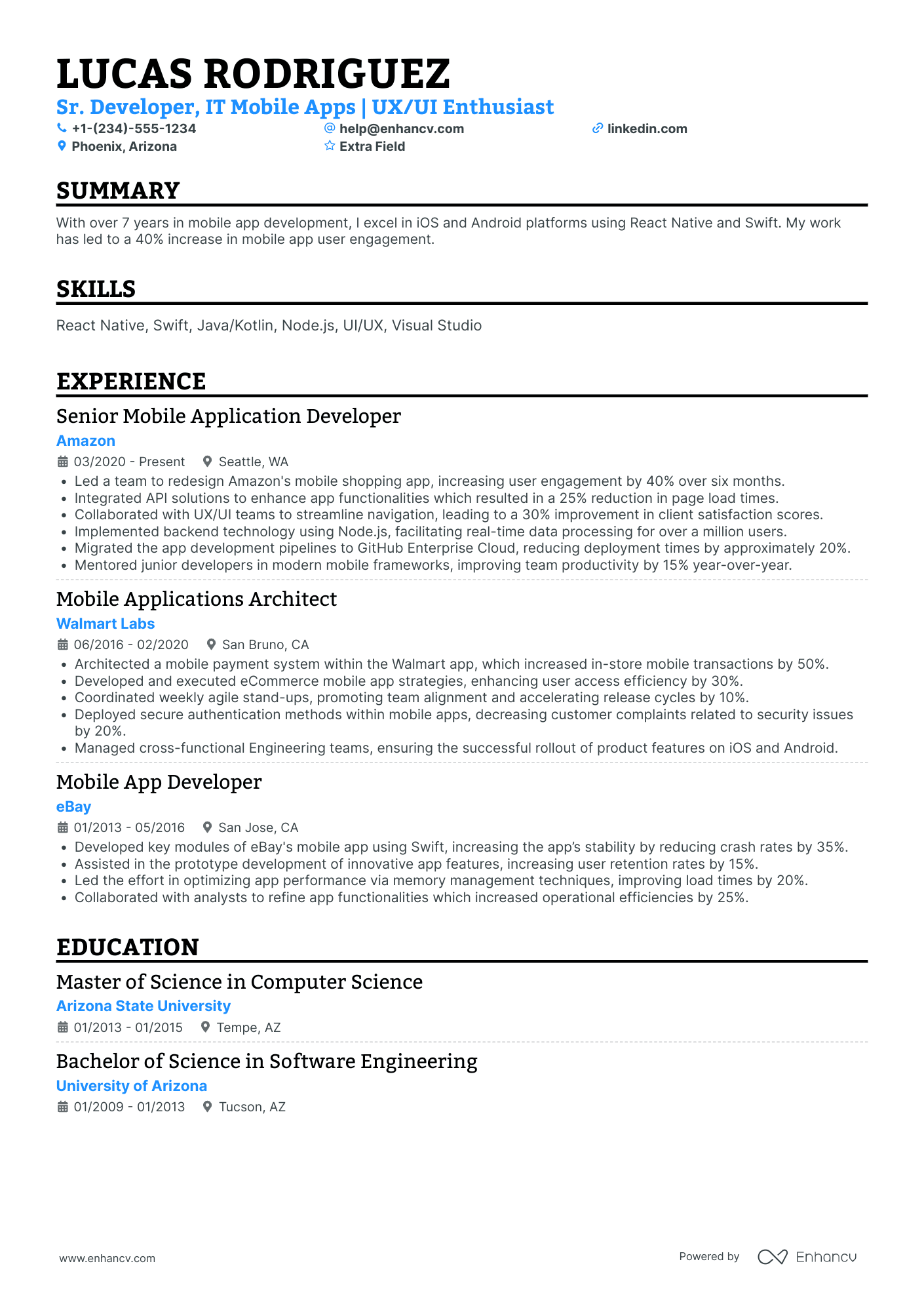
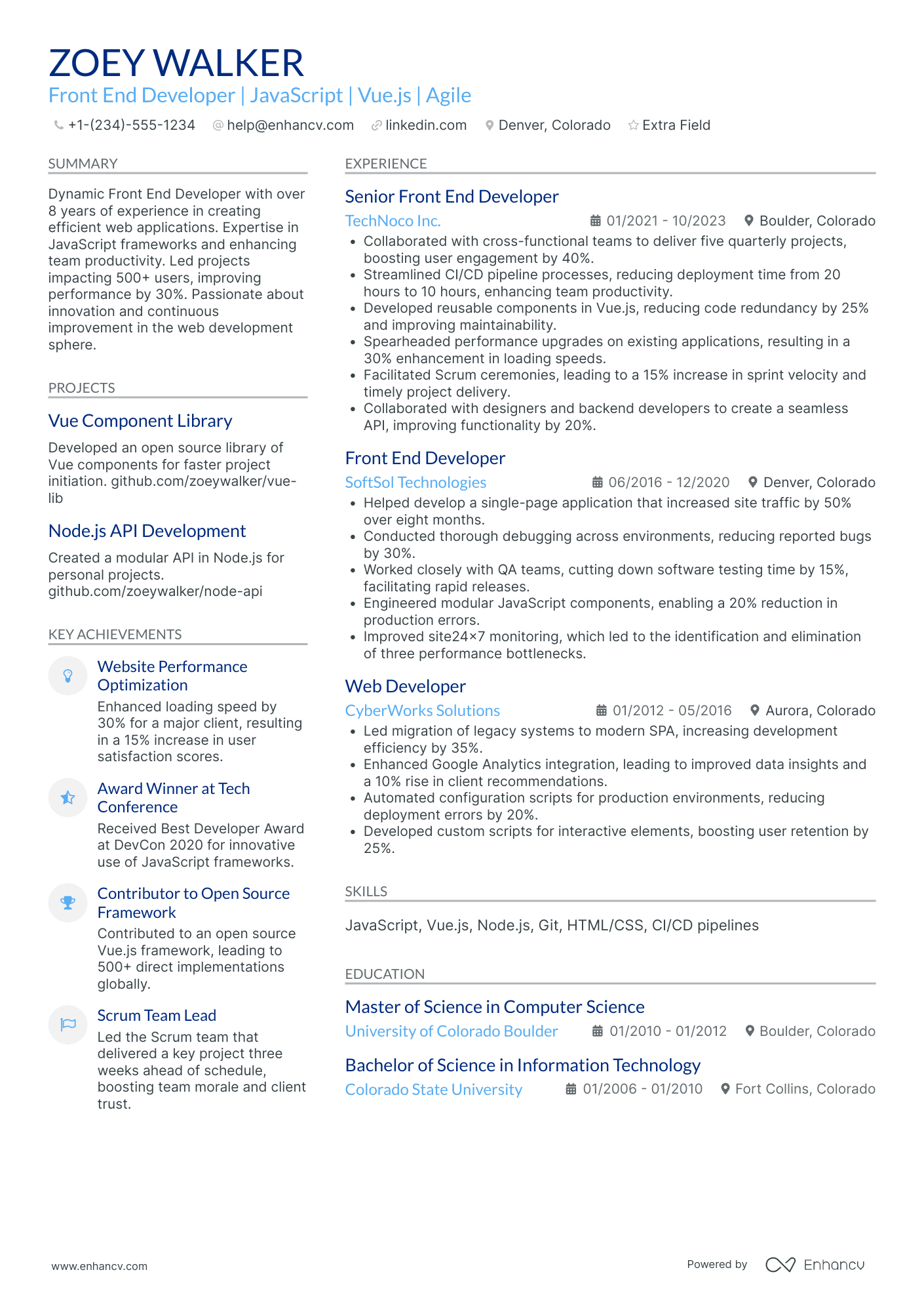
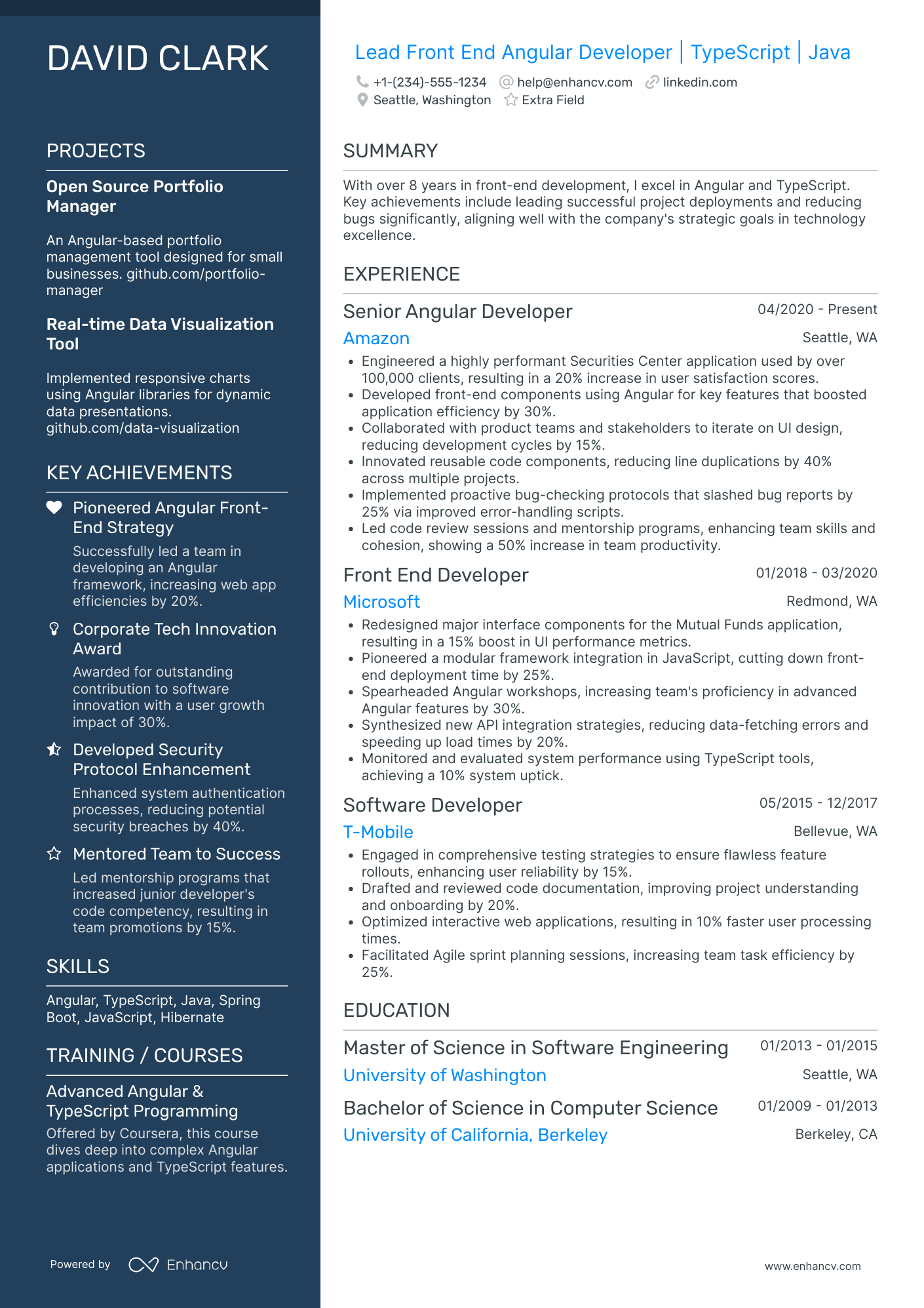
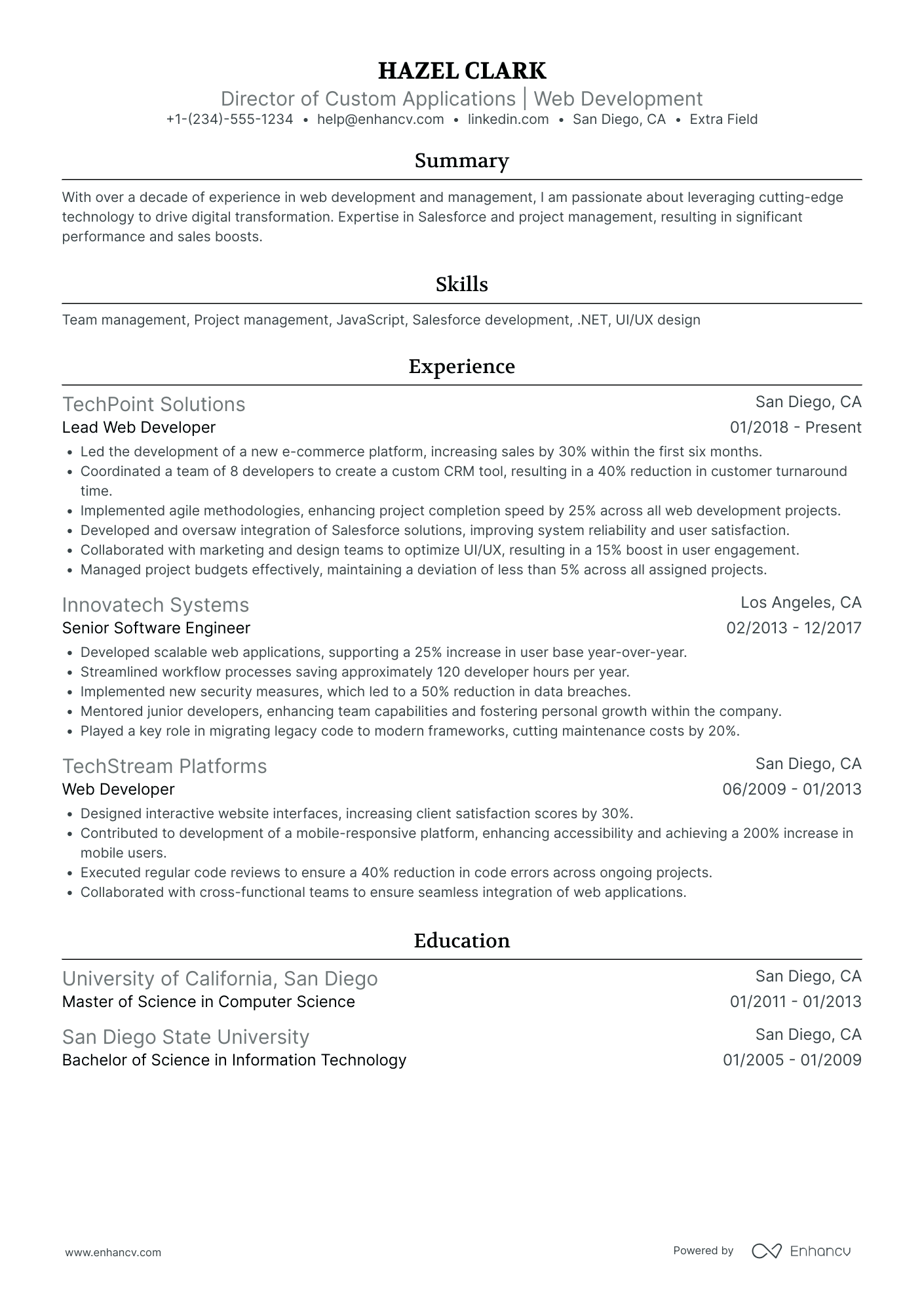
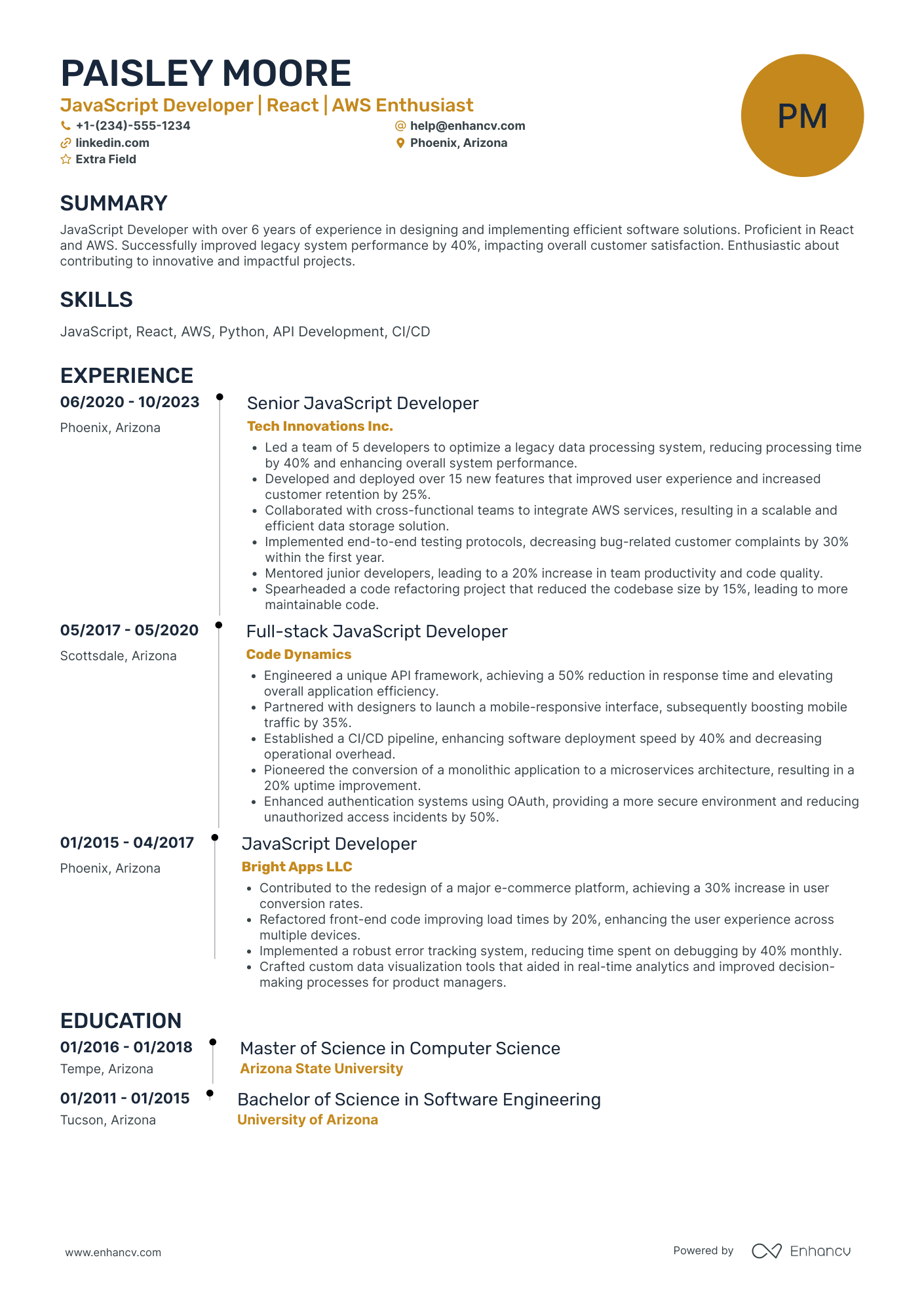
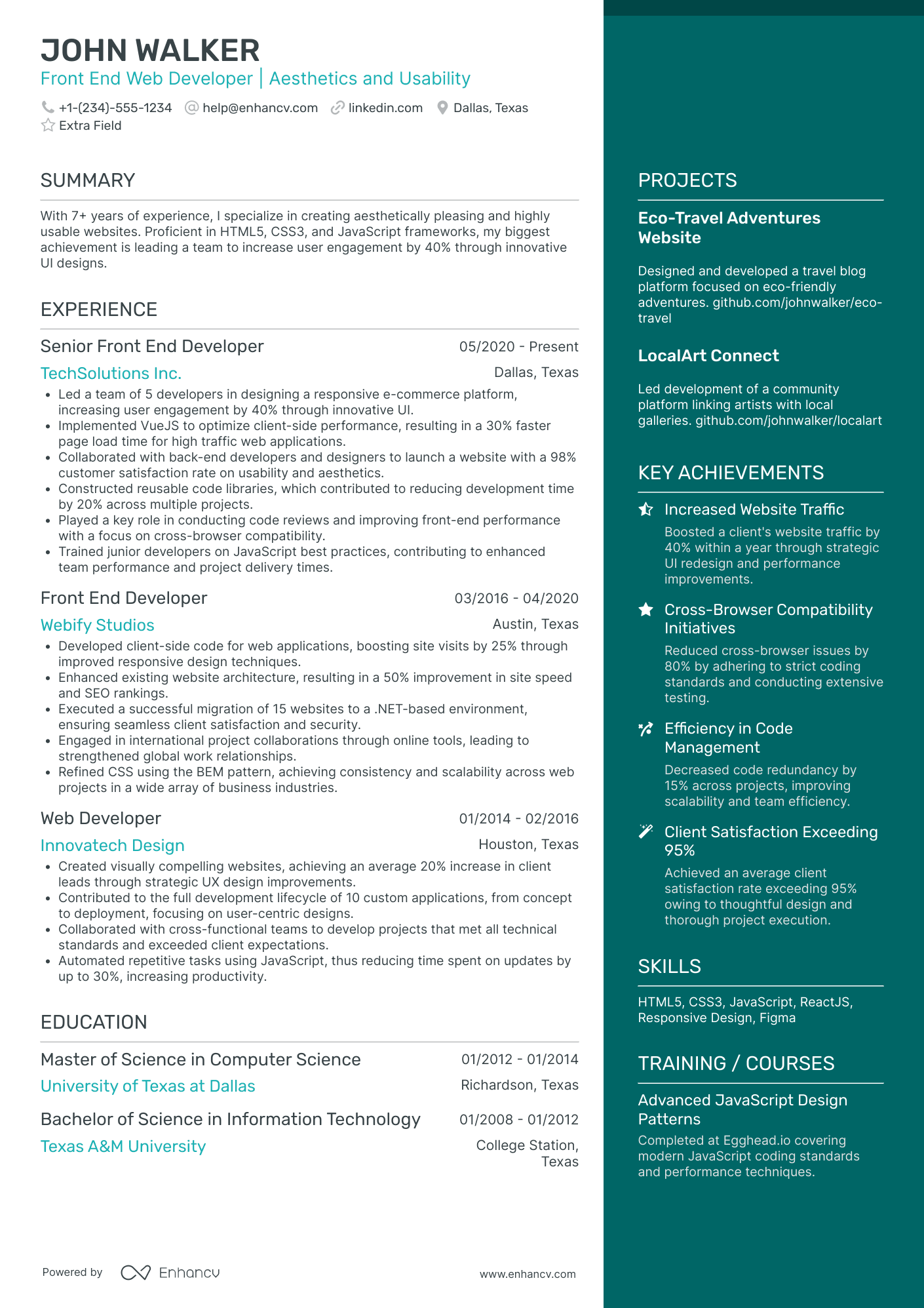
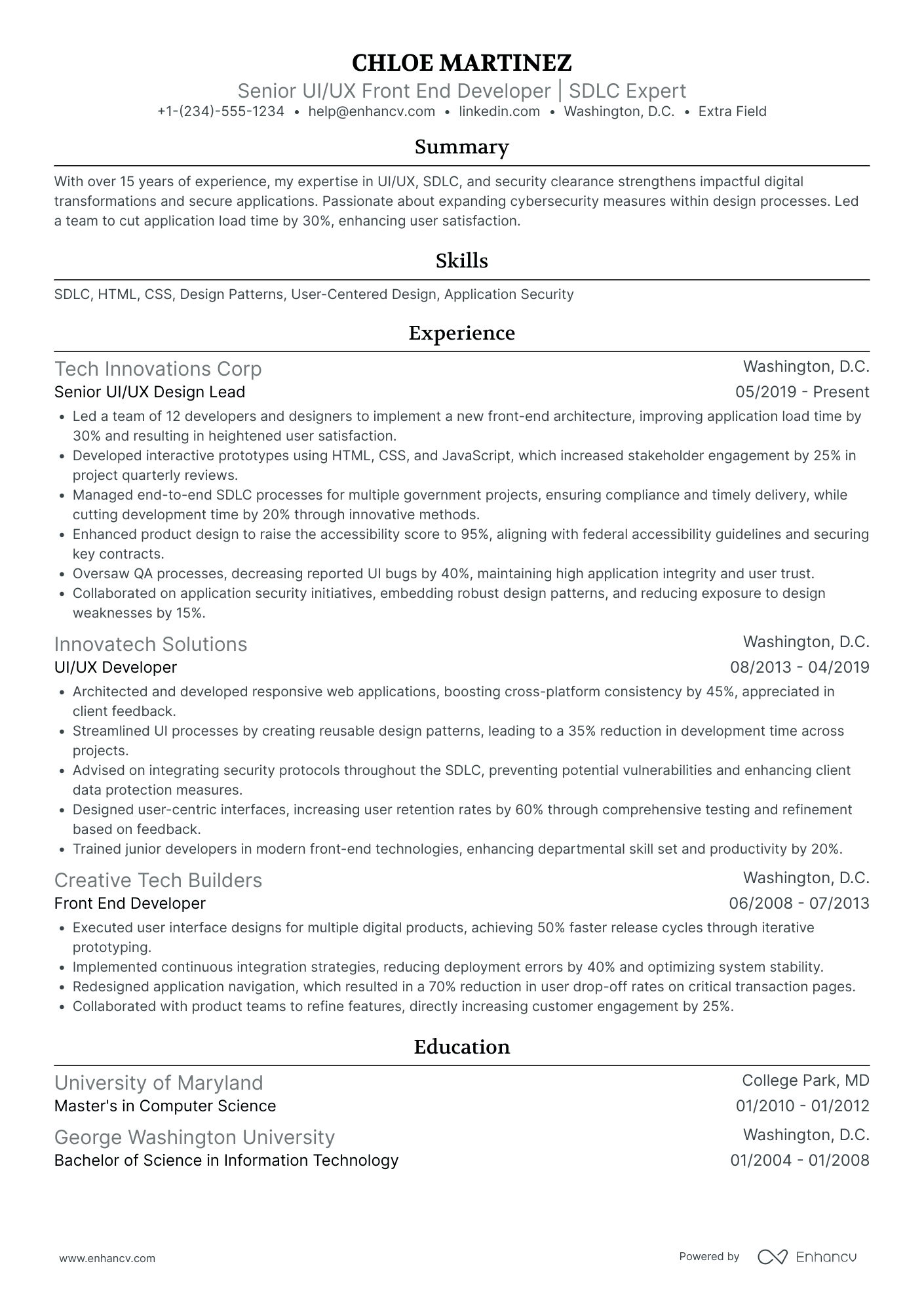
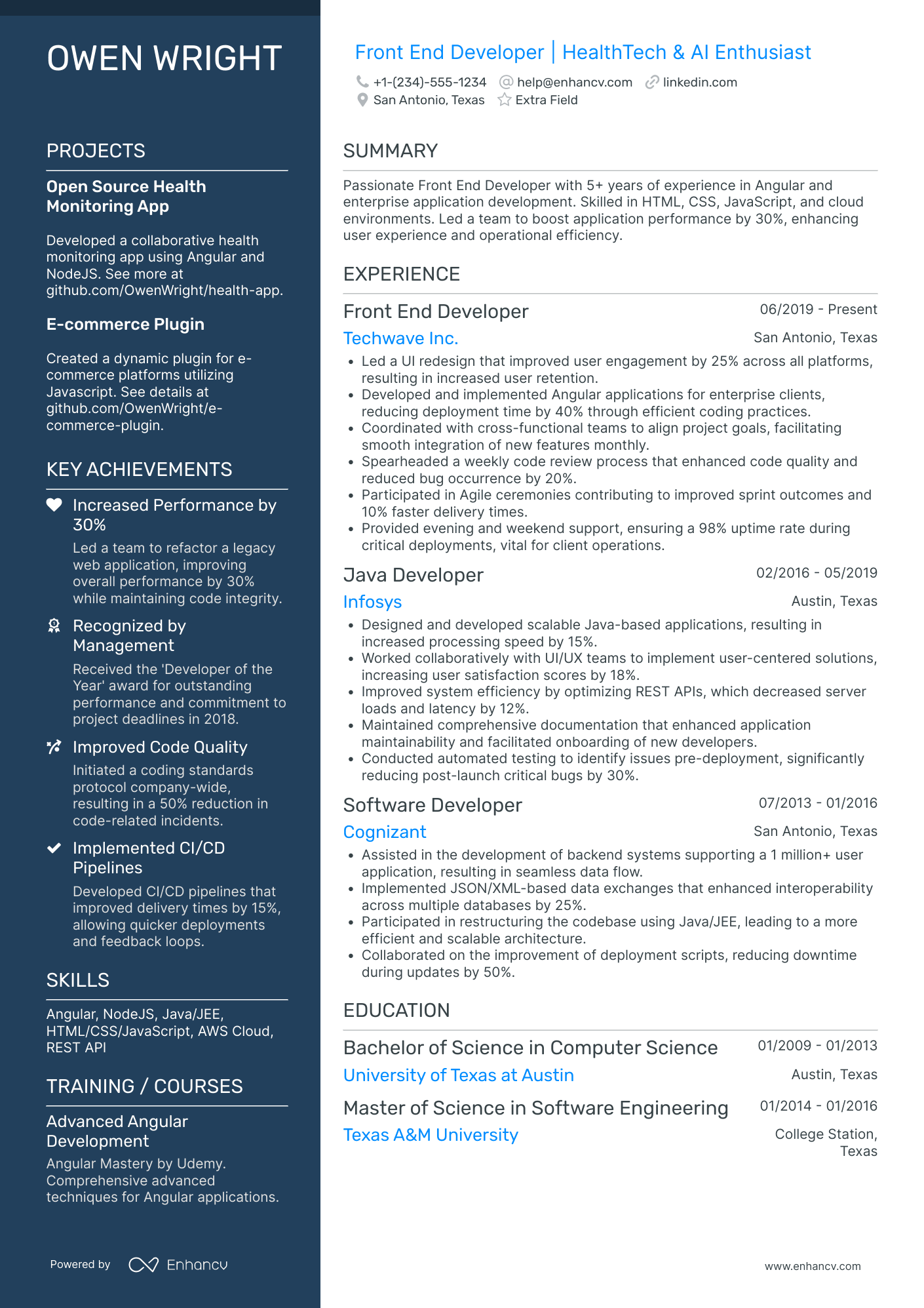
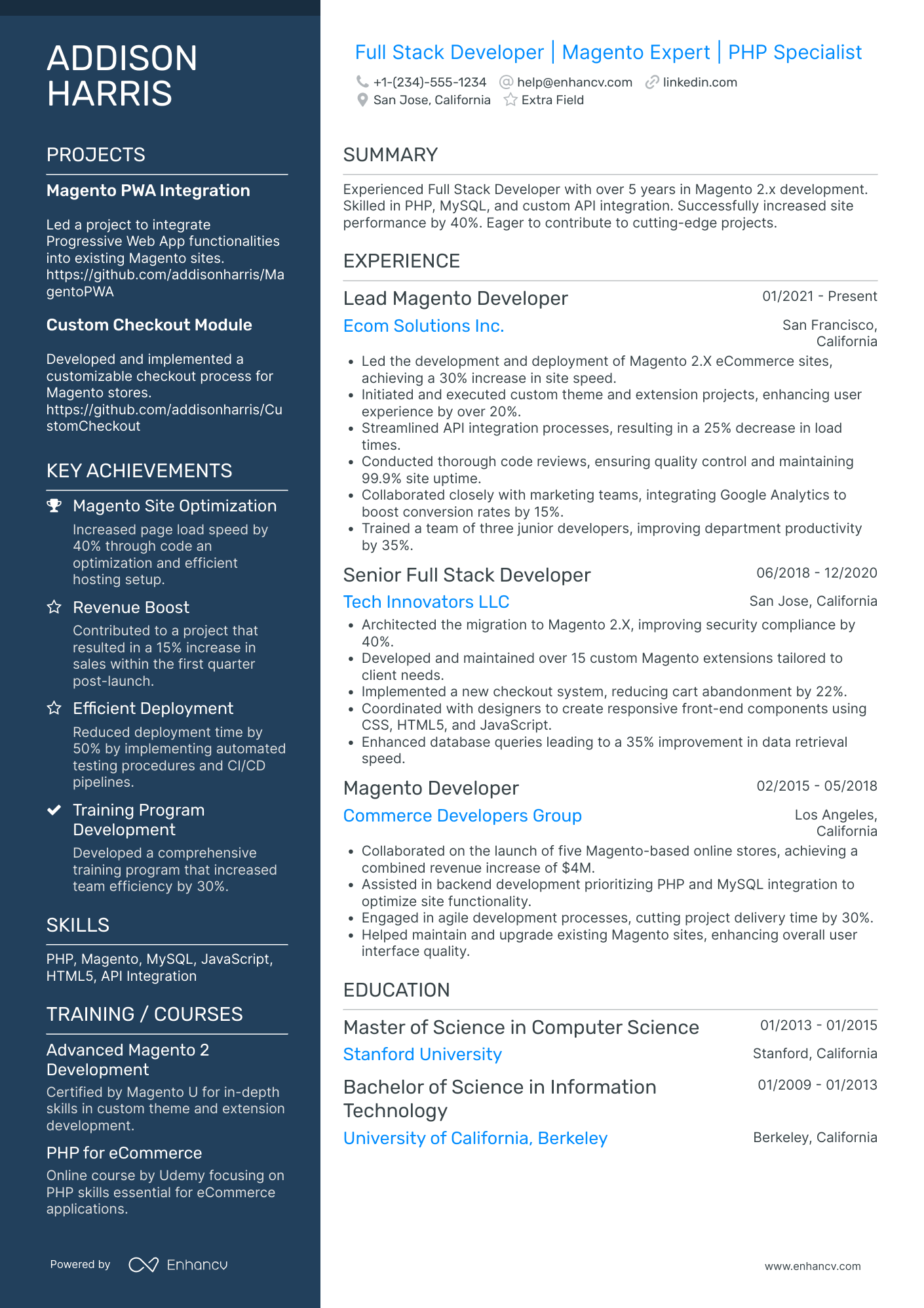
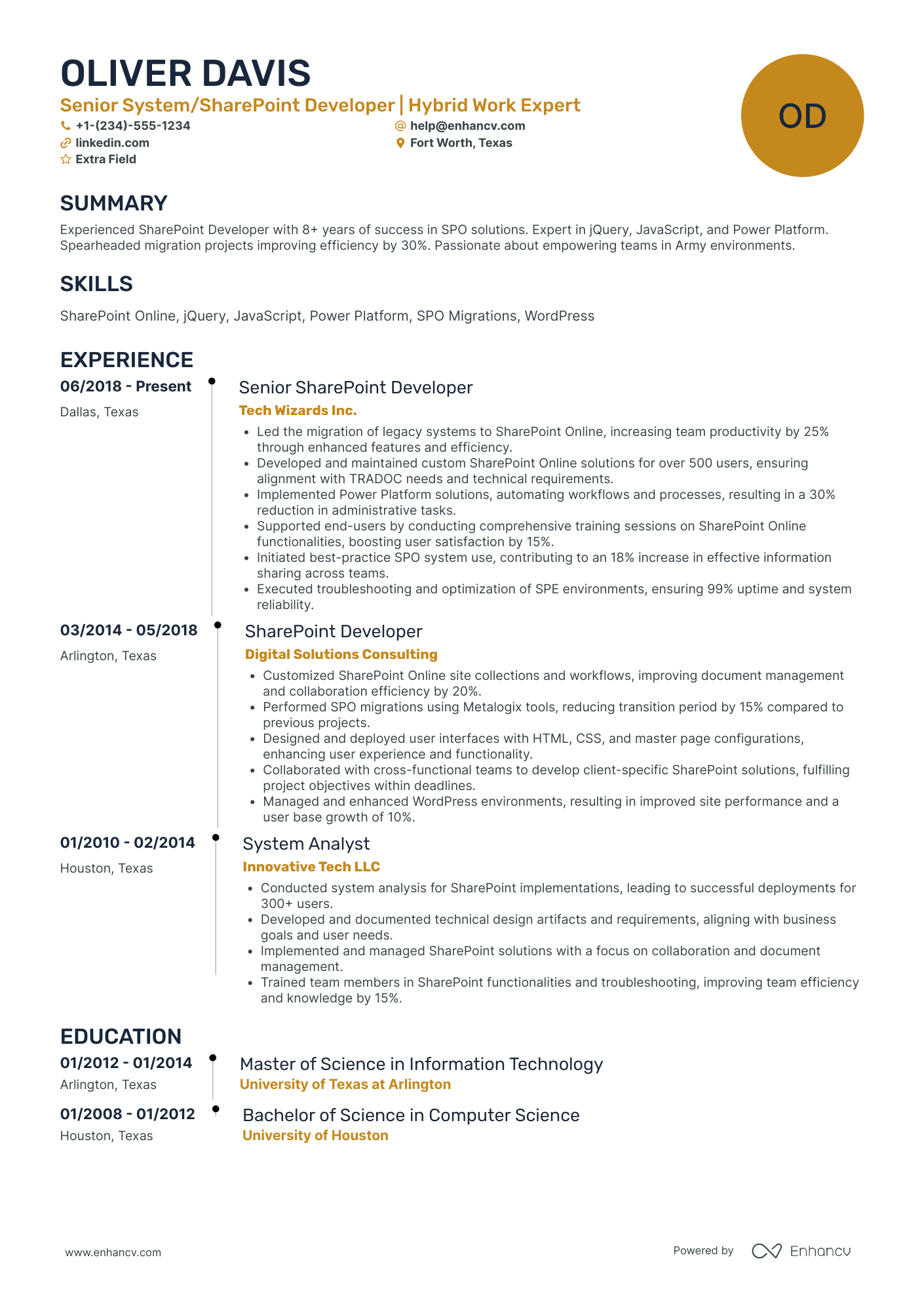
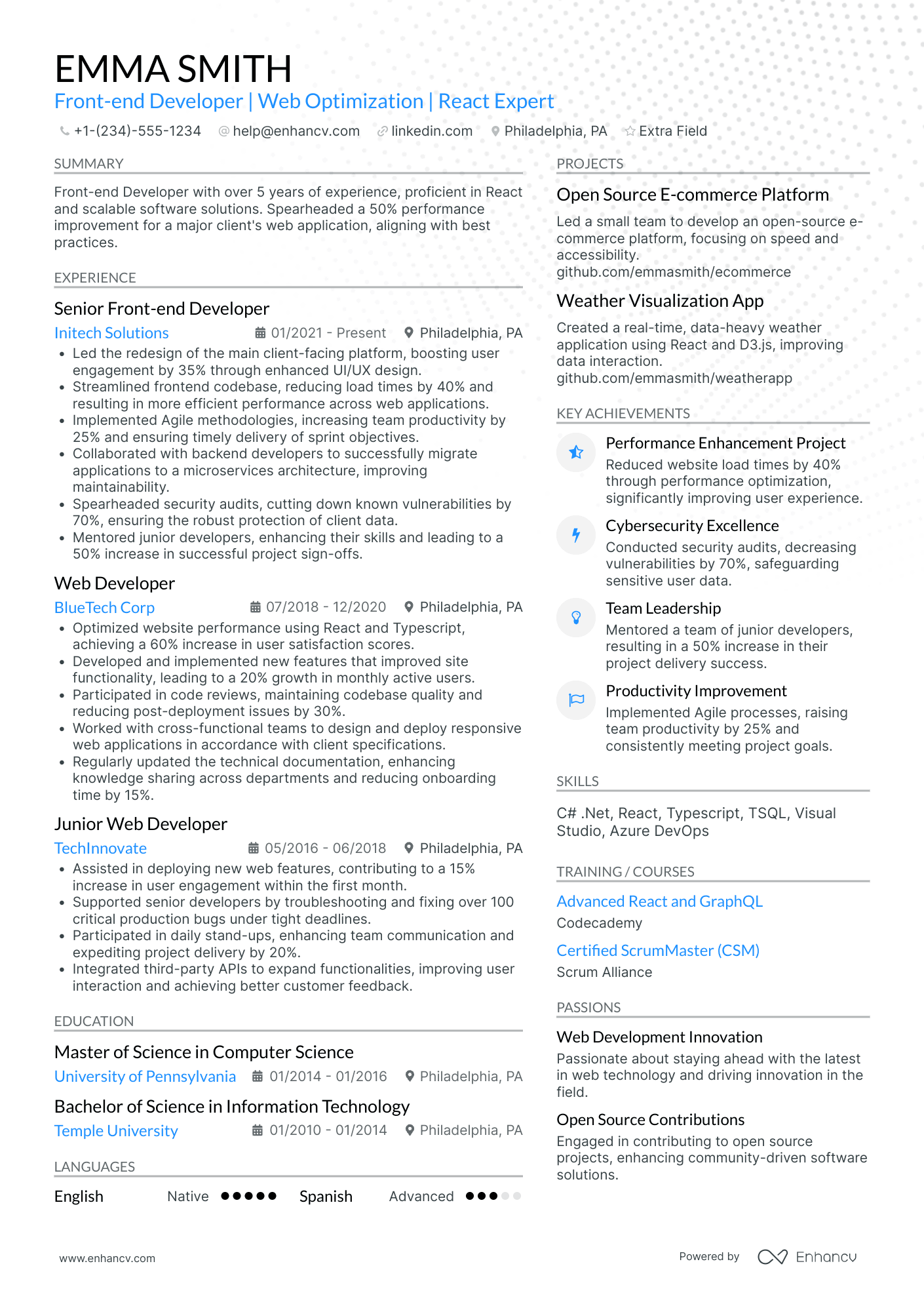
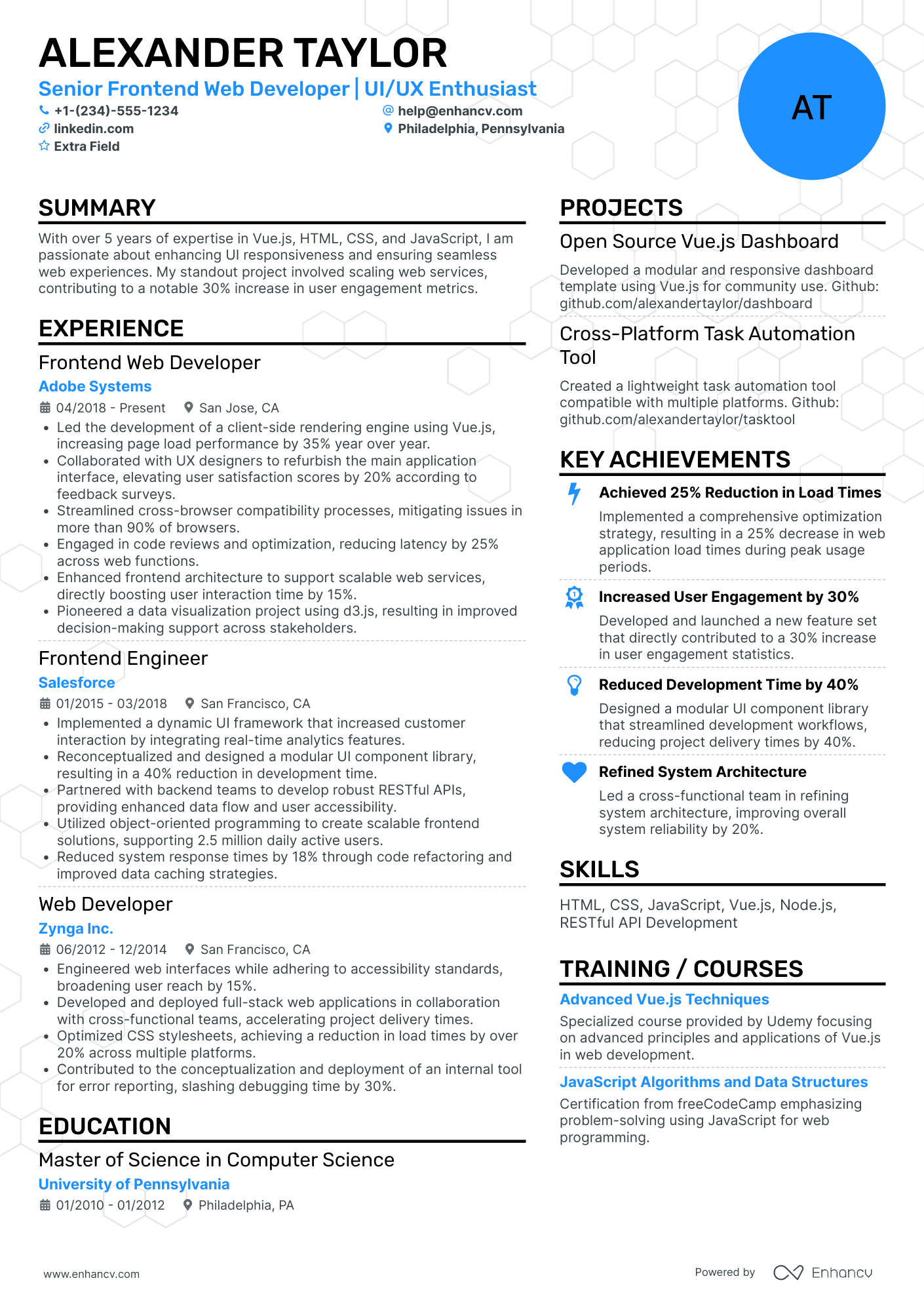
Before you write a single bullet point, you need a structure that highlights your technical depth and results instantly.
How to choose the best front-end developer resume format
Recruiters reviewing front-end resumes look for three things immediately: technical scope, tools, and impact. Your resume format determines whether they can find them.

I have 2+ years of experience. Which format should I use?
Do:
- Lead with your most recent role.
- Show scope, tech stack, and measurable outcomes.
- Include performance, accessibility, and testing metrics.
Example bullet:
- “Reduced bundle size by 38% using code-splitting and tree-shaking in Webpack.”
I’m a junior or switching to front-end. What format works best?
Use a hybrid format.
Do:
- Put a focused Skills section above Experience.
- Add a Projects section for code samples, GitHub links, and shipped interfaces.
- Tie every skill to one outcome.
Example scaffold:
“React (hooks + state mgmt) → built UI component library → reduced dev time by 22%.”
Why not use a functional resume?
Functional formats hide timeline context, which is crucial for engineering accountability, version control knowledge, and the evolution of your codebase contributions.
What sections should go on a front-end developer resume?
Use this structure of different resume sections for maximum clarity:
- Header (name, title, GitHub, portfolio, LinkedIn)
- Summary
- Experience
- Skills (front-end, UI, dev tools, testing)
- Projects
- Education
- Certifications
- Optional add-ons:
- Achievements
- Open-source contributions
- Publications/speaking
- Hackathons
- Tools category within the “Skills” section
Is your resume good enough?
Drop your resume here or choose a file. PDF & DOCX only. Max 2MB file size.
With your resume layout in place, your next step is writing experience bullets that show shipped features, performance gains, and real impact—not task lists.
How to write your front-end developer resume experience
Your experience section is where you show the work you’ve shipped, the tech you used, and—most importantly—the results you delivered. Front-end hiring managers scan for ownership, impact, and scalability, often in less than ten seconds.
Each entry should clearly show:
- Job title (Front-End Developer, UI Developer, React Developer, etc.)
- Company + location (or remote)
- Dates (month + year)
- Three to five concise bullet points showing:
- Scope (users, products, features)
- Tools and stack (React, Next.js, TypeScript, Tailwind, Jest, Vite, etc.)
- Performance and accessibility improvements
- Collaboration with designers, PMs, and back-end engineers
- Measurable impact (KPIs, percentages, time saved, errors reduced)
Your bullets should follow this formula:
Action verb + technical skill/tool + what you built/fixed + measurable outcome
A front-end developer experience example
Right example - modern, quantified, specific.
Senior Front-End Developer
IXF | Orlando, FL
2020–Present
Global freight and logistics platform serving 4.2M+ monthly users.
- Rebuilt the order management UI using React and TypeScript, reducing form errors by 38% and increasing task completion speed by 23%.
- Implemented a Storybook-based component library that cut design-to-development handoff time by 30% and reduced UI inconsistencies by 41%.
- Optimized bundle size through code-splitting and tree-shaking, lowering initial load time from 3.8s to 1.9s on 4G connections.
- Led accessibility upgrades to WCAG 2.2 AA, achieving full keyboard navigation and improving screen reader accuracy by 27%.
- Collaborated with backend and QA teams to ship monthly releases through GitHub Actions CI/CD workflows.
Once your bullets show clear impact, the next step is tailoring your experience to match the job description—this is where most candidates gain or lose interviews.
How to tailor your front-end developer resume experience
Recruiters compare your resume against the job posting using both human review and ATS keyword matching.
Ways to tailor your front-end experience:
- Match the frameworks and libraries listed (React, Vue, Next.js, Tailwind, Zustand).
- Use the same terminology for testing (unit, integration, E2E).
- Mirror performance metrics from the job description.
- Include domain-specific experience (e-commerce, SaaS, fintech).
- Emphasize accessibility if they mention WCAG or ARIA.
- Highlight API integration patterns (REST, GraphQL).
- Show agile/scrum collaboration if included in the posting.
Tailoring isn’t stuffing keywords—it's aligning your achievements with real requirements.
Resume tailoring examples for front-end developers
| Job description excerpt | Untailored bullet | Tailored bullet |
|---|---|---|
| “Experience with React + TypeScript and component-driven architecture.” | “Worked with React components.” | “Built React + TypeScript component system—reduced re-renders by 22% and improved dev velocity with reusable patterns.” |
| “Focus on Core Web Vitals and performance optimization.” | “Improved website speed.” | “Cut LCP from 3.1s → 1.8s by implementing code-splitting, image optimization, and preloading critical assets.” |
| “Must deliver accessible interfaces (WCAG 2.2 AA).” | “Implemented accessibility improvements.” | “Achieved WCAG 2.2 AA compliance—fixed contrast issues, added ARIA labels, and improved keyboard coverage by 100%.” |
| “Experience working with designers via Figma.” | “Collaborated with designers.” | “Partnered with designers in Figma—translated prototypes into production UI with 98% design fidelity.” |
| “Testing experience with Jest and React Testing Library.” | “Wrote tests for components.” | “Implemented Jest + RTL suite—raised component coverage from 38% to 82% and prevented 15+ regressions.” |
Once your bullets match the job description, your next advantage comes from quantifying your work—turning abstract tasks into concrete wins.
How to quantify your experience on a front-end developer resume
Quantifying proves impact with clear metrics. In front-end roles, the numbers often involve speed, accessibility, stability, and user behavior.
Examples of how to quantify front-end developer achievements on your resume
| How to quantify | Example bullet point |
|---|---|
| Load time improvements | “Reduced page load time by 43% using lazy loading, tree-shaking, and asset compression.” |
| Core Web Vitals | “Improved LCP from 3.5s → 1.7s, CLS from 0.21 → 0.03 through layout stabilization.” |
| Error reduction | “Cut production errors by 61% after implementing stricter TypeScript types and integration tests.” |
| Accessibility | “Achieved WCAG 2.2 AA compliance across 14 pages—improved keyboard nav and ARIA implementation.” |
| Build pipeline speed | “Reduced build time by 32% by migrating from Webpack to Vite.” |
| User activity | “Increased checkout completion rate by 18% after redesigning UI flow.” |
| Developer velocity | “Delivered 20+ reusable UI components—reduced new feature build time by 40%.” |
If you’re unsure how to quantify your own achievements, Enhancv’s Bullet Point Generator can help you convert tasks into measurable, recruiter-ready statements in seconds.
Your next step is to highlight the skills that match modern front-end roles—both technical and collaborative—so recruiters can instantly assess your capabilities.
How to list your hard and soft skills on a front-end developer resume
Skills help recruiters and ATS quickly verify whether your technical foundation matches the role.
Front-end roles require a blend of:
- Technical skills and/or hard skills (JavaScript frameworks, UI libraries, DevTools)
- Testing & quality skills
- Performance & accessibility discipline
- Soft skills (communication, collaboration, problem-solving)

Your toolset
A skills section highlights what you can do, while tools refer to the technologies you use to do it. For front-end developers, it’s best to list tools as a category within your Skills section—not as a separate section—so recruiters can see your abilities and tech stack in one place.
Your skills section should be:
- Scannable (bullet-style grouping)
- Relevant to the job post
- Backed by proof in your experience bullets
- Updated with current tools (React & TypeScript > jQuery)
Place your skills section:
- Above experience if you’re junior or switching careers.
- Below experience if you’re mid/senior with strong achievements.

Best hard skills for your front-end developer resume
- React (hooks, context, state management)
- Next.js/SSR/SSG
- TypeScript
- JavaScript (ES6+), DOM manipulation
- HTML5/CSS3/Flexbox/Grid
- Tailwind CSS/Styled Components
- API integration (REST, GraphQL)
- Testing: Jest, React Testing Library, Cypress
- Build tools: Vite, Webpack, Babel, Turborepo
- Git, GitHub Actions, CI/CD
- Accessibility (WCAG 2.2 AA, ARIA)
- Performance optimization (Core Web Vitals)
- Responsive design
- UX collaboration (Figma → code)
Best soft skills for your front-end developer resume
- Communication with designers & PMs
- Cross-functional collaboration
- Problem-solving & debugging
- Code review discipline
- Attention to detail
- Prioritization & time management
- Stakeholder communication
- Adaptability to new frameworks/tools
- Documentation & knowledge sharing
- Ownership and initiative
How to showcase your skills in context
Your skills shouldn't only appear in lists—they should be demonstrated in:
- Your summary (high-level technical identity)
- Your experience (proof through outcomes)
Below are examples for both.
Summary
Front-End Developer with 5+ years of experience building scalable React and Next.js applications. Improved Core Web Vitals across multiple products, reducing LCP by up to 45%. Strong communicator skilled in translating Figma designs into pixel-perfect, accessible interfaces using TypeScript, Tailwind, and modern testing frameworks.
Why it works:
- Shows experience level
- Lists high-impact tools
- Includes metrics
- Demonstrates soft skills naturally
Experience entry
Front-End Developer
BrightCart (Remote)
June 2021–October 2024
- Rebuilt the dashboard UI with React and TypeScript, reducing bugs by 42% and improving developer onboarding time by 30%.
- Strengthened the testing suite using Cypress and Jest, increasing automated test coverage from 38% to 81%.
- Partnered with UX designers to refine user flows in Figma prior to development, cutting rework by 22% across three sprints.
Why it works:
- Technical skills are proven with measurable results
- Testing, performance, and collaboration all appear naturally
Next, you’ll reinforce your foundation by listing your education clearly and concisely, especially if you're early in your career.
How to list your education on a front-end developer resume
Your education section helps hiring teams validate your grounding in computer science, UI, or related fields. Keep it clean, factual, and scannable.
Include:
- Degree name
- Institution
- Location
- Graduation year
- Relevant coursework (for juniors)
- Honors (optional)
Avoid month/day details—year alone is enough.
Education section example
B.S. in Computer Science
Arizona State University | Tempe, AZ | 2020
GPA: 3.8/4.0
- Relevant coursework: Web Development, Algorithms, Human-Computer Interaction, Database Systems
- Honors: Dean’s List (4 semesters), Cum Laude
After education, certifications can help you stand out—especially if they’re recent and directly tied to front-end frameworks or accessibility.
How to list your certifications on a front-end developer resume
Certifications show commitment to learning, understanding of modern tools, and industry relevance.
In many front-end resumes, certifications can appear above education, particularly when they’re more current or directly applicable to the technologies used in the role.
Include:
- Certificate name
- Issuing organization
- Year
- Optional: credential ID or URL
PRO TIP
- Place certifications below education if you’re a recent graduate.
- Place them above education if you’ve earned them recently and they’re more relevant.
Best certifications for your front-end developer resume
With your education and certifications set, you’re ready to write a summary that captures your identity as an engineer: stack, strengths, and outcomes.
How to write your front-end developer resume summary
Your summary is the first impression recruiters get.
Keep it to three to four lines, with:
- Your title and years of experience
- Domain or product type (SaaS, e-commerce, enterprise, etc.)
- Core technologies (React, Next.js, TypeScript)
- One or two quantified achievements
- Soft skills woven into real outcomes
PRO TIP
Avoid generic statements like “hard-working and passionate” and, instead, focus on what you deliver.
Resume summary example
Front-End Developer with 6+ years of experience building performant, accessible interfaces using React, Next.js, and TypeScript. Improved Core Web Vitals by up to 45% across multiple products and reduced UI defects by 27% through improved testing and component-driven architecture. Strong collaborator with experience partnering closely with design, product, and backend teams.
Why it works:
- Senior-level clarity
- Tech stack named upfront
- Metrics included
- Demonstrates collaboration
How do I write a front-end developer resume with no experience?
Even without full-time experience, you can demonstrate readiness through:
- Front-end projects: React apps, portfolio websites, dashboards, landing pages
- Bootcamp or certificate projects: Meta, W3C, freeCodeCamp
- Open-source contributions: Even small PRs count
- Hackathons or coding challenges
- Internships, apprenticeships, or freelance tasks
- Relevant coursework: Web dev, HCI, UX, algorithms
- Technical strengths: Testing, accessibility, reusable UI patterns
Focus on:
- What you built
- Tech stack you used
- Problems you solved
- Measurable results (e.g., “reduced bundle size by 28%”)
Resume format tip for entry-level front-end developers
A hybrid resume works best.
Do:
- Lead with Skills
- Add Projects above Experience
- Include GitHub + portfolio links in the header
- Add one to three strong technical bullets per project
Example project bullet:
- “Built a Next.js e-commerce product page—reduced image load time by 42% using optimized static exports.”
Front-end candidates often share the same questions about formatting, tools, design choices, and project presentation—these answers will help you avoid common mistakes.
Frequently asked questions about front-end developer resumes
If you’re unsure about formatting, skills, or what to include, these FAQs cover the essentials for front-end resumes.
What should your front-end developer resume header include?
Include the following in your header:
- Full name
- Tailored job title (Front-End Developer, React Developer, UI Engineer)
- Location (city + state or “Remote”)
- Phone number
- Professional email
- GitHub link
- Portfolio link
A 2024 LinkedIn report found that candidates with a LinkedIn link are 71% more likely to get interviews—so always include one.
Do front-end developers need a cover letter?
A cover letter isn’t always required, but it can help you stand out—especially when applying to competitive engineering roles. Use it to explain why you’re a strong fit, highlight one or two relevant projects, and show genuine interest in the product.
Drop your resume here or choose a file.
PDF & DOCX only. Max 2MB file size.
Should front-end developers use colored or creative resume templates?
Yes, but in moderation.
Enhancv templates are ATS-friendly, clean, and modern. Avoid heavy graphics, photos, or non-standard fonts. Use one accent color and keep everything easy to scan.
Treat your resume like a UI: spacing, hierarchy, readability.
How technical should a front-end developer resume be?
You should name:
- Languages (JavaScript, TypeScript)
- Frameworks (React, Next.js, Vue)
- Tools (Vite, Webpack, CI/CD, Git)
- Tests (Jest, RTL, Cypress)
- Accessibility standards (WCAG, ARIA)
- APIs (REST, GraphQL)
But avoid overwhelming keyword lists. Show proof through experience bullets.
Should you include a portfolio?
Yes—for front-end roles, portfolios are expected.
- Code samples
- UI components
- Projects with real users
- Deployed apps (Vercel, Netlify)
Place the portfolio link in your header.
How long should a front-end developer resume be?
- One page for under ten years of experience
- Two pages only if you have extensive shipped features, leadership, or multiple product lines
Keep it concise and impact-driven.
Should front-end developers include soft skills?
Yes, but only in context.
Wrong: “Teamwork, leadership, communication.”
Right: “Partnered with designers in Figma to reduce UI rework by 22%.”
Soft skills should appear through actions, not labels.
Should a front-end developer include a photo?
No. Photos can cause ATS parsing issues and bias concerns.
How should you save and name your front-end resume file?
Save your resume as a PDF—it preserves your spacing and design.
Use a clear, professional naming convention so recruiters can identify your file at a glance. Include your name, your target role, and the word “resume,” and avoid spaces, special characters, or vague filenames like “final_version.pdf.”
FirstName_LastName_FrontEnd_Developer_Resume.pdf
What additional sections work well for front-end resumes?
- Tools & Tech Stack
- Open-source contributions
- Speaking/mentorship
- Hackathons
- Publications
- Achievements
- UI systems or design system contributions
These show community involvement and technical depth.
How do salaries tie to my resume?
Front-end developer salaries increase with:
- Demonstrated impact (performance gains, stability, accessibility)
- Testing maturity
- Architecture ownership
- Modern frameworks (Next.js, TS)
- Cross-team collaboration
Your resume should highlight these areas with metrics.
Now that every section is covered, here’s a quick list you can use to double-check that your resume is ready to send.
Checklist
- Format: reverse-chronological or hybrid
- Three to five quantified bullets per role
- Skills tied to job description
- Modern stack: React, Next.js, TypeScript
- GitHub + portfolio in header
- Strong testing + performance examples
- ATS-friendly Enhancv template
Conclusion
Front-end development is about clarity, structure, and performance—and your resume should reflect the same qualities. By highlighting measurable improvements, modern frameworks, and clean architectural decisions, you’ll stand out in the competitive 2026 job market.
Enhancv’s AI Resume Builder can help you convert your experience into concise, impactful bullets and create an ATS-friendly layout that recruiters can scan in seconds.
Your next interview starts with the right resume—and you’ve got everything you need to build it.