
Free LinkedIn resume builder. Interview-ready in minutes.
Pull every section from your LinkedIn profile. Get AI-rewritten bullets and an ATS-ready resume in minutes.
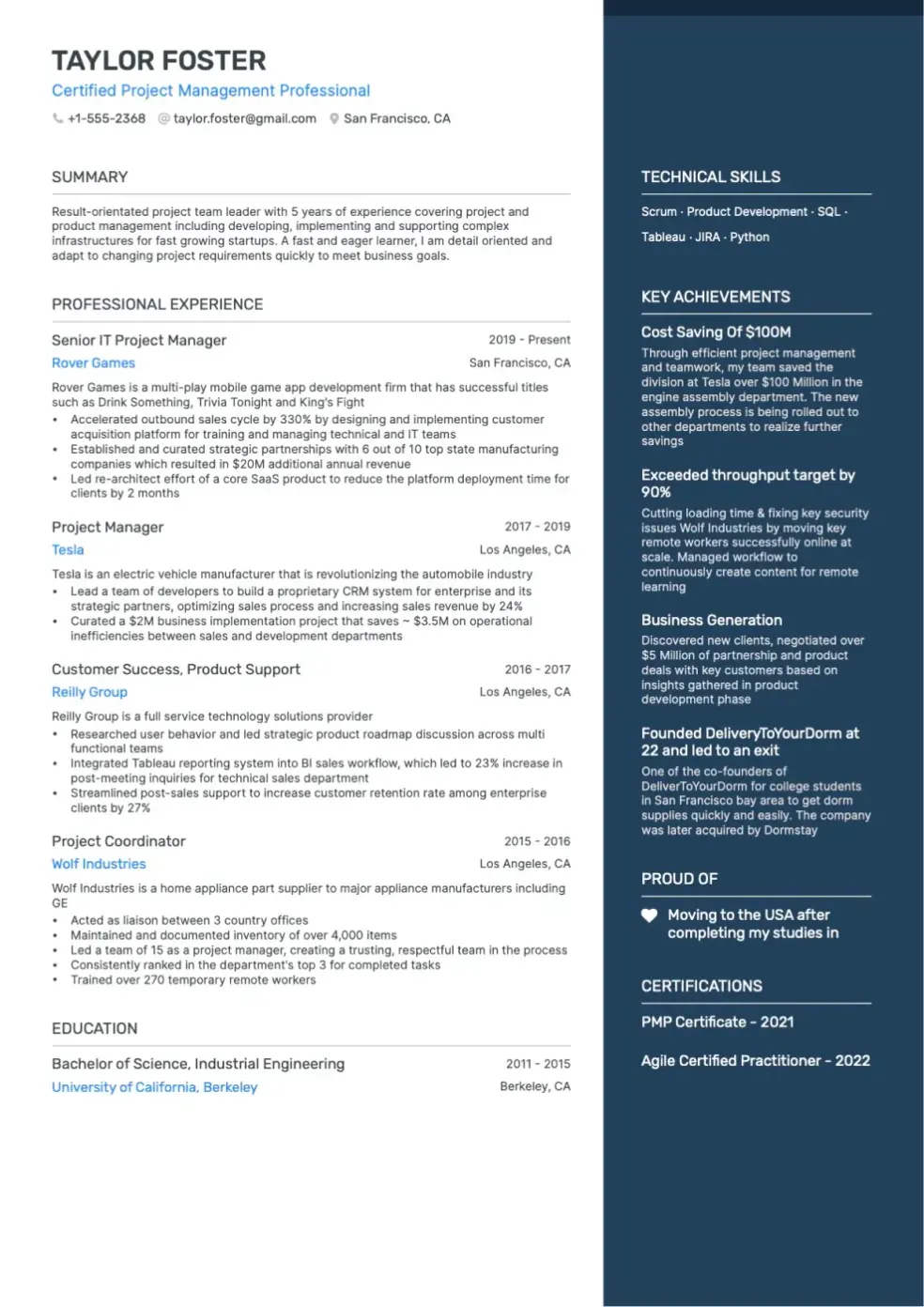
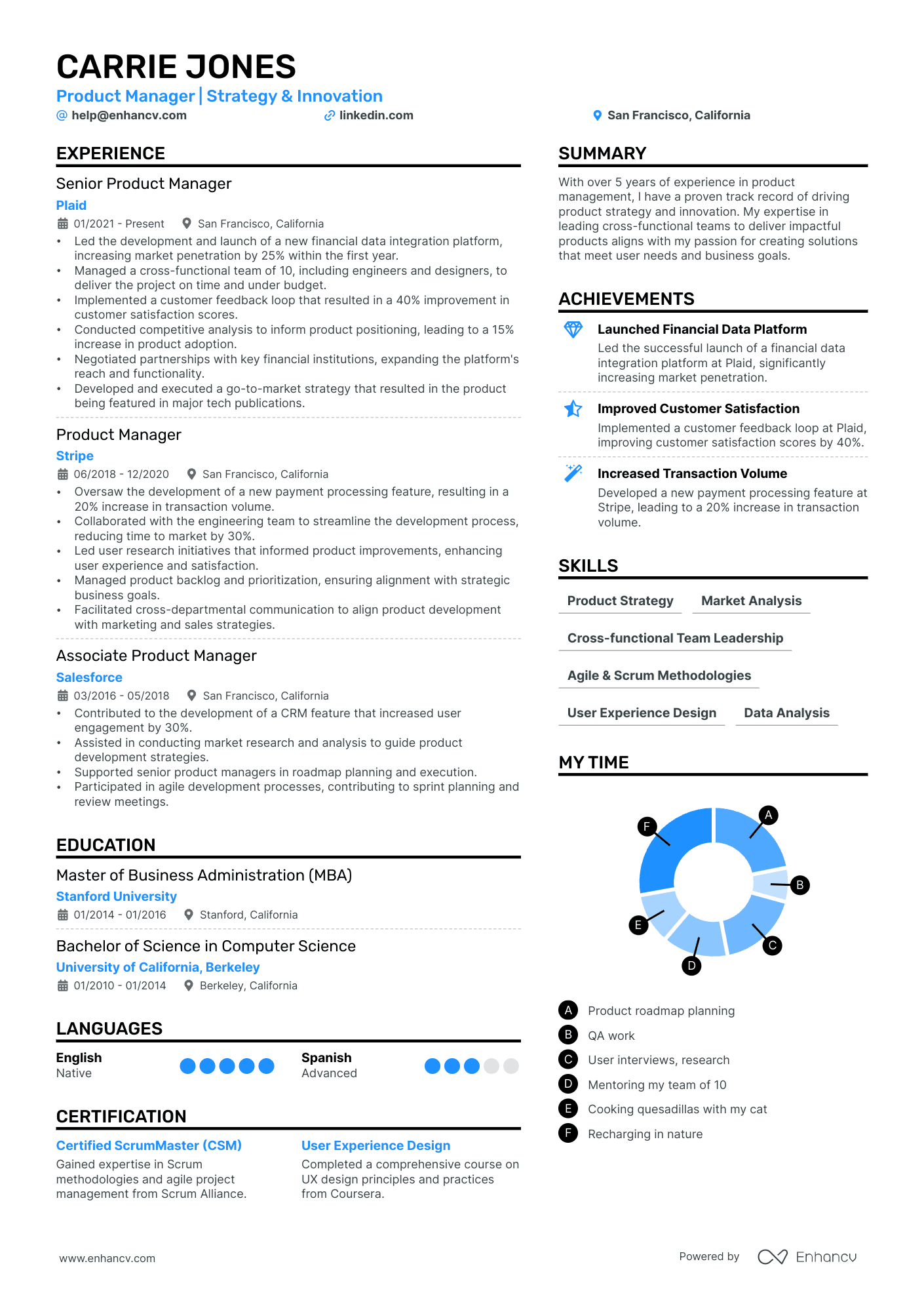
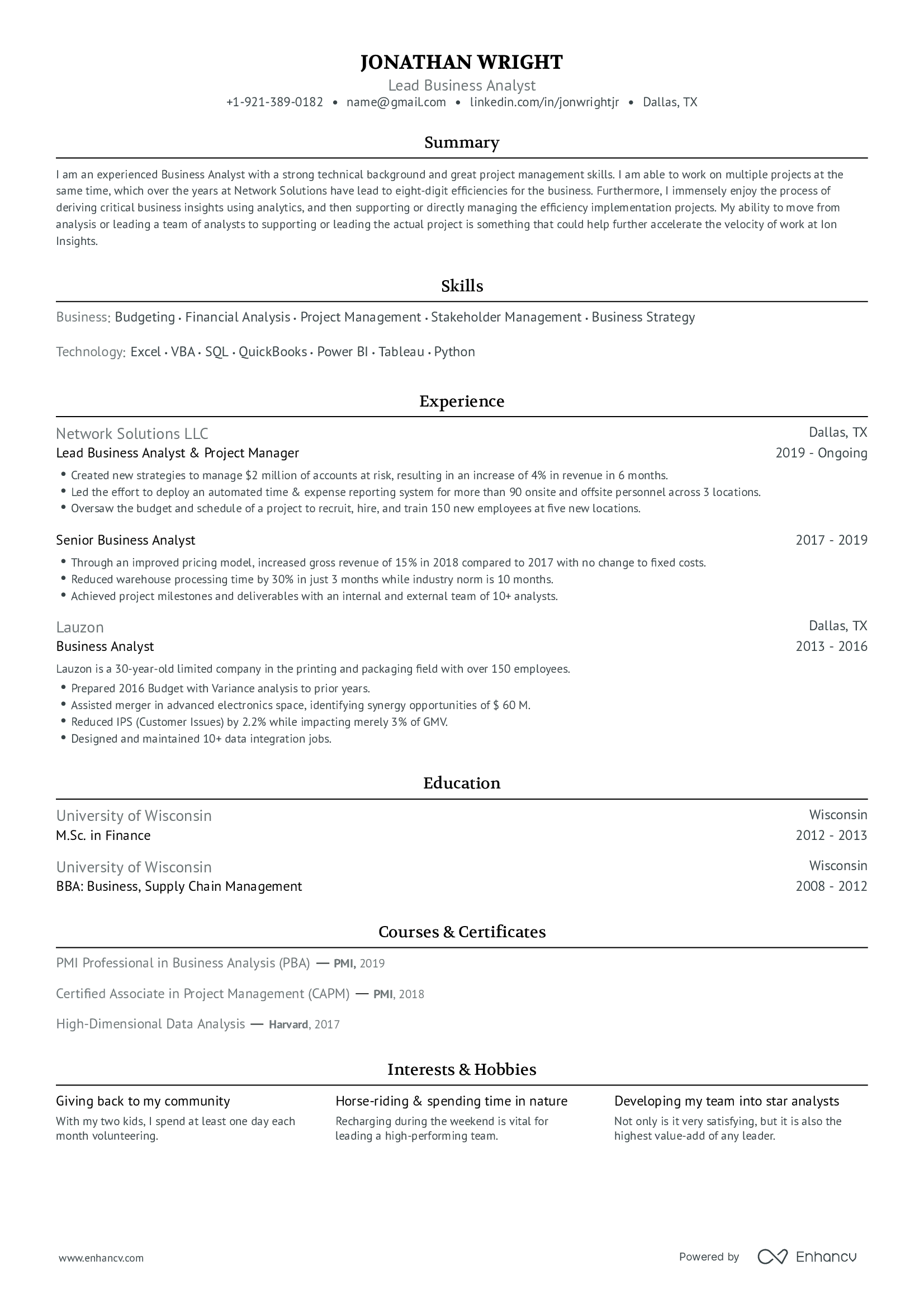
LinkedIn resume templates tailored to your needs
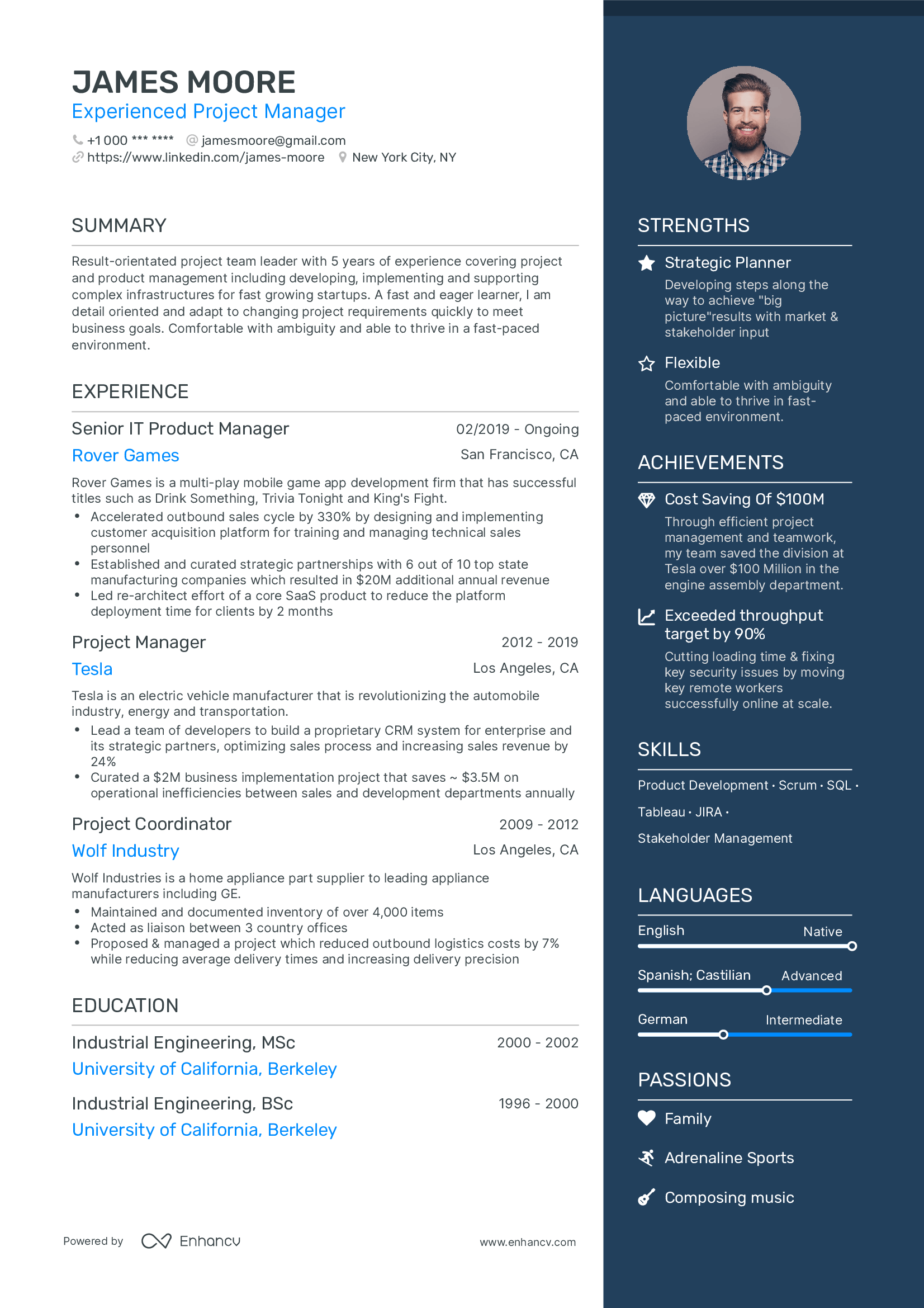
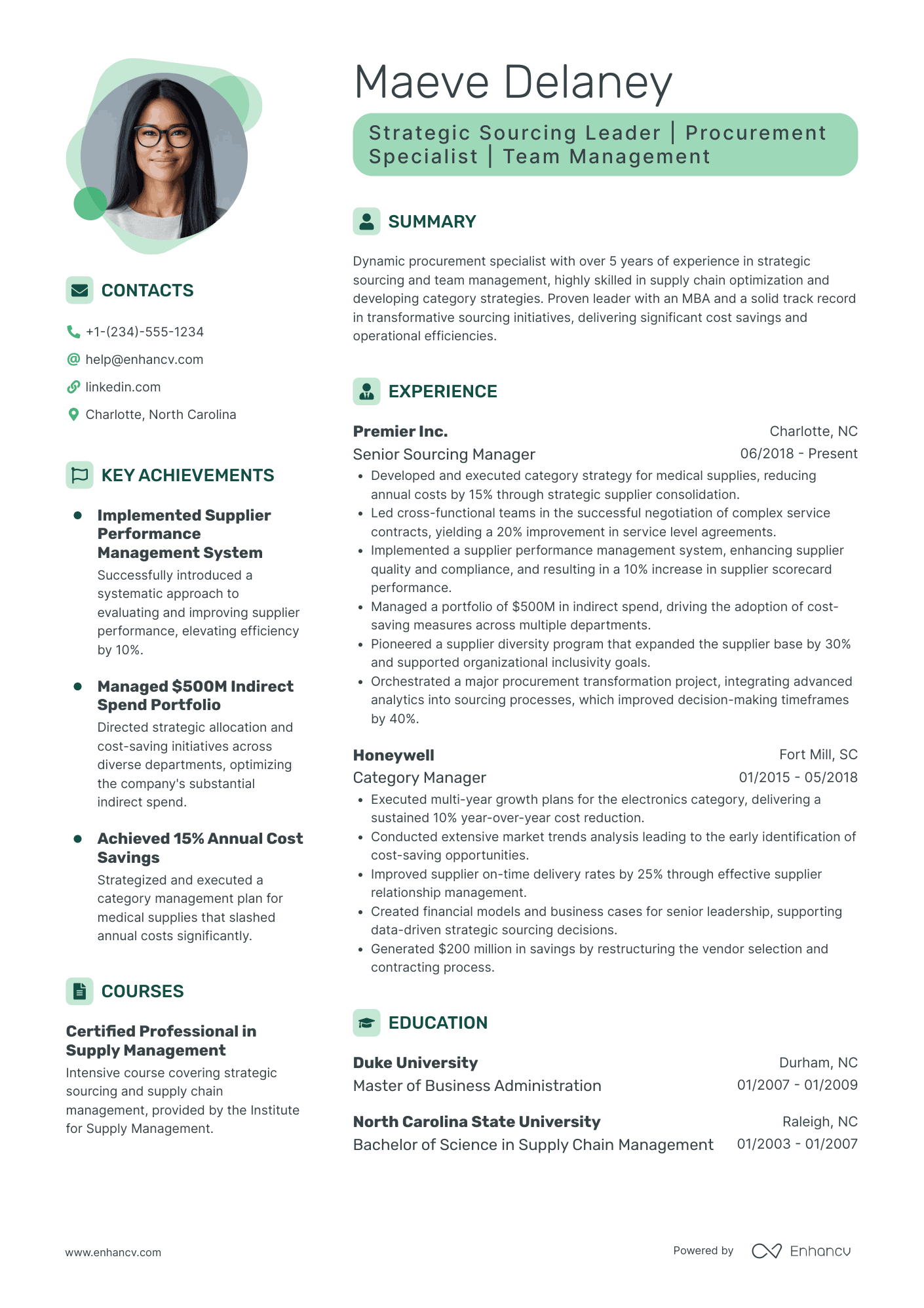
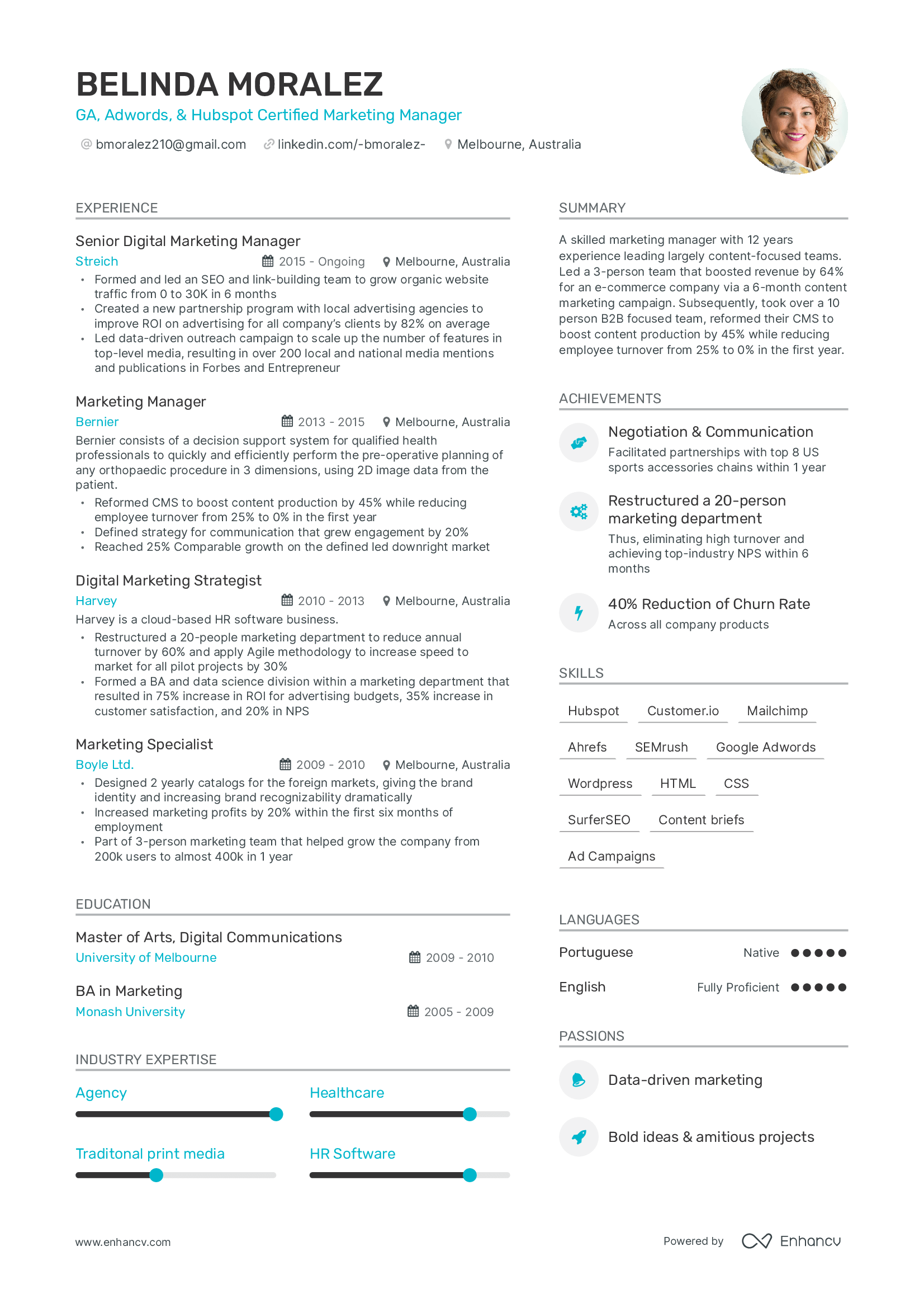
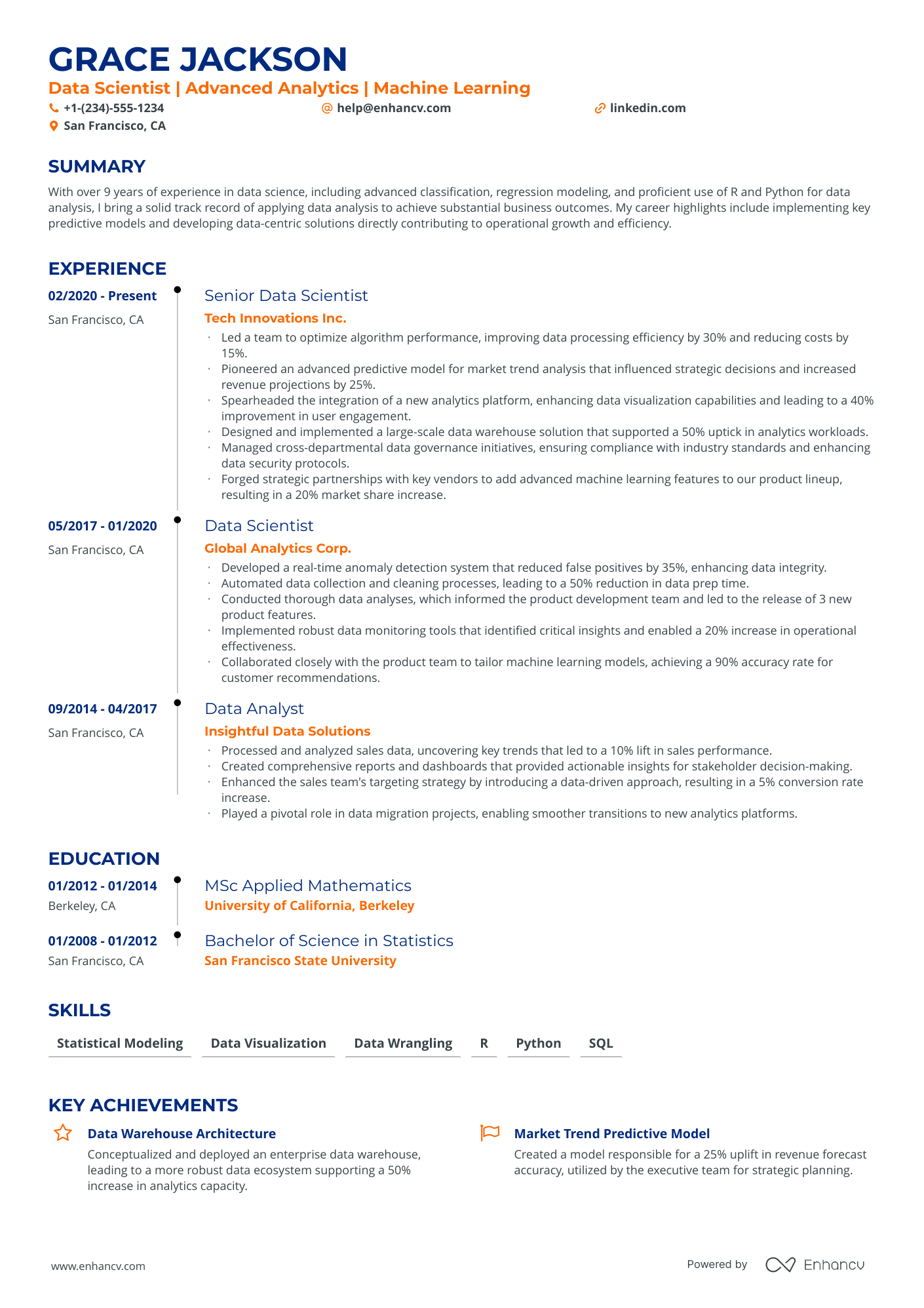
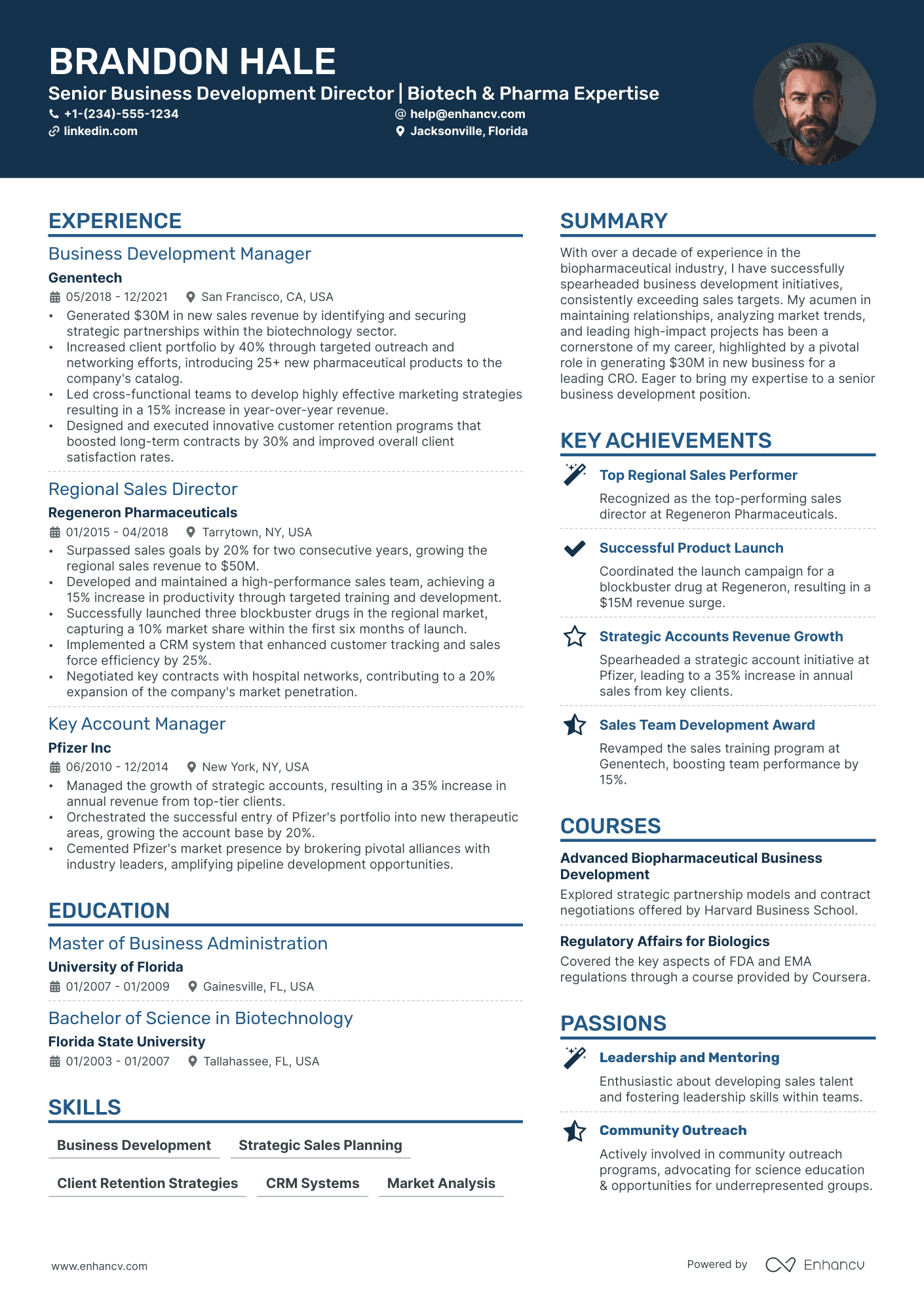
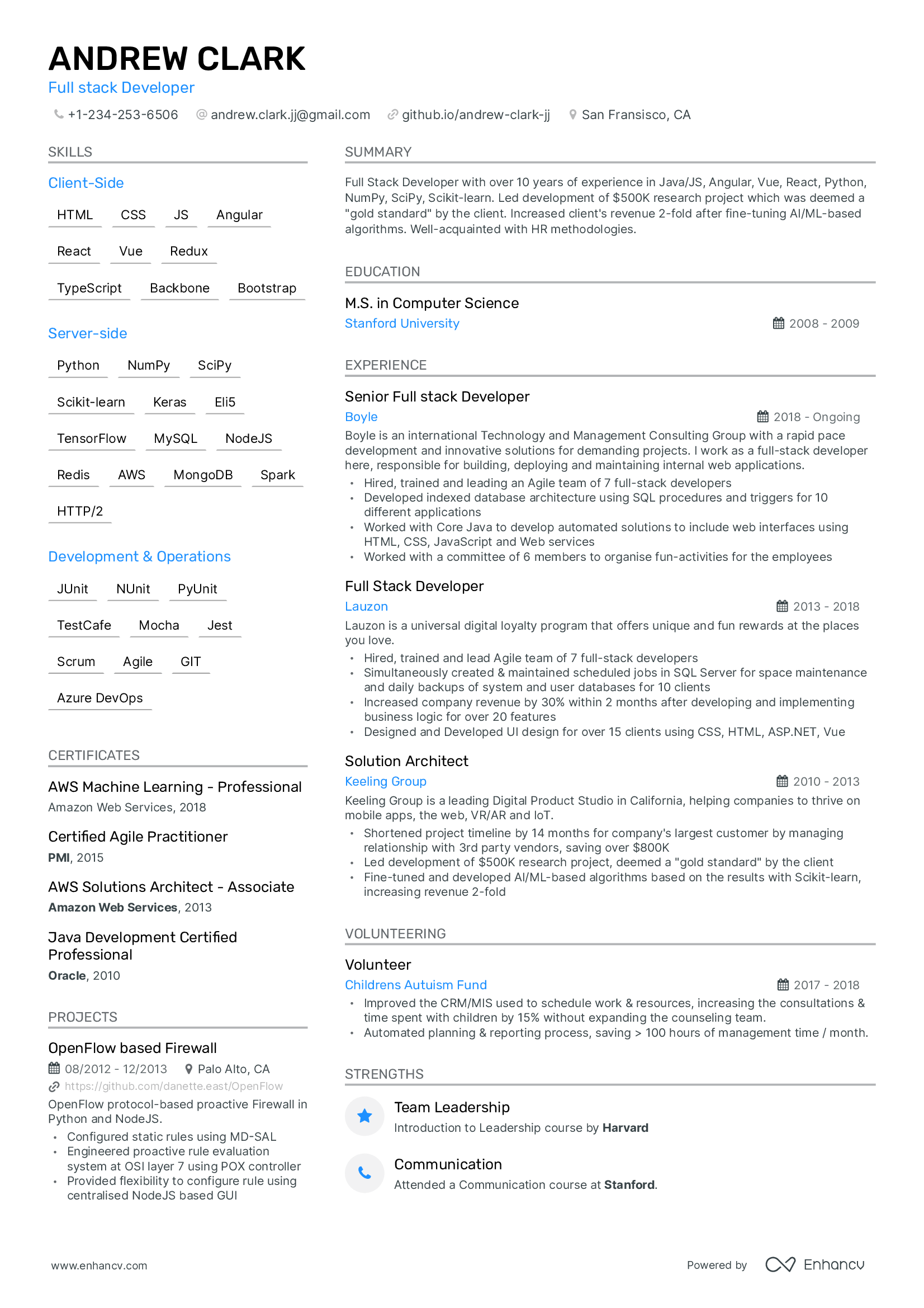
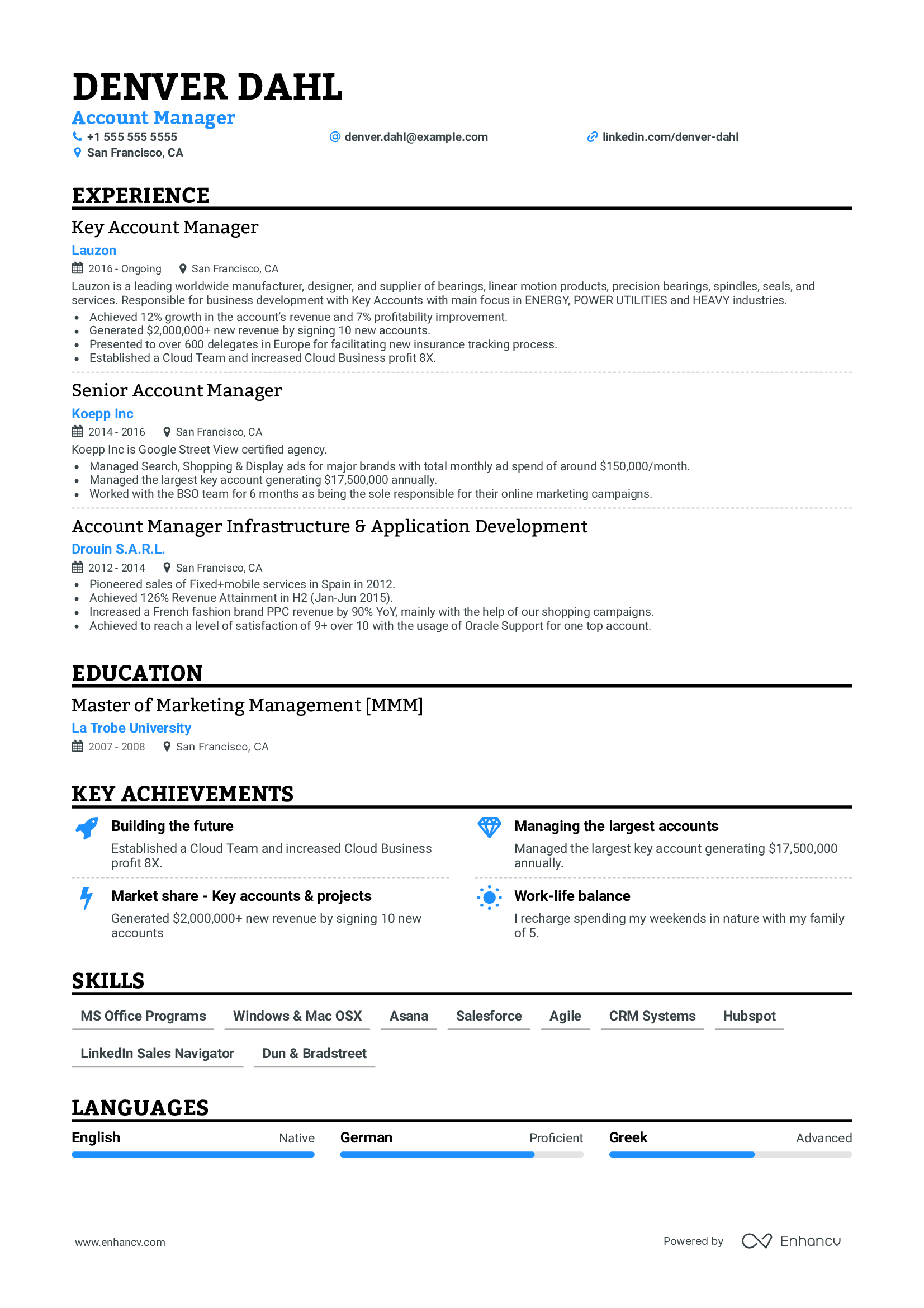
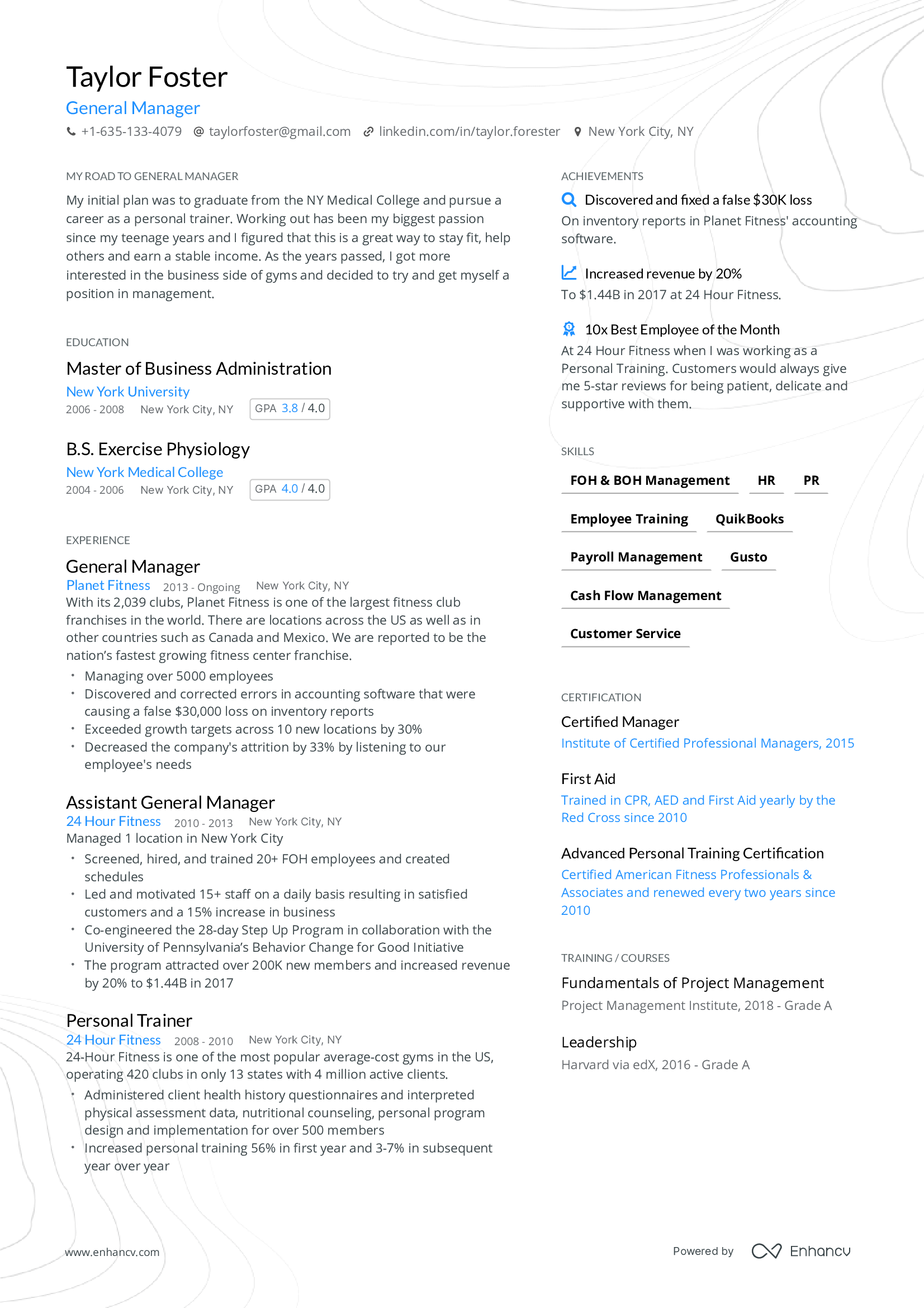
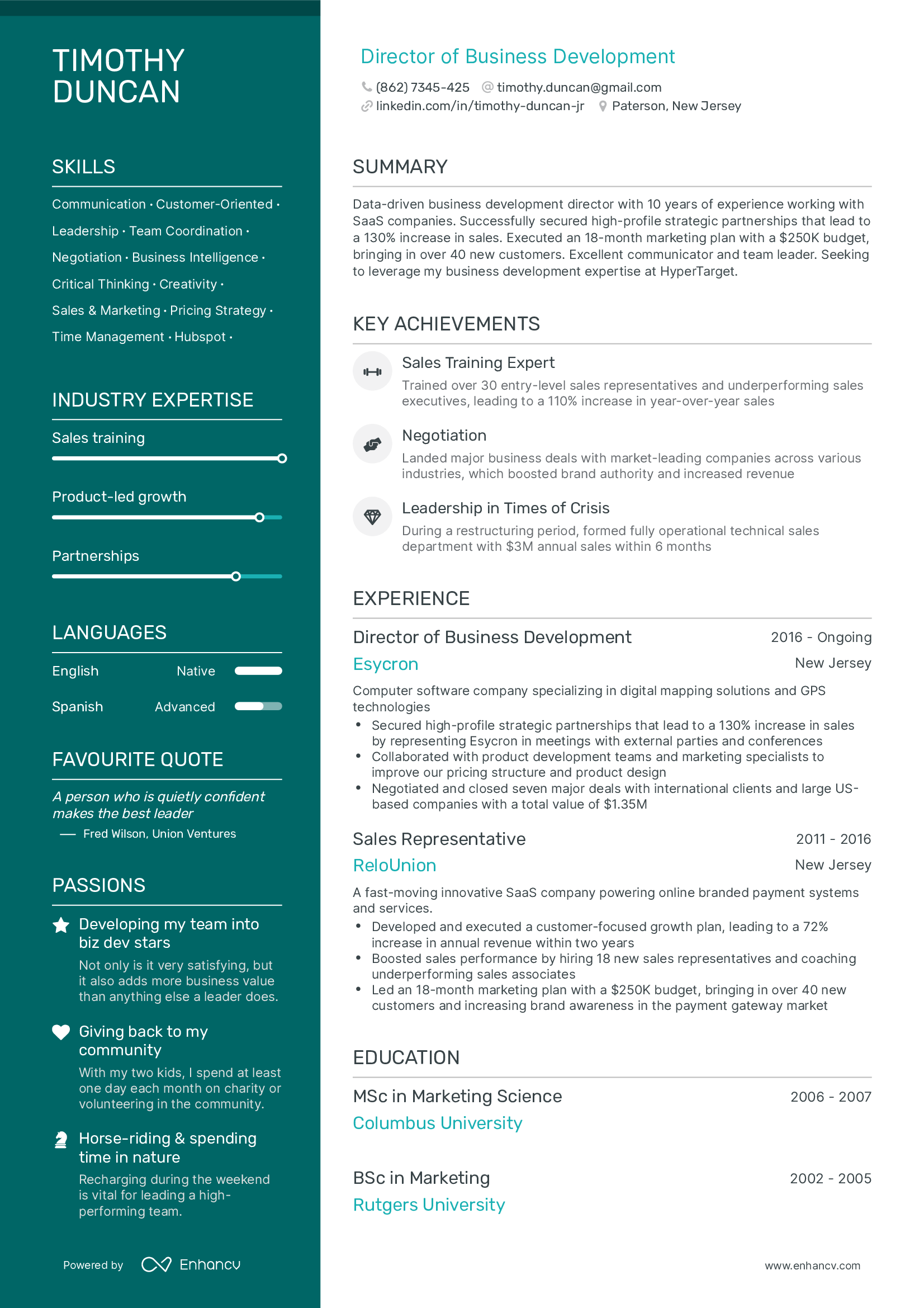
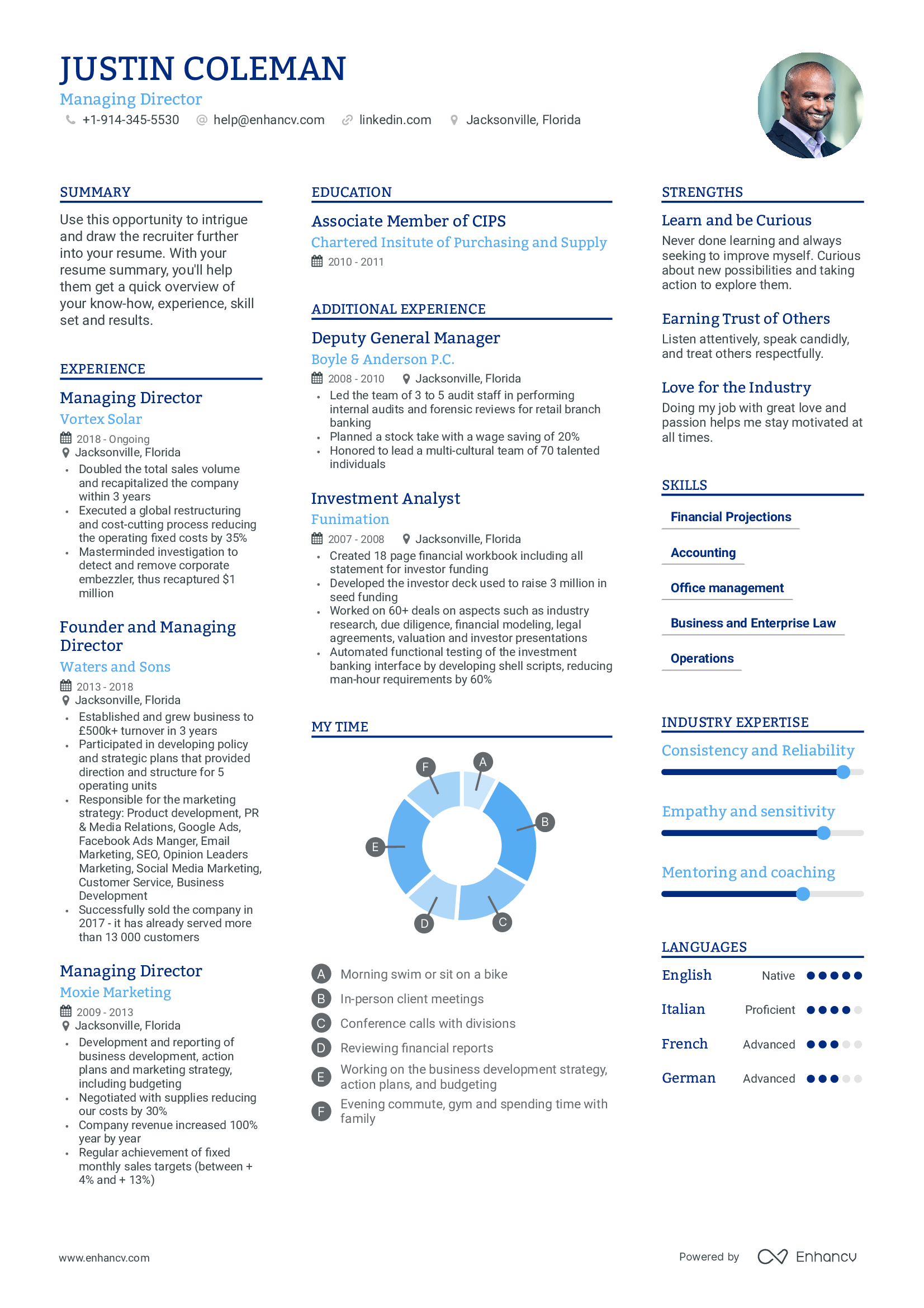
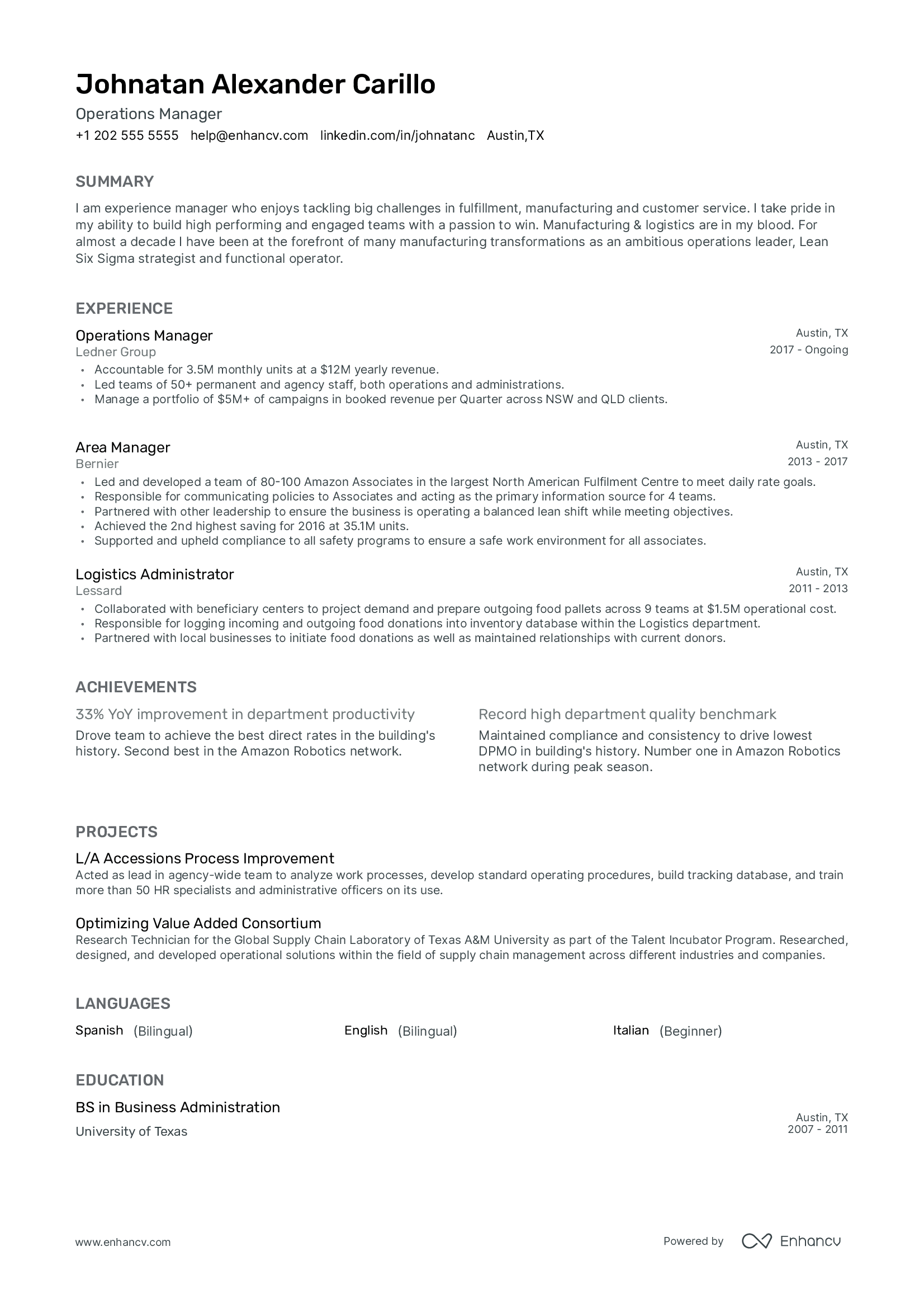
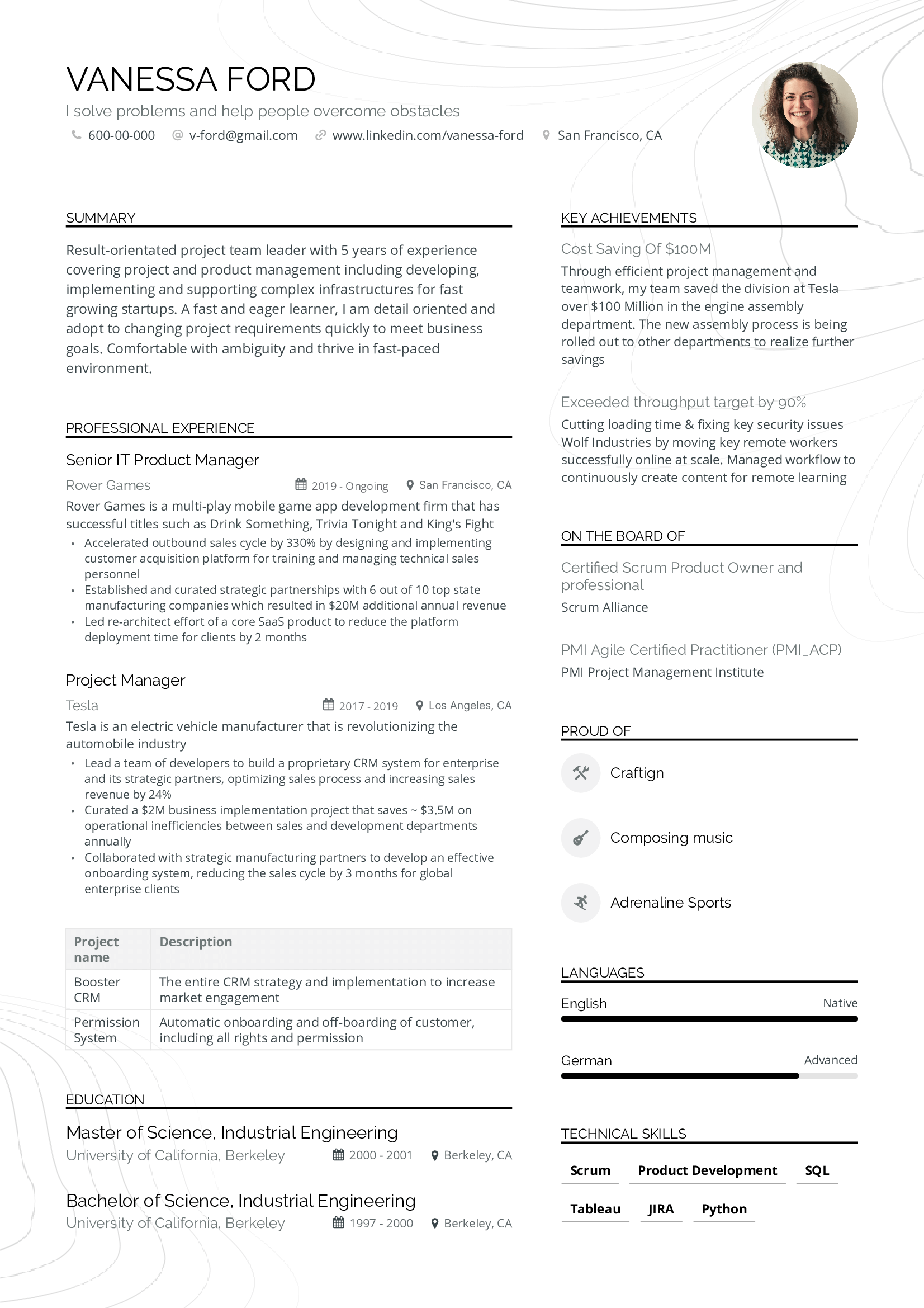
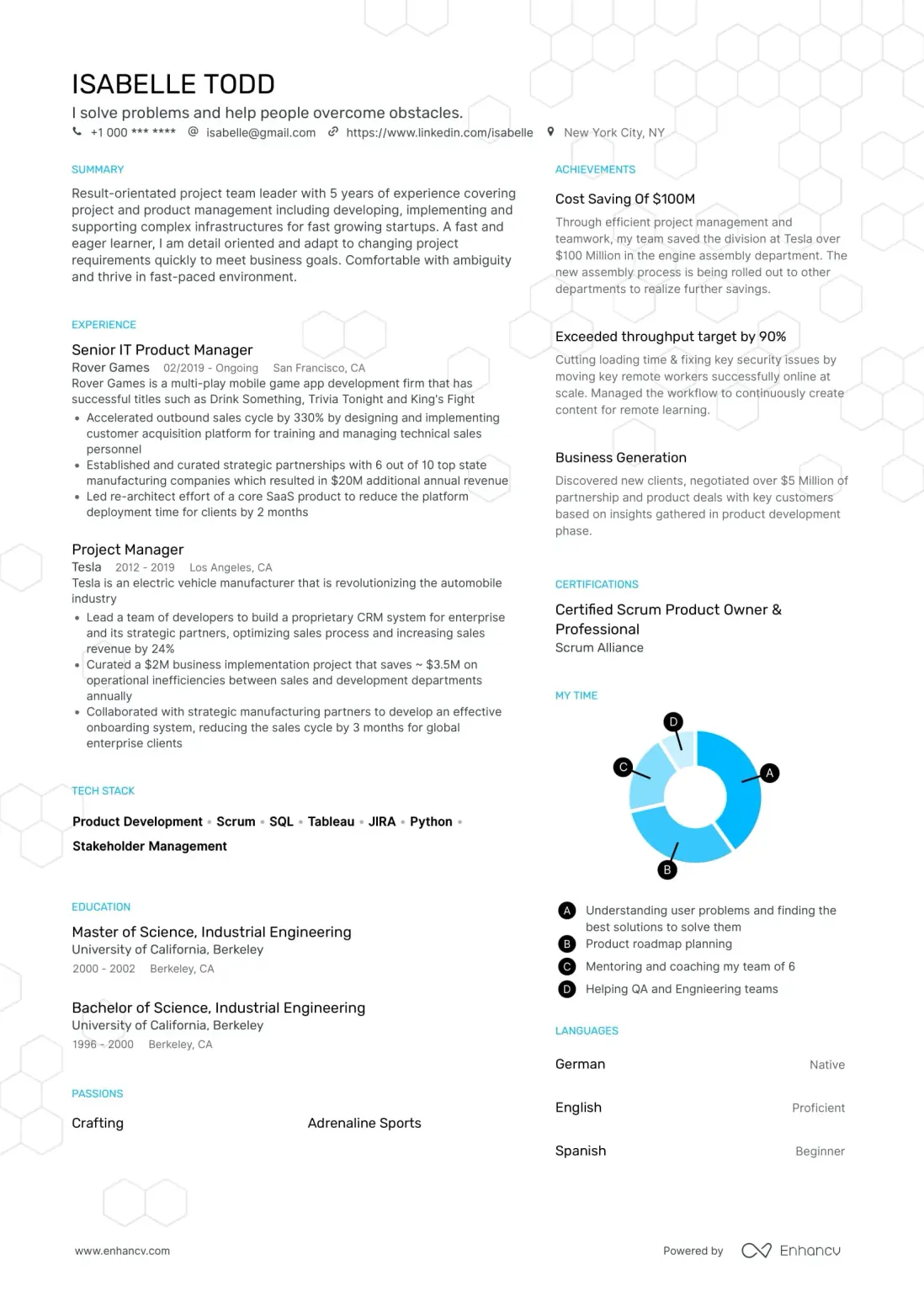


How do we turn a LinkedIn profile into a resume?
Enhancv parses your LinkedIn profile, extracts your skills, and builds out every standard section of a professional resume.
Our LinkedIn resume builder copy pastes your content into the respective resume sections: Summary, Experience, Education, Skills, Languages (with level), Certifications, plus your name, contact data, location, photo, and LinkedIn URL. Every entry, date, and bullet lands in the right slot.
From there it's your call. Keep the original LinkedIn text, or use AI to improve it. Recruiters scan the summary and key achievements first, so AI rewrites the summary, sharpens every bullet for impact, and adds a fresh Key Achievements section pulled from your past experience.
From LinkedIn import to a complete resume builder.
Imports every standard section with dates, bullets, and entries intact.
Optional AI rewrite for a tighter summary, sharper bullets, and a Key Achievements section.
Tailor the imported resume to any job ad in seconds, with our built-in ATS check.

What LinkedIn's PDF export leaves out
LinkedIn lets you save your profile as a PDF, but you get a profile printout, not a resume. Our LinkedIn resume builder fills the gaps.
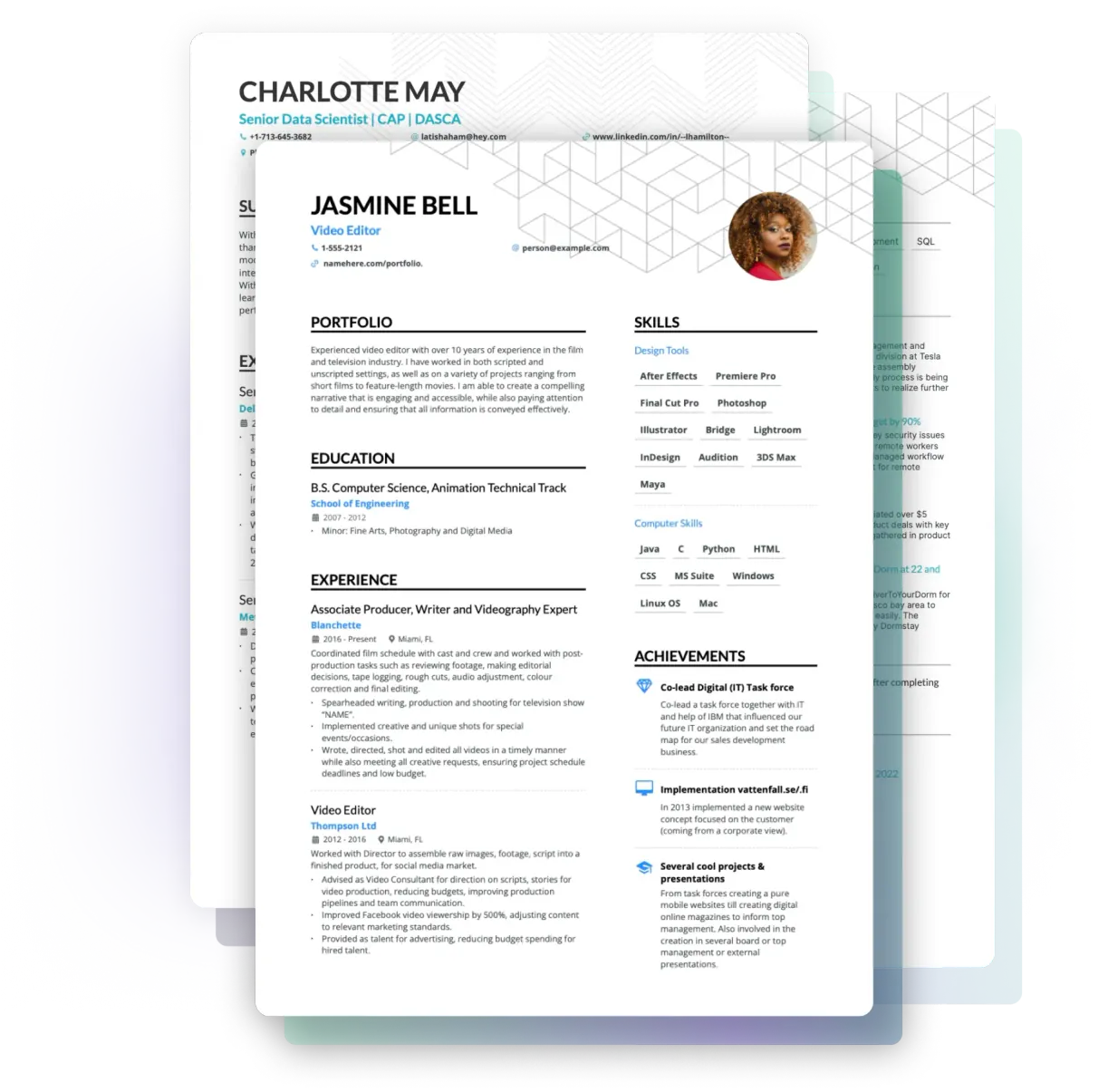
ATS-friendly templates built to land interviews, not LinkedIn's fixed PDF layout.
AI-rewritten summary and sharper bullets, plus a Key Achievements section LinkedIn won't generate.
Resume Checker feedback on the imported resume. LinkedIn's PDF doesn't include any.

Learn how to make the most of your LinkedIn profile
Polish your LinkedIn before you import and the resume comes out stronger. Our CPRWs have written extensively on getting LinkedIn ready for your job search.
One place to run your job search
Most people stitch together three or four tools to apply. Enhancv puts building, checking, tailoring, tracking, and interview prep under one roof, all running on your LinkedIn-imported content.
Edit everything LinkedIn brought in
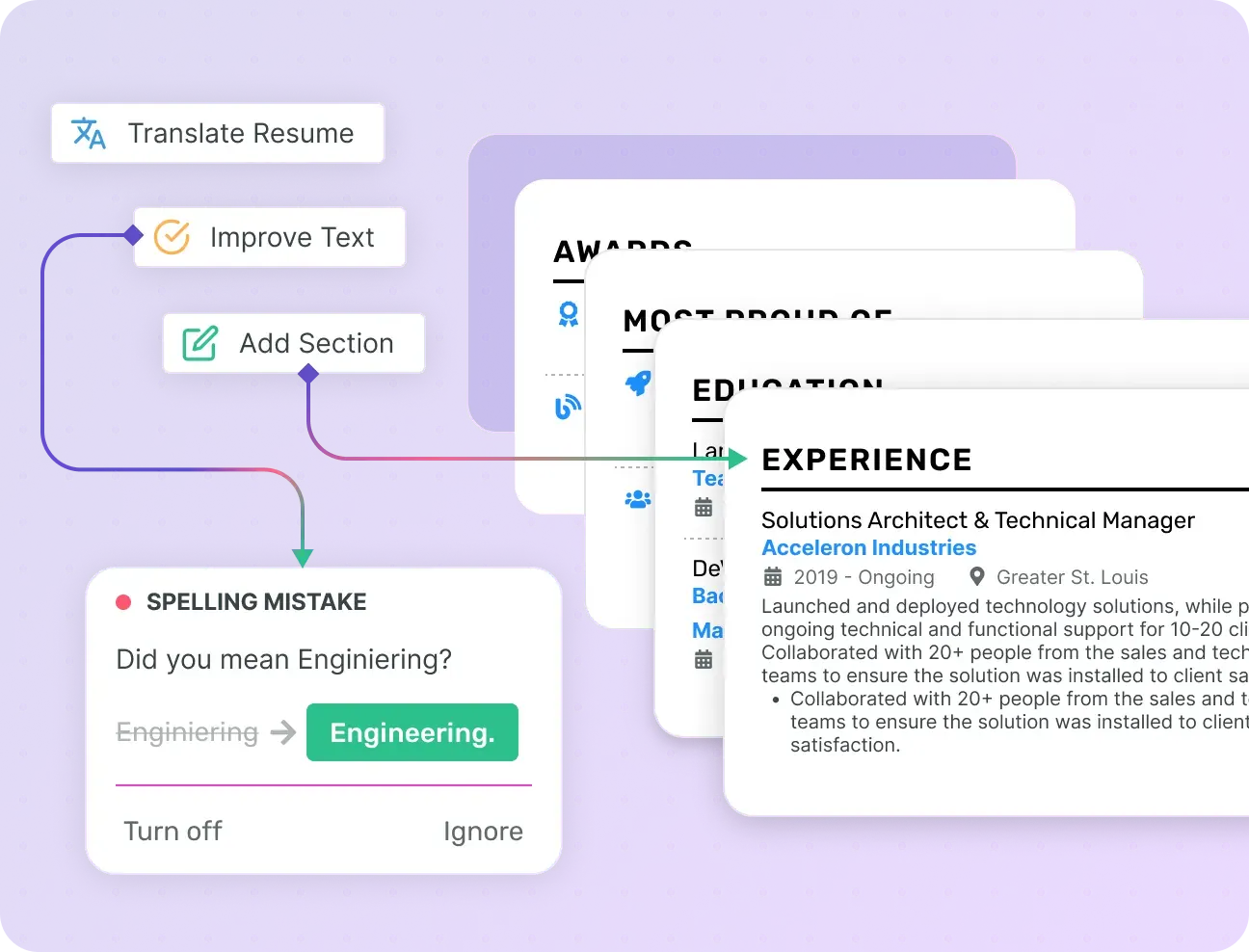
Once your profile is in the builder, every section becomes editable. The AI resume builder rewrites bullets, suggests stronger summaries, and tailors the resume to each job in minutes.
Over 20 resume sections, designed and reviewed by certified resume writers.
AI rewrites weak bullets into active, results-driven lines.
Tailor the same resume to every job, in 20+ languages.
Find what's missing before you send
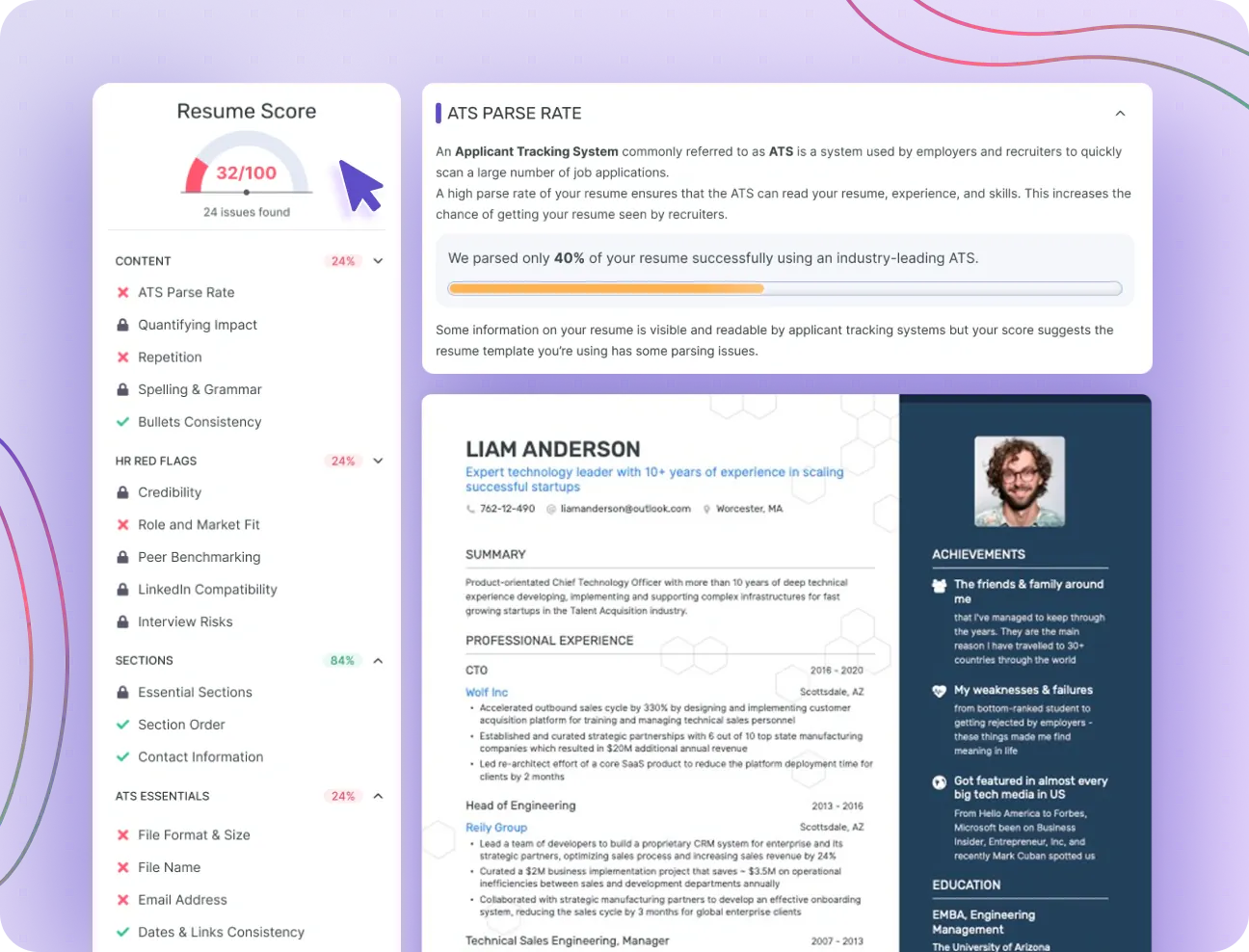
LinkedIn profiles aren't built for ATS. Your new resume will face them every time you apply. Run it through the resume checker for missing keywords, formatting fixes, and content gaps the import couldn't catch.
27 in-depth checks across content, layout, grammar, and keyword match.
A tailoring score that guides you instead of just grading you.
Bullet-level fixes drawn from your own experience.
Pair your resume with a tailored cover letter
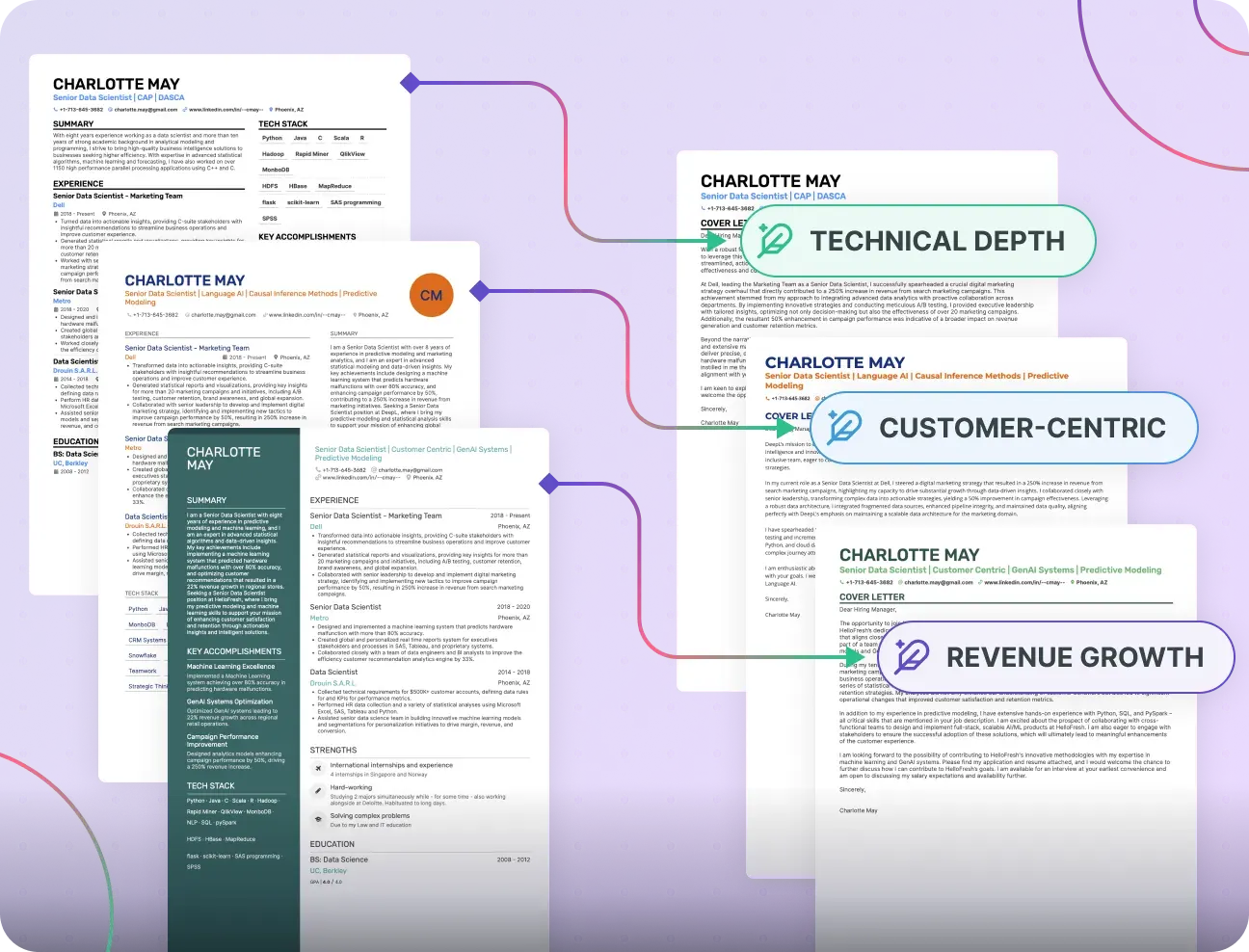
When a role asks for a cover letter, the AI cover letter generator drafts one from your resume and the job ad. Same content base, matching design, different document.
AI builds on your imported resume instead of repeating it.
A fresh, tailored letter for every application.
Matching designs that show recruiters real effort.
Keep applications organized as you apply
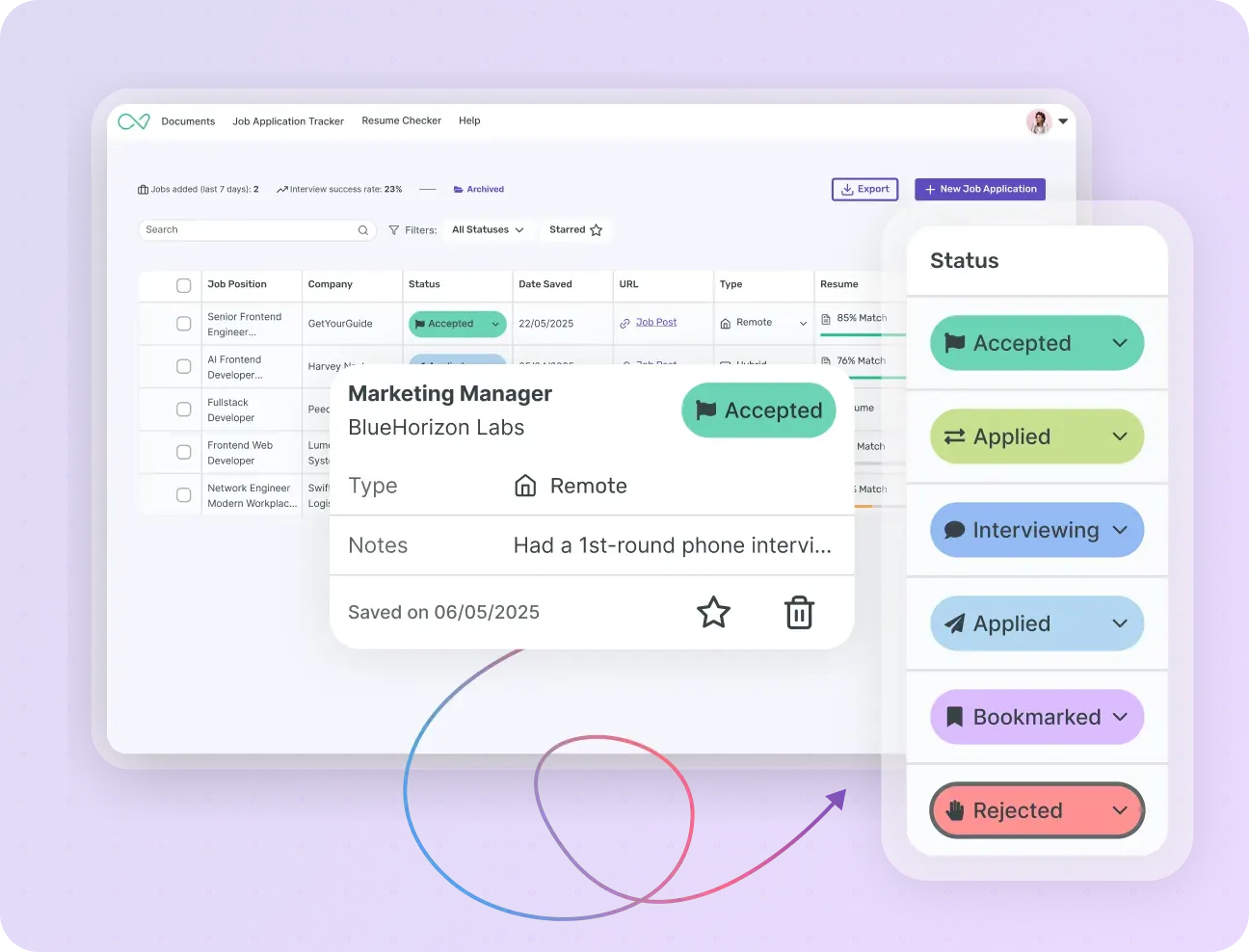
Once you start applying, the job application tracker holds every tailored resume, cover letter, note, and status in one view. No more spreadsheets.
Organize tailored resumes and cover letters per application.
Set a status for each role and add your own custom fields.
Import an existing Sheets or Excel tracker in under a minute.
Walk into interviews ready
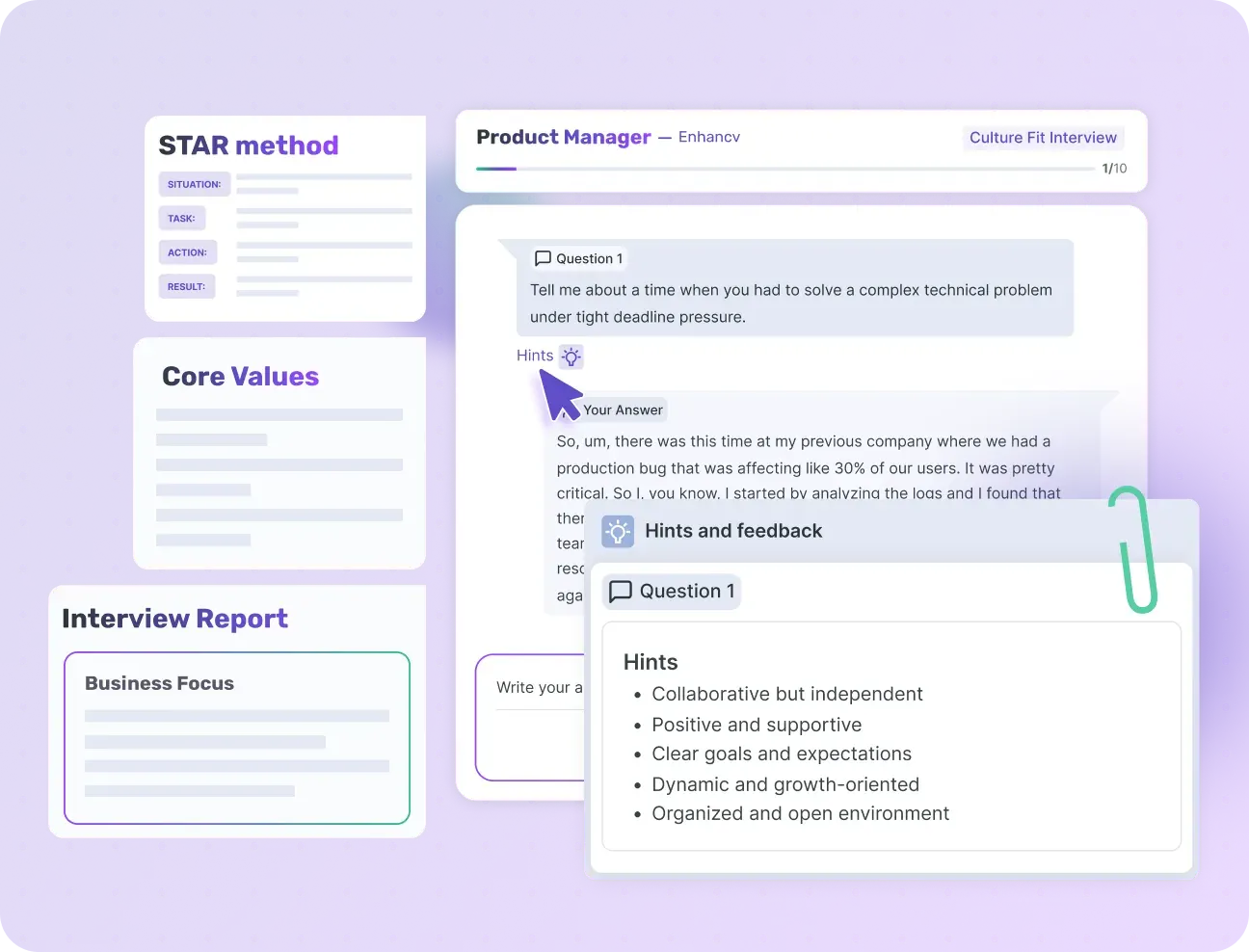
Once you land the interview, AI interview help generates likely questions and strong answers from your resume and the job ad. Plus quick company research so you walk in informed.
Generate interview questions, STAR stories, and a personal pitch.
See what the interview process looks like, from public sources.
Get quick company research: news, values, and industry context.
Find the roles worth your time
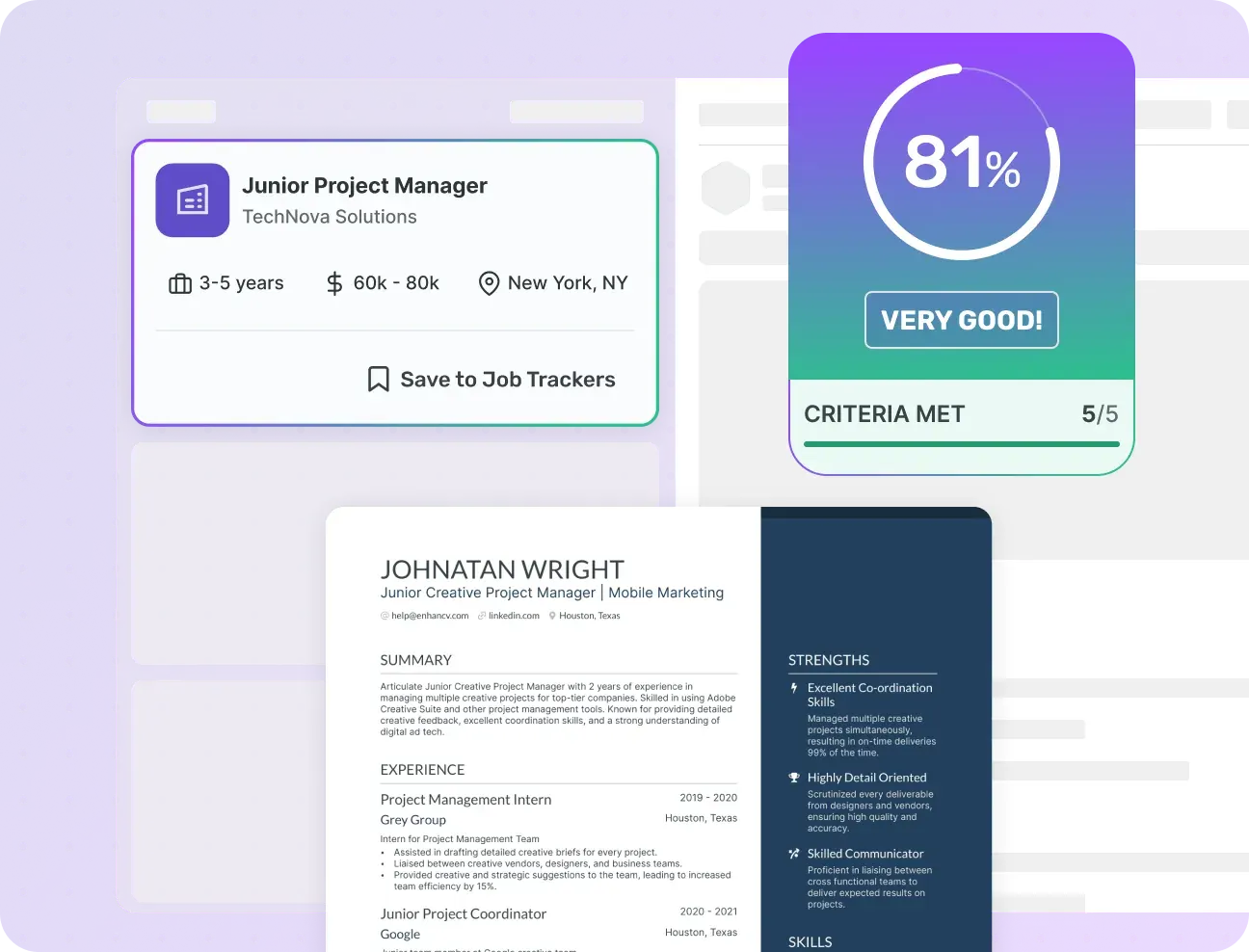
Not sure where to apply? Describe your ideal job in plain language and Enhancv's AI job search surfaces the best matches from 1M+ live ads.
Search millions of current job ads as a PRO user.
See a resume match score on each role at a glance.
Skip mass-applying and focus on roles you actually fit.
Frequently asked questions about our LinkedIn-to-resume import tool
What's a LinkedIn Resume Builder?
Does LinkedIn have a resume builder?
Alternatively, a dedicated resume builder like Enhancv lets you paste your LinkedIn profile URL to import your experience directly and turn it into a polished, ATS-friendly resume you can tailor to each job posting.
Why should I import my LinkedIn instead of building a resume from scratch?
The second is what happens after the import. Our AI resume builder rewrites your bullets, tailors your resume to the job ad you're applying for, runs an ATS check, and pairs the resume with a matching cover letter.
How does our LinkedIn Resume Builder work?
Once everything's populated, you decide what happens next. Keep the original LinkedIn text, or let AI improve it: a tighter summary, sharper bullets, and a fresh Key Achievements section pulled from your past experience.
From there, you edit the resume, tailor it to a specific job ad, run the Resume Checker for an ATS score, and export.
How do I convert my LinkedIn profile into a resume?
How do I download my resume from LinkedIn?
That printout works as a basic CV in a pinch. For a properly formatted, ATS-friendly resume, paste your LinkedIn URL into Enhancv. Our LinkedIn resume builder turns the same content into a job-ready resume.
Can I use my LinkedIn profile as my resume?
Sending a LinkedIn URL when a resume is expected reads as a shortcut, and hiring managers often interpret it as low effort. If you want them to take you seriously, send a resume. Your LinkedIn profile is the right place to start one.
Is there a resume template on LinkedIn?
Enhancv offers a range of resume templates designed by Certified Professional Resume Writers. Enhancv's Single Column and Ivy League templates work for law, finance, and academia. Double Column fits consultants, analysts, and tech professionals who want skills and experience side by side. Modern and Polished suit managers and senior leaders. Every template is ATS-friendly by design, so customizing fonts, colors, and section order doesn't break parsing.
Do employers prefer LinkedIn or a resume?
Sending a LinkedIn URL when a resume is expected almost always hurts your application. And a stale profile during an active job hunt makes you harder to vet. Keep both updated.
Can I customize my LinkedIn-imported resume?
All Enhancv resume templates are ATS-friendly by design, so customizing fonts, colors, and section order doesn't break parsing. Single Column or Ivy League suits traditional roles in law, finance, and academia. Double Column works for consultants and tech professionals who want detail and clarity side by side. Modern and Polished suit managers and senior leaders.
Is your LinkedIn-to-resume tool free?
For tailoring across multiple jobs, unlimited Resume Checker reports, and the full AI features, switch to Pro.
Is Enhancv ATS-friendly?
- Enhancv resumes do not include graphics, photos, or word art that are not ATS-Friendly - Our templates use decorative icons and images as visual elements only - never as text containers. All text remains selectable and lives in the text layer. That means parsers simply skip the iconography without losing any data.
- Enhancv resumes are not uploaded as an image (flattened PDFs) - We export proper PDFs with a full text layer, not rasterized images. You can copy-paste any text from our resumes — exactly what parsers read. Flattened PDFs (a known parsing failure) don't occur in our generation pipeline.
- Enhancv resumes do not use complex designs with tables, headers, and footers - We use consistent section grouping and rely on HTML-to-PDF text flow - not embedded Word tables or footers. Only one legacy template uses a minimal table structure, and even that's fully textual, not graphic. Contact info sits in the main body, not headers/footers, so it's accessible to parsers.
- Enhancv resumes do have a columned layout, however, our column structure isolates sections' content - for example, Experience on the left, Skills/Education on the right. We don't split one section across both columns, so reading order (left to right, top to bottom) remains coherent.
- Enhancv resumes have clear sections or and consistent formatting - Each section in Enhancv templates is clearly labeled ("Experience," "Education," "Skills") and uses a consistent heading style. These titles match parser dictionaries used by Sovren and RChilli, improving section classification.
Is Enhancv worth it?
- Balance between ATS and recruiters: Many resume tools focus only on "passing ATS." Enhancv templates are designed to pass ATS scans and look engaging to human recruiters.
- AI-powered features: Tools like the Resume Checker, Bullet Point Generator, and Job Tailoring give you personalized, actionable feedback - so you're not guessing what to improve.
- Customization & storytelling: Unlike rigid resume builders (Zety, Resume.io), Enhancv lets you add unique sections like Day of My Life or Life Philosophy. This helps your resume feel authentic, not cookie-cutter. They won't impede any ATS readability for the rest of your resume, either.
- Time saved: Instead of wrestling with Word templates or Canva layouts, you can drag, drop, and auto-format. What used to take hours, you can finish in under 30 minutes.
- Proven results: Enhancv users have landed jobs at companies like Spotify, JP Morgan, and Microsoft - real-world proof that the format works.
Who's Enhancv best for?
- Senior professionals & executives – Enhancv focuses on leadership, impact, and results. It keeps things concise and impressive in a one- or two-page layout, ideal for people who value their time and reputation.
- Managers and directors – It helps structure achievements, team outcomes, and strategic contributions in a way that feels professional and effortless.
- Career switchers & professionals seeking structure – Enhancv's ATS-friendly templates make it easy to tailor your resume to the next step, not just your past roles.
- Traditional corporate roles – For roles that expect formality, Enhancv provides clean, compliant templates that stay professional while still looking modern.


Enhancv Executive has changed my life: One week & four interviews later, I will be making 150% more doing the job I chose.
