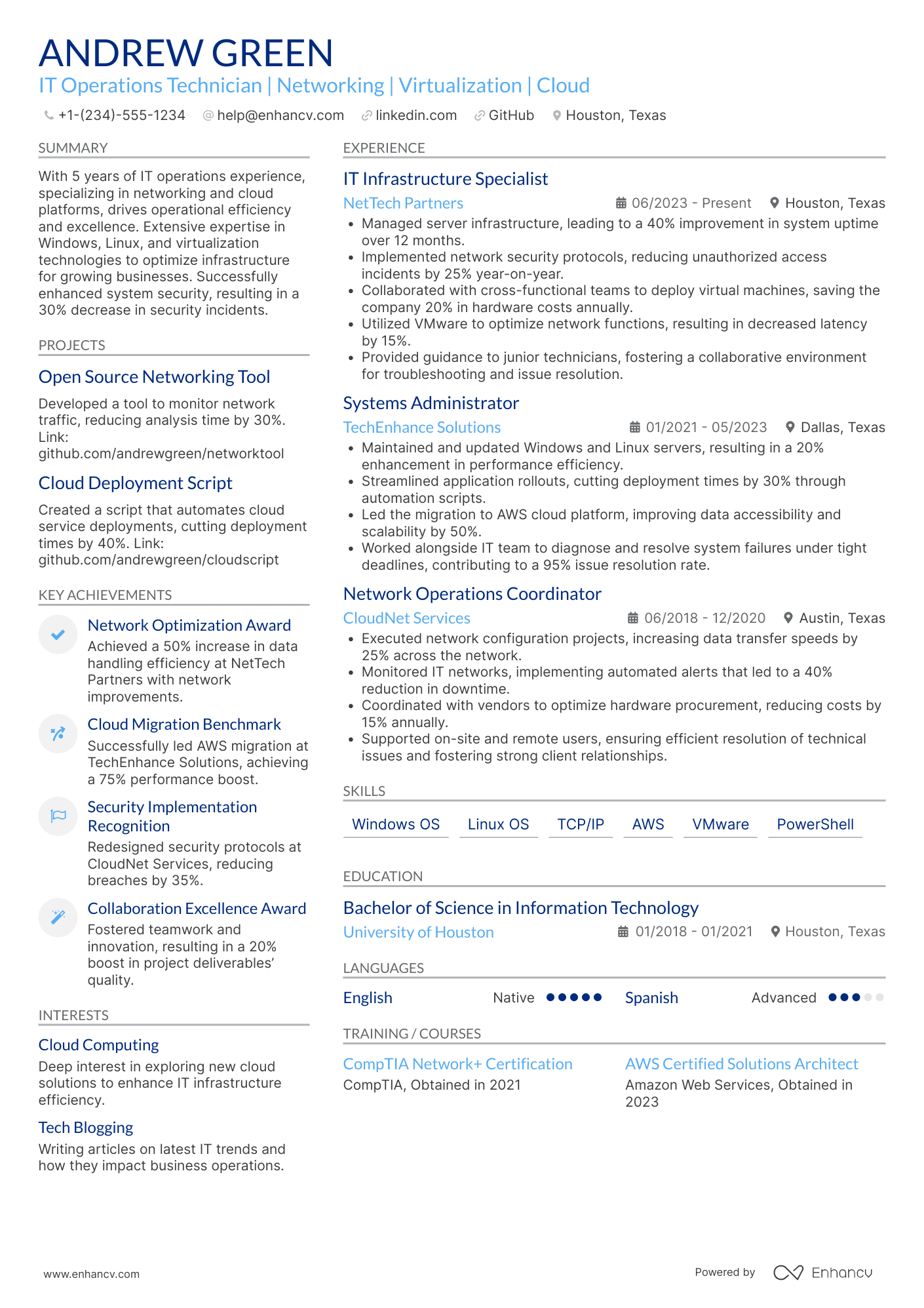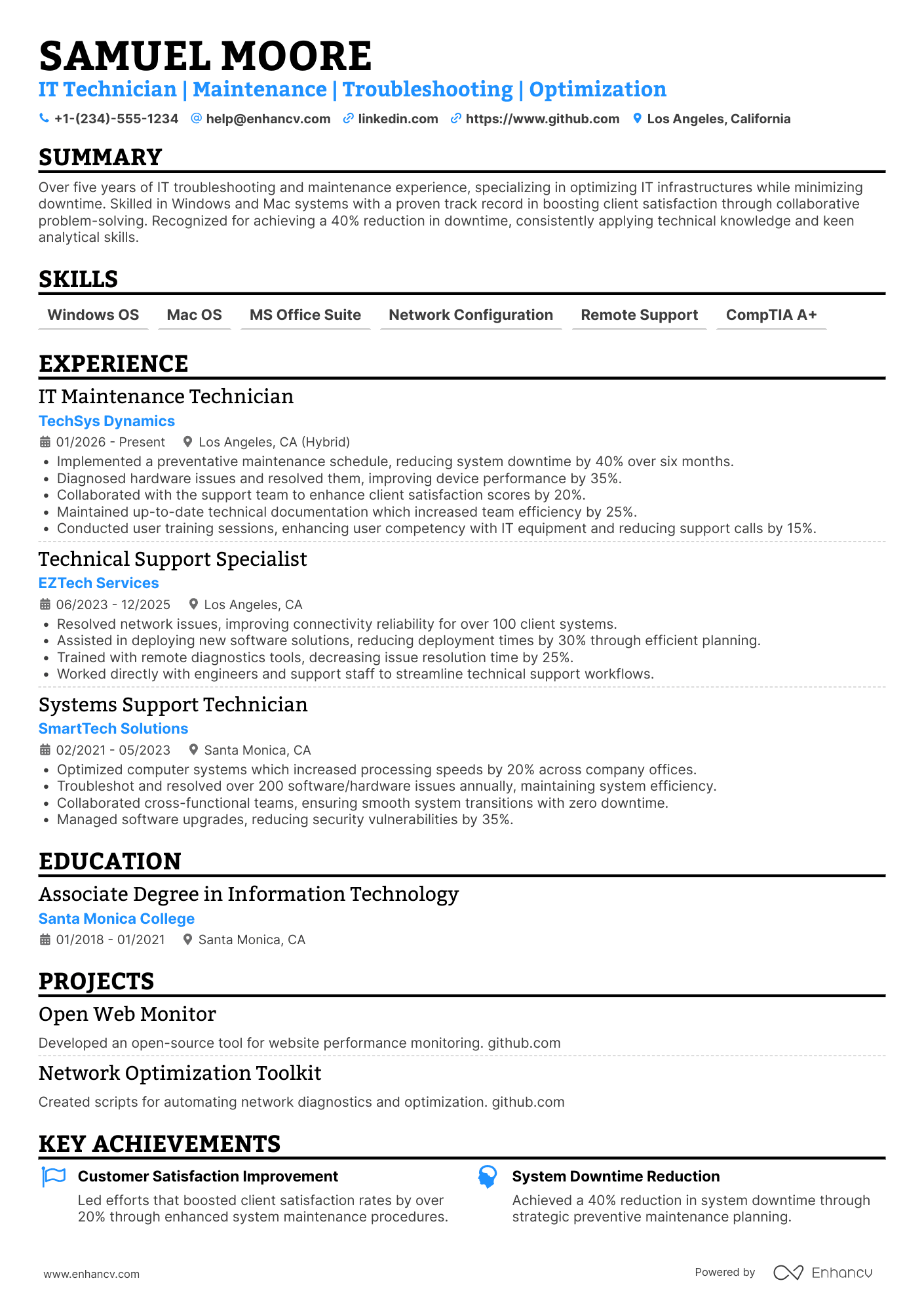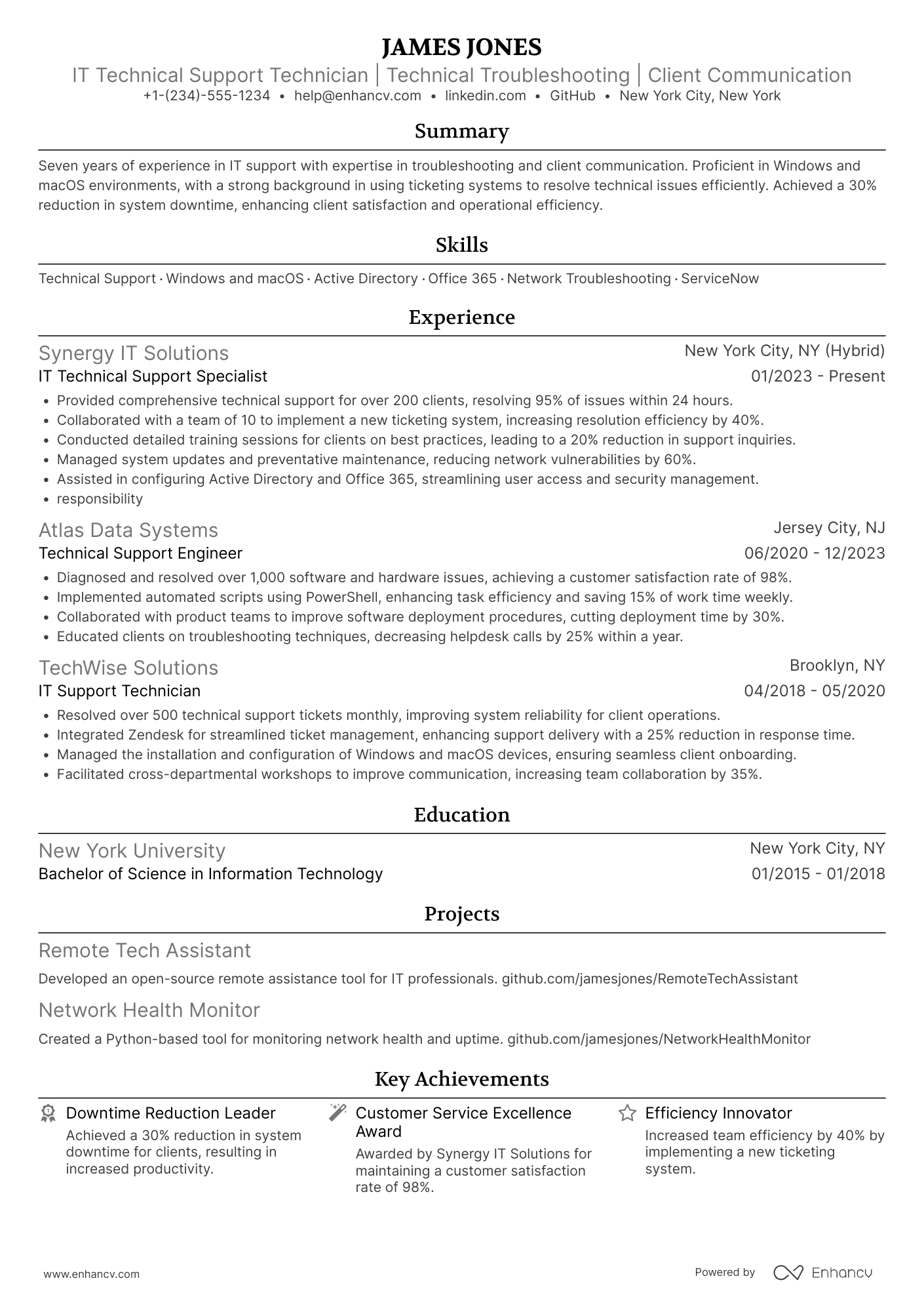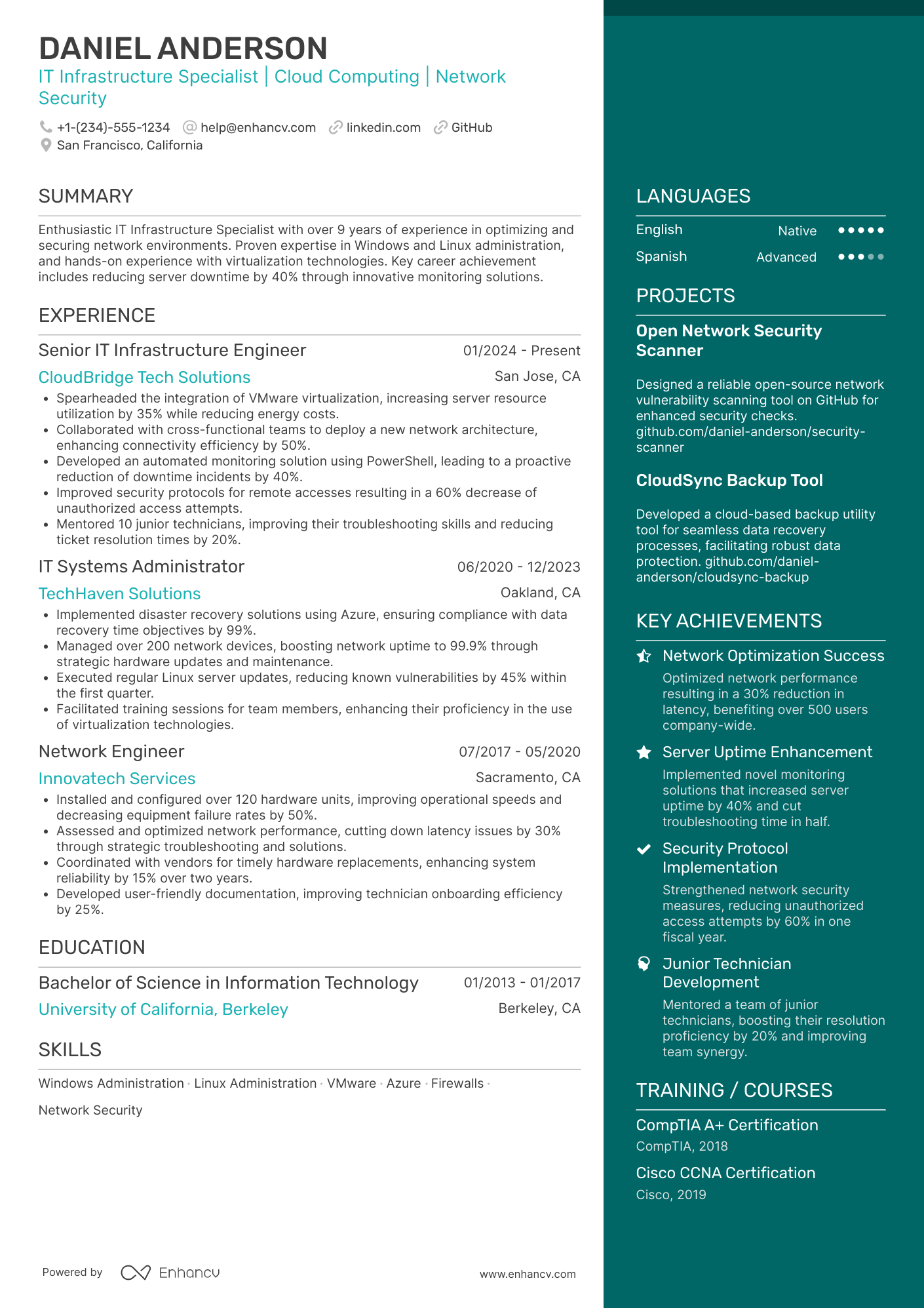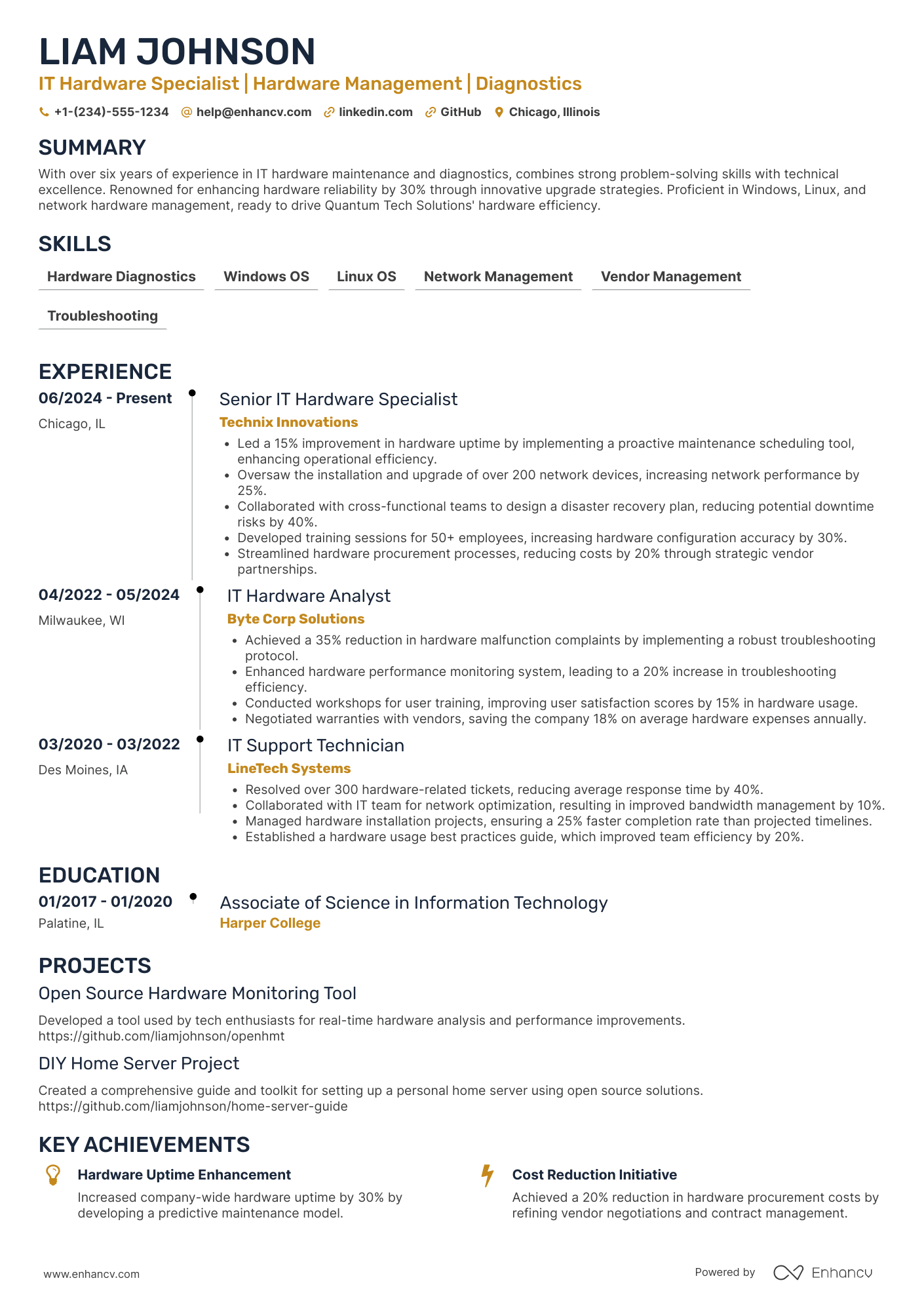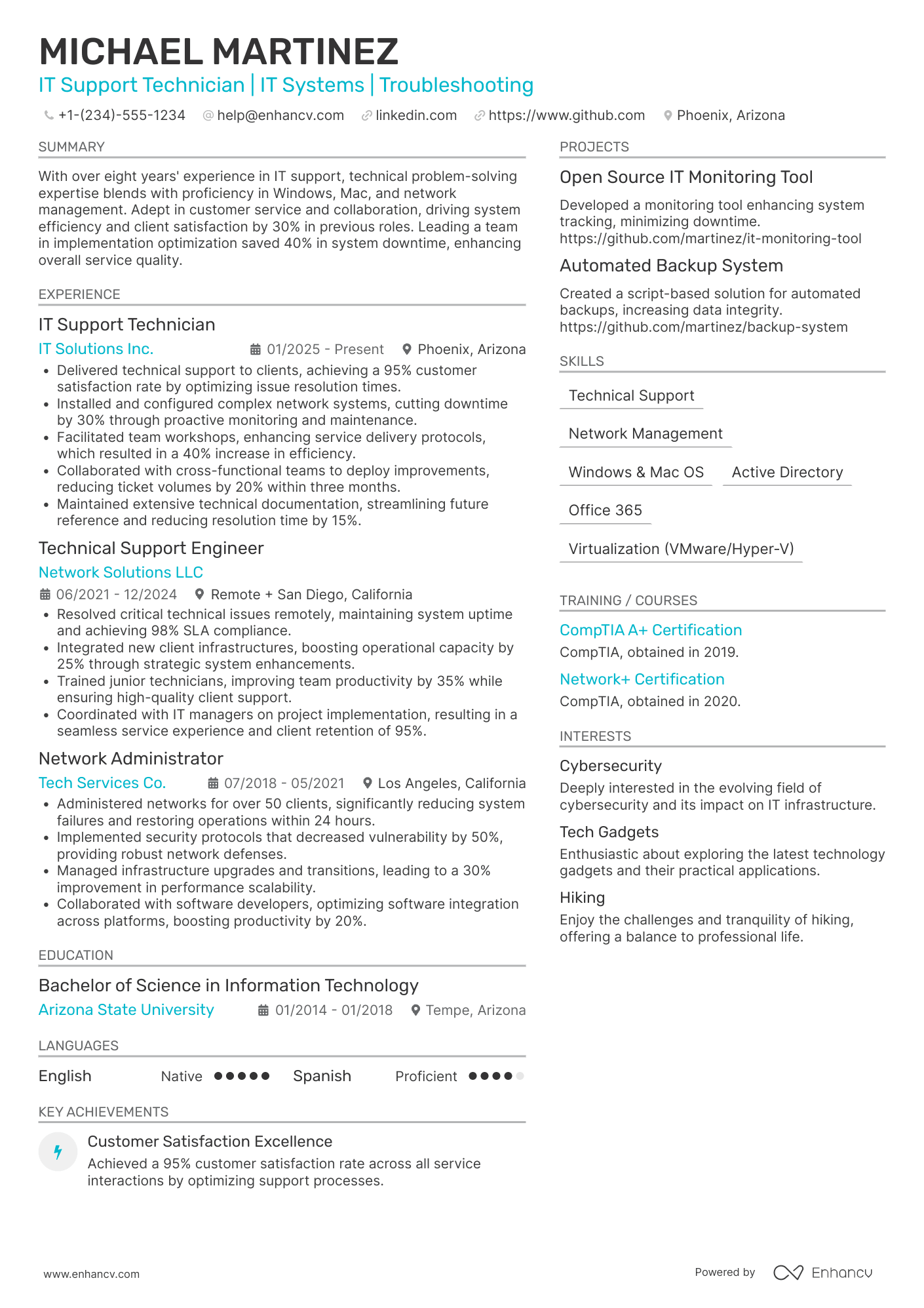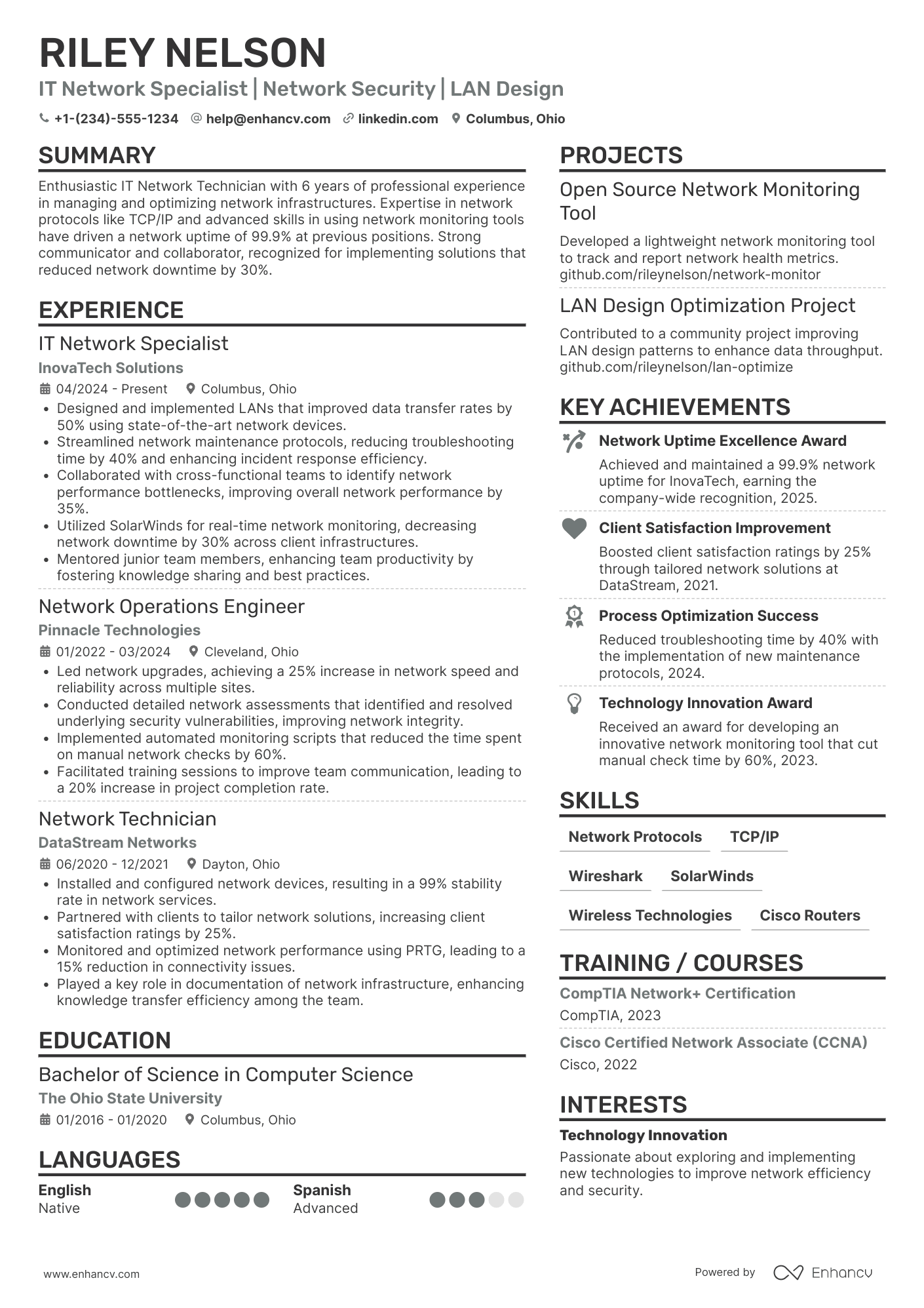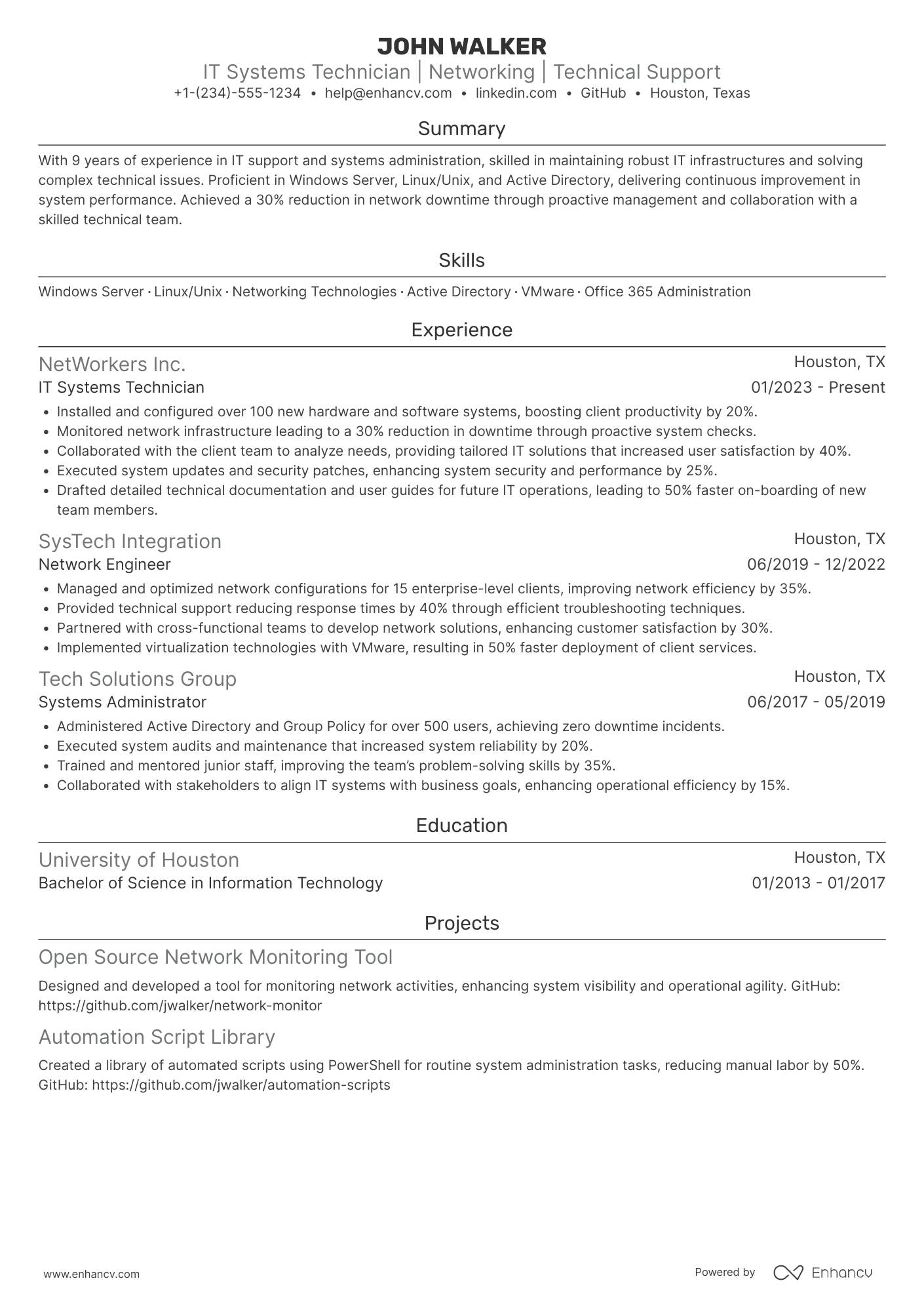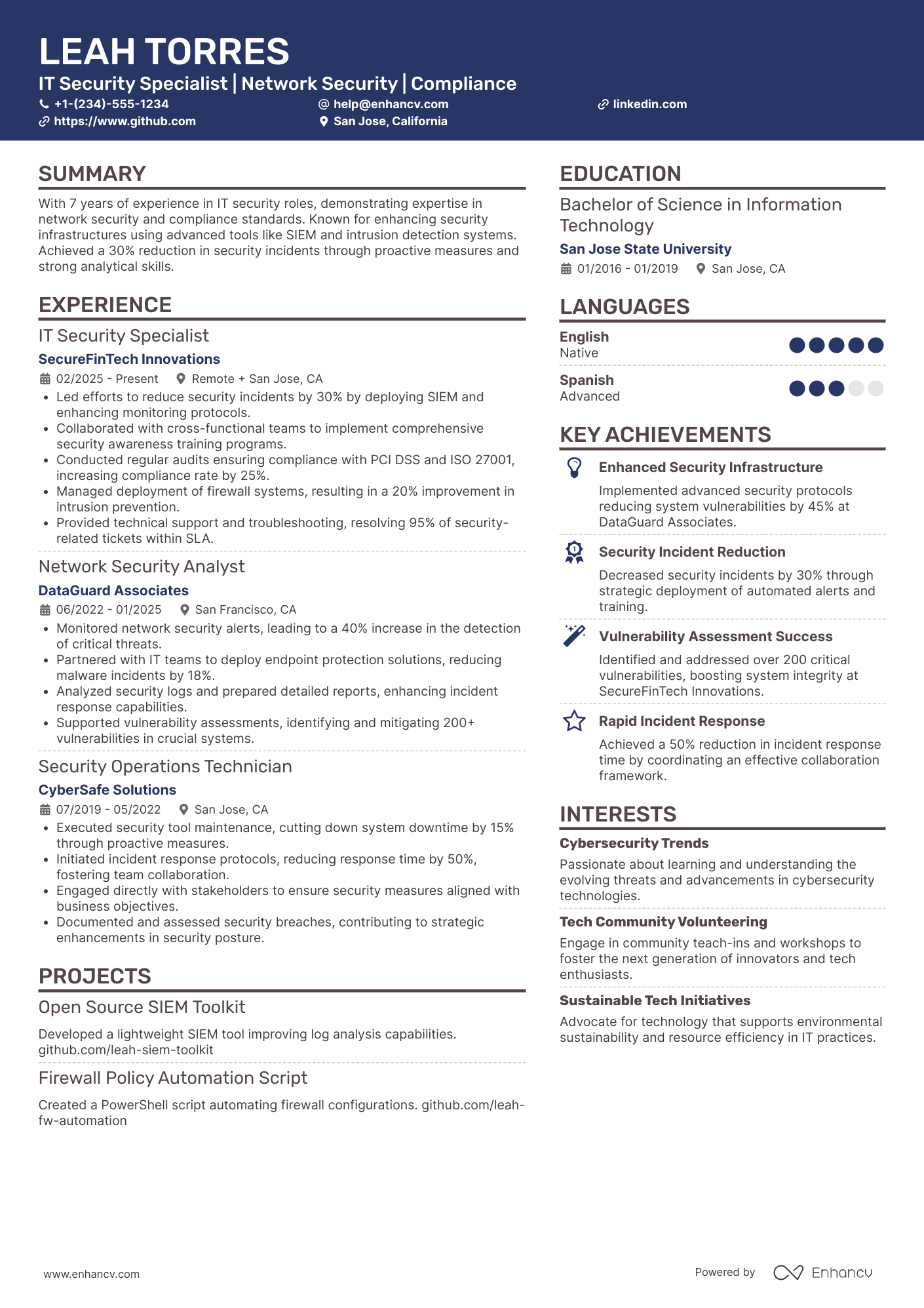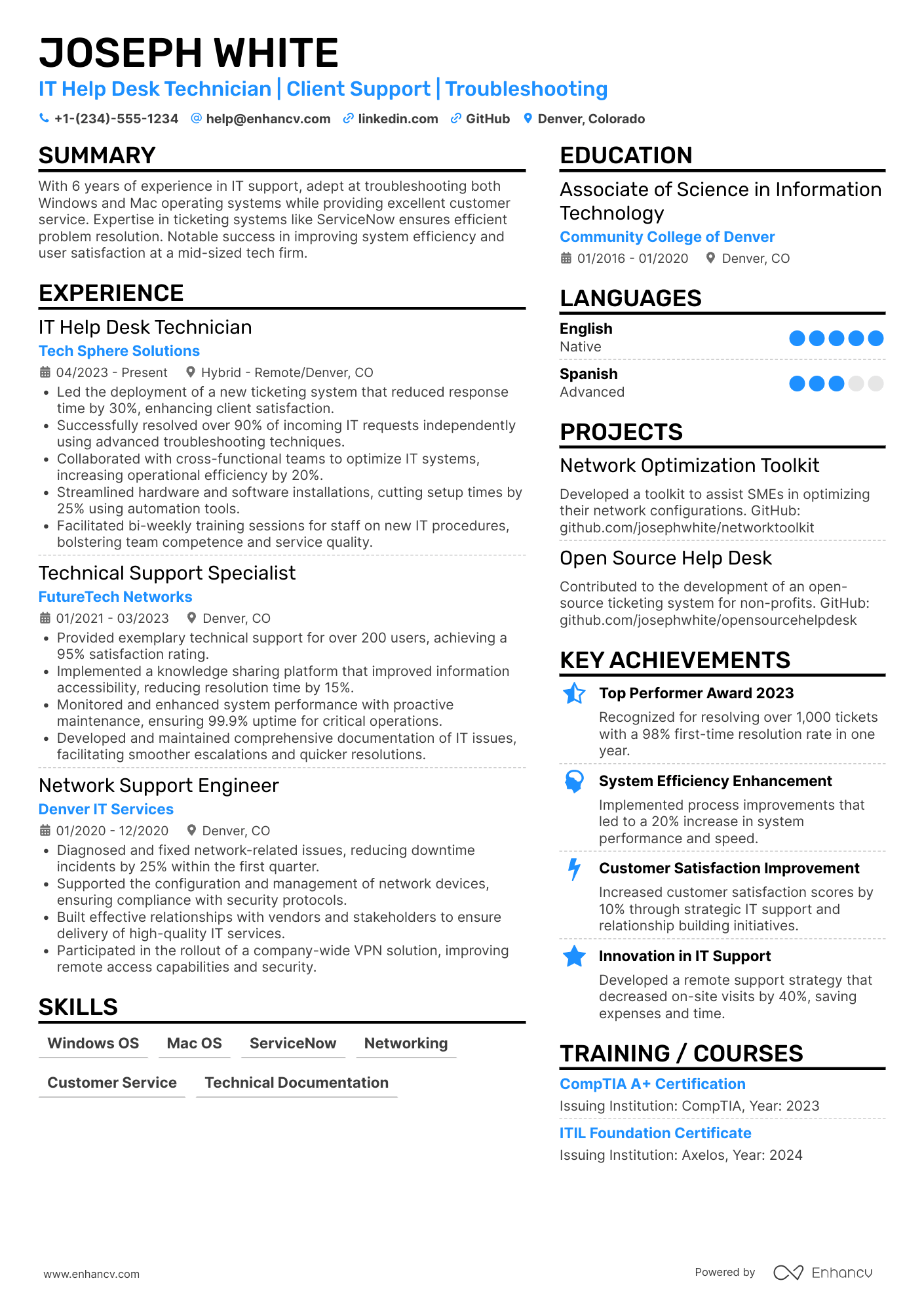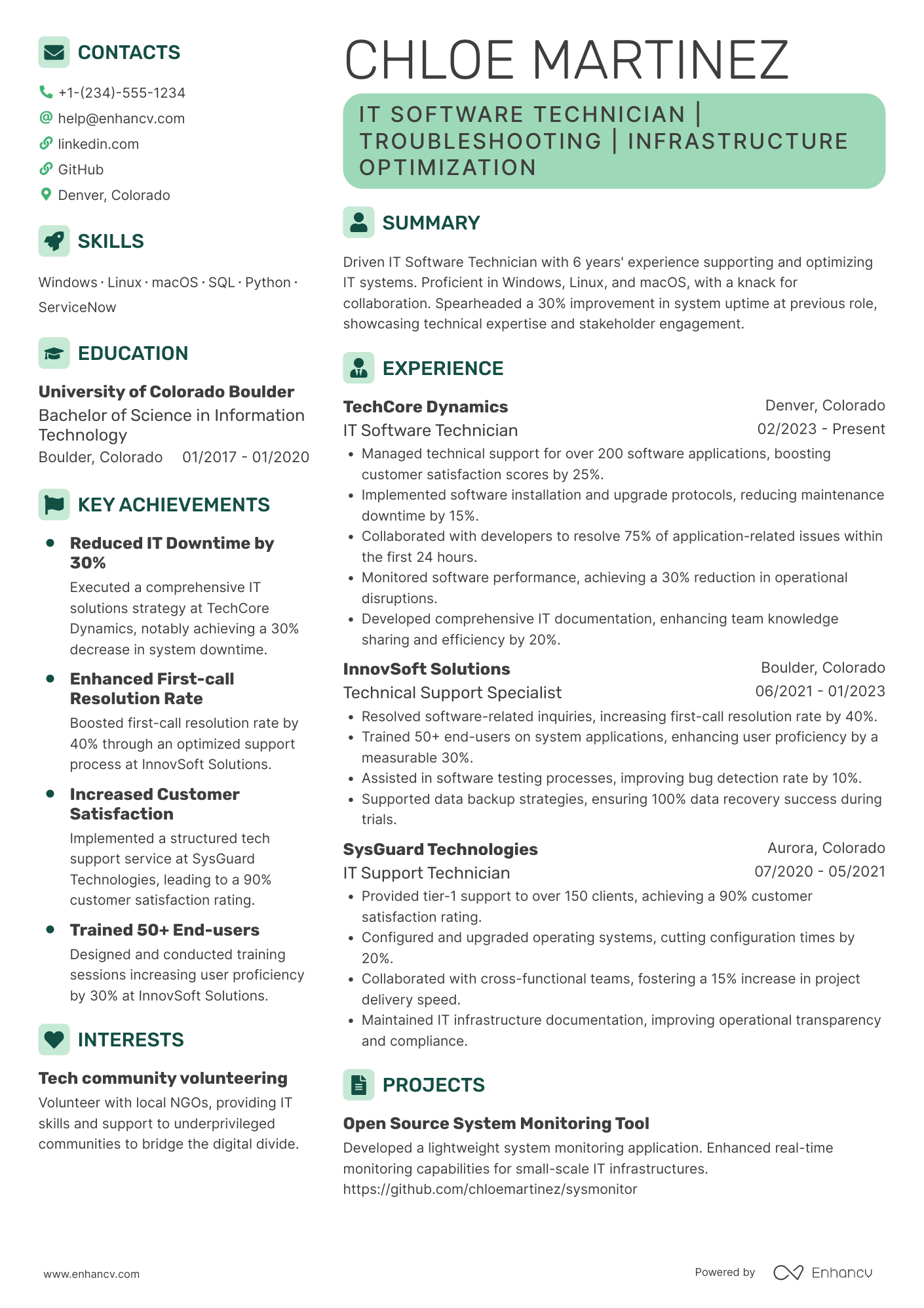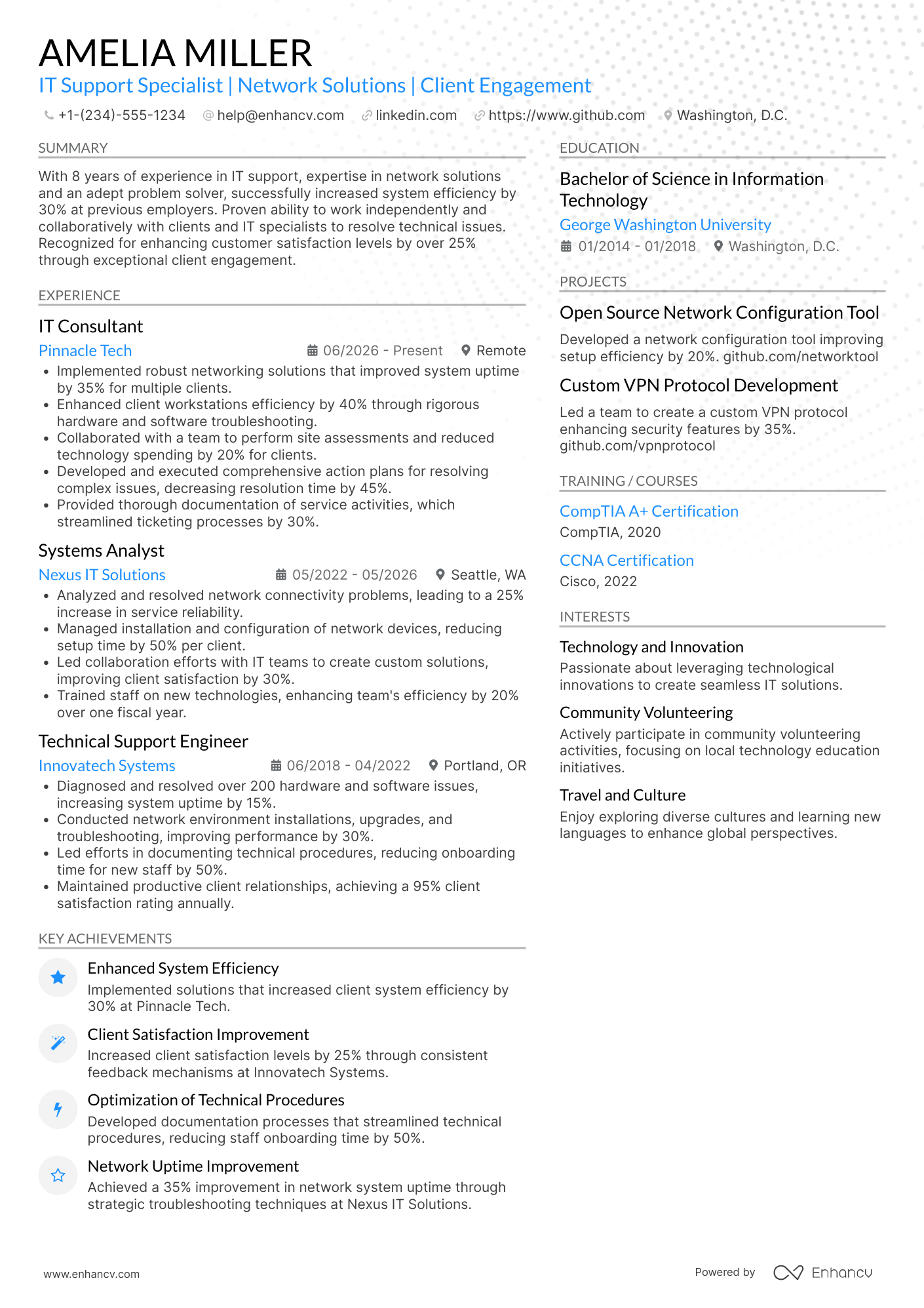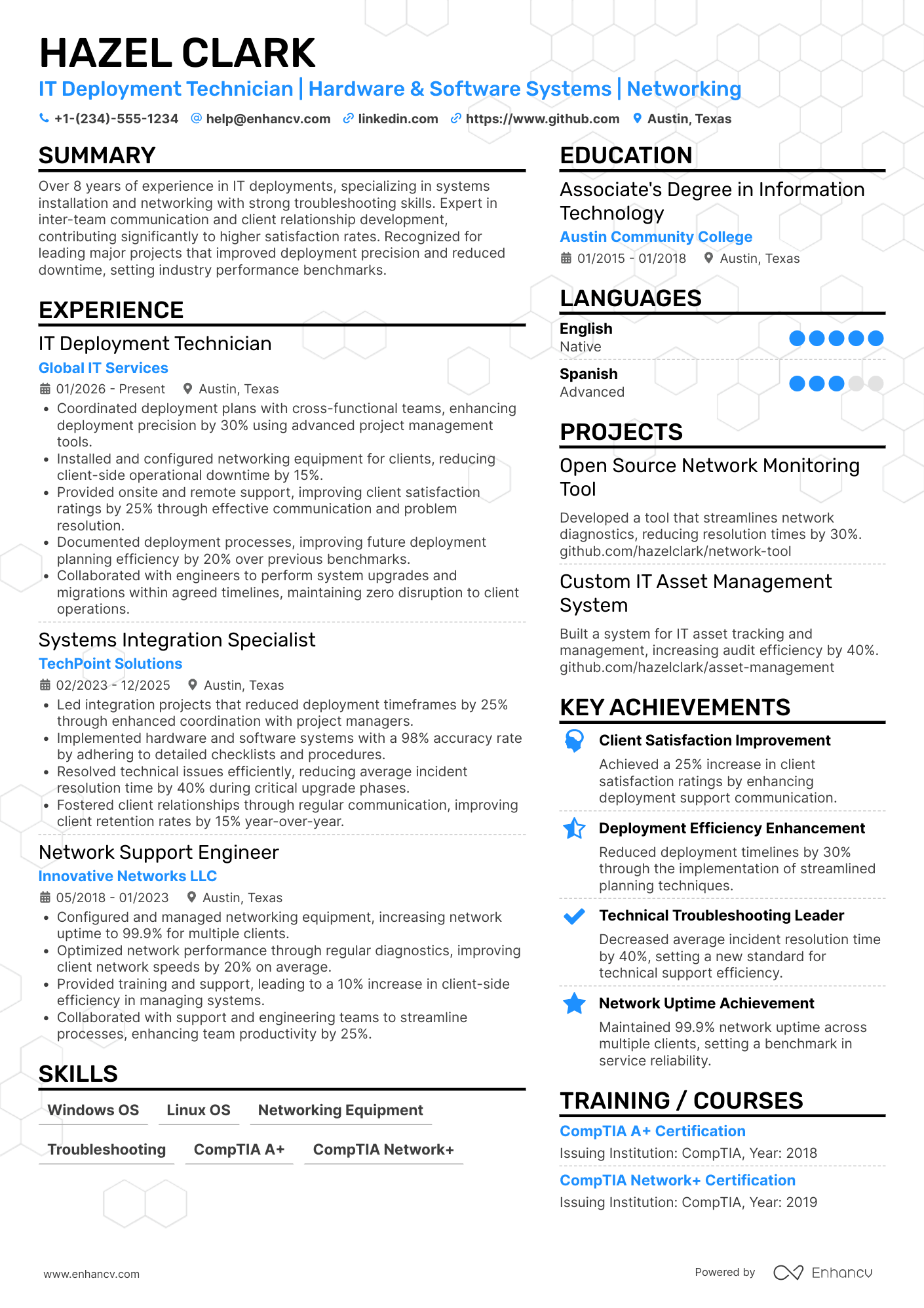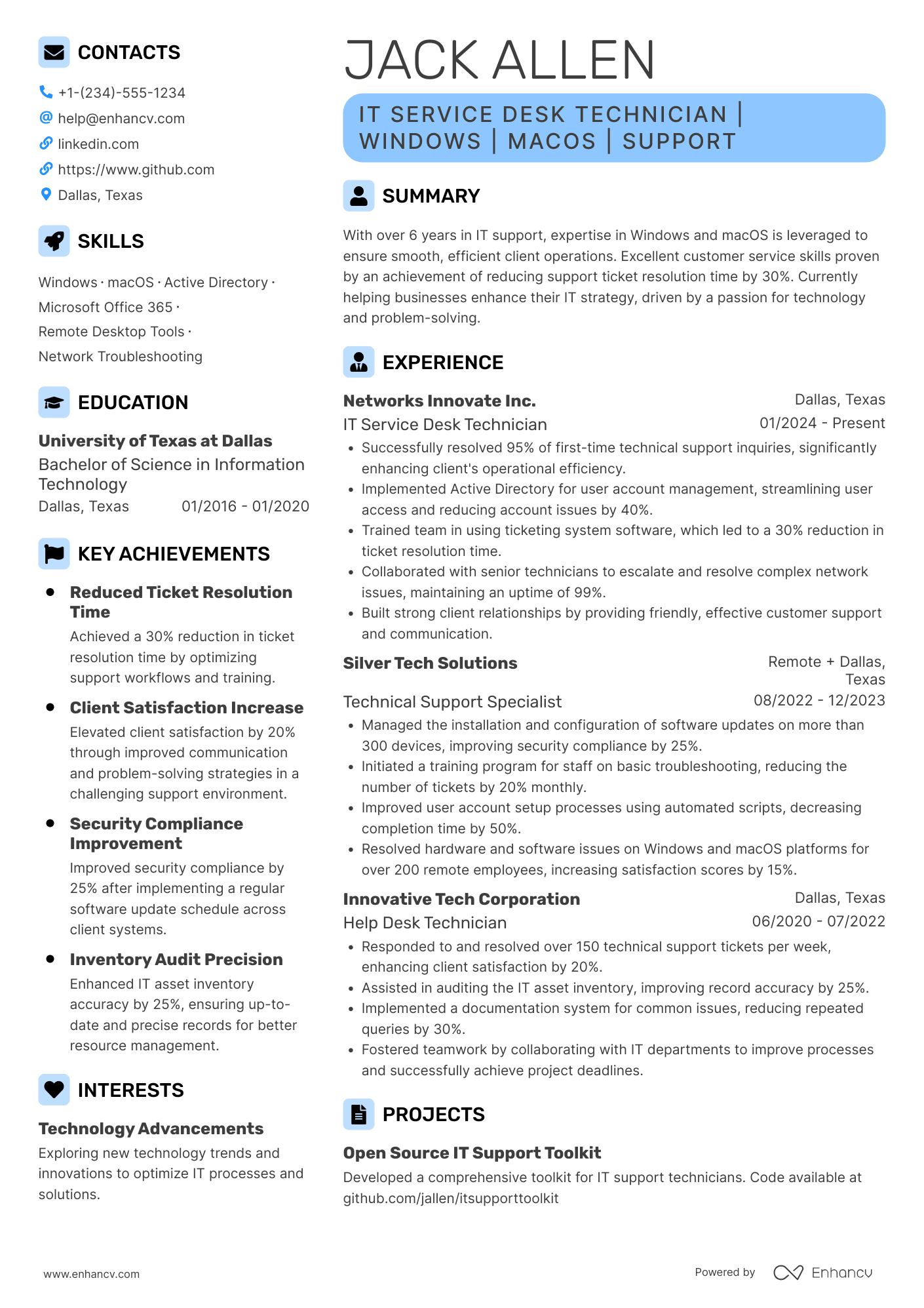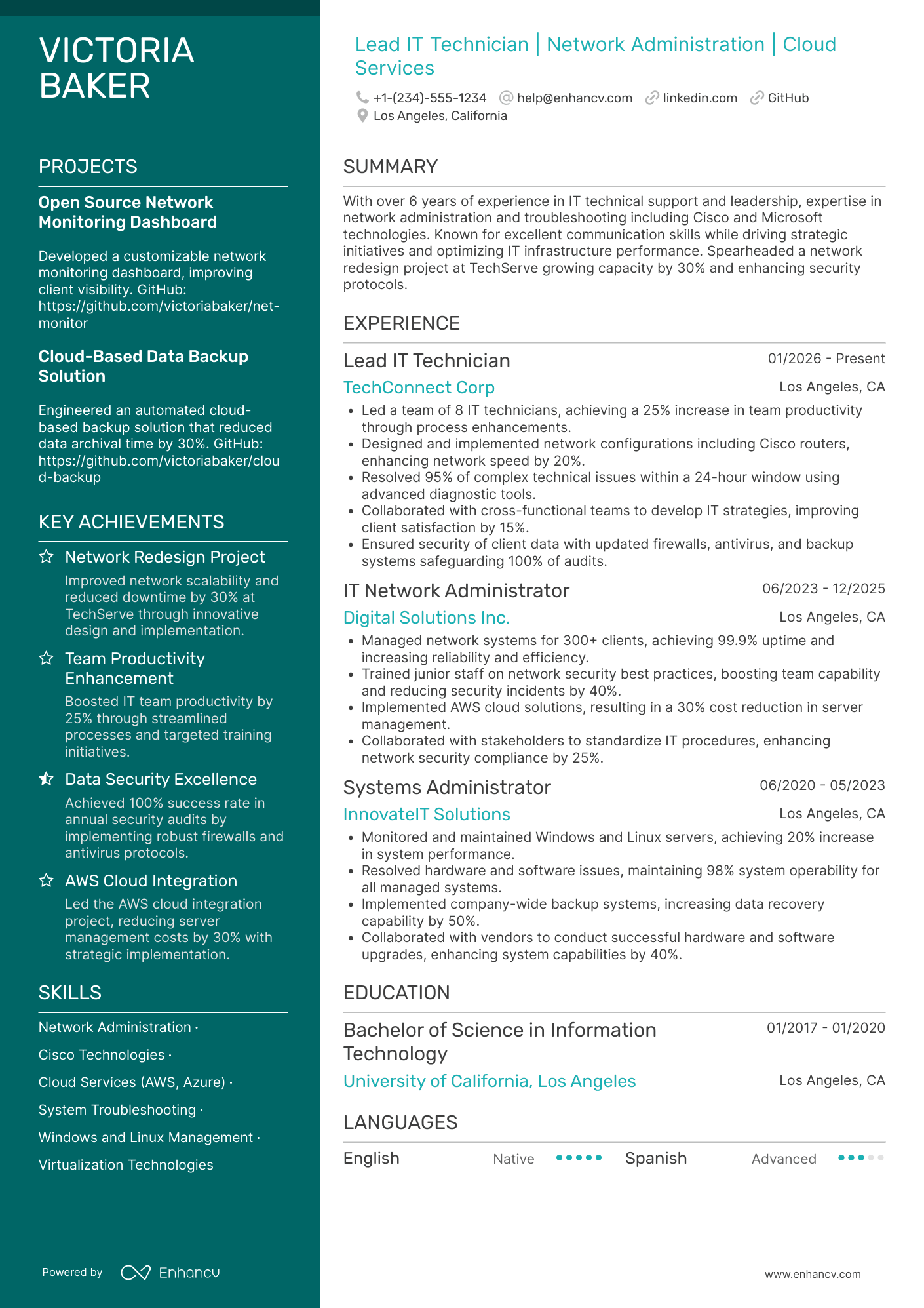
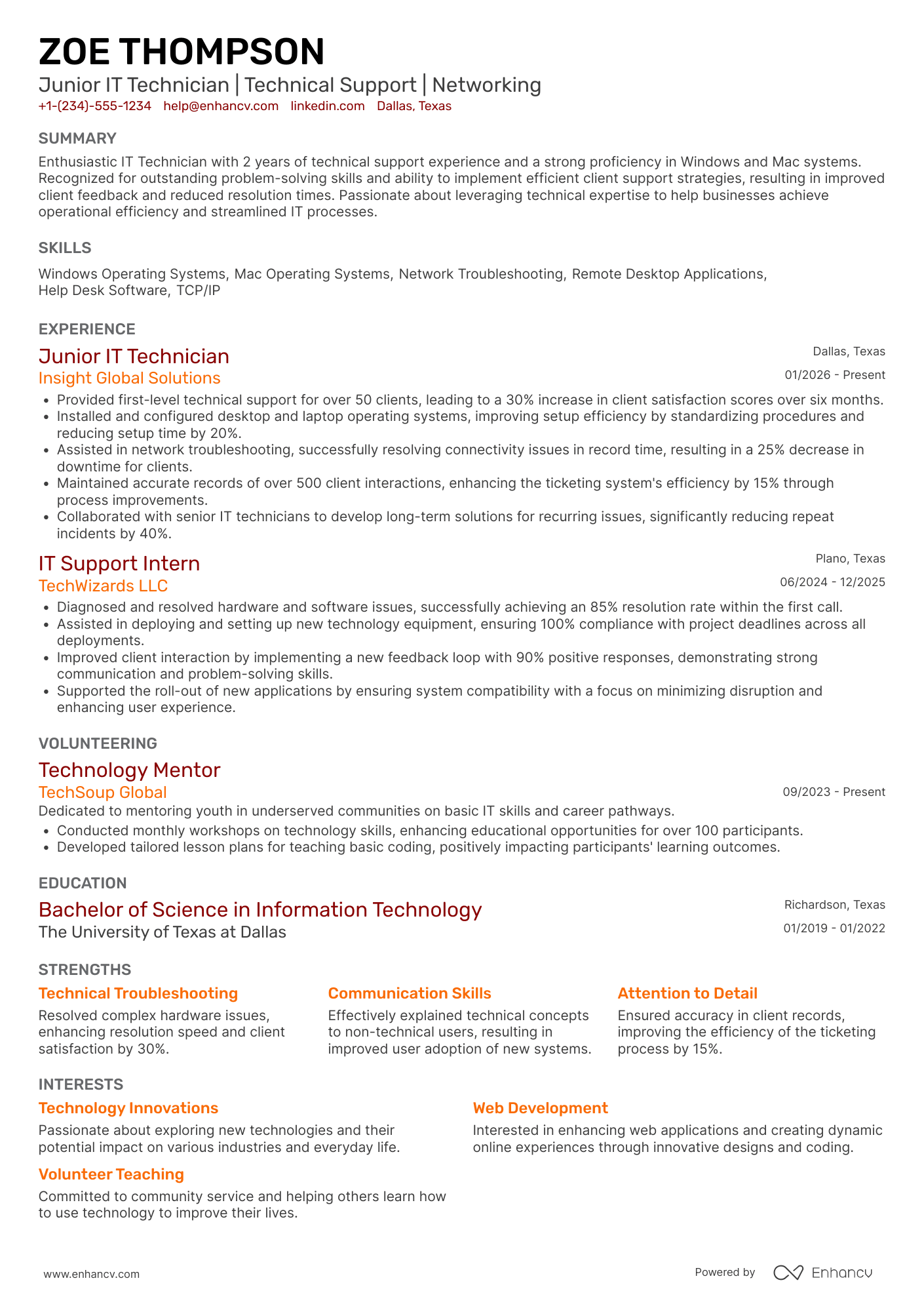
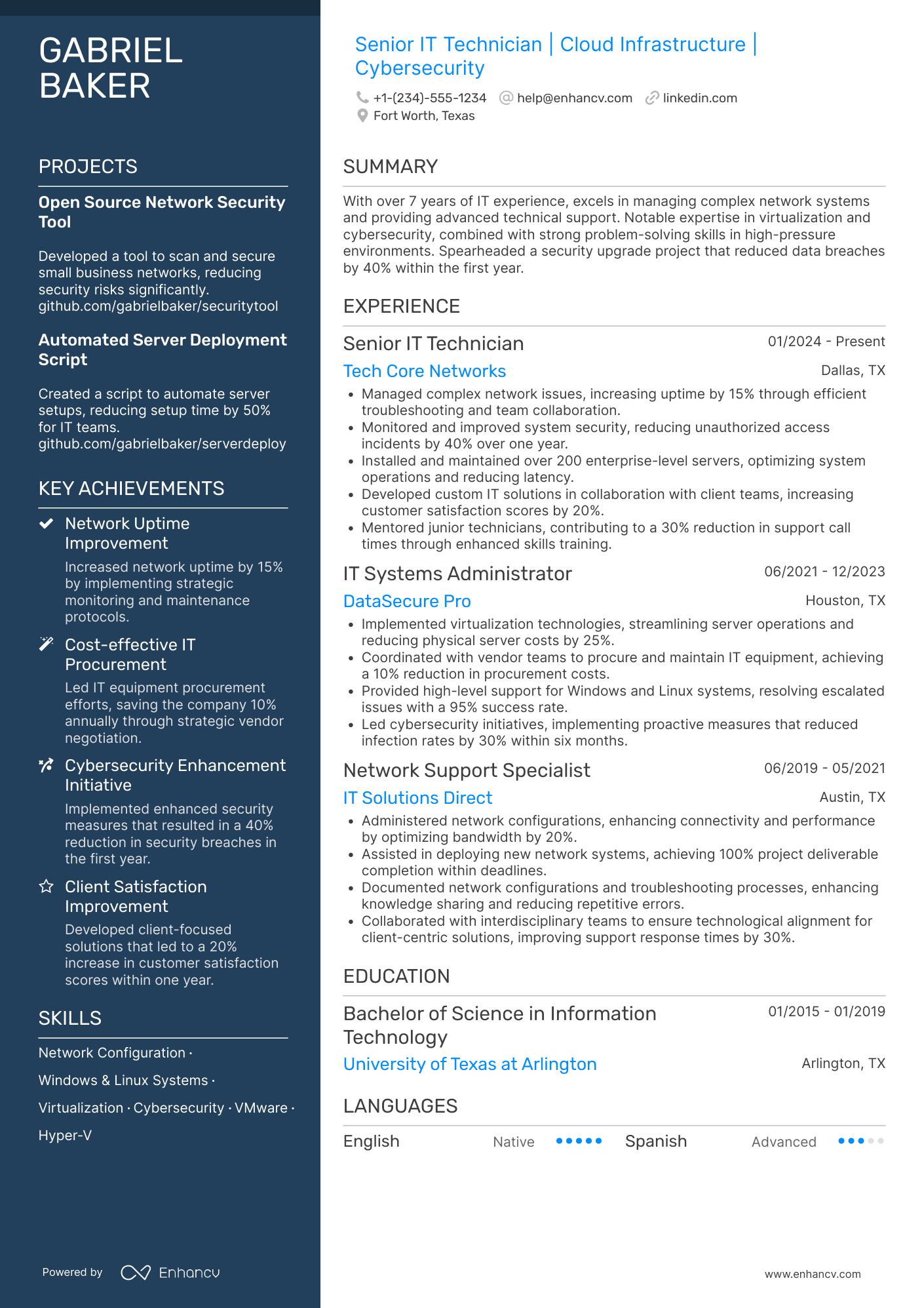
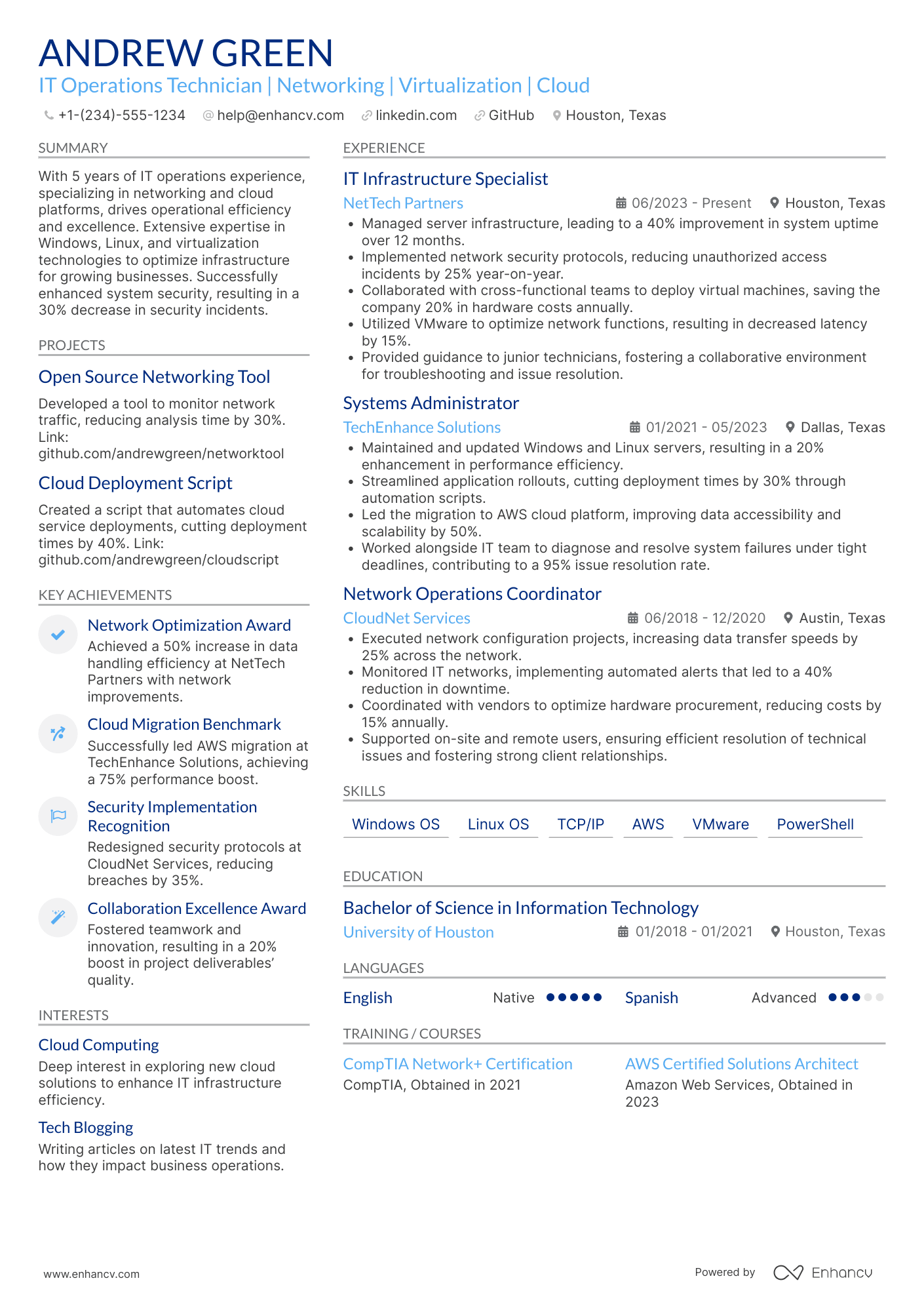
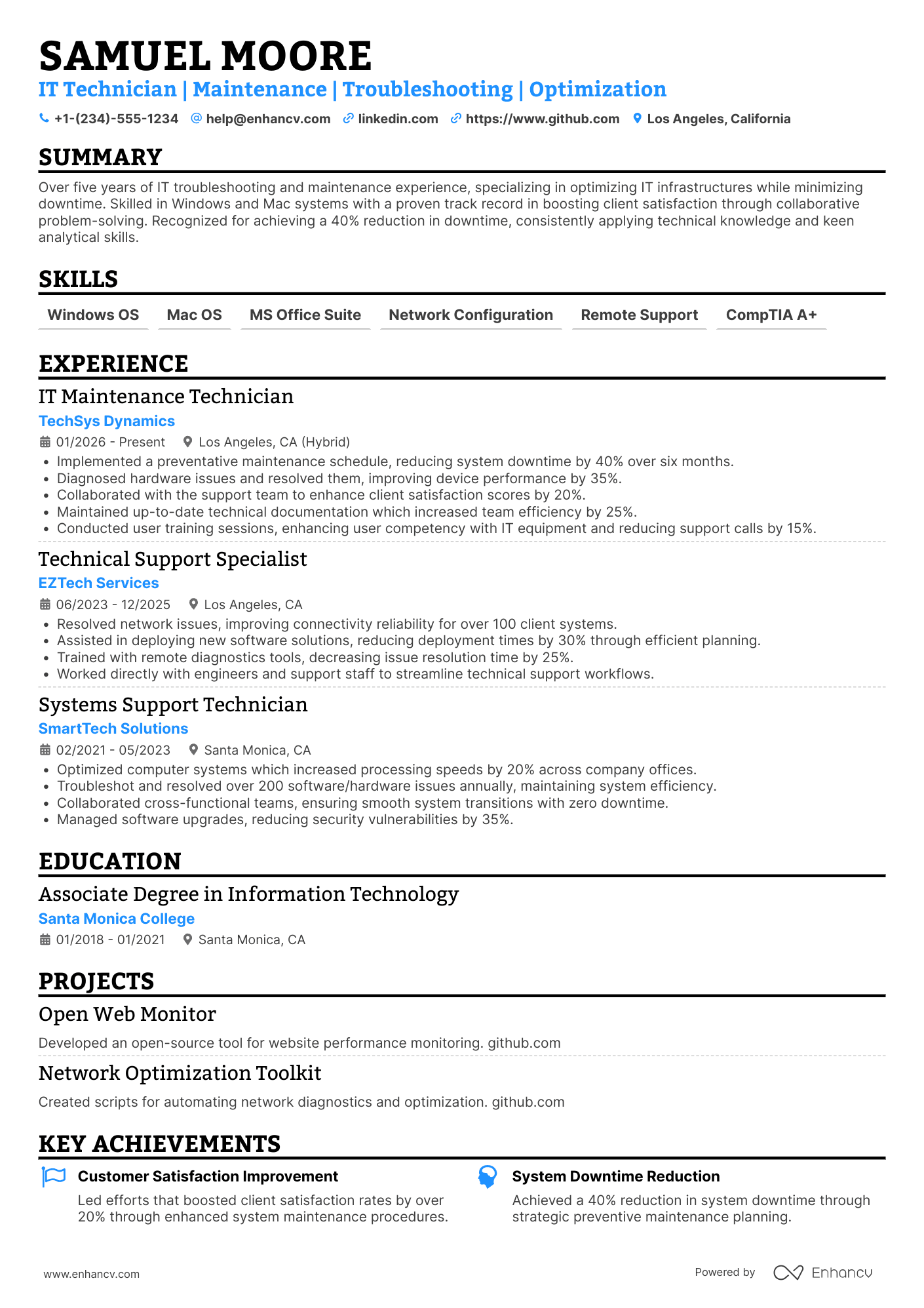
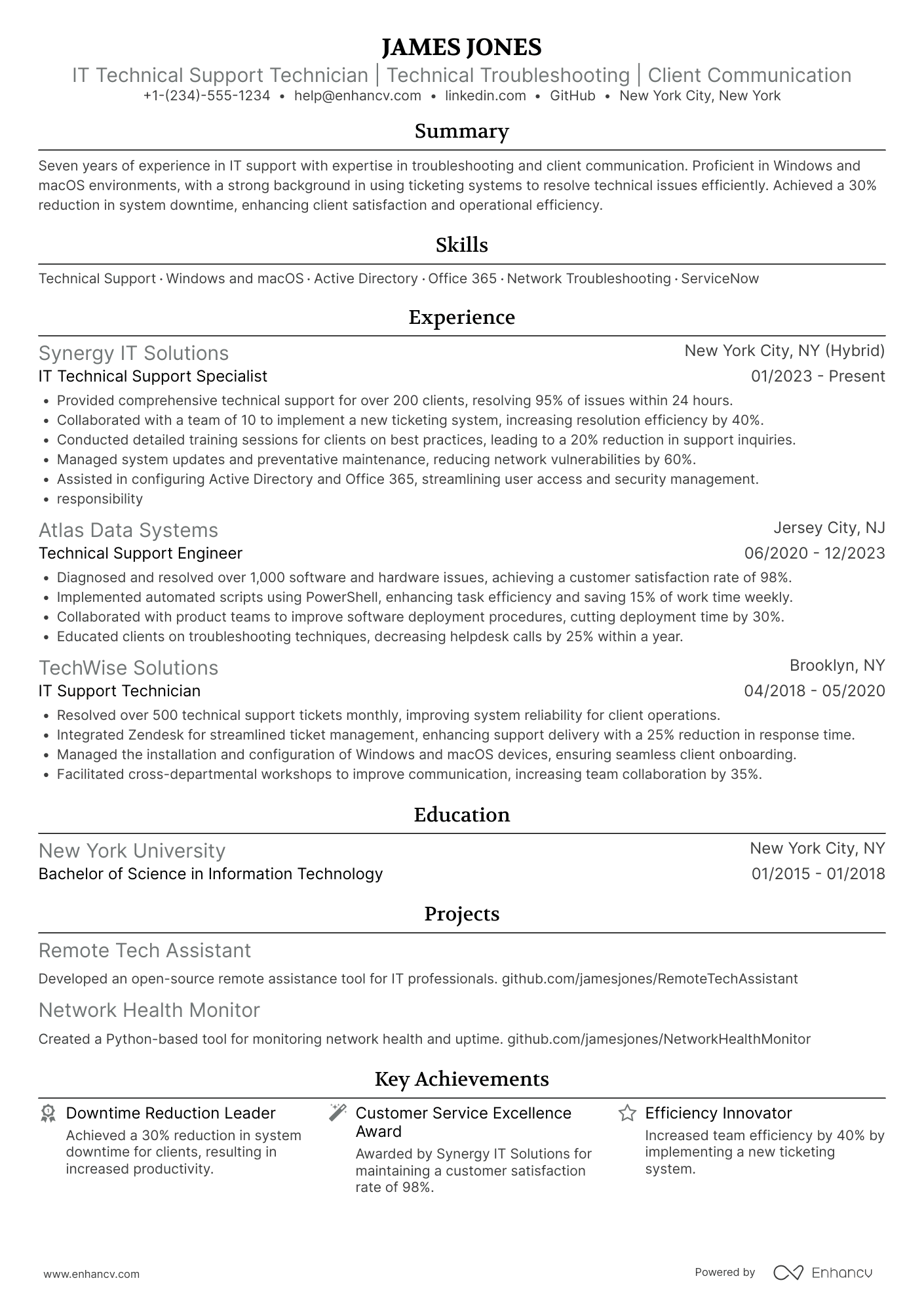
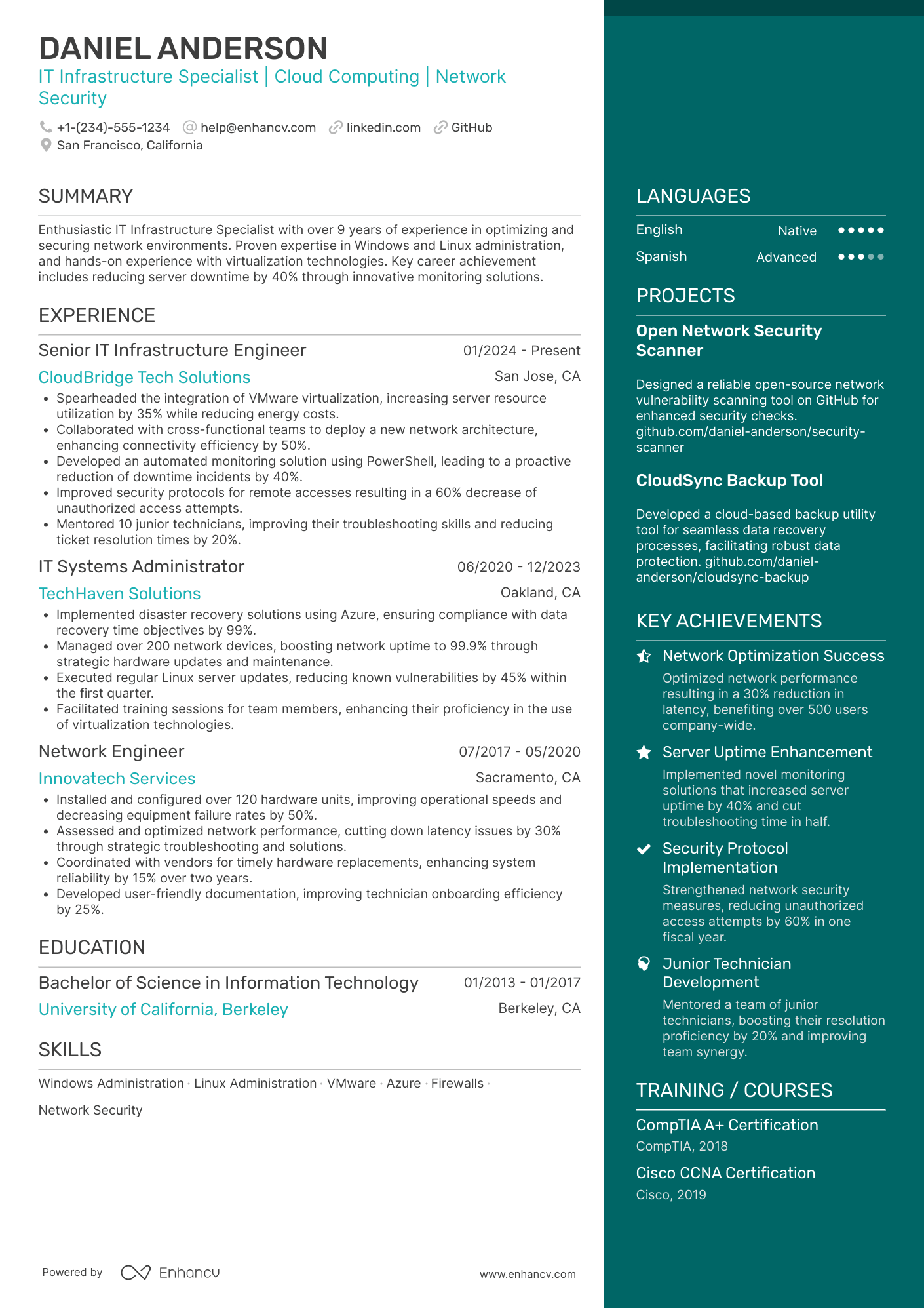
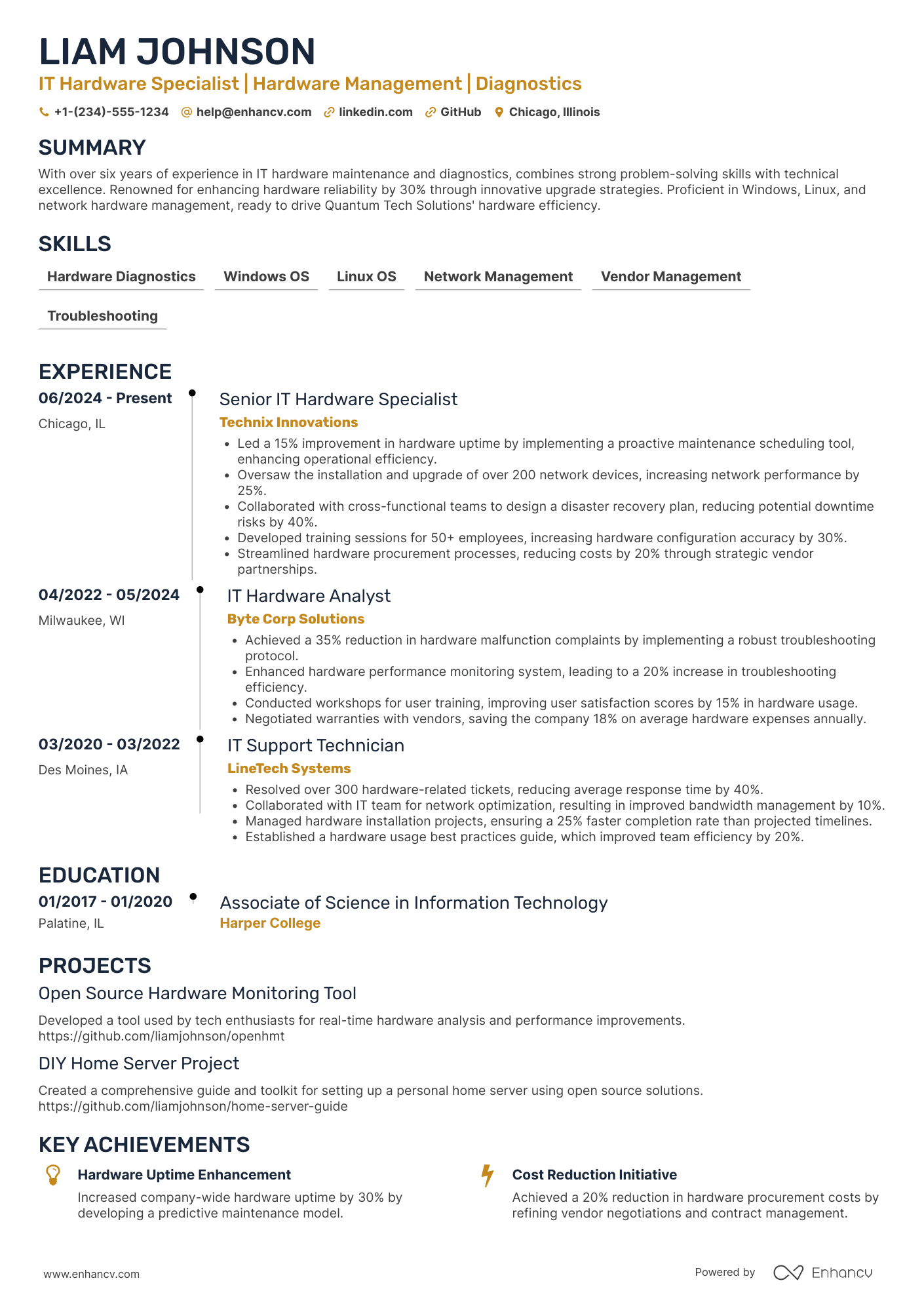
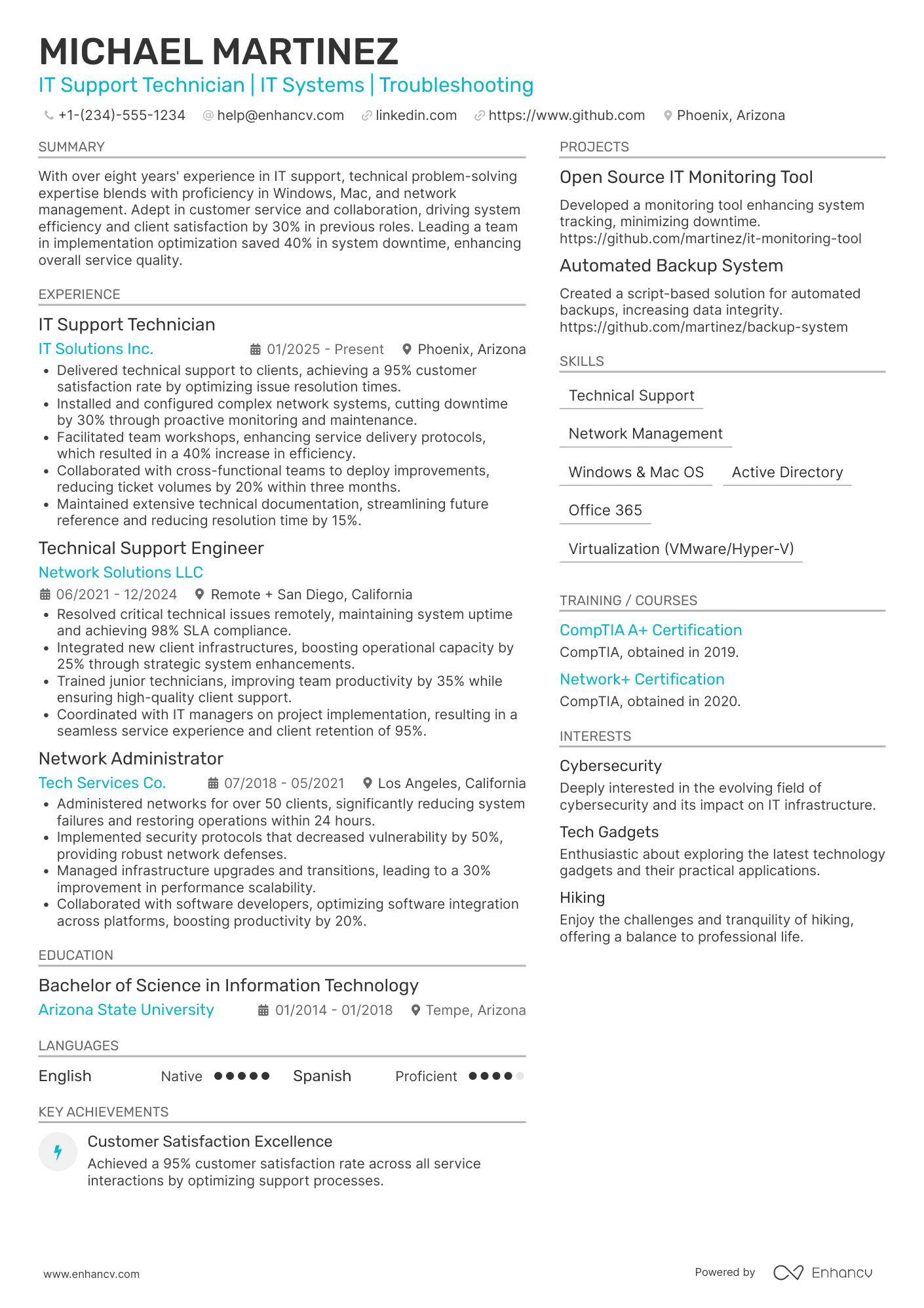
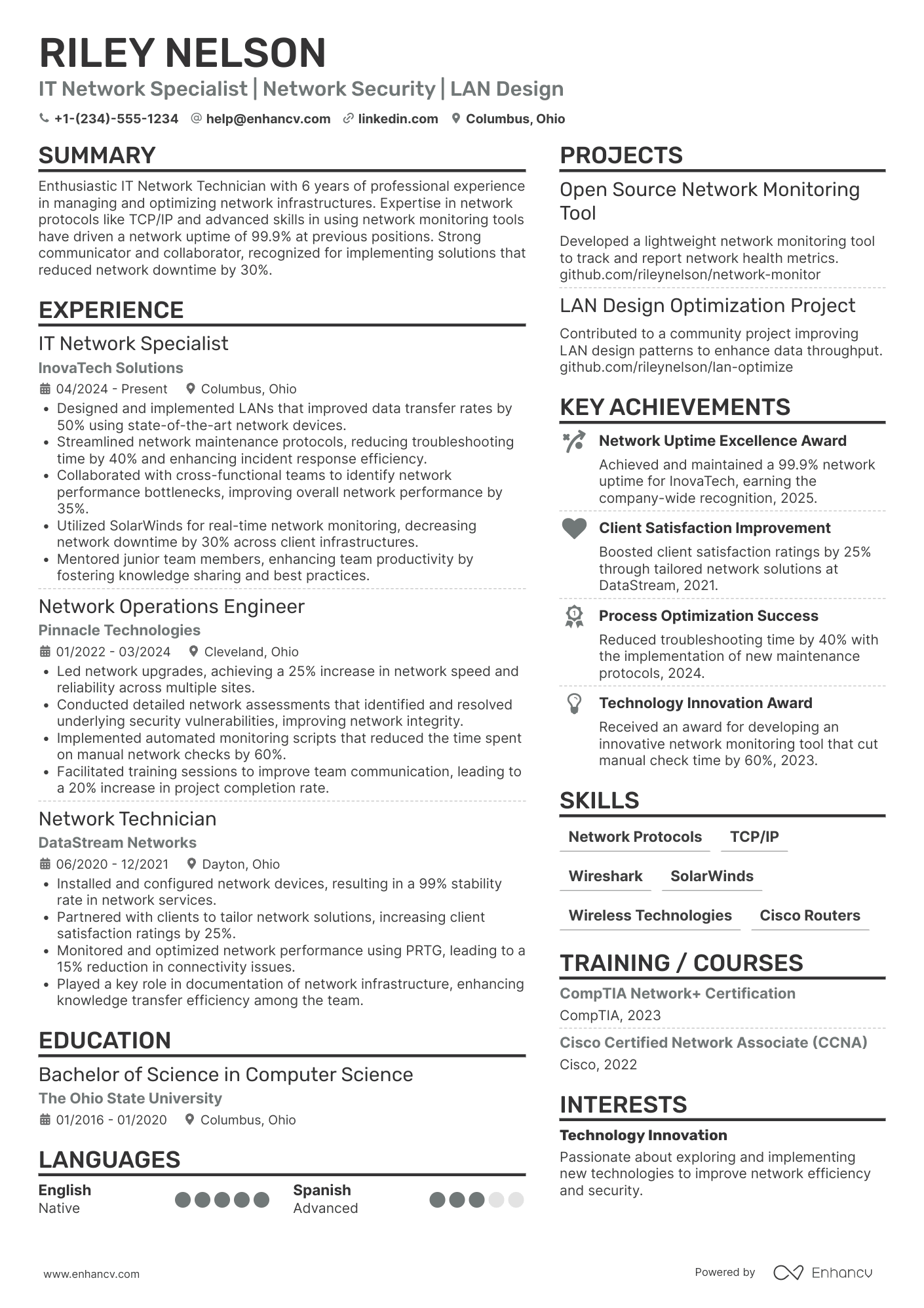
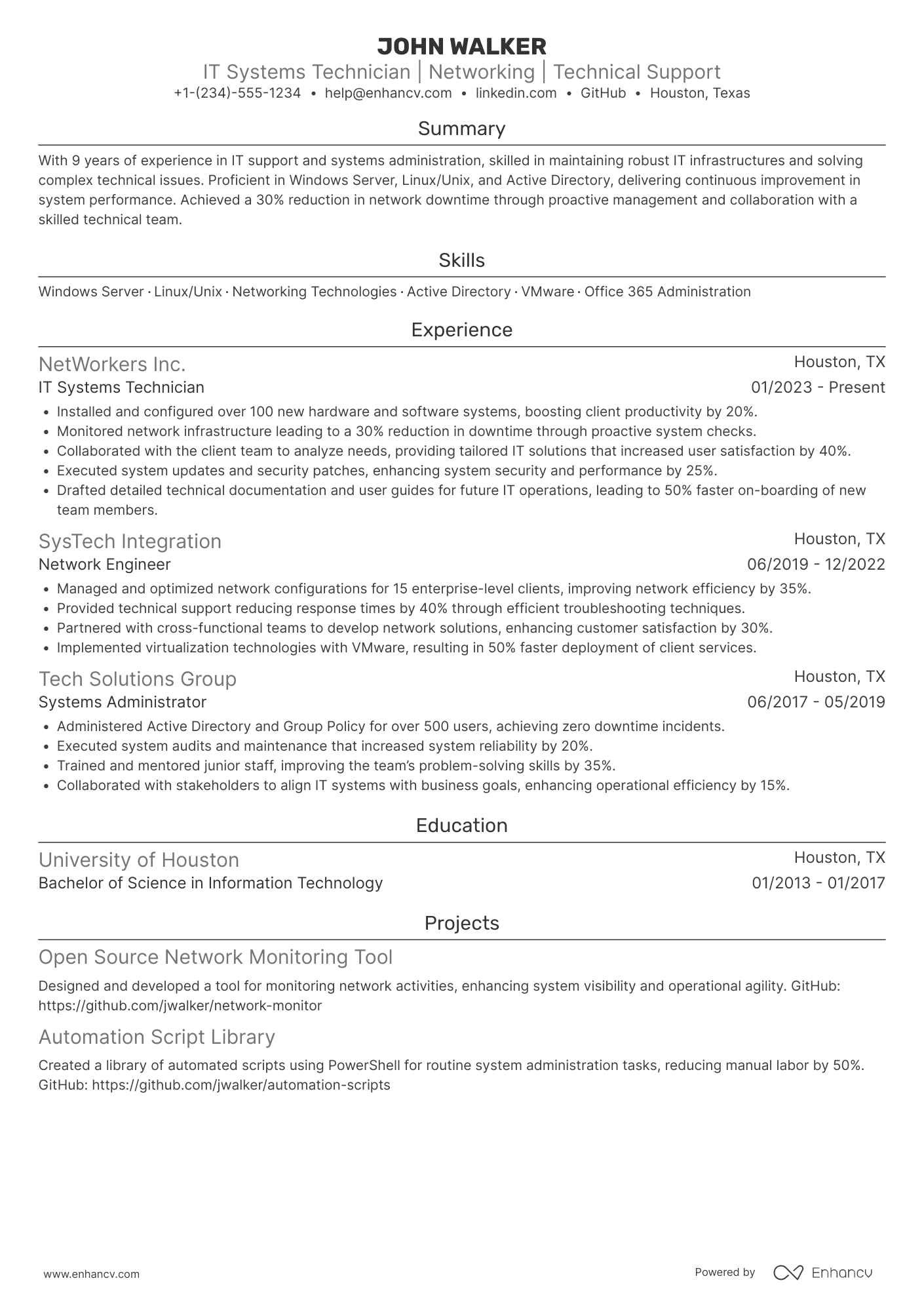
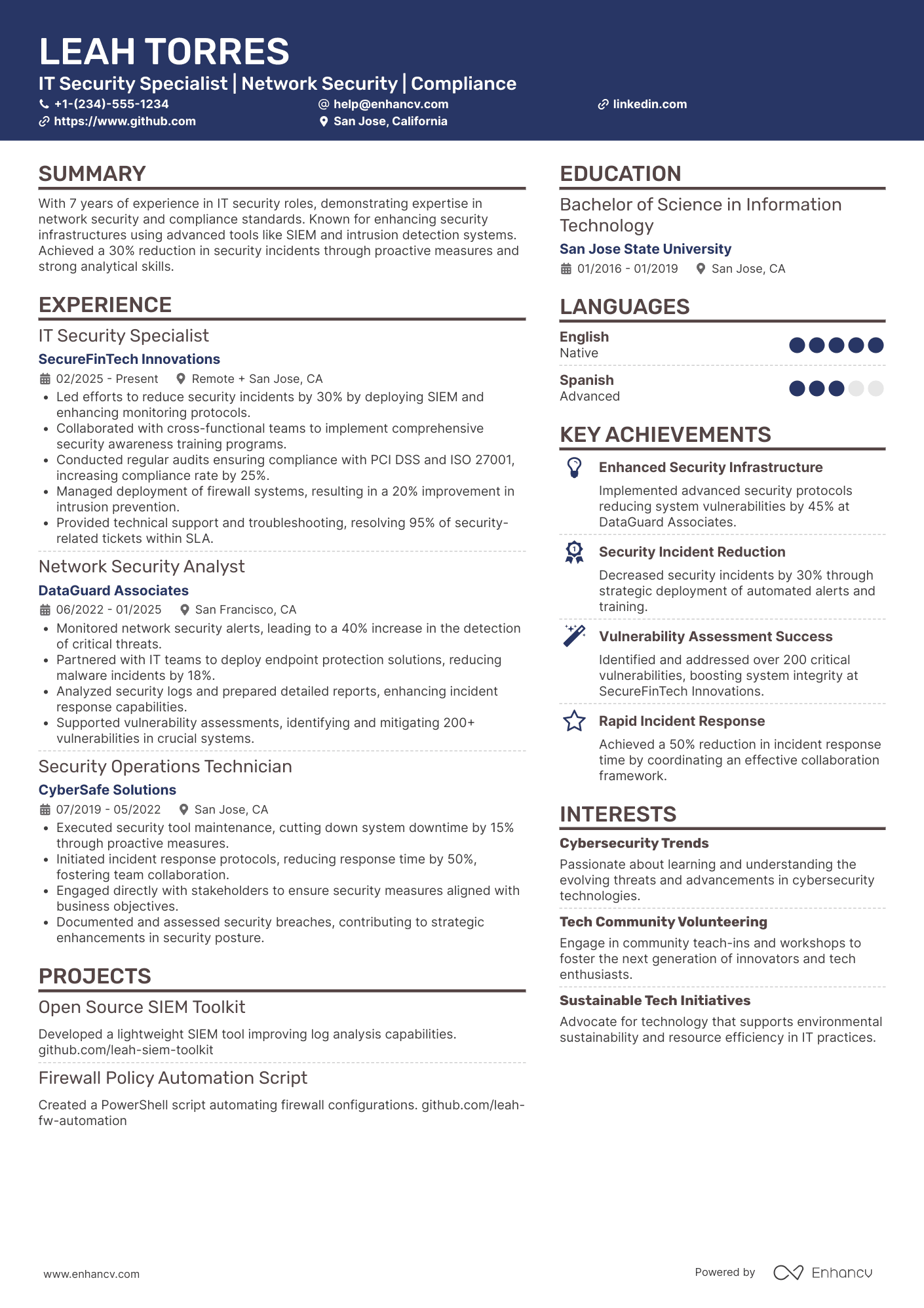
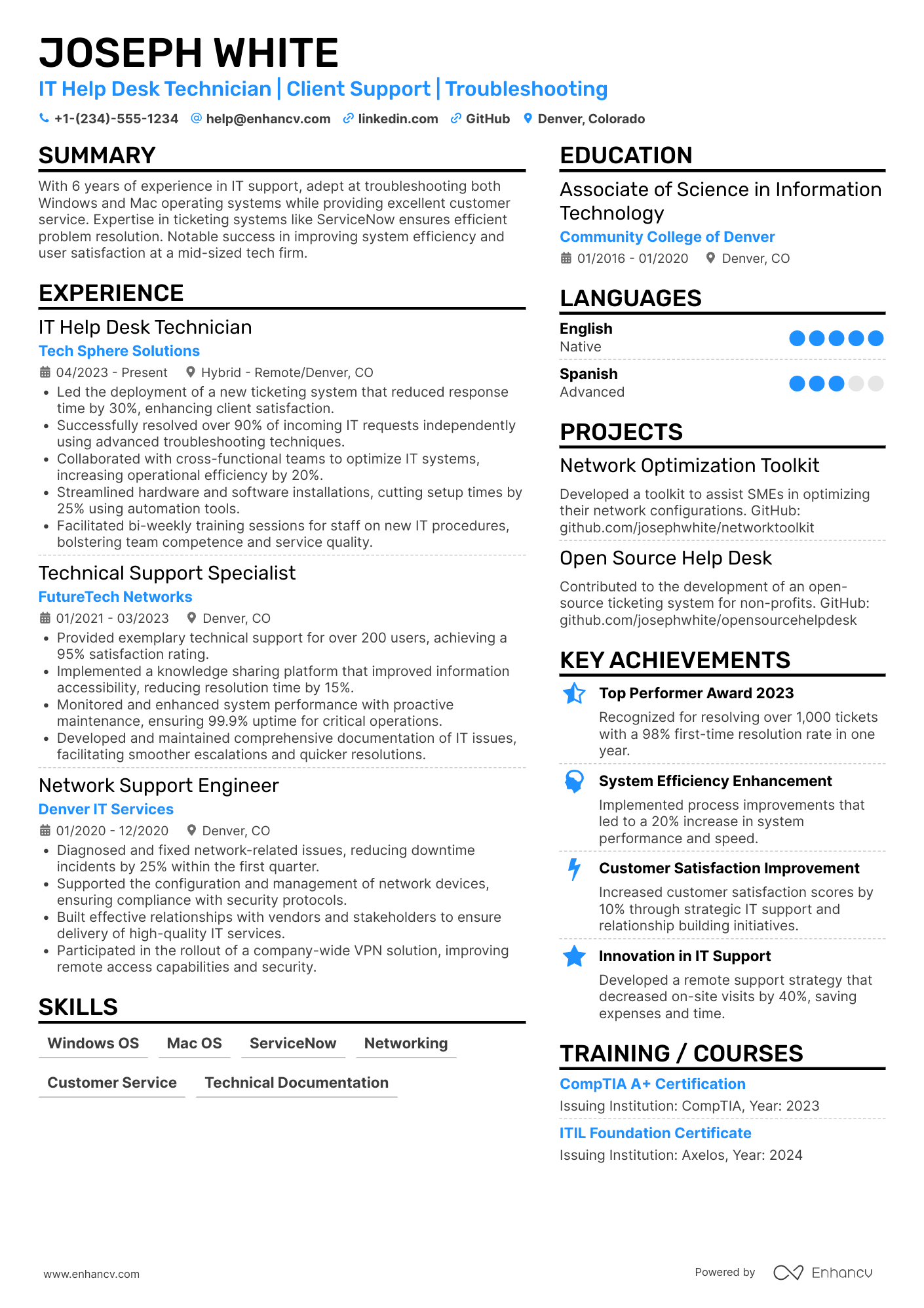
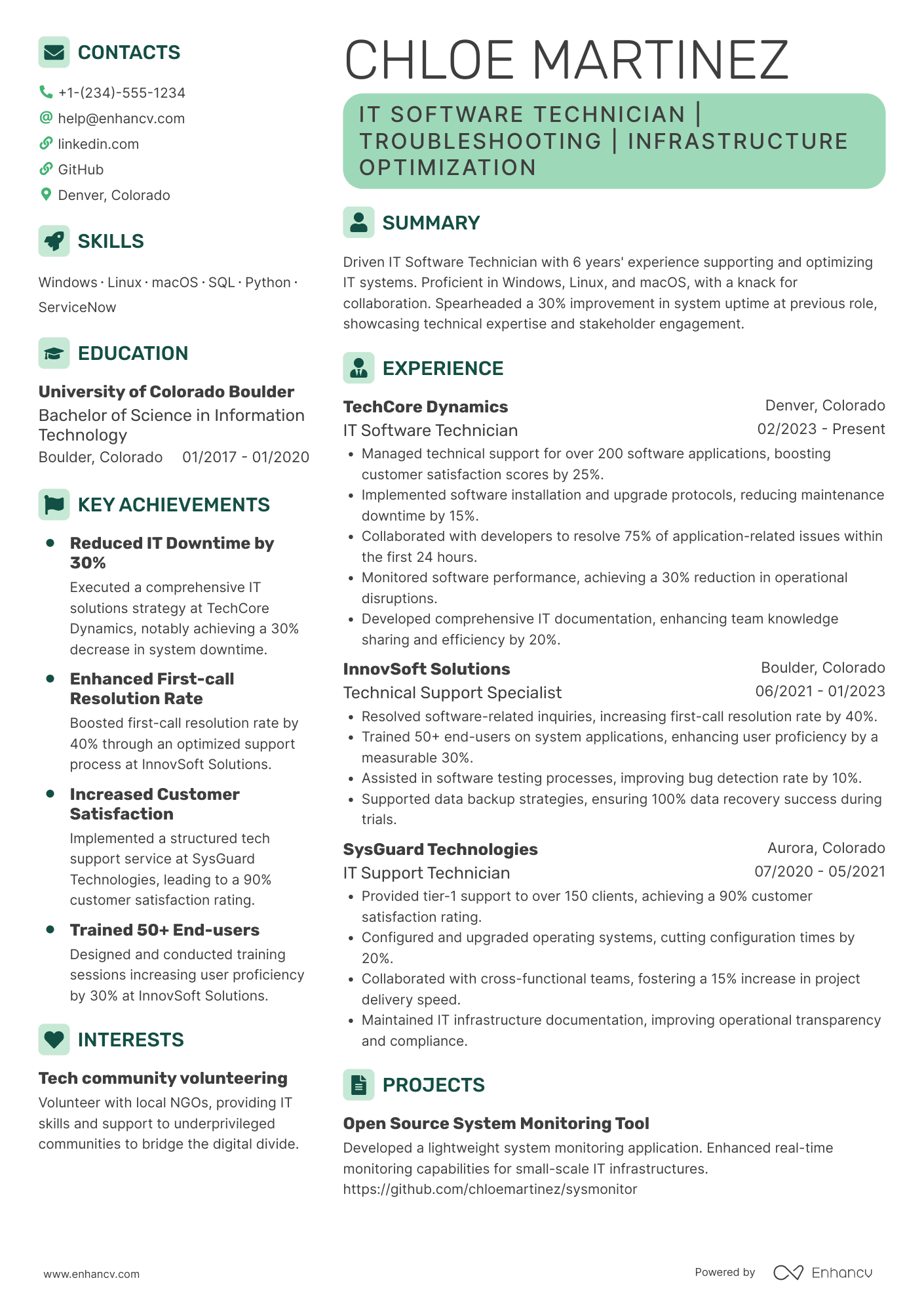
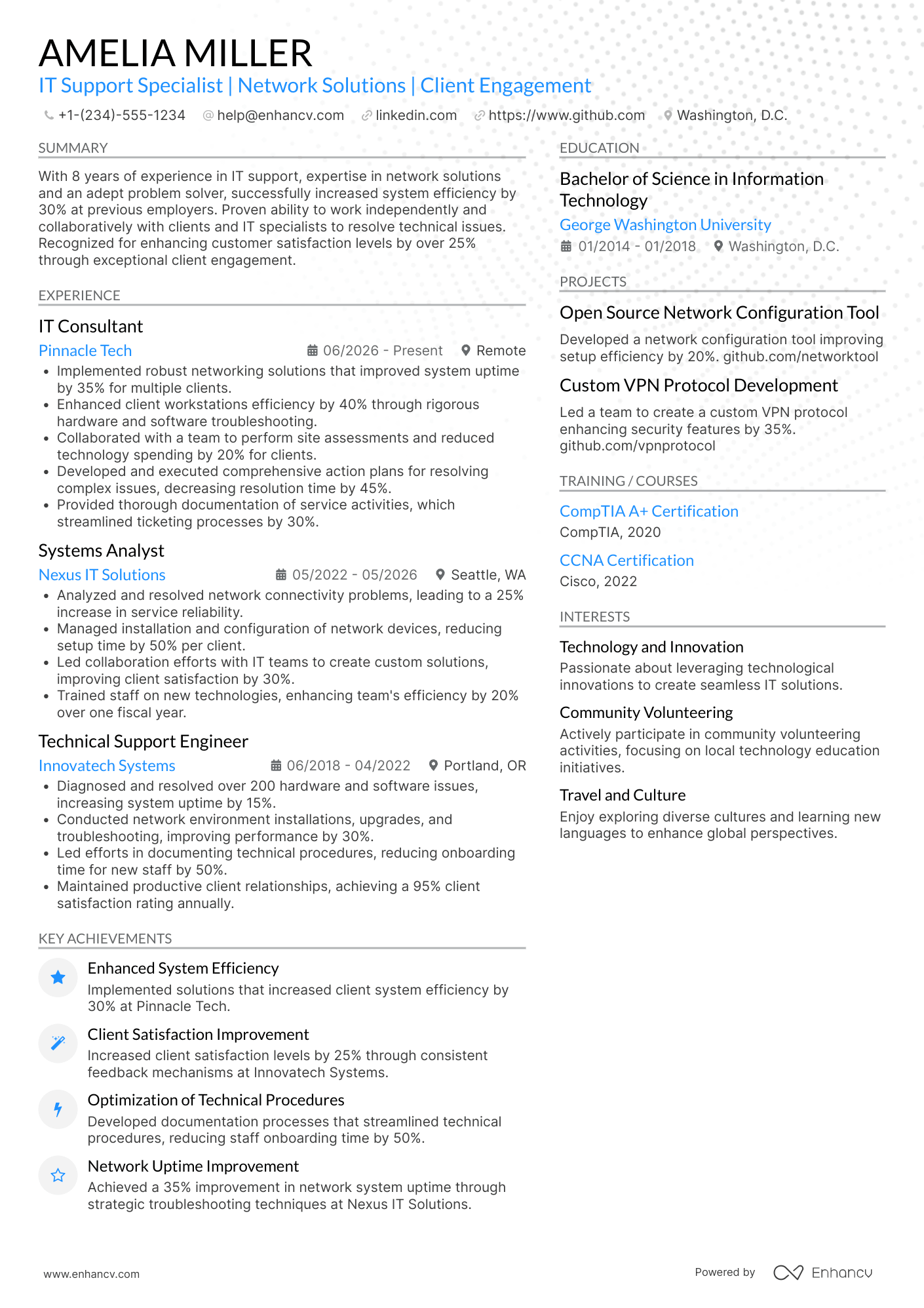
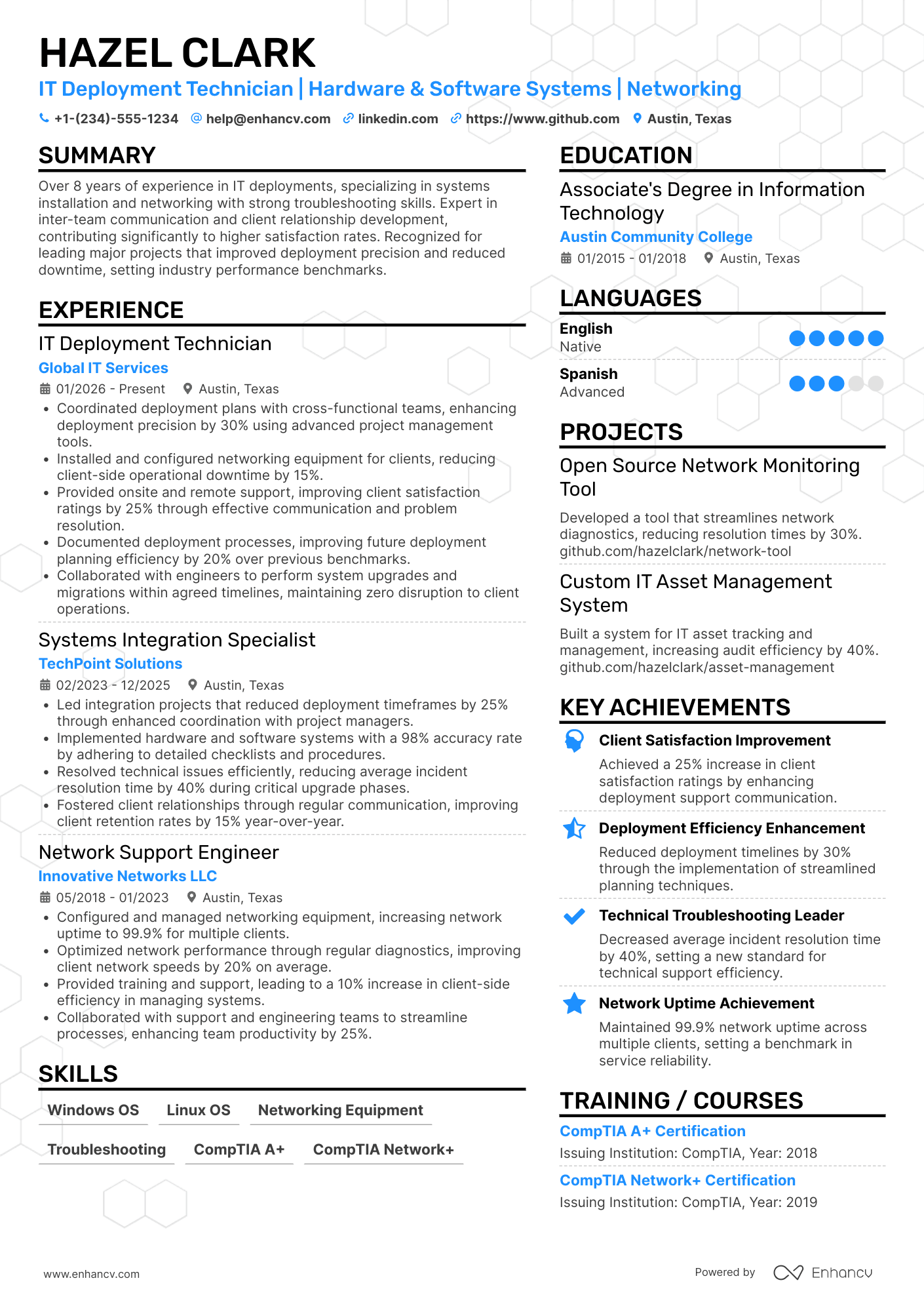
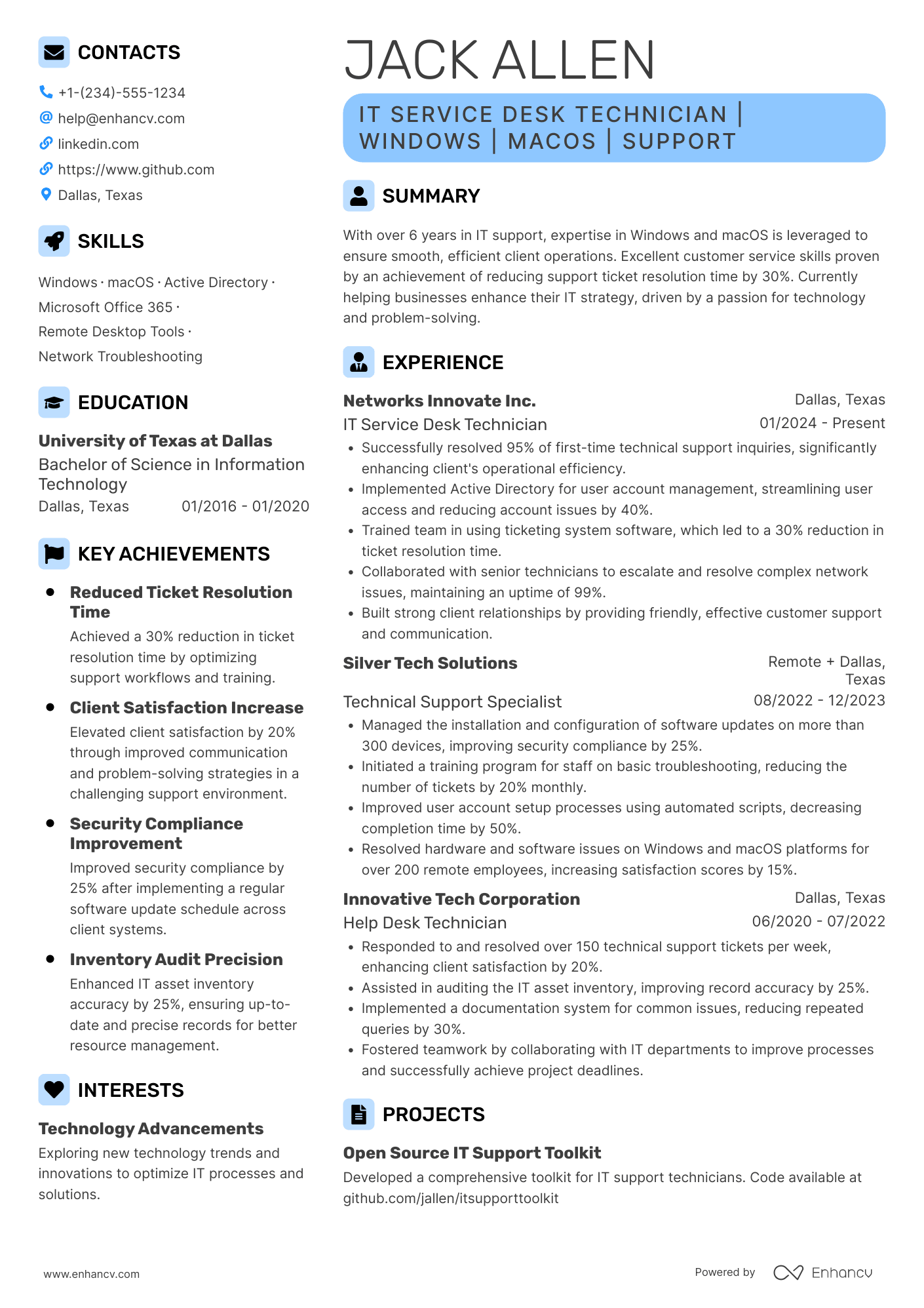
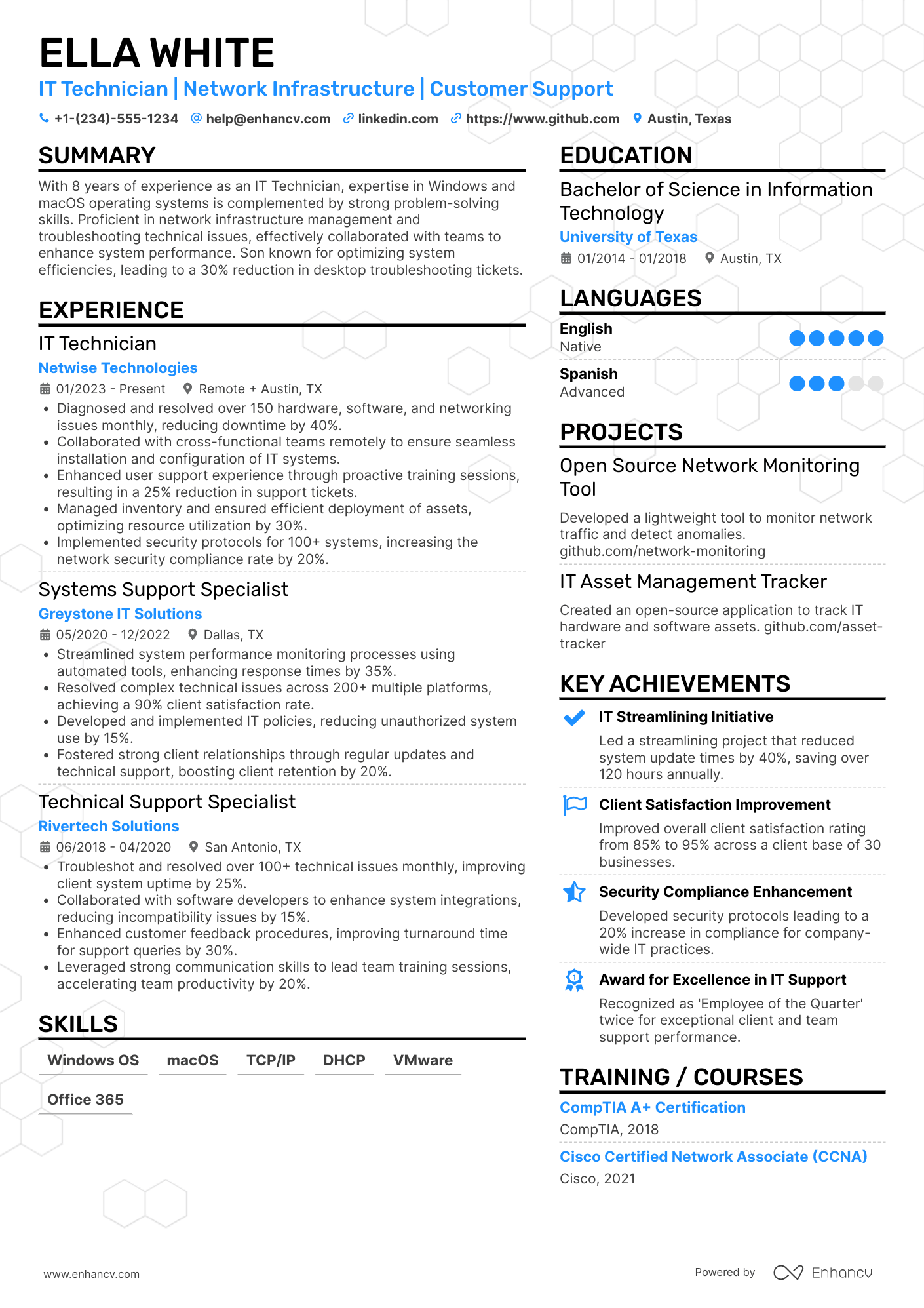
Most IT technician resume submissions fail because they read like task logs and bury key details under tool lists. That hurts when an ATS (applicant tracking system) filters fast, recruiters scan in seconds, and competition is tight. Knowing how to make your resume stand out is essential in this environment.
If a cover letter is going in with this resume, our IT technician cover letter guide shows how to turn one outage fix or onboarding sprint into a paragraph that earns the help-desk lead's second read.
A strong resume shows how you improve service and reduce risk. You'll highlight ticket volume handled, first-contact resolution rate, downtime reduced, devices deployed, security issues prevented, onboarding speed, and user satisfaction gains. You'll connect your work to faster recovery, fewer repeats, and smoother operations.

Key takeaways
- Quantify ticket volume, resolution speed, and uptime to prove impact beyond task lists.
- Use reverse-chronological format for experienced candidates and hybrid format for career switchers.
- Tailor every experience bullet to mirror the job posting's exact tools and terminology.
- Place certifications near education—or above it when they're more recent and relevant.
- Anchor skills in real outcomes across your summary and experience, not just a standalone list.
- Replace vague duties with specific metrics like first-contact resolution rate or cost savings.
- Use Enhancv to turn routine job duties into measurable, recruiter-ready resume bullets faster.
Job market snapshot for IT technicians
We analyzed 89,462 recent IT technician job ads across major US job boards. These numbers help you understand skills in demand, salary landscape, experience requirements at a glance.
What level of experience employers are looking for IT technicians
| Years of Experience | Percentage found in job ads |
|---|---|
| 1–2 years | 15.3% (13658) |
| 3–4 years | 4.6% (4135) |
| 5–6 years | 2.8% (2488) |
| 7–8 years | 0.4% (351) |
| 9–10 years | 0.3% (232) |
| 10+ years | 5.0% (4513) |
| Not specified | 71.1% (63640) |
IT technician ads by area of specialization (industry)
| Industry (Area) | Percentage found in job ads |
|---|---|
| Healthcare | 38.8% (34677) |
| Finance & Banking | 38.6% (34573) |
| Education | 6.2% (5519) |
| Manufacturing | 5.2% (4655) |
| Government | 4.5% (4005) |
| Retail & E-commerce | 3.5% (3172) |
| Energy | 1.2% (1113) |
| Real Estate & Construction | 1.0% (852) |
| Telecommunications | 0.4% (367) |
| Travel & Hospitality | 0.2% (179) |
Top companies hiring IT technicians
| Company | Percentage found in job ads |
|---|---|
| CVS Health | 4.3% (3831) |
| Wal-Mart | 3.0% (2667) |
| Bridgestone Corporation | 2.9% (2593) |
| Walgreens | 2.7% (2373) |
| Actalent | 1.7% (1487) |
| State of Florida | 1.2% (1050) |
| DaVita Inc. | 1.2% (1029) |
| Fresenius Medical Care | 0.9% (844) |
| Tesla | 0.9% (792) |
| Costco Wholesale Corporation | 0.8% (728) |
Role overview stats
These tables show the most common responsibilities and employment types for IT technician roles. Use them to align your resume with what employers expect and to understand how the role is structured across the market.
Day-to-day activities and top responsibilities for a IT technician
| Responsibility | Percentage found in job ads |
|---|---|
| Electrical | 7.5% (6683) |
| Hvac | 6.8% (6042) |
| Troubleshooting | 6.6% (5949) |
| Plumbing | 5.4% (4853) |
| Hand tools | 5.4% (4829) |
| Microsoft office | 5.3% (4754) |
| Electrical systems | 5.1% (4595) |
| Customer service | 4.6% (4113) |
| Computer skills | 4.2% (3778) |
| Power tools | 3.9% (3447) |
| Inventory management | 3.7% (3300) |
| Excel | 3.5% (3160) |
How to format a IT technician resume
Recruiters hiring IT technicians prioritize hands-on technical skills, relevant certifications, and a demonstrated ability to troubleshoot and resolve issues efficiently. A clean reverse-chronological or hybrid format ensures these signals surface quickly, both for human reviewers scanning in seconds and for applicant tracking systems parsing your document. Choosing the right resume format is one of the most important decisions you'll make before writing a single bullet point.

I have significant experience in this role—which format should I use?
Use a reverse-chronological format to showcase your growing technical responsibilities and the environments you've supported. Do:
- Lead with your most recent position and clearly define the scope of each role—number of users supported, ticket volume, and infrastructure size.
- Highlight proficiency with role-specific tools and domains such as Active Directory, SCCM, ServiceNow, TCP/IP networking, and hardware lifecycle management.
- Quantify outcomes that reflect efficiency, reliability, or cost savings tied to your direct contributions.
I'm junior or switching into this role—what format works best?
A hybrid format works best because it lets you lead with a focused technical skills section while still providing a timeline of relevant experience or projects. Do:
- Place a skills section near the top of your resume, grouping competencies by category (e.g., operating systems, networking, hardware repair) so recruiters find your technical fit immediately.
- Include lab projects, home-lab builds, internships, freelance repair work, or IT volunteer roles to demonstrate applied knowledge even without formal job titles.
- Connect every listed skill or project to a concrete action and a measurable or observable result.
Why not use a functional resume?
A functional resume strips away the timeline context that hiring managers rely on to verify where, when, and how you applied your technical skills—making it harder to trust your claimed competencies and easier for an ATS to misparse your experience. A functional format may be acceptable if you're re-entering the workforce after an extended gap or transitioning from an unrelated field, but only if every listed skill is anchored to a specific project, lab environment, or certification practicum with a clear outcome.
Once you've locked in the right format, the next step is filling it with the sections that hiring managers expect to see on an IT technician resume.
What sections should go on a IT technician resume
Recruiters expect an IT technician resume to show clear troubleshooting experience, hands-on technical skills, and measurable support outcomes. Understanding what to put on a resume ensures you don't miss critical details. Use this structure for maximum clarity:
- Header
- Summary
- Experience
- Skills
- Projects
- Education
- Certifications
- Optional sections: Awards, Open-source work, Languages
Strong experience bullets should emphasize ticket volume, resolution speed, uptime improvements, customer satisfaction, and the scope of systems and environments you supported.
Is your resume good enough?
Drop your resume here or choose a file. PDF & DOCX only. Max 2MB file size.
Now that your resume’s structure highlights your key information in the right places, focus next on writing your IT technician resume experience to show the impact of your work within that framework.
How to write your IT technician resume experience
Your experience section should prove you've resolved real technical issues, maintained reliable systems, and delivered measurable improvements using role-relevant tools and methods. Hiring managers prioritize demonstrated impact—faster resolution times, reduced downtime, improved network performance—over descriptive task lists that simply catalog daily duties. Writing a targeted resume for each application ensures your most relevant accomplishments take center stage.
Each entry should include:
- Job title
- Company and location (or remote)
- Dates of employment (month and year)
Three to five concise bullet points showing what you owned, how you executed, and what outcomes you delivered:
- Ownership scope: the hardware fleets, network segments, server environments, endpoint systems, or user groups you were directly accountable for as an IT technician.
- Execution approach: the diagnostic tools, ticketing platforms, operating systems, imaging solutions, or troubleshooting frameworks you used to identify root causes and resolve technical issues.
- Value improved: changes to system uptime, ticket resolution speed, network reliability, security posture, or end-user satisfaction that resulted from your technical interventions.
- Collaboration context: how you coordinated with helpdesk teams, network engineers, vendors, department leads, or end users to escalate issues, roll out upgrades, or implement infrastructure changes.
- Impact delivered: outcomes expressed through reduced downtime, fewer recurring incidents, improved system performance at scale, or stronger compliance—not just the activities you performed.
Experience bullet formula
A IT technician experience example
✅ Right example - modern, quantified, specific.
IT Technician
Northbridge Medical Group | Austin, TX
2022–Present
Supported a three-site outpatient healthcare network with 650+ endpoints and twenty-four seven clinical operations.
- Resolved 1,200+ tickets per year in ServiceNow, cutting average time to resolution by 28% by standardizing triage, escalation paths, and knowledge base articles.
- Deployed and managed Windows 11 imaging with Microsoft Deployment Toolkit and Microsoft Intune, reducing new-hire setup time from four hours to ninety minutes across 180+ devices.
- Hardened endpoint security using Microsoft Defender for Endpoint and BitLocker, lowering malware incidents by 35% and improving compliance audit pass rate to 98% in partnership with HR and compliance.
- Rebuilt network closet documentation and monitoring in collaboration with the network engineer, improving uptime to 99.9% and reducing site-level outages from six per quarter to one per quarter.
- Automated account provisioning and access changes with PowerShell and Active Directory, saving eight hours per week and reducing access-related errors by 40% while coordinating approvals with department managers.
Now that you've seen how a strong experience section looks in practice, let's break down how to customize yours for each specific job posting.
How to tailor your IT technician resume experience
Recruiters evaluate your IT technician resume through both human review and applicant tracking systems (ATS). Tailoring your resume to the job description increases your chances of passing both screenings.
Ways to tailor your IT technician experience:
- Match specific hardware software and operating systems named in the posting.
- Mirror the exact terminology used for troubleshooting and support processes.
- Reflect ticket volume or response time metrics the employer prioritizes.
- Highlight experience with network protocols or infrastructure the role requires.
- Emphasize compliance or security standards referenced in the job description.
- Include relevant industry experience such as healthcare education or manufacturing.
- Align your workflow descriptions with the ITIL or support frameworks mentioned.
- Reference collaboration with helpdesk teams or cross-functional departments listed.
Tailoring means aligning your real accomplishments with what the employer needs—not forcing keywords into sentences where they don't belong.
Resume tailoring examples for IT technician
| Job description excerpt | Untailored | Tailored |
|---|---|---|
| Provide first- and second-level support for Windows 10/11 environments, troubleshoot hardware and software issues, and manage tickets through ServiceNow. | Helped users with computer problems and resolved various technical issues. | Delivered first- and second-level support across 200+ Windows 10/11 workstations, resolving an average of 35 ServiceNow tickets per week with a 94% first-contact resolution rate. |
| Configure and maintain Active Directory, Group Policy, and Office 365 user accounts, ensuring timely onboarding and offboarding of employees. | Managed user accounts and set up new employees on company systems. | Managed Active Directory and Group Policy configurations for 500+ user accounts, streamlined Office 365 onboarding and offboarding processes, and reduced account provisioning time by 40%. |
| Install, configure, and troubleshoot network equipment including Cisco switches, routers, and VoIP phones across multiple office locations. | Set up networking equipment and fixed connectivity issues when they came up. | Installed and configured Cisco switches, routers, and VoIP phones across four office locations, reducing network downtime by 25% through proactive troubleshooting and standardized configuration templates. |
Once you’ve aligned your experience with the role’s requirements, quantify your IT technician achievements to show the measurable impact of that work.
How to quantify your IT technician achievements
Quantifying your work proves real impact beyond "fixed issues." For IT technicians, focus on uptime, ticket volume, resolution speed, first-contact fixes, patch compliance, security outcomes, and cost savings from standardization. Learning how to use numbers on your resume effectively can transform generic duty descriptions into compelling proof of value.
Quantifying examples for IT technician
| Metric | Example |
|---|---|
| Ticket throughput | "Resolved 45–60 ServiceNow tickets weekly with a 92% on-time closure rate across Windows 10/11 laptops, printers, and VPN access." |
| Resolution speed | "Cut average time to resolution from 2.1 days to 1.2 days by building a KB in Confluence and standardizing triage in Jira." |
| First-call quality | "Raised first-contact resolution from 58% to 74% by creating PowerShell-based diagnostics and updating imaging checklists for common failures." |
| Security compliance | "Improved patch compliance from 76% to 96% in eight weeks using Microsoft Intune and WSUS, reducing critical vulnerabilities by 38%." |
| Cost savings | "Reduced hardware spend by $18K annually by extending laptop lifecycle from three to four years and refurbishing 25 devices for redeployment." |
Turn vague job duties into measurable, recruiter-ready resume bullets in seconds with Enhancv's Bullet Point Generator.
Once you've crafted strong bullet points for your experience section, it's equally important to showcase the right technical and interpersonal skills that hiring managers expect from an IT technician.
How to list your hard and soft skills on a IT technician resume
Your skills section shows you can troubleshoot, support users, and maintain systems—recruiters and an ATS (applicant tracking system) scan this section to match job requirements, so aim for a balanced mix of role-specific hard skills and execution-focused soft skills. IT technician roles require a blend of:
- Product strategy and discovery skills.
- Data, analytics, and experimentation skills.
- Delivery, execution, and go-to-market discipline.
- Soft skills.
Your skills section should be:
- Scannable (bullet-style grouping).
- Relevant to the job post.
- Backed by proof in experience bullets.
- Updated with current tools.
Place your skills section:
- Above experience if you're junior or switching careers.
- Below experience if you're mid/senior with strong achievements.

Hard skills
- Windows 10/11 support
- macOS support
- Microsoft 365 administration
- Active Directory, Group Policy
- Azure Active Directory (Entra ID)
- TCP/IP, DNS, DHCP
- Wi-Fi troubleshooting, VLANs
- Imaging and deployment, Intune
- Ticketing systems: ServiceNow, Jira Service Management
- Remote support: RDP, TeamViewer
- Hardware break-fix, peripherals
- Endpoint security: Microsoft Defender, BitLocker
Soft skills
- Triage and prioritize tickets
- Ask targeted diagnostic questions
- Explain fixes in plain language
- Document incidents and resolutions
- Set clear expectations with users
- Escalate with complete context
- Coordinate with network and security teams
- Stay calm during outages
- Own issues through resolution
- Manage time across interruptions
- Communicate status updates proactively
- Follow change and access controls
How to show your IT technician skills in context
Skills shouldn't live only in a dedicated skills list. Browse examples of resume skills in action to see how top candidates weave technical abilities into their experience.
They should be demonstrated in:
- Your summary (high-level professional identity)
- Your experience (proof through outcomes)
Here's what that looks like in practice.
Summary example
Senior IT technician with 10+ years in healthcare infrastructure. Skilled in Active Directory, VMware, and ITIL-based service management. Reduced system downtime by 35% through proactive monitoring and cross-departmental collaboration on network modernization initiatives.
- Reflects senior-level experience clearly
- Names role-relevant tools and frameworks
- Includes a measurable performance outcome
- Highlights collaboration as a soft skill
Experience example
Senior IT Technician
Piedmont Health Systems | Charlotte, NC
March 2019–Present
- Migrated 1,200 endpoints to Windows 11 using SCCM, completing the rollout three weeks ahead of schedule in coordination with department leads.
- Reduced average help desk ticket resolution time by 28% after implementing a tiered support workflow in ServiceNow alongside the support team.
- Maintained 99.9% network uptime across four clinic locations by deploying Nagios monitoring and performing quarterly infrastructure audits.
- Every bullet includes measurable proof.
- Skills appear naturally within real outcomes.
Once you’ve tied your technical abilities to real tasks and outcomes, the next step is applying that same approach to an IT technician resume when you have no experience.
How do I write a IT technician resume with no experience
Even without full-time experience, you can demonstrate readiness through:
- Home lab troubleshooting and documentation
- Volunteer help desk support shifts
- Personal computer repair and upgrades
- IT certification labs and practice
- School or club tech support
- Ticketing system simulations and reports
- Network setup for home devices
- Open-source contributions to documentation
If you're building a resume without work experience, focus on:
- Ticketing workflow and documentation samples
- Windows and macOS troubleshooting steps
- Basic networking and hardware diagnostics
- Security hygiene with measurable actions
Resume format tip for entry-level IT technician
Use a skills-based resume format because it highlights technical skills, projects, and labs when your work history is limited. Do:
- Add a "Projects" section above experience.
- List tools used: Active Directory, ServiceNow.
- Write bullets with issue, action, result.
- Include lab scope, dates, and outcomes.
- Match keywords from the job post.
- Built a home lab with Windows Server and Active Directory, created twenty user accounts and five group policies, and cut account setup time by 60%.
When you're entering the field without hands-on work history, your education section becomes one of the strongest tools for demonstrating relevant knowledge and technical foundations.
How to list your education on a IT technician resume
Your education section helps hiring teams confirm you have the foundational technical knowledge an IT technician needs. It validates your training in hardware, networking, and systems support.
Include:
- Degree name
- Institution
- Location
- Graduation year
- Relevant coursework (for juniors or entry-level candidates)
- Honors & GPA (if 3.5 or higher)
Skip month and day details—list the graduation year only.
Here's a strong education entry tailored for an IT technician resume.
Example education entry
Associate of Applied Science in Information Technology
Northeast Technical College, Hartford, CT
Graduated 2022
GPA: 3.7/4.0
- Relevant Coursework: Network Fundamentals, Hardware Troubleshooting, Operating Systems, IT Security Basics, Help Desk Operations
- Honors: Dean's List, 2021–2022
How to list your certifications on a IT technician resume
Certifications on your resume show your commitment to learning, confirm hands-on tool proficiency, and signal industry relevance for an IT technician across support, hardware, and network tasks.
Include:
- Certificate name
- Issuing organization
- Year
- Optional: credential ID or URL
- Place certifications below education when your degree is recent and directly matches the IT technician role.
- Place certifications above education when they are recent, highly relevant, or your education is older or unrelated.
Best certifications for your IT technician resume
CompTIA A+ CompTIA Network+ CompTIA Security+ Microsoft Certified: Windows Client ITIL 4 Foundation Cisco Certified Support Technician (CCST) Networking Google IT Support Professional Certificate
Once you’ve positioned your credentials so they’re easy to verify, you can write your IT technician resume summary to highlight them up front and reinforce your fit for the role.
How to write your IT technician resume summary
Your resume summary is the first thing a recruiter reads. A strong one instantly signals you have the skills and hands-on experience to keep systems running.
Keep it to three to four lines, with:
- Your title and total years of IT support or technician experience.
- The environments you've worked in, such as corporate, healthcare, or education.
- Core tools and technologies like Active Directory, Windows Server, or ticketing systems.
- One or two measurable wins, such as reduced downtime or faster ticket resolution.
- Practical soft skills tied to results, like clear communication that cut repeat tickets.

PRO TIP
At this level, lead with relevant technical skills and any early, measurable impact you've made. Avoid vague phrases like "passionate team player" or "eager self-starter." Recruiters want to see specific tools you've used and real problems you've solved, even small ones.
Example summary for a IT technician
IT technician with two years of experience supporting 200+ users in a corporate environment. Reduced average ticket resolution time by 30% using ServiceNow and Active Directory troubleshooting.
Optimize your resume summary and objective for ATS
Drop your resume here or choose a file.
PDF & DOCX only. Max 2MB file size.
Now that you've crafted a summary that highlights your technical strengths and experience, make sure the header above it presents your contact details correctly so recruiters can actually reach you.
What to include in a IT technician resume header
A resume header lists your key contact details and role focus so recruiters can find you fast, trust your profile, and screen you accurately.
Essential resume header elements
- Full name
- Tailored job title and headline
- Location
- Phone number
- Professional email
- GitHub link
- Portfolio link
A LinkedIn link lets recruiters confirm titles, dates, and recommendations quickly, which speeds up screening.
Don't include a photo on a IT technician resume unless the role is explicitly front-facing or appearance-dependent.
Keep your header on one or two lines, mirror the job title, and use the same name and links across every platform.
IT technician resume header
Jordan Miller
IT technician | Desktop Support and Hardware Troubleshooting
Austin, TX
(512) 555-01XX
your.name@enhancv.com
github.com/yourname
yourwebsite.com
linkedin.com/in/yourname
Once your contact details and role focus are clear at the top, add additional sections for IT technician resumes to highlight relevant strengths that don’t fit in the header.
Additional sections for IT technician resumes
When your core qualifications match other candidates, additional sections help you stand out with unique, role-relevant credibility.
- Certifications (CompTIA A+, Network+, Microsoft, Cisco)
- Technical training and workshops
- Languages
- Professional memberships (CompTIA AITP, HDI)
- Volunteer IT support experience
- Hobbies and interests
- Awards and recognitions
Once you've rounded out your resume with the right supplementary sections, it's worth pairing it with a cover letter to strengthen your overall application.
Do IT technician resumes need a cover letter
An IT technician resume rarely requires a cover letter, but it helps in competitive postings or formal hiring processes. If you're unsure what a cover letter is or when to use one, it can make a difference when your experience needs context or when the team expects strong communication.
Use a cover letter to add context your IT technician resume can't show:
- Explain role and team fit by matching your strengths to the environment, such as help desk, field support, or on-site operations.
- Highlight one or two relevant projects or outcomes, such as cutting ticket backlog, improving first-call resolution, or standardizing device imaging.
- Show you understand the product, users, or business context by referencing their tools, security needs, uptime goals, or customer impact.
- Address career transitions or non-obvious experience by connecting past work to troubleshooting, documentation, asset management, or user support.
Drop your resume here or choose a file.
PDF & DOCX only. Max 2MB file size.
Once you’ve decided whether to include a cover letter based on the role and application requirements, the next step is using AI to improve your IT technician resume so it reads clearly and matches what employers expect.
Using AI to improve your IT technician resume
AI can sharpen your resume's clarity, structure, and impact. It helps refine phrasing and highlight relevant achievements. But overuse risks making your resume sound generic. If you're wondering which AI is best for writing resumes, the answer depends on how you use it. Once your content is clear and role-aligned, step away from AI.
Here are 10 practical prompts to strengthen specific sections of your IT technician resume:
Strengthen your summary
Quantify experience bullets
Tailor skills section
Sharpen action verbs
Improve project descriptions
Refine certification entries
Trim redundant phrasing
Align with job posting
Clarify education details
Fix inconsistent formatting
Conclusion
A strong IT technician resume shows measurable outcomes, role-specific skills, and a clear structure. It highlights ticket volume, resolution time, uptime, and user satisfaction. It also lists tools, operating systems, networking basics, and security tasks in plain language.
Keep the layout easy to scan with a focused summary, clean experience bullets, and relevant certifications. This approach shows you can support modern environments and adapt to near-future needs. It helps hiring teams see your fit fast.
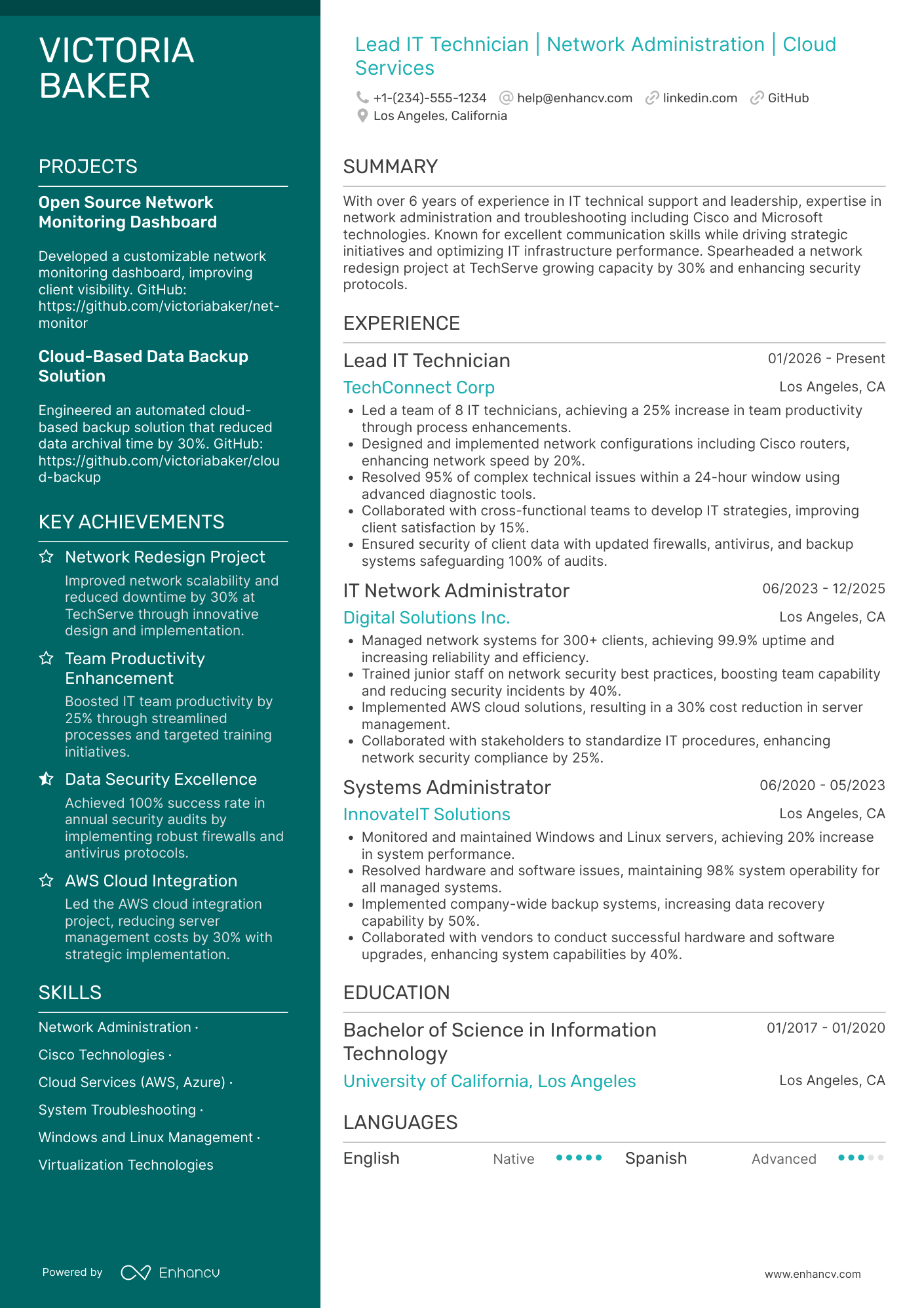
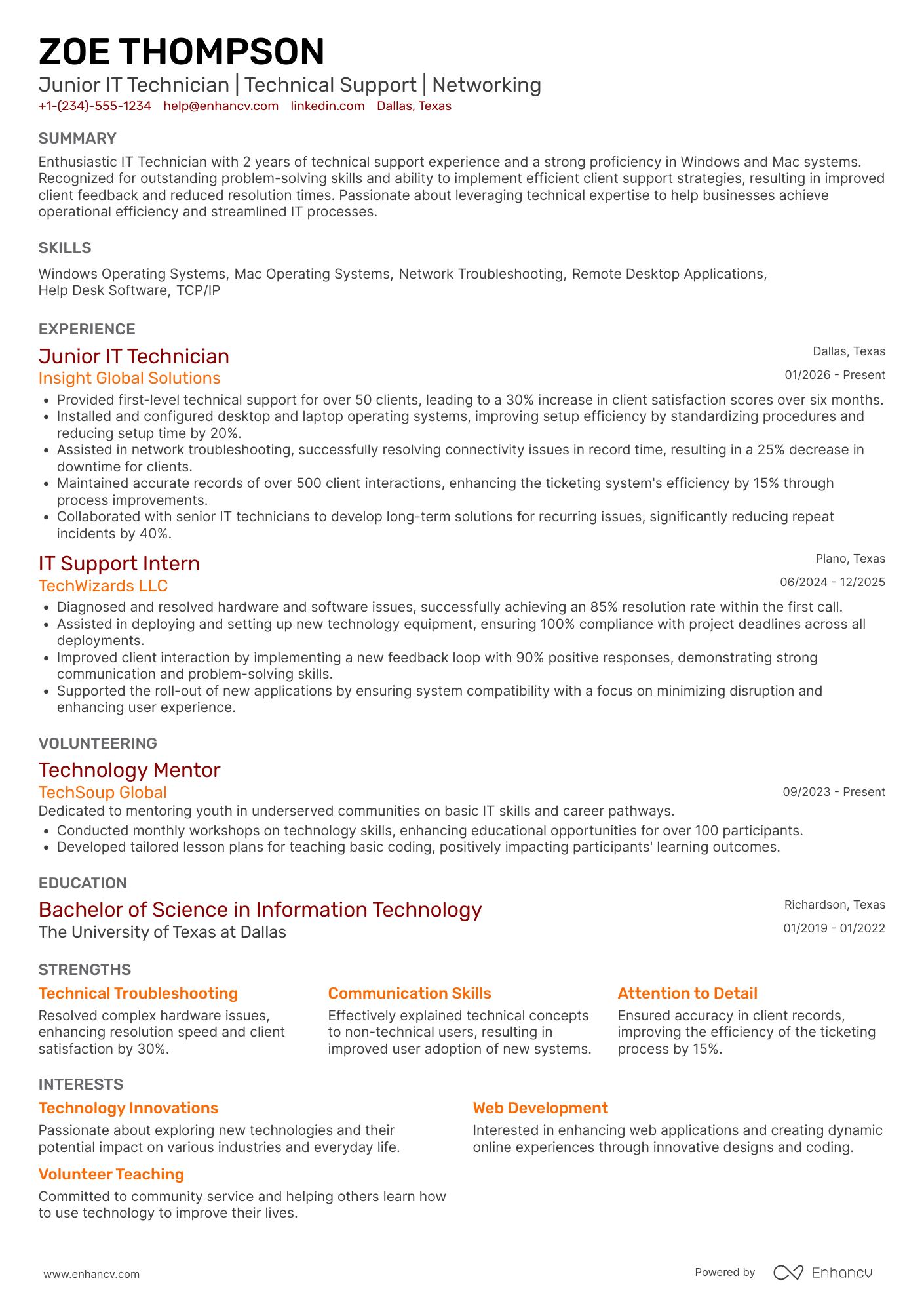
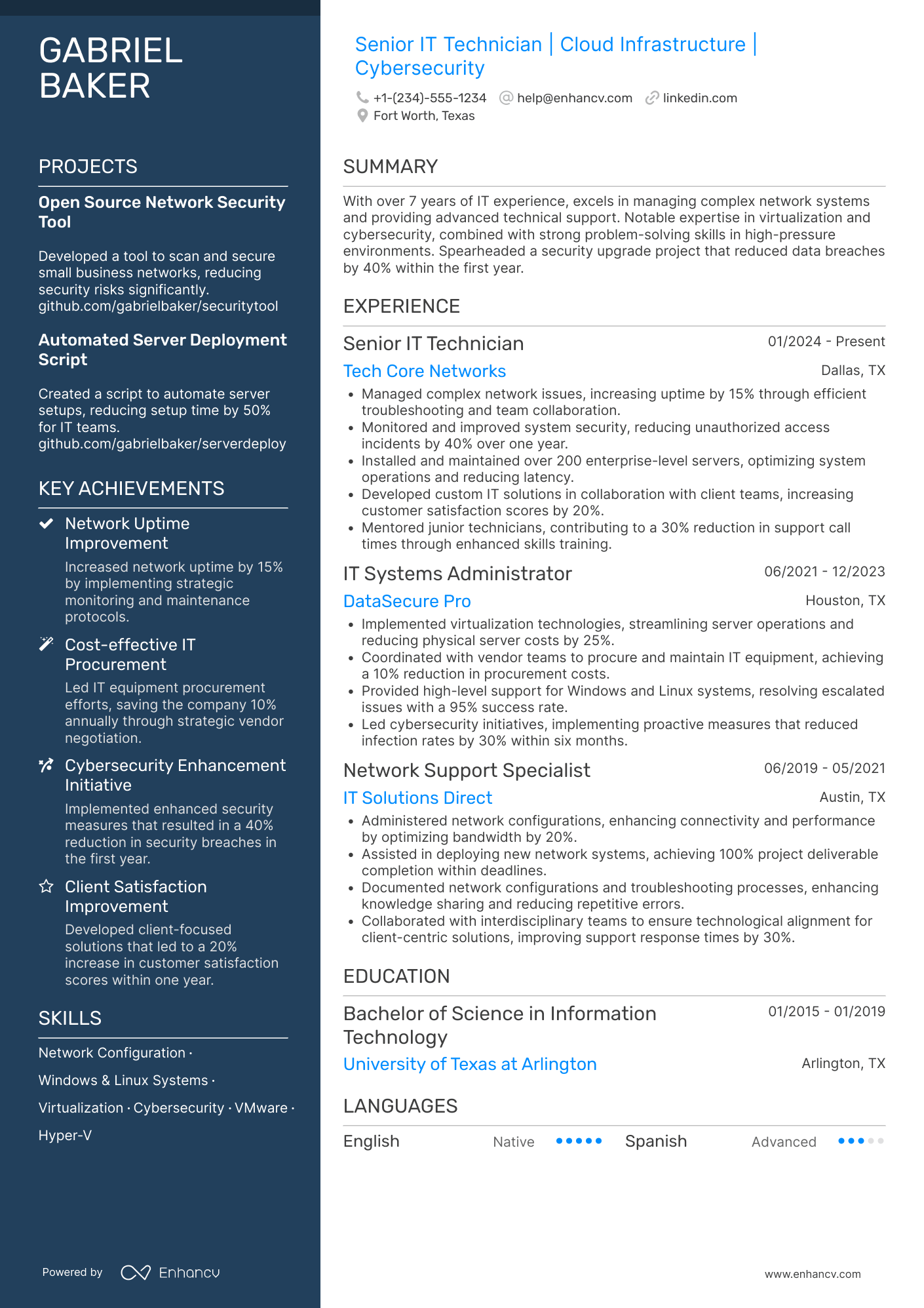
IT Technician resume examples
By Experience
By Role