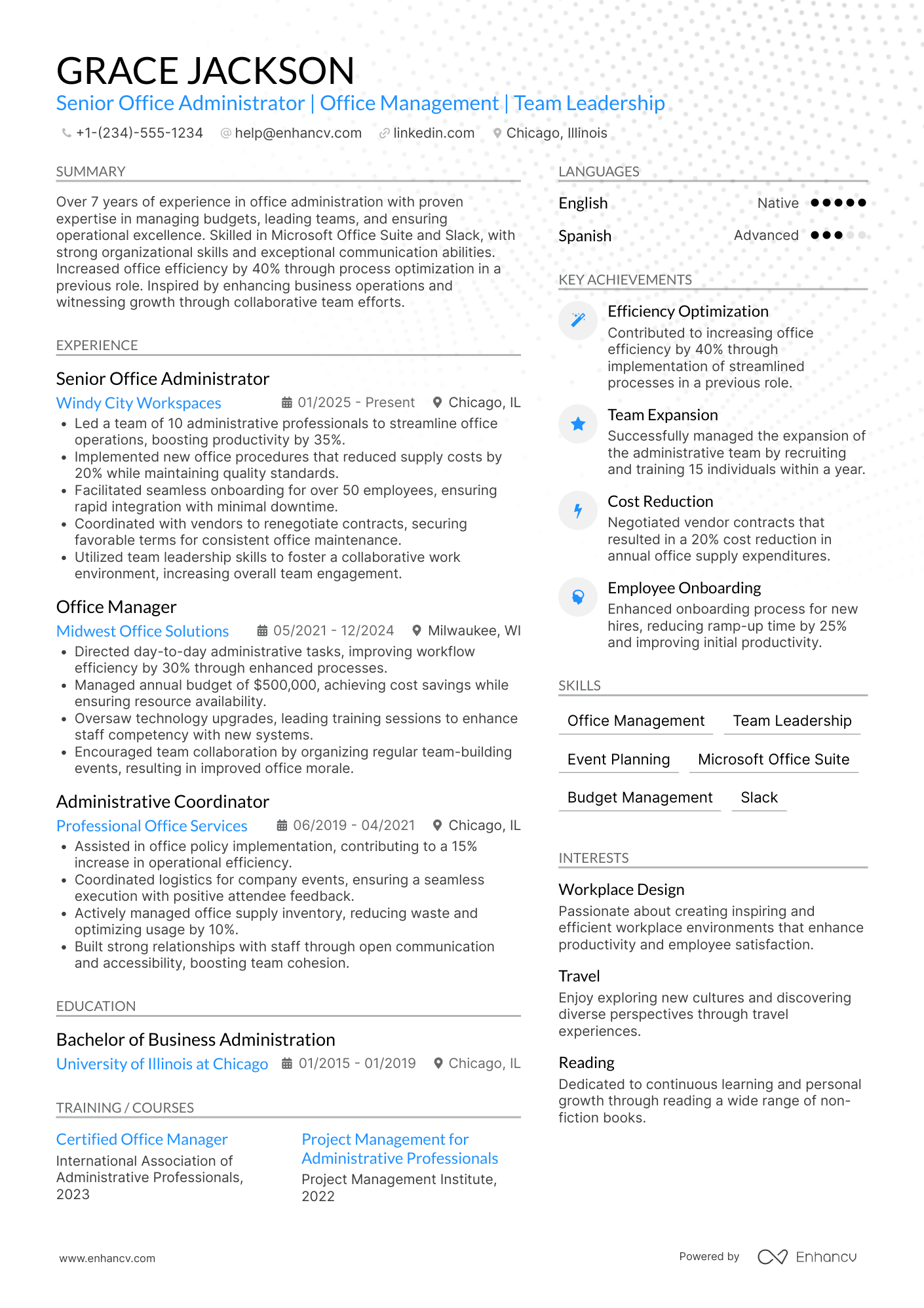
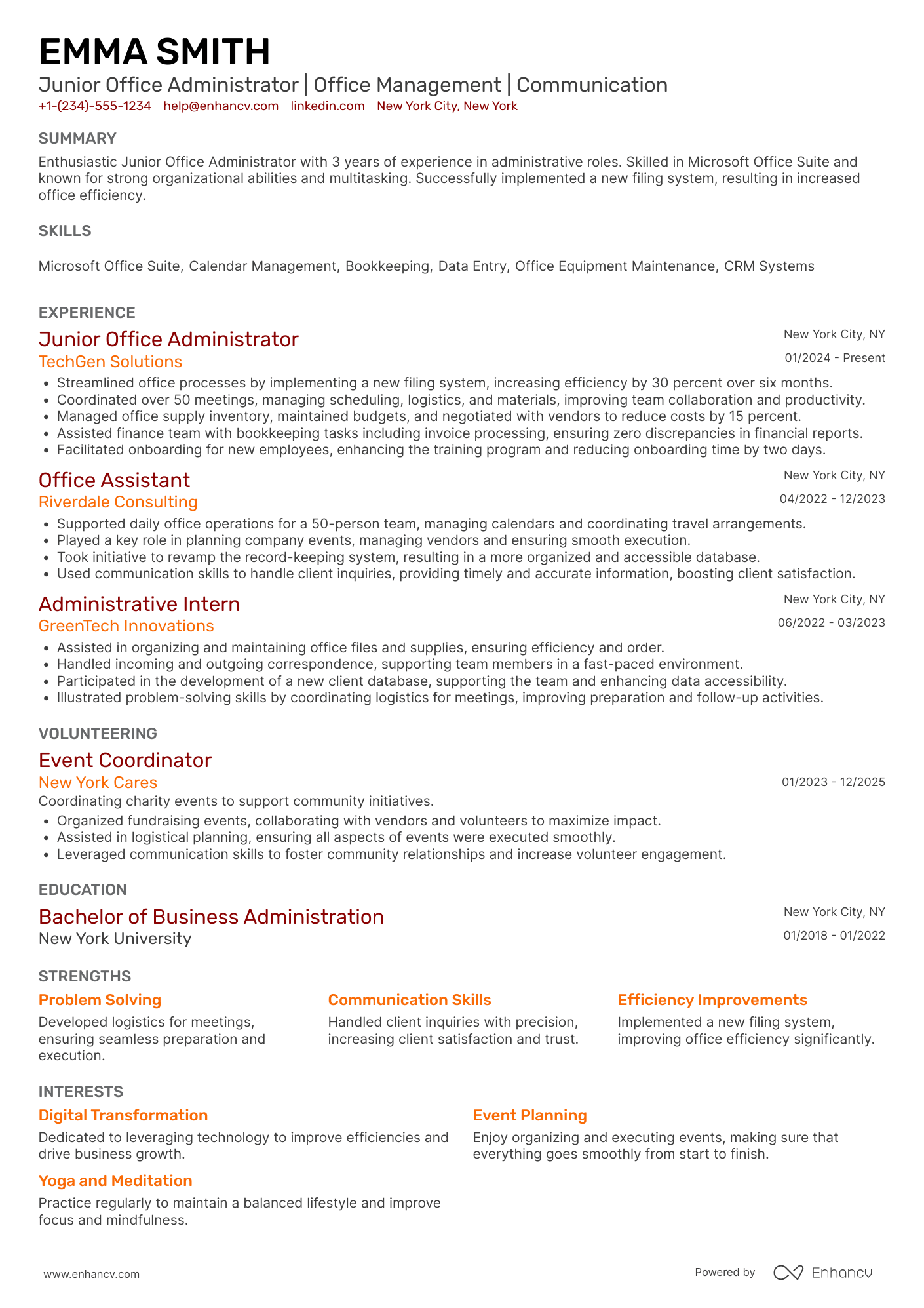
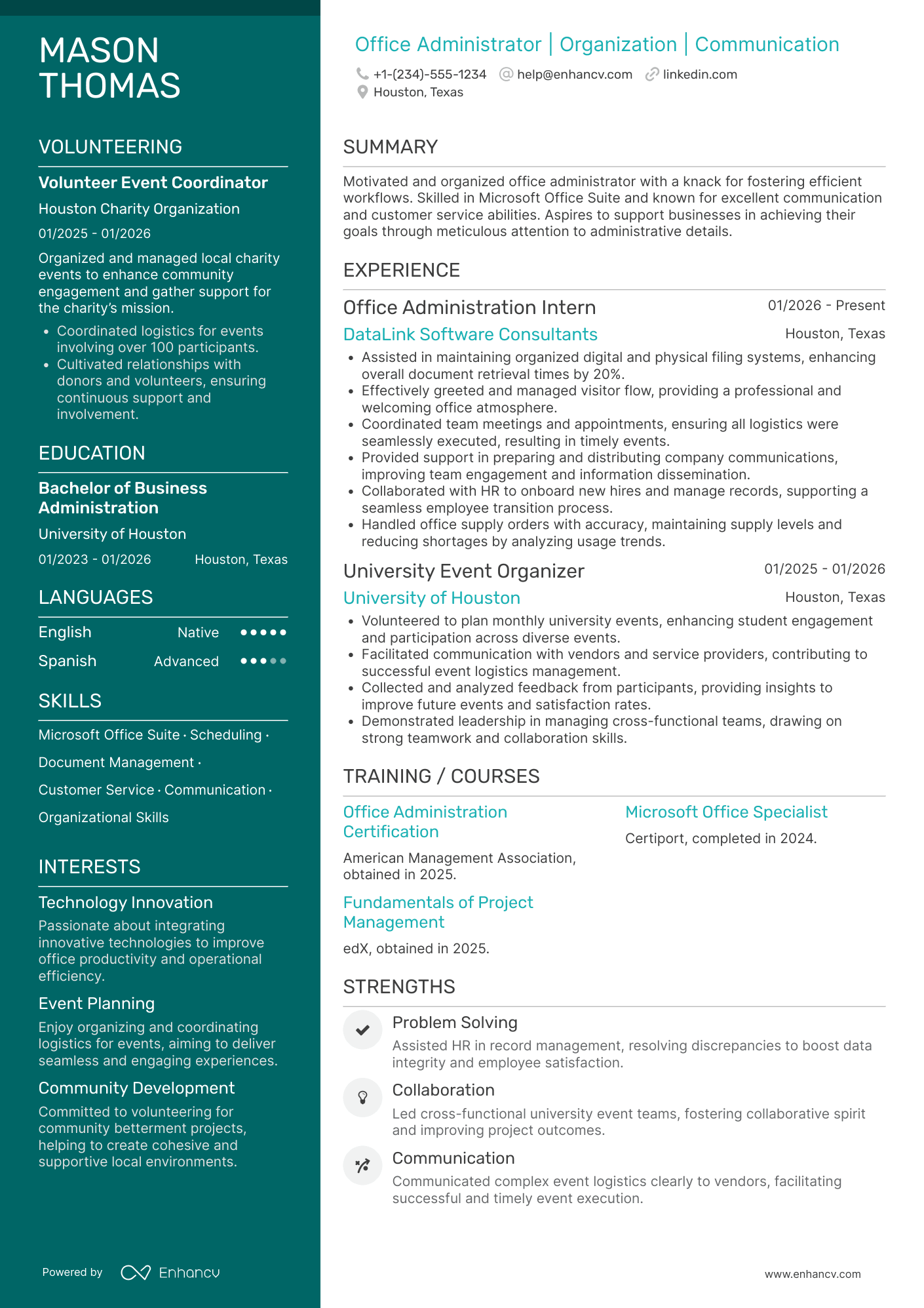
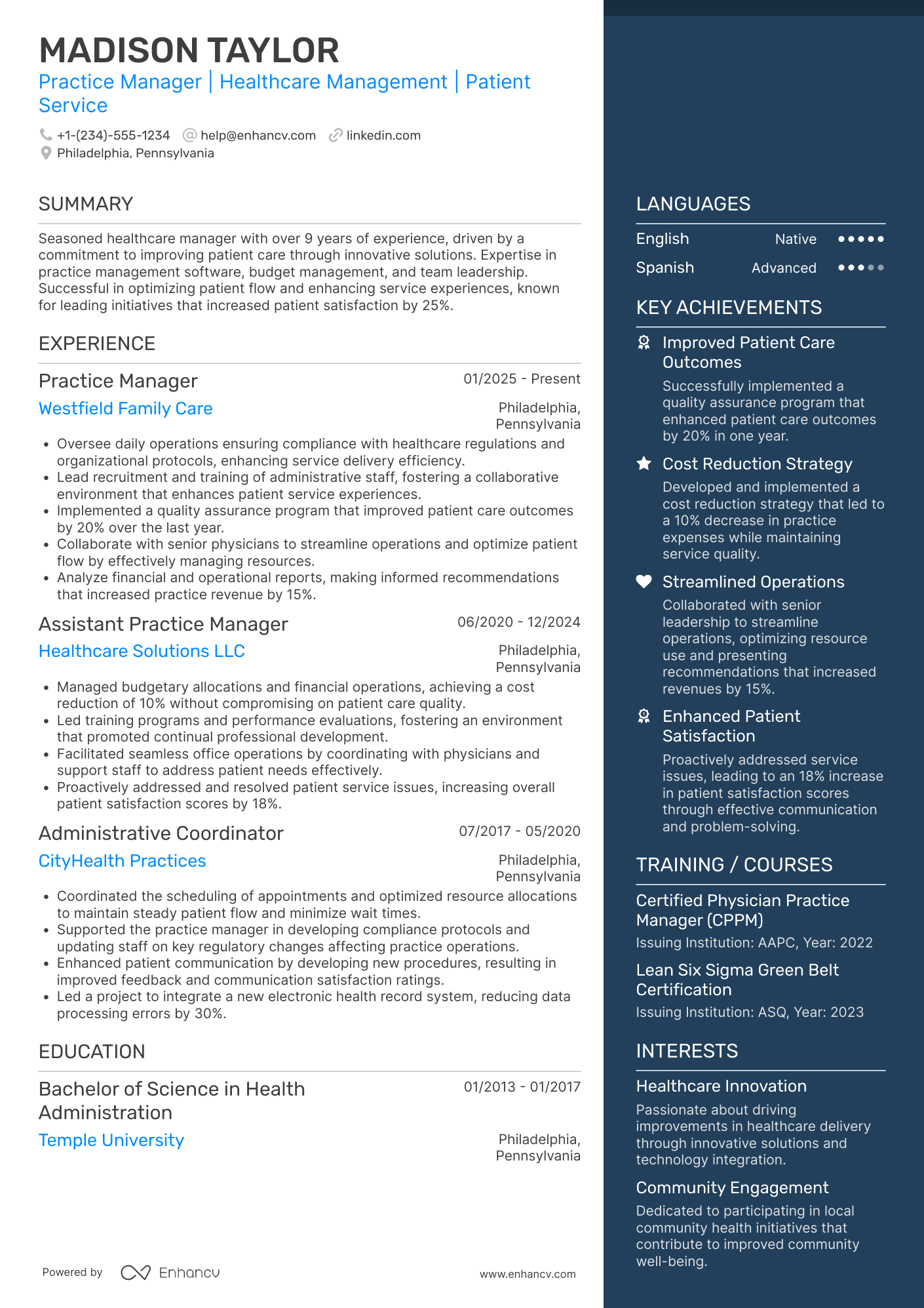
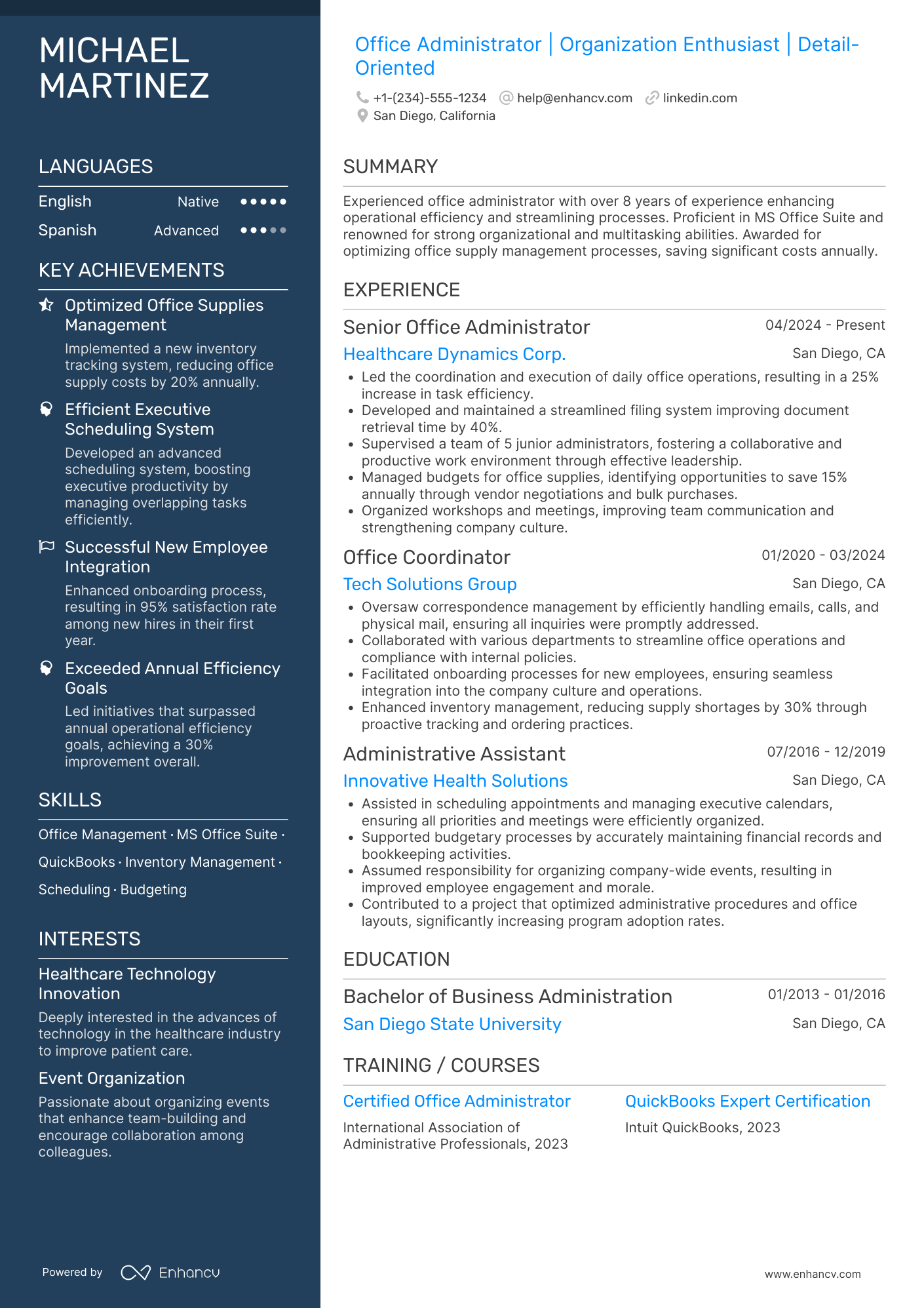
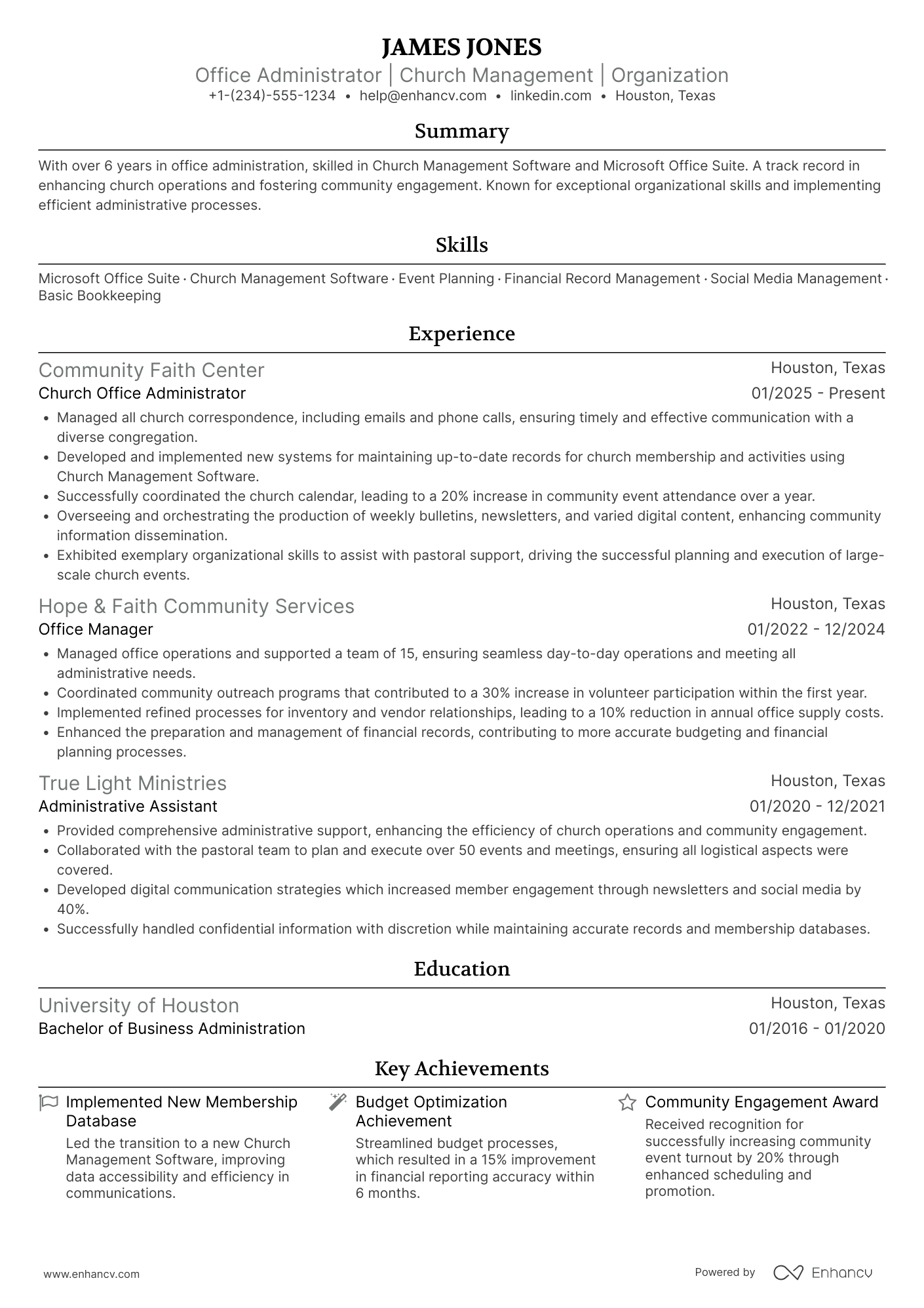
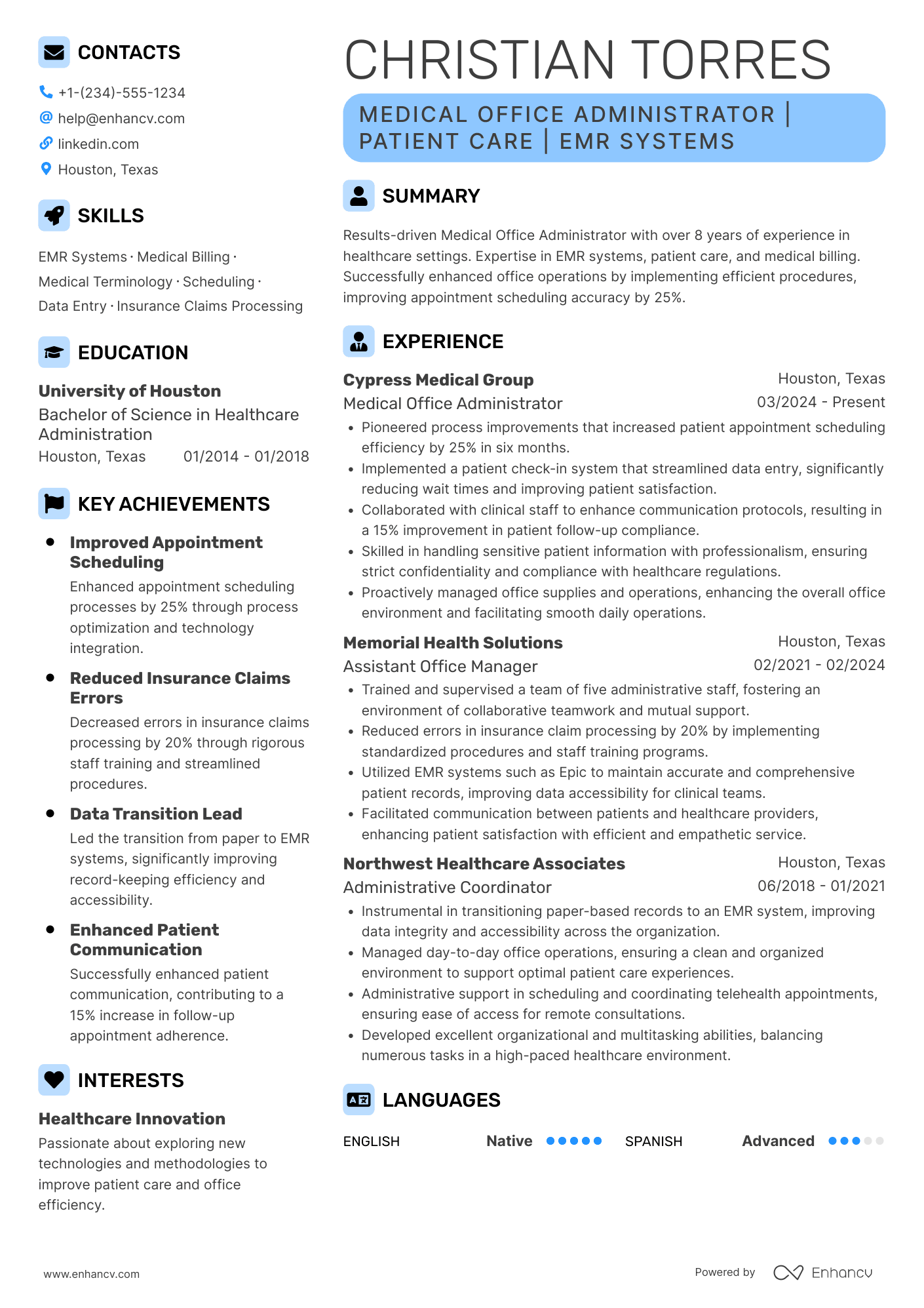
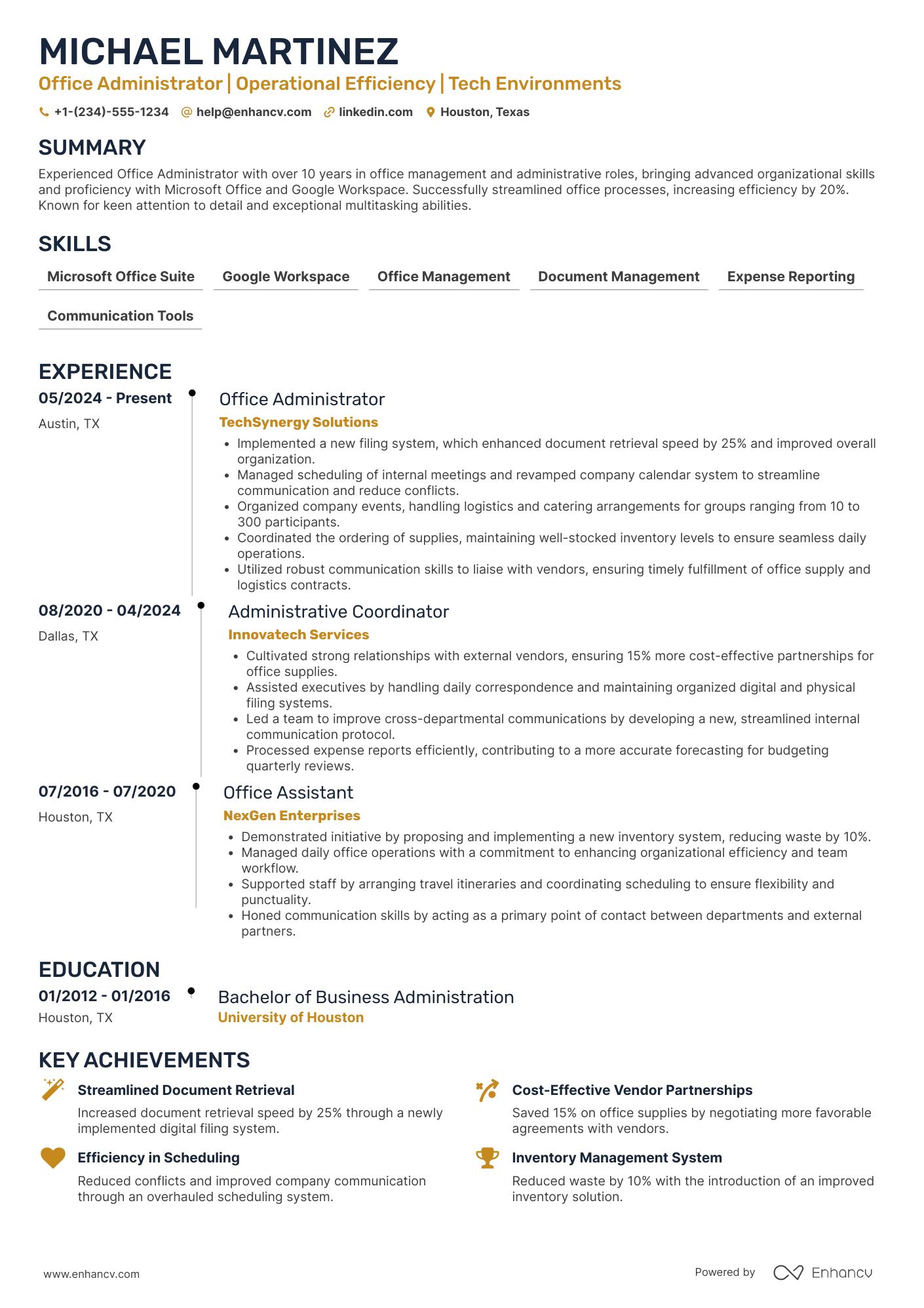
Many office administrator resume submissions fail because they read like task lists and bury impact under tools and routine duties. That matters now because applicant tracking system screening and fast recruiter scans reward clear keywords, measurable results, and immediate fit.
A strong resume shows how you improve operations, not just what you handle. Knowing how to make your resume stand out starts with highlighting outcomes like cutting invoice processing time by 25 percent, coordinating calendars for eight leaders, and raising on-time meeting readiness to 98 percent. Include error reduction, vendor cost savings, and smoother onboarding delivery.

Key takeaways
- Quantify achievements like cost savings, error reduction, and cycle times instead of listing routine duties.
- Use reverse-chronological format for experienced candidates and hybrid format for career changers.
- Mirror exact software names, KPIs, and terminology from the job posting in your bullets.
- Place skills above experience if you're junior; below experience if you're senior.
- Anchor every skill to a specific action and measurable result recruiters can verify.
- Add certifications like MOS or CAP directly after education to validate job-ready proficiency.
- Use Enhancv to turn vague duties into focused, metric-driven bullets that pass ATS screening.
Job market snapshot for office administrators
We analyzed 725 recent office administrator job ads across major US job boards. These numbers help you understand employer expectations, regional hotspots, industry demand at a glance.
What level of experience employers are looking for office administrators
| Years of Experience | Percentage found in job ads |
|---|---|
| 1–2 years | 18.8% (136) |
| 3–4 years | 2.8% (20) |
| 5–6 years | 3.6% (26) |
| 7–8 years | 0.1% (1) |
| 9–10 years | 0.3% (2) |
| 10+ years | 1.0% (7) |
| Not specified | 73.5% (533) |
Office administrator ads by area of specialization (industry)
| Industry (Area) | Percentage found in job ads |
|---|---|
| Finance & Banking | 76.4% (554) |
| Education | 11.3% (82) |
| Healthcare | 5.1% (37) |
| Government | 2.9% (21) |
Top companies hiring office administrators
| Company | Percentage found in job ads |
|---|---|
| Edward Jones | 40.7% (295) |
| Caliber Collision | 9.1% (66) |
| Builders Firstsource, Inc. | 2.2% (16) |
| Boeing | 2.1% (15) |
| University of Utah | 1.9% (14) |
| Terracon | 1.5% (11) |
| Heartland Dental | 1.4% (10) |
Role overview stats
These tables show the most common responsibilities and employment types for office administrator roles. Use them to align your resume with what employers expect and to understand how the role is structured across the market.
Day-to-day activities and top responsibilities for a office administrator
| Responsibility | Percentage found in job ads |
|---|---|
| Microsoft office | 55.6% (403) |
| Salesforce | 39.6% (287) |
| Moneyguide | 38.8% (281) |
| Excel | 13.9% (101) |
| Administrative support | 11.7% (85) |
| Digital tool utilization | 11.3% (82) |
| Account management | 11.0% (80) |
| Client service | 11.0% (80) |
| Microsoft office suite | 10.1% (73) |
| Word | 10.1% (73) |
| Outlook | 8.1% (59) |
| Accounts receivable | 7.4% (54) |
How to format a office administrator resume
Recruiters reviewing office administrator resumes prioritize organizational skills, software proficiency, and the ability to keep day-to-day operations running smoothly. A clean, well-structured resume format ensures these signals surface quickly during both the initial scan and any applicant tracking system (ATS) screening.

I have significant experience in this role—which format should I use?
Use a reverse-chronological format to showcase your growing responsibilities and operational expertise across multiple workplaces. Do:
- Lead with your most recent role and highlight the scope of your administrative ownership, such as office size, number of staff supported, or budget managed.
- Feature role-specific tools and competencies—calendar and travel management, vendor coordination, Microsoft 365, Google Workspace, ERP platforms, and records management.
- Quantify outcomes wherever possible, tying your work to cost savings, efficiency gains, or process improvements.
I'm junior or switching into this role—what format works best?
A hybrid format works best because it lets you lead with relevant skills while still showing a concise work history. Do:
- Place a skills section near the top that highlights core administrative competencies like scheduling, data entry, document management, and office software suites.
- Include projects, internships, volunteer coordination, or freelance work that demonstrates transferable organizational and communication abilities.
- Connect each skill to a specific action and a measurable or observable result so recruiters can see your real-world impact.
Why not use a functional resume?
A functional format buries your work timeline and makes it difficult for recruiters and ATS software to verify where and when you applied your administrative skills, which weakens your candidacy even at the entry level.
- Edge-case exception: A functional format may be acceptable if you're making a career change from a non-administrative field, have a limited formal work history, or need to address significant resume gaps—but only if every skill listed is anchored to a specific project, volunteer role, or measurable outcome rather than presented in isolation.
Now that you've established a clean, readable layout, it's time to fill it with the right sections that highlight your qualifications as an office administrator.
What sections should go on a office administrator resume
Recruiters expect a clear snapshot of your administrative impact, core office skills, and day-to-day scope. Knowing what to put on a resume helps you prioritize the right details. Use this structure for maximum clarity:
- Header
- Summary
- Experience
- Skills
- Projects
- Education
- Certifications
- Optional sections: Awards, Volunteering, Languages
Strong experience bullets should emphasize measurable outcomes, process improvements, stakeholder support, and the scale of operations you managed.
Is your resume good enough?
Drop your resume here or choose a file. PDF & DOCX only. Max 2MB file size.
Now that you’ve organized the key resume components, focus on writing your office administrator resume experience section to show how you delivered results in those roles.
How to write your office administrator resume experience
Your work experience section should highlight the administrative work you've delivered, the office systems and tools you've used, and the measurable outcomes you've produced. Hiring managers prioritize demonstrated impact—streamlined processes, improved office operations, and tangible results—over descriptive task lists.
Each entry should include:
- Job title
- Company and location (or remote)
- Dates of employment (month and year)
Three to five concise bullet points showing what you owned, how you executed, and what outcomes you delivered:
- Ownership scope: the office functions, administrative systems, vendor relationships, scheduling processes, or facility operations you were directly accountable for managing and maintaining.
- Execution approach: the tools, software platforms, filing methodologies, or workflow procedures you used to coordinate daily operations, manage records, and support organizational efficiency.
- Value improved: the changes you drove in office productivity, document accuracy, supply cost control, response turnaround, or process reliability that strengthened overall administrative performance.
- Collaboration context: how you partnered with department leads, executive staff, external vendors, IT teams, or HR personnel to align office operations with broader organizational needs.
- Impact delivered: the outcomes your administrative work produced, expressed through operational improvements, cost reductions, time savings, or enhanced support capacity rather than routine activity descriptions.
Experience bullet formula
A office administrator experience example
✅ Right example - modern, quantified, specific.
Office Administrator
Redwood Family Dental | Austin, TX
2022–Present
Multi-provider dental practice serving 3,500+ active patients with a high-volume front office and insurance-heavy billing mix.
- Streamlined scheduling and intake using Dentrix, online forms, and Excel trackers, reducing patient check-in time by 35% and cutting daily schedule gaps by 18%.
- Reconciled invoices, purchase orders, and vendor contracts in QuickBooks and Google Drive, improving month-end close accuracy and reducing payment exceptions by 25%.
- Implemented a standardized records and compliance workflow across SharePoint and DocuSign, decreasing document retrieval time by 60% and eliminating missed signature incidents.
- Coordinated cross-functional office operations with dentists, hygienists, and insurance carriers, increasing claim acceptance rate from 91% to 96% and accelerating reimbursements by an average of seven days.
- Led onboarding and training for six new hires using SOP checklists and Microsoft Teams, reducing time-to-independence from four weeks to two weeks while maintaining a 4.8/5 patient satisfaction score.
Now that you've seen how a strong experience section comes together, let's look at how to adjust those details to match the specific job you're applying for.
How to tailor your office administrator resume experience
Recruiters evaluate your office administrator resume through both human review and applicant tracking systems (ATS), so tailoring your resume to the job description is essential. Tailoring ensures your most relevant skills and accomplishments stand out immediately.
Ways to tailor your office administrator experience:
- Match office software and scheduling platforms named in the posting.
- Mirror the exact terminology used for filing or records systems.
- Reflect specific KPIs like response times or error reduction goals.
- Highlight industry experience when the role requires specialized knowledge.
- Emphasize compliance or data security duties if the posting mentions them.
- Use the same language for vendor coordination or procurement workflows.
- Include referenced communication channels like ticketing or helpdesk systems.
- Align your bullet points with collaboration models such as cross-departmental support.
Tailoring means connecting your real accomplishments to the job's stated requirements, not forcing keywords where they don't belong.
Resume tailoring examples for office administrator
| Job description excerpt | Untailored | Tailored |
|---|---|---|
| Manage calendars for three department directors using Microsoft Outlook, coordinate meeting logistics, and resolve scheduling conflicts across time zones. | Helped with scheduling and calendar management for the team. | Coordinated daily calendars for three department directors in Microsoft Outlook, managing cross-time-zone scheduling for 40+ weekly meetings and resolving conflicts same-day. |
| Process invoices, track purchase orders in SAP, and reconcile monthly expense reports for a $250K operating budget. | Handled office expenses and basic bookkeeping tasks. | Processed 120+ invoices monthly and tracked purchase orders in SAP, reconciling expense reports against a $250K operating budget with 99% accuracy. |
| Serve as the first point of contact for visitors and vendors, maintain office supply inventory, and support onboarding by preparing workstations and access credentials through the IT helpdesk portal. | Greeted visitors and completed general office duties as needed. | Welcomed 50+ weekly visitors and vendors, maintained supply inventory using par-level tracking, and prepared workstations and access credentials for new hires through the IT helpdesk portal to cut onboarding setup time by one full day. |
Once you’ve aligned your experience with the role’s priorities, quantify your office administrator achievements to show the impact of that work.
How to quantify your office administrator achievements
Quantifying your achievements proves you improve speed, accuracy, and compliance, not just stay busy. Track cycle times, error rates, volumes handled, cost savings, and stakeholder satisfaction across scheduling, purchasing, records, and vendor coordination.
Quantifying examples for office administrator
| Metric | Example |
|---|---|
| Cycle time | "Cut invoice processing time from five days to two by standardizing intake in Microsoft SharePoint and using Outlook rules for routing." |
| Accuracy rate | "Reduced data entry errors by 35% by adding Excel validation lists and a two-step check for vendor and employee records." |
| Compliance risk | "Achieved 100% on three quarterly internal audits by maintaining a retention checklist and organizing files in Microsoft Teams." |
| Cost savings | "Saved $12,000 annually by renegotiating office supply contracts and consolidating orders with one preferred vendor." |
| Volume handled | "Coordinated 60+ meetings per month for eight leaders, keeping scheduling conflicts under two per quarter using Microsoft Outlook and Calendly." |
Turn vague job duties into measurable, recruiter-ready resume bullets in seconds with Enhancv's Bullet Point Generator.
Once you've crafted strong bullet points that highlight your accomplishments, the next step is ensuring your resume also showcases the right mix of hard and soft skills employers expect from an office administrator.
How to list your hard and soft skills on a office administrator resume
Your skills section shows you can run day-to-day operations efficiently, and recruiters and ATS scan this section for job-matching keywords, so aim for a balanced mix of role-specific hard skills and execution-focused soft skills. office administrator roles require a blend of:
- Product strategy and discovery skills.
- Data, analytics, and experimentation skills.
- Delivery, execution, and go-to-market discipline.
- Soft skills.
Your skills section should be:
- Scannable (bullet-style grouping).
- Relevant to the job post.
- Backed by proof in experience bullets.
- Updated with current tools.
Place your skills section:
- Above experience if you're junior or switching careers.
- Below experience if you're mid/senior with strong achievements.

Hard skills
- Microsoft 365: Excel, Word, Outlook
- Google Workspace: Sheets, Docs, Calendar
- Calendar management, scheduling
- Travel booking, expense reporting
- Document control, file management
- CRM systems: Salesforce, HubSpot
- HRIS data entry, onboarding support
- Accounts payable, invoicing
- Purchase orders, vendor management
- Meeting minutes, action tracking
- Reporting dashboards, KPI tracking
- Adobe Acrobat, PDF workflows
Soft skills
- Prioritize competing requests
- Manage up with clear updates
- Communicate with tact and clarity
- Coordinate across teams and vendors
- Own deadlines and follow-through
- Handle sensitive information discreetly
- Resolve issues before escalation
- Clarify requirements and next steps
- Maintain process consistency
- Adapt quickly to shifting priorities
- Improve workflows through feedback
- Support leaders with sound judgment
How to show your office administrator skills in context
Skills shouldn't live only in a bulleted list on your resume. Explore examples of resume skills to see how top candidates present their competencies effectively.
They should be demonstrated in:
- Your summary (high-level professional identity)
- Your experience (proof through outcomes)
Here's what strong, skill-rich entries look like in practice.
Summary example
Detail-oriented office administrator with 10+ years in healthcare operations. Skilled in scheduling optimization, vendor coordination, and QuickBooks management. Streamlined supply procurement workflows, cutting departmental spending by 18% annually while supporting a 45-person clinical team.
- Reflects senior-level experience clearly
- Names role-relevant tools directly
- Includes a measurable cost outcome
- Highlights coordination and teamwork
Experience example
Senior Office Administrator
Bridgewell Health Partners | Portland, OR
March 2018–Present
- Managed calendars and travel logistics for 12 executives using Microsoft 365, reducing scheduling conflicts by 34% over two years.
- Collaborated with HR and finance teams to digitize onboarding paperwork through DocuSign, cutting processing time by 50%.
- Negotiated contracts with three office supply vendors, saving $22,000 annually while maintaining inventory accuracy above 98%.
- Every bullet includes measurable proof.
- Skills appear naturally within achievements.
Once you’ve demonstrated your administrative strengths through real examples and outcomes, the next step is applying that approach to build an office administrator resume with no experience.
How do I write a office administrator resume with no experience
Even without full-time experience, you can demonstrate readiness through transferable work. If you're building a resume without work experience, focus on activities that showcase organizational and administrative ability:
- Student group scheduling and logistics
- Volunteer front desk reception shifts
- Internship administrative support tasks
- Campus office work-study role
- Event registration and check-in
- Data entry for clubs
- Personal calendar and inbox management
- Customer service in retail
Focus on:
- Scheduling, calendars, and meeting notes
- Document control and file naming
- Data entry accuracy and volume
- HR and vendor coordination tasks
Resume format tip for entry-level office administrator
Use a combination resume format. It highlights skills and projects first, then lists any work history, which fits candidates without office administrator roles. Do:
- Add a "Projects" section with measurable results.
- List tools used: Microsoft Excel, Google Workspace, Microsoft Outlook.
- Mirror office administrator duties from job posts.
- Quantify volume, speed, and error rates.
- Include relevant coursework and certifications.
- Managed event registration and check-in in Google Sheets; processed 180 attendees, reduced duplicate entries by 25% using data validation and standardized naming.
Even without formal work experience, your education section can demonstrate the foundational knowledge and skills that qualify you for an office administrator role.
How to list your education on a office administrator resume
Your education section helps hiring teams confirm you have the foundational knowledge needed for an office administrator role. It validates relevant training quickly.
Include:
- Degree name
- Institution
- Location
- Graduation year
- Relevant coursework (for juniors or entry-level candidates)
- Honors & GPA (if 3.5 or higher)
Skip month and day details—list the graduation year only.
Here's a strong education entry tailored for an office administrator resume.
Example education entry
Bachelor of Science in Business Administration
University of North Carolina at Charlotte, Charlotte, NC
Graduated 2021
GPA: 3.7/4.0
- Relevant coursework: Office Management, Business Communication, Records Administration, and Organizational Behavior
- Honors: Magna Cum Laude, Dean's List (six semesters)
How to list your certifications on a office administrator resume
Certifications on a resume show an office administrator's commitment to learning, proficiency with key tools, and alignment with office standards and practices.
Include:
- Certificate name
- Issuing organization
- Year
- Optional: credential ID or URL
- Place certifications below education when your education is recent and directly related, and your certifications are older or less relevant.
- Place certifications above education when they are recent, highly relevant, or required for the role, and they strengthen your qualifications fast.
Best certifications for your office administrator resume
- Microsoft Office Specialist (MOS)
- Certified Administrative Professional (CAP)
- Professional Administrative Certificate of Excellence (PACE)
- Google Workspace Certification
- Certified Professional Secretary (CPS)
- Notary Public Commission
- QuickBooks Certified User
Once you’ve positioned your certifications where hiring managers will notice them, shift to your office administrator resume summary to reinforce those qualifications upfront and set the tone for the rest of your resume.
How to write your office administrator resume summary
Your resume summary is the first thing a recruiter reads. A strong one instantly signals you're organized, reliable, and ready to keep an office running smoothly.
Keep it to three to four lines, with:
- Your title and total years of experience in office administration.
- The type of industry or office environment you've supported.
- Core tools and skills like Microsoft Office, scheduling software, or bookkeeping platforms.
- One or two measurable accomplishments that show your impact.
- Soft skills tied to real outcomes, such as communication that reduced scheduling conflicts.

PRO TIP
At this level, emphasize specific skills, tools, and early wins that prove you can handle daily operations. Highlight contributions you can quantify. Avoid vague phrases like "hard worker" or "passionate professional." Recruiters want evidence, not enthusiasm.
Example summary for a office administrator
Office administrator with two years of experience supporting a 40-person marketing firm. Skilled in QuickBooks, calendar management, and vendor coordination. Streamlined supply ordering to cut costs by 15%.
Optimize your resume summary and objective for ATS
Drop your resume here or choose a file.
PDF & DOCX only. Max 2MB file size.
Now that your summary captures your strongest qualifications, make sure your header presents your contact details correctly so hiring managers can actually reach you.
What to include in a office administrator resume header
A well-crafted resume header lists your key contact details and role focus, improving visibility, credibility, and recruiter screening for a office administrator.
Essential resume header elements
- Full name
- Tailored job title and headline
- Location
- Phone number
- Professional email
- GitHub link
- Portfolio link
A LinkedIn link helps recruiters confirm your work history fast and supports consistent screening.
Do not include photos on a office administrator resume unless the role is explicitly front-facing or appearance-dependent.
Keep your header to two lines, match the job title to the posting, and use clickable links with consistent formatting.
Office administrator resume header
Jordan Taylor
Office Administrator | Scheduling, Vendor Coordination, and Records Management
Austin, TX
(512) 555-01XX | jordan.taylor@enhancv.com | github.com/jordantaylor | jordantaylor.com | linkedin.com/in/jordantaylor
Once your header clearly identifies you and makes it easy to contact you, add the following optional sections to round out your office administrator resume.
Additional sections for office administrator resumes
When your core qualifications match other candidates, additional sections help you stand out by showcasing relevant strengths unique to you. For example, listing language skills on your resume can differentiate you in offices that serve diverse populations.
- Languages
- Certifications and professional development
- Software proficiencies
- Volunteer experience
- Awards and recognition
- Professional memberships and associations
Once you've rounded out your resume with the right supplementary sections, it's worth turning your attention to the cover letter—a companion document that can reinforce and contextualize everything your resume presents.
Do office administrator resumes need a cover letter
Office administrator resumes don't always need a cover letter. Understanding what a cover letter is and when to use one helps in competitive roles or when the hiring manager expects one. It can make a difference when your resume needs context or when you want to show clear fit.
Use a cover letter when it adds specific, role-relevant value:
- Explain role and team fit: Connect your support style to their pace, stakeholders, and workflows, such as front desk coverage, executive support, or facilities coordination.
- Highlight one or two outcomes: Share a project with measurable impact, like improving scheduling accuracy, reducing vendor turnaround time, or streamlining onboarding checklists.
- Show business understanding: Reference what the office administrator supports, including the product, users, or internal teams, and how that shapes priorities and communication.
- Address transitions or non-obvious experience: Clarify a career change, employment gap, or cross-industry move by tying transferable skills to daily office administrator work.
Drop your resume here or choose a file.
PDF & DOCX only. Max 2MB file size.
Whether you include a cover letter or not, using AI to improve your office administrator resume helps you present your qualifications clearly and align them with the role.
Using AI to improve your office administrator resume
AI can sharpen your resume's clarity, structure, and impact. It helps tighten language and highlight results. But overuse strips authenticity. Once your content feels clear and role-aligned, step away from AI. If you're wondering which AI is best for writing resumes, focus on tools that help refine rather than fabricate your content.
Here are 10 practical prompts to strengthen specific sections of your office administrator resume:
Strengthen your summary
Quantify experience bullets
Tighten action verbs
Tailor skills section
Improve education details
Refine certification entries
Cut redundant phrasing
Align with job posting
Showcase project contributions
Fix inconsistent formatting
Conclusion
A strong office administrator resume proves impact with measurable outcomes, highlights role-specific skills, and uses a clear structure that’s easy to scan. It connects your experience to results like faster workflows, fewer errors, and improved scheduling.
Keep it focused, consistent, and tailored to each role. With clear sections and evidence of your contributions, your office administrator resume shows you’re ready for today’s hiring market and what comes next.
Office Administrator resume examples
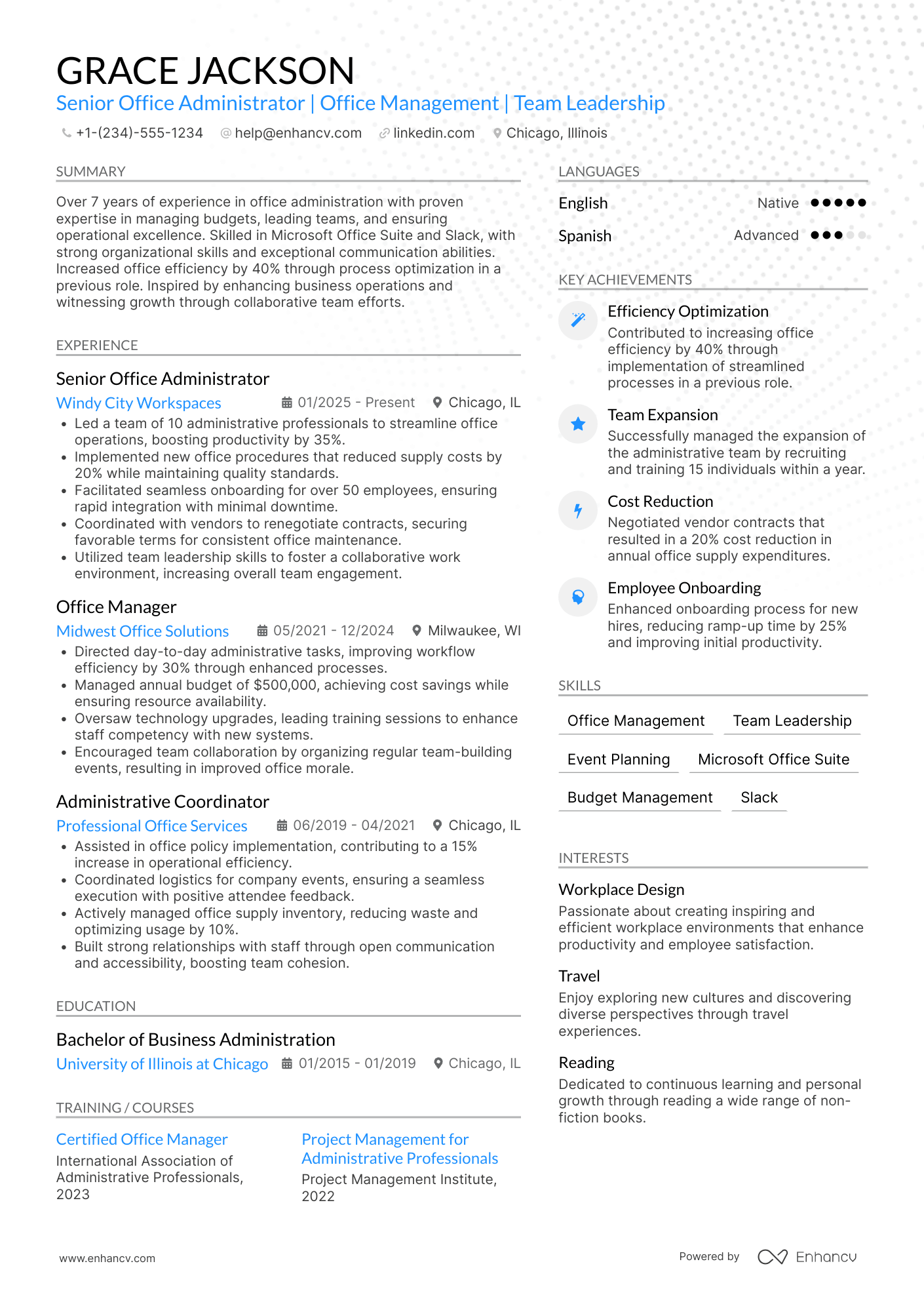
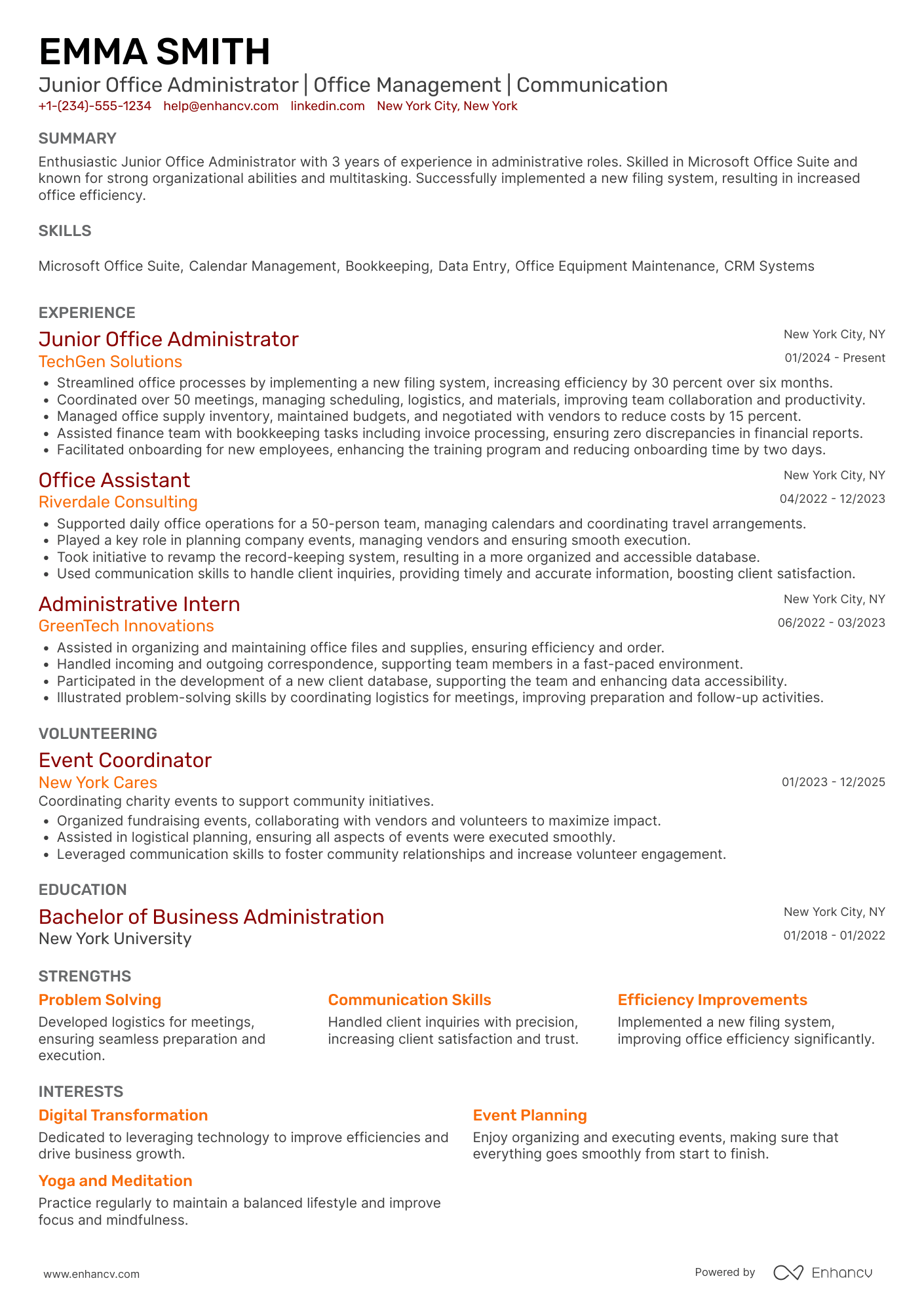
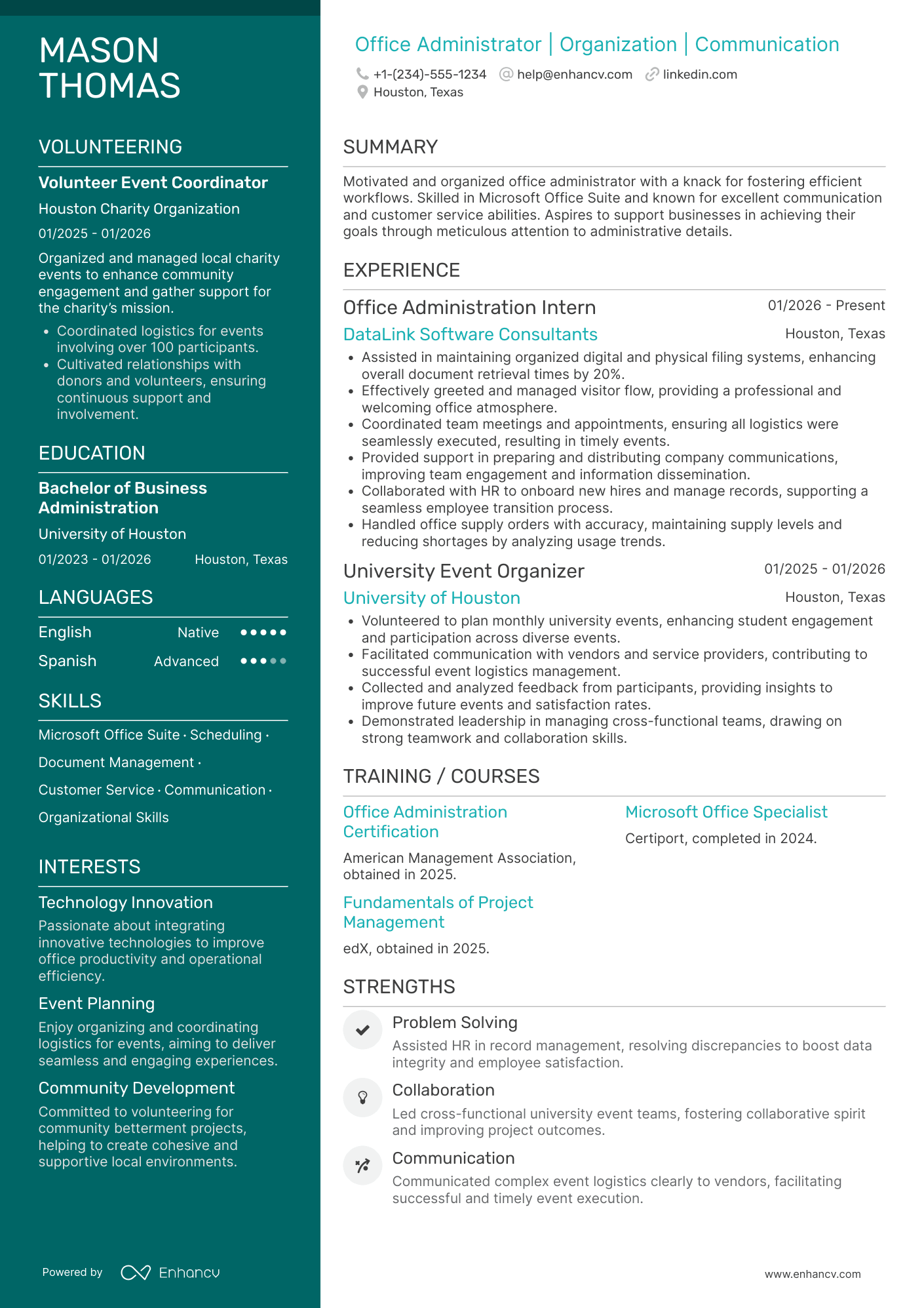
By Experience
By Role