



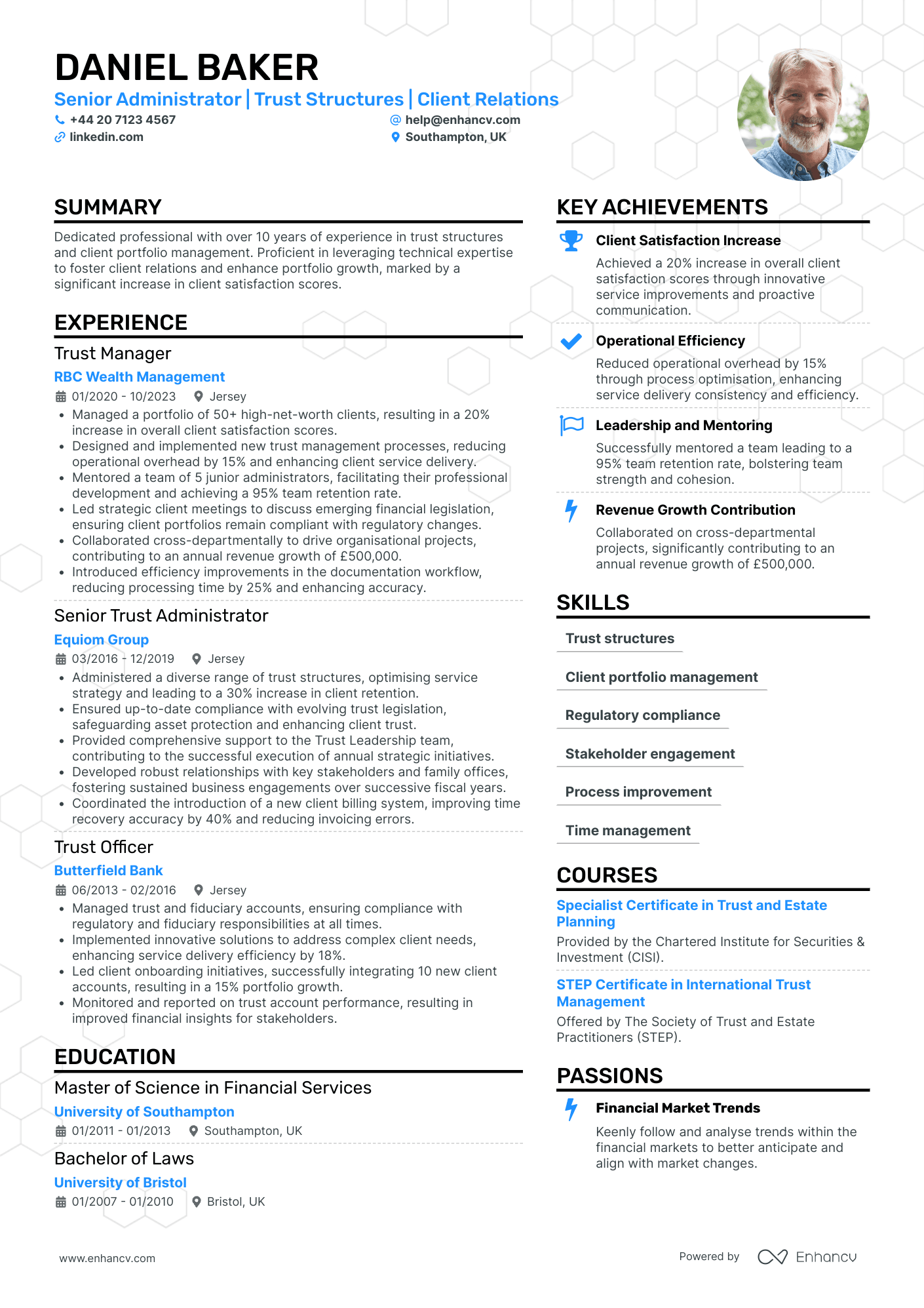
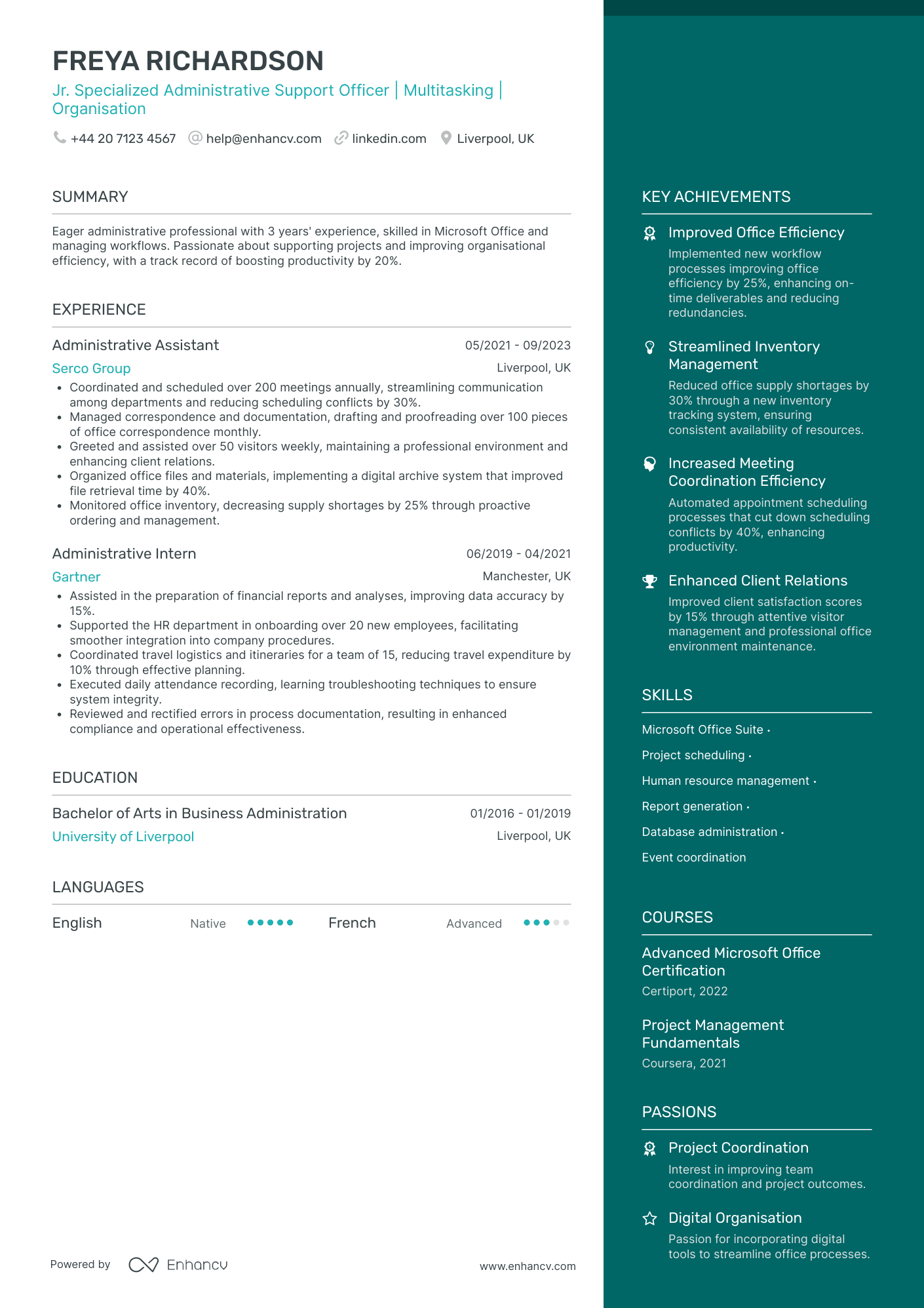
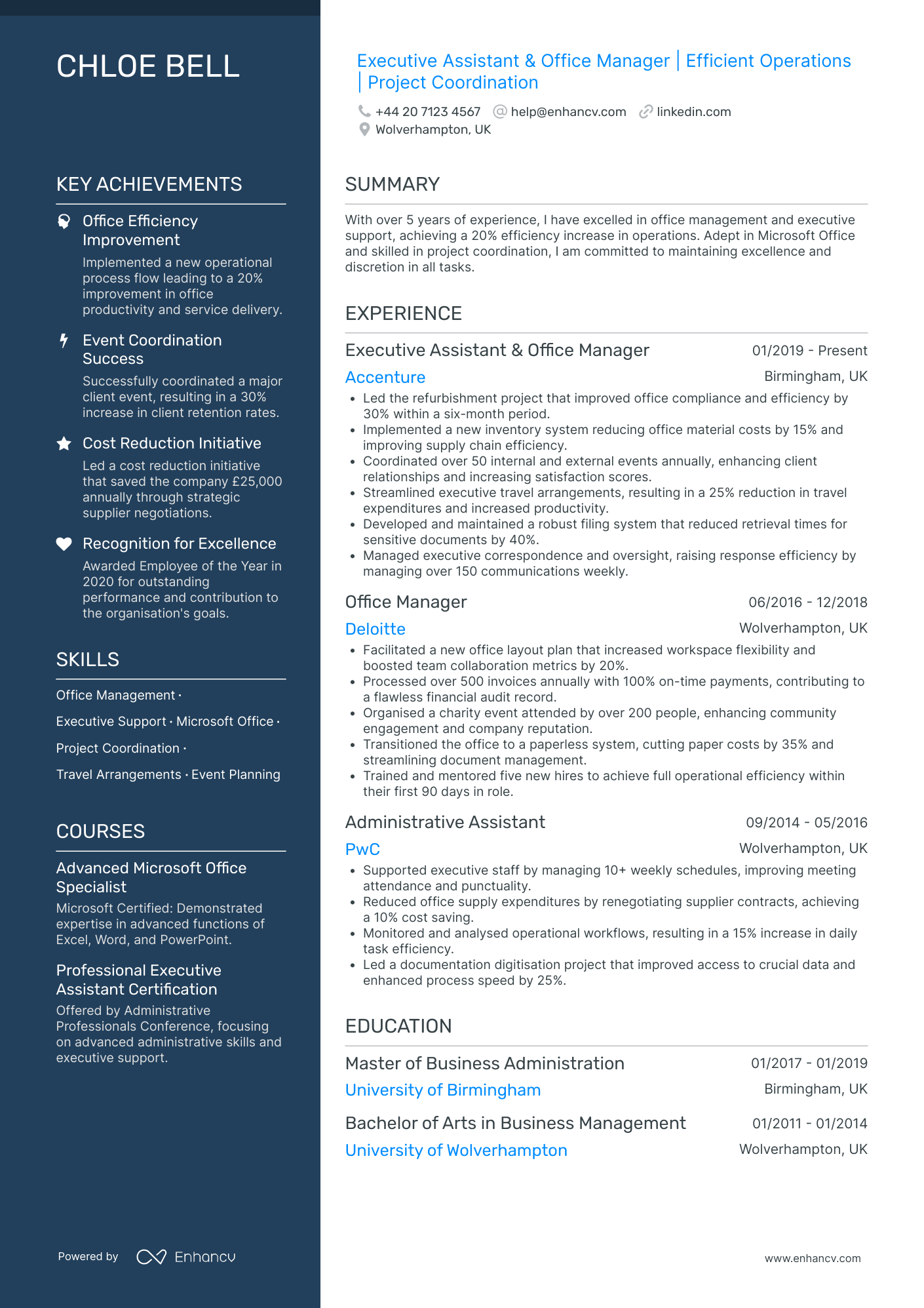
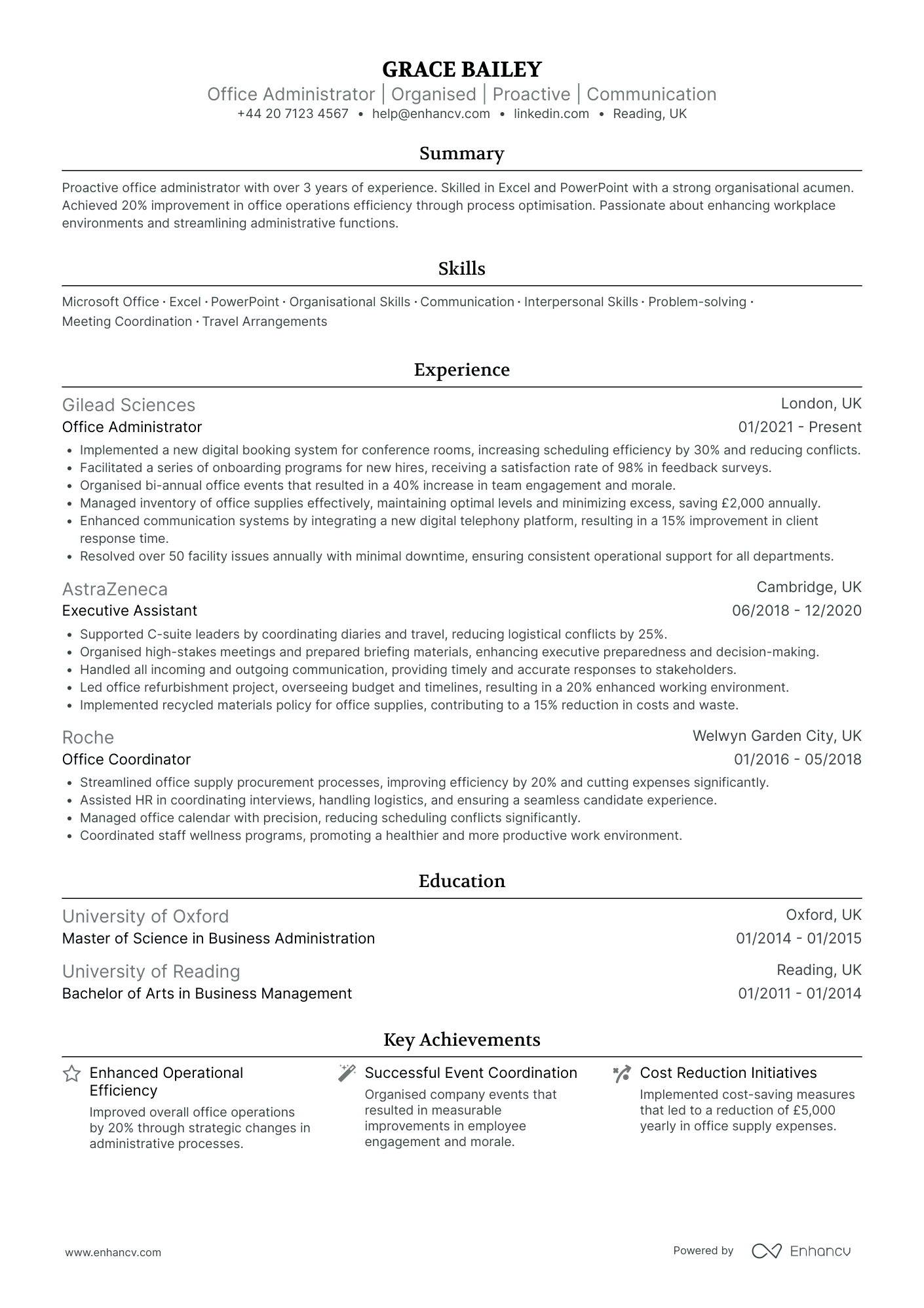
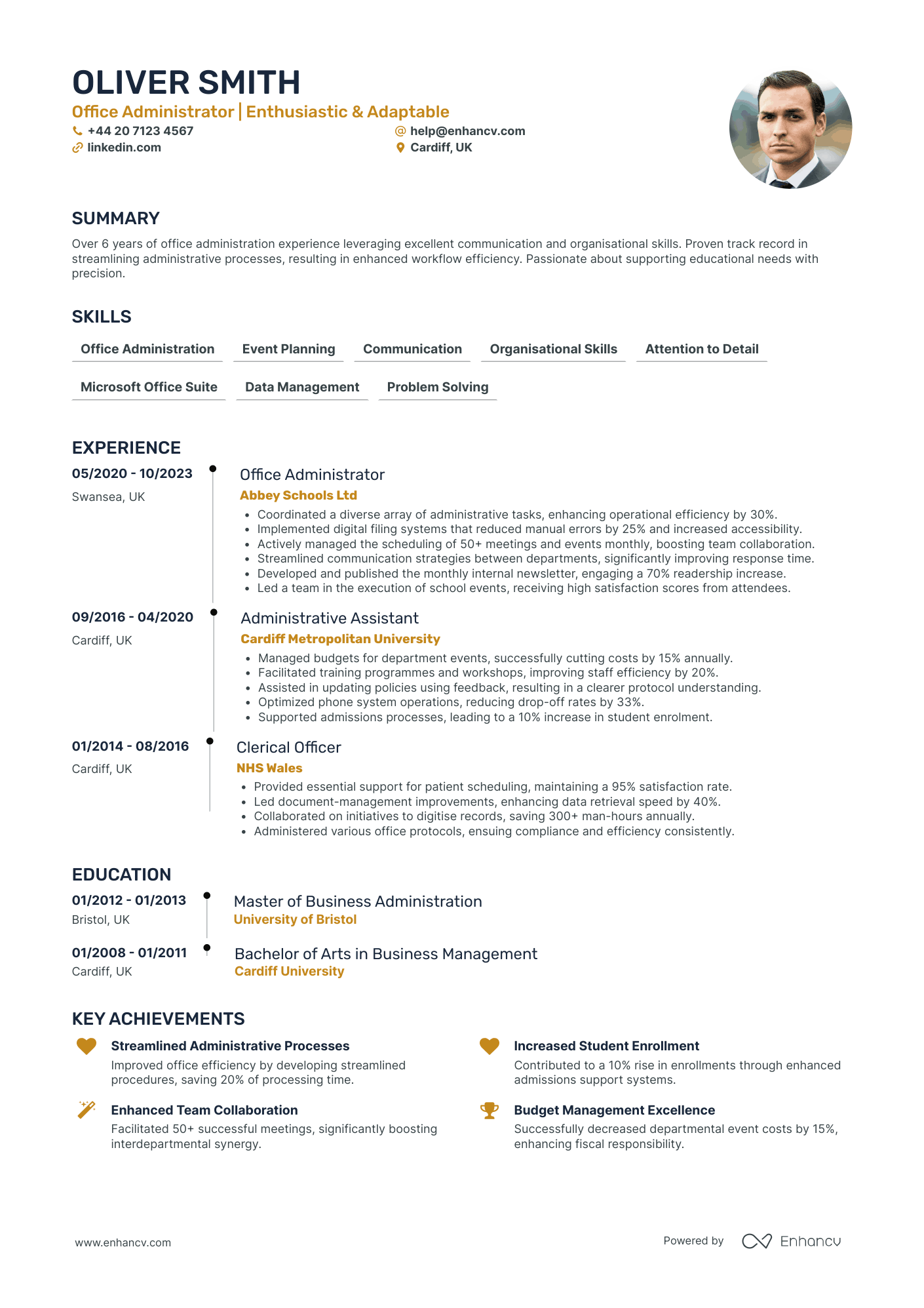
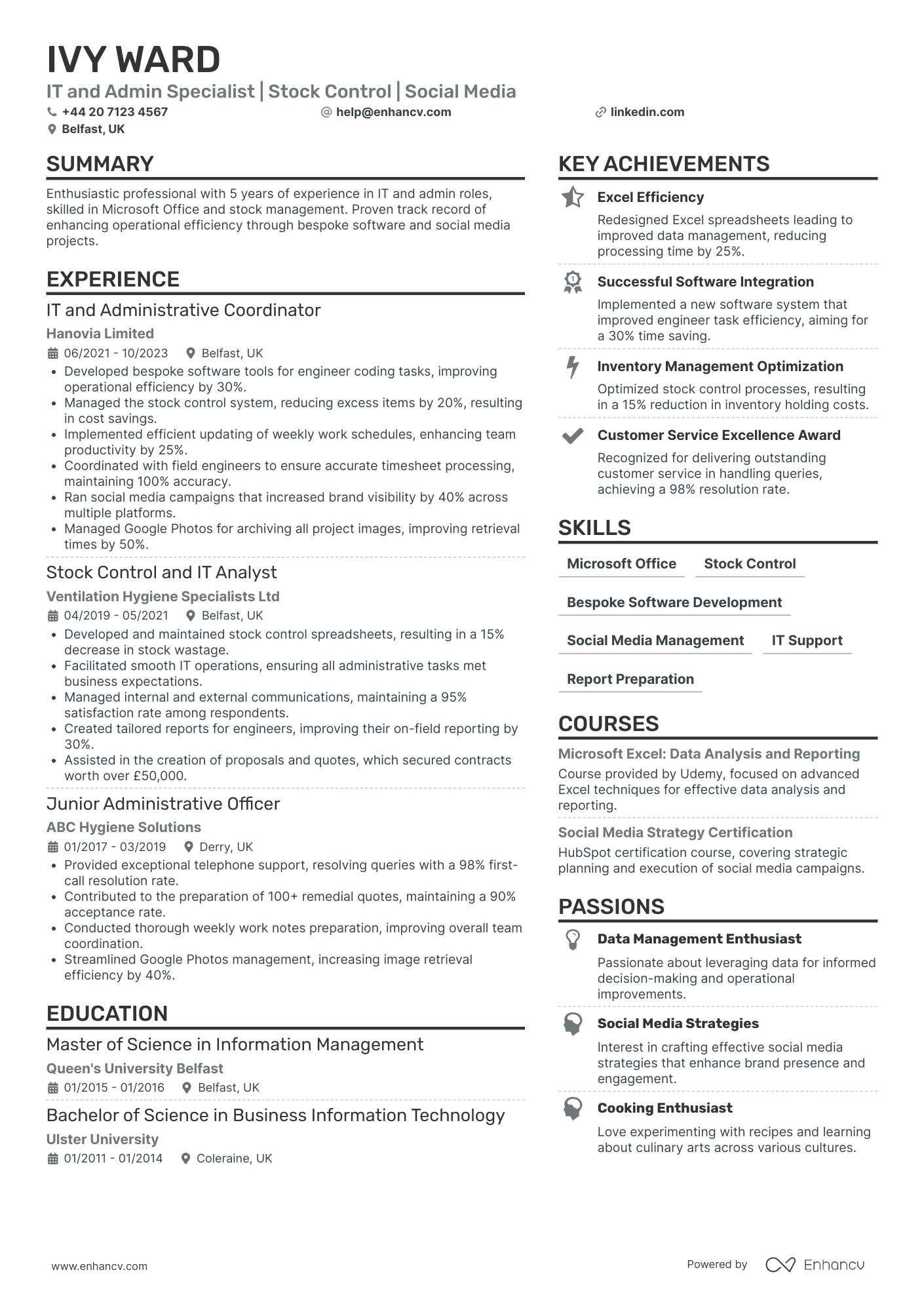
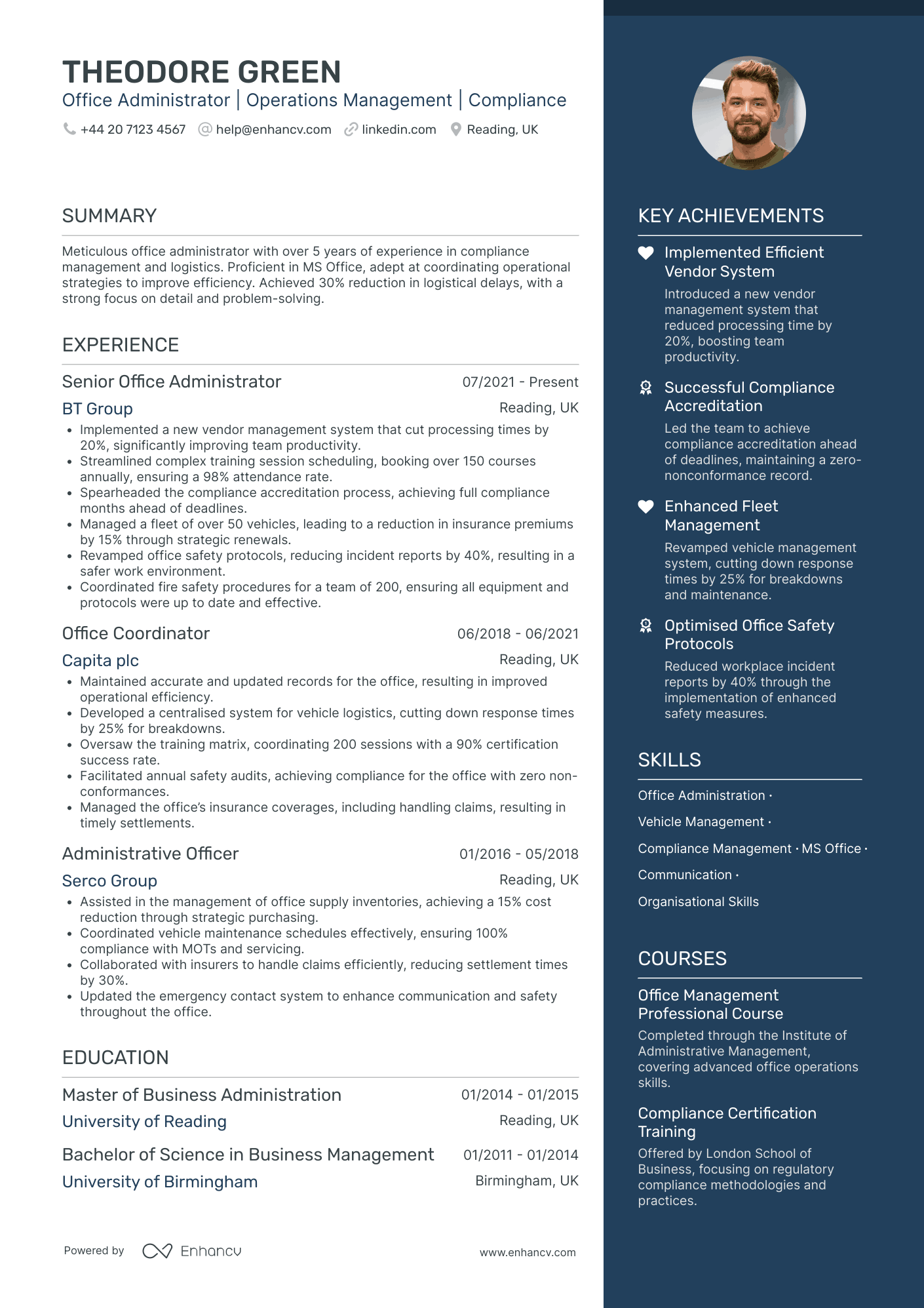
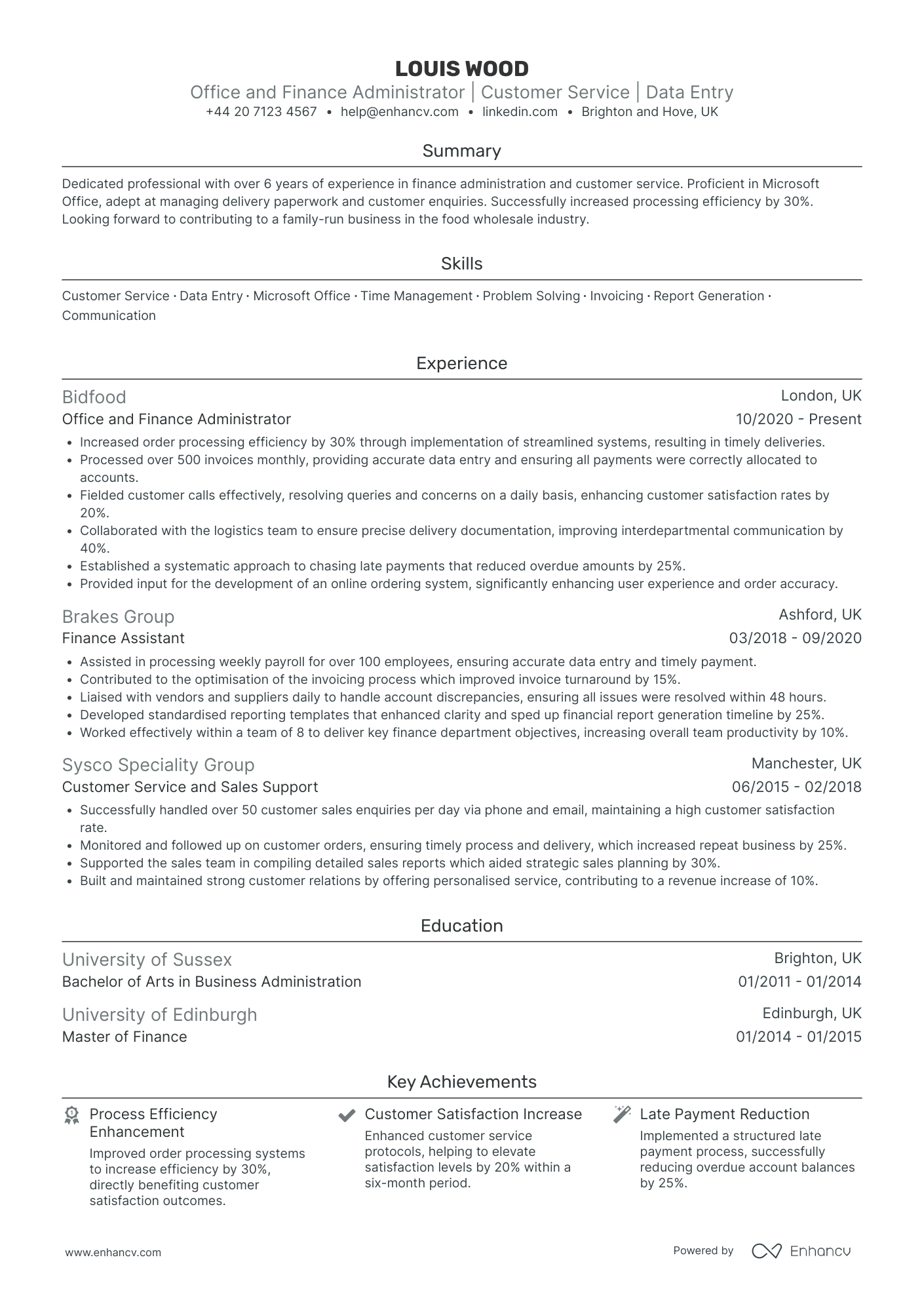
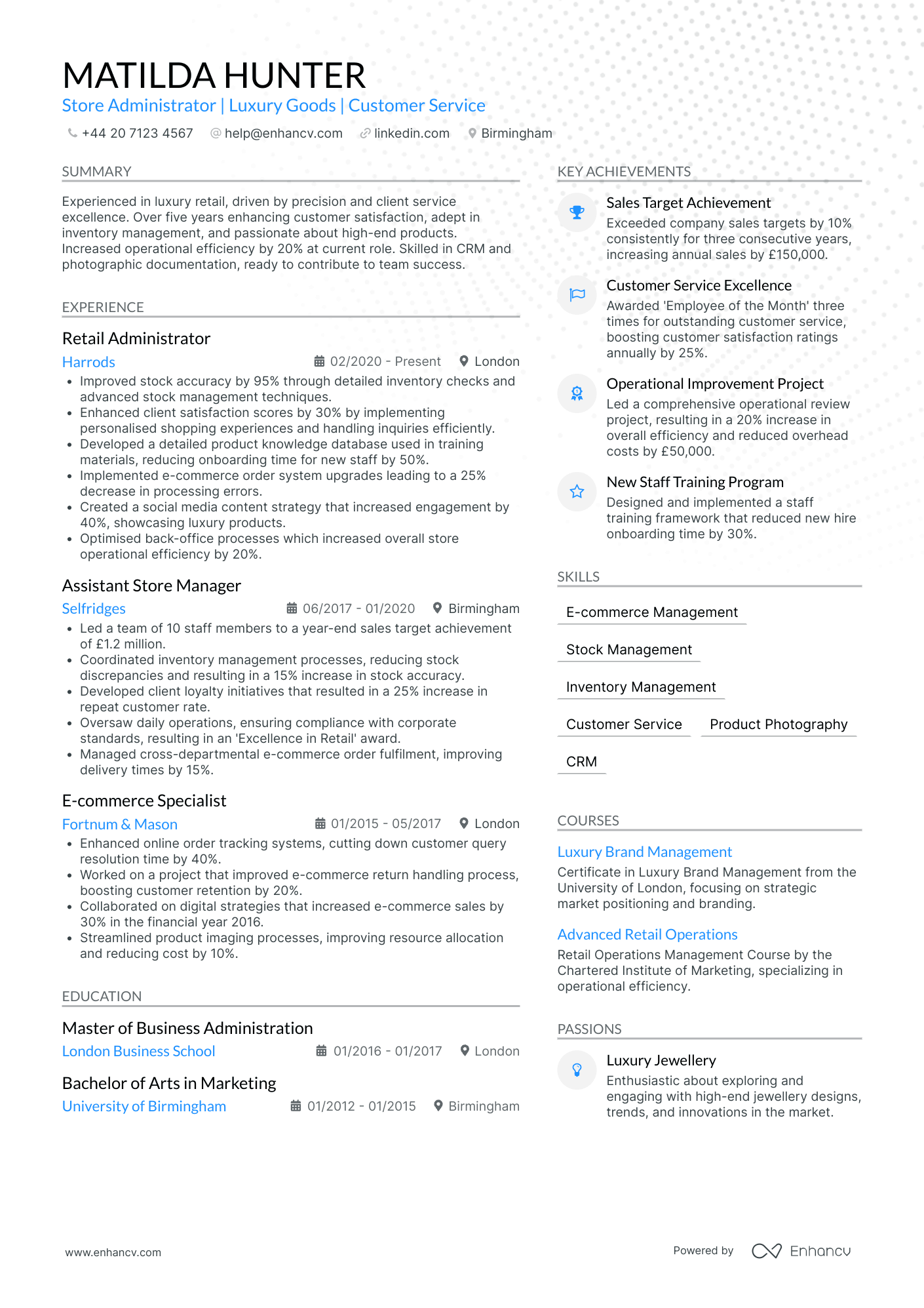
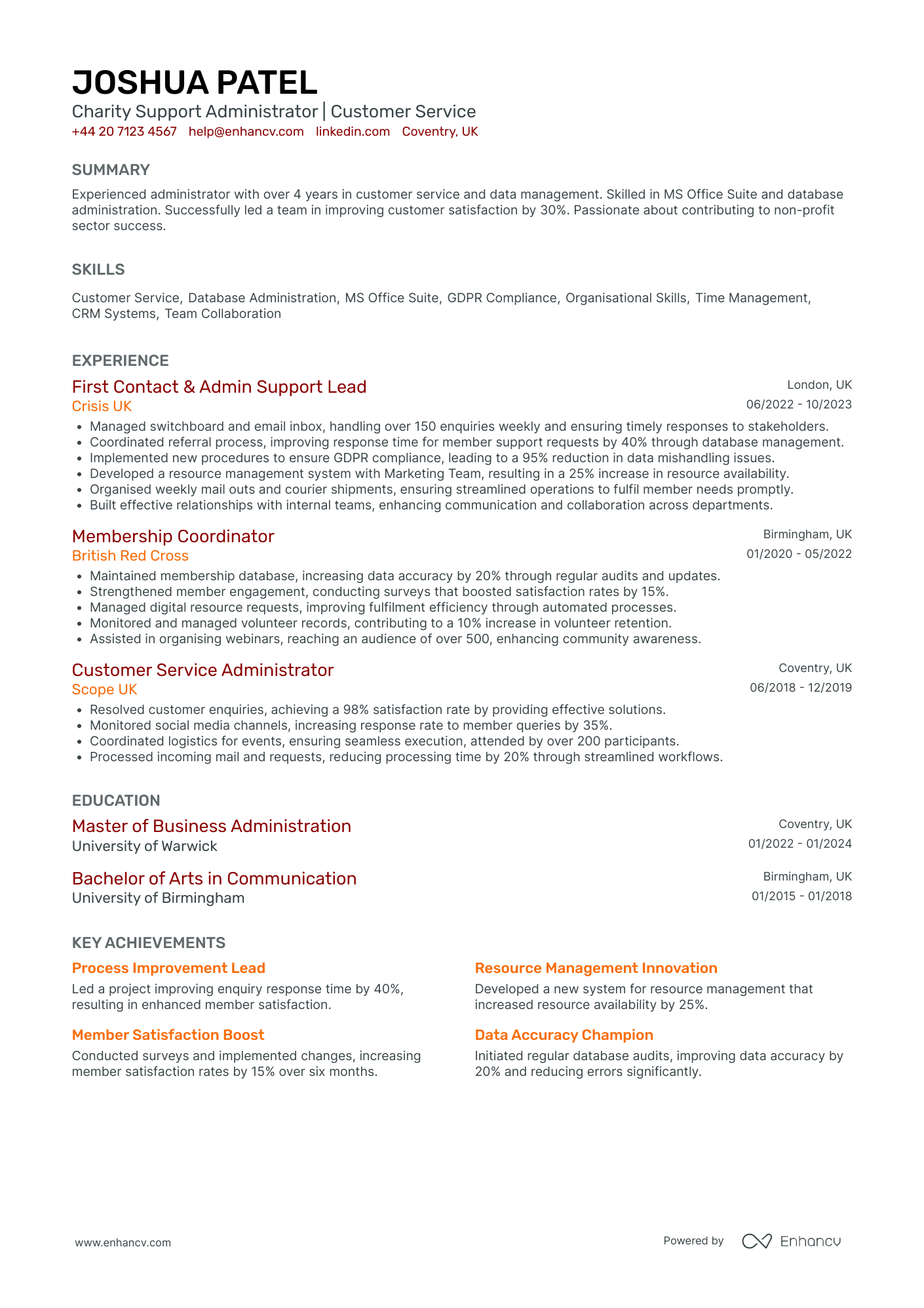
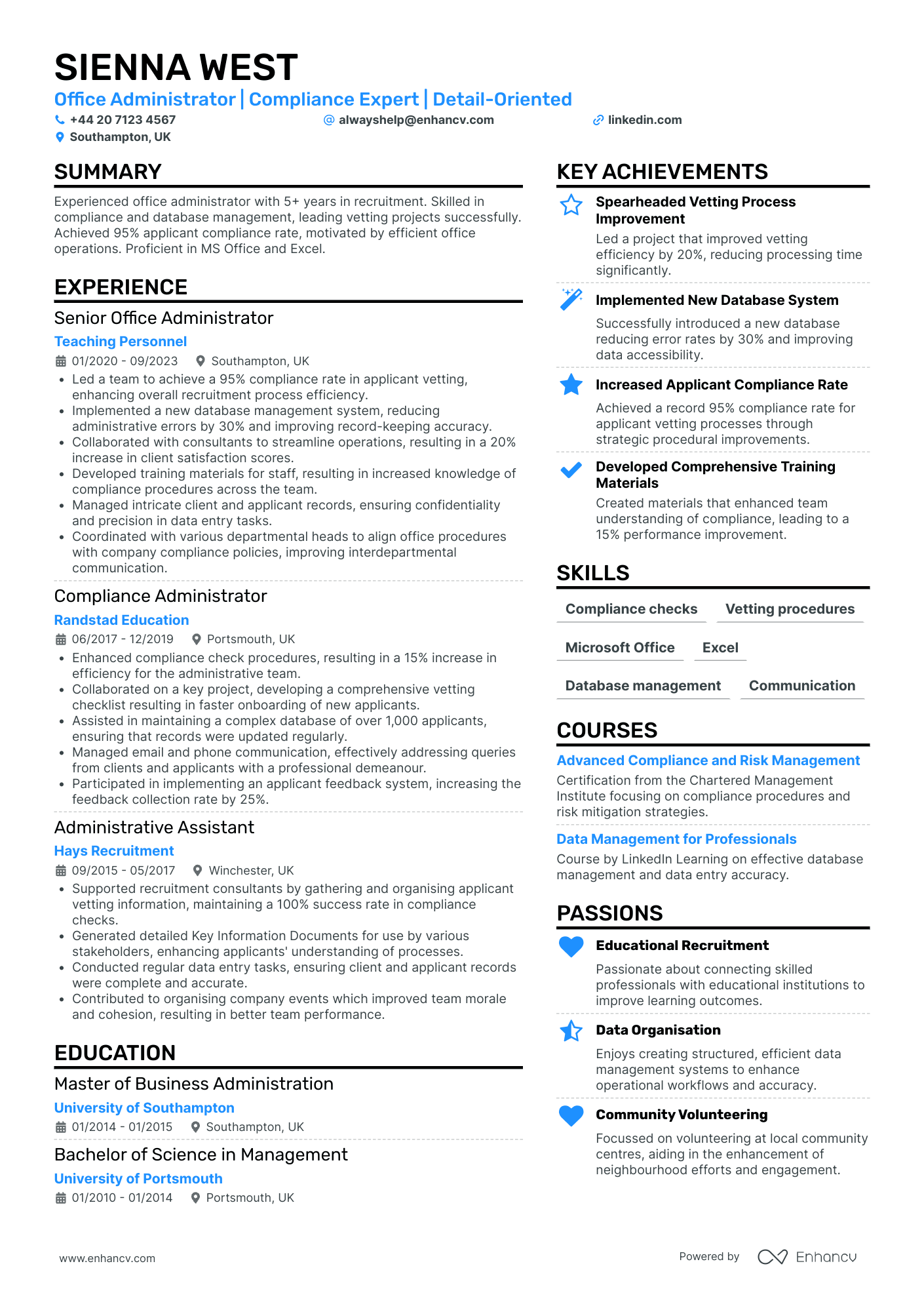
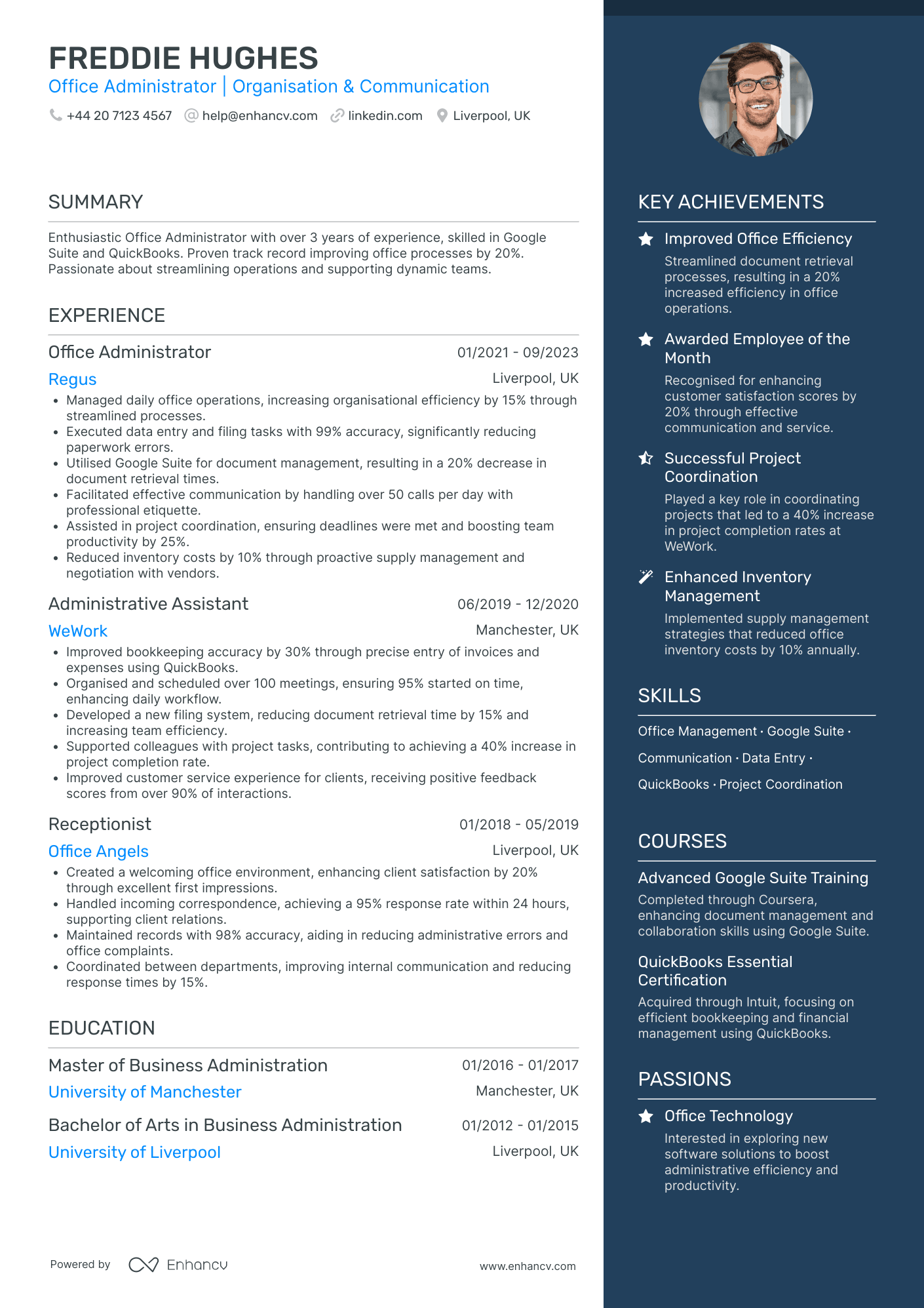
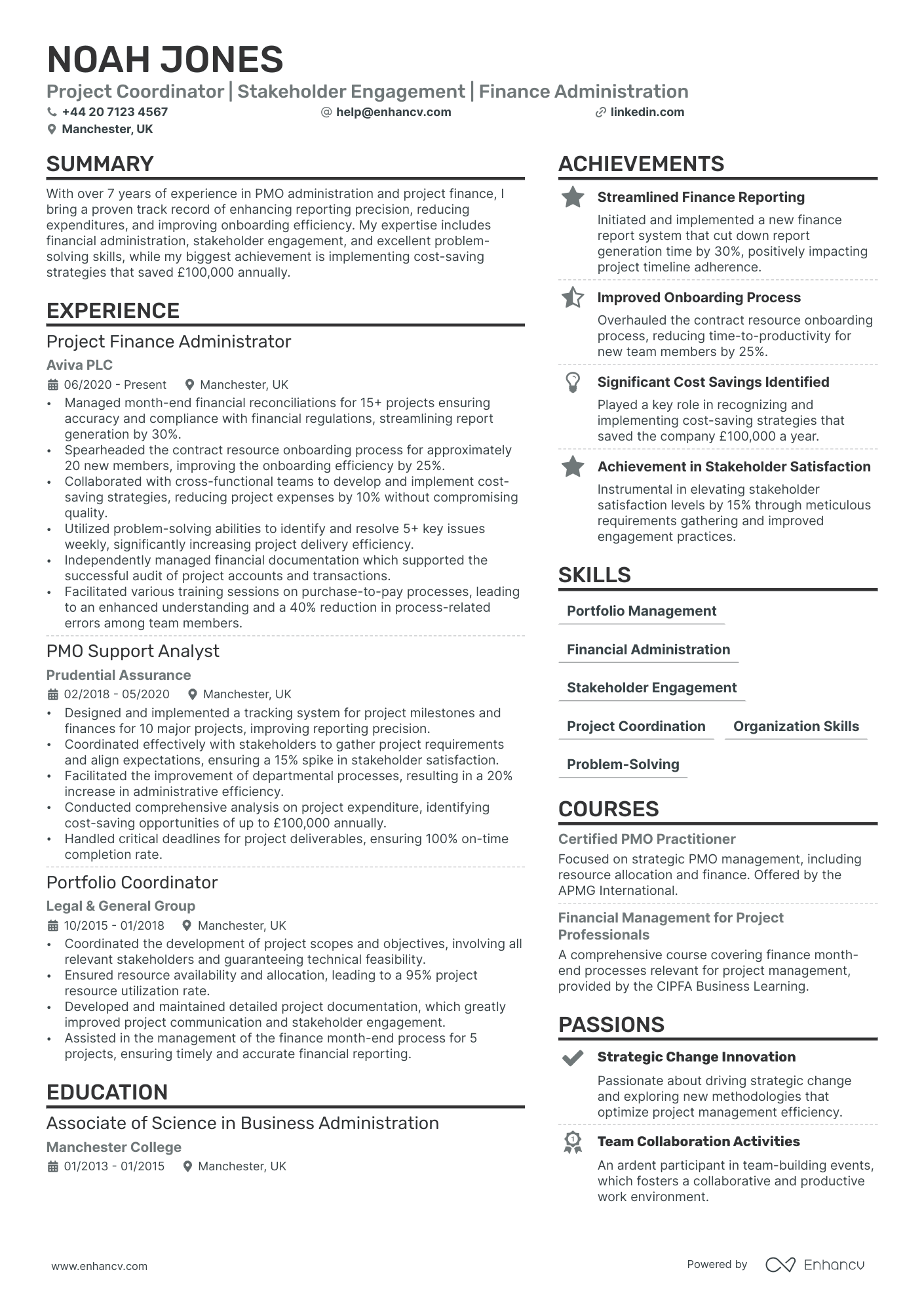
Open any batch of office administrator applications and the CVs blur into one: answered phones, managed diaries, ordered stationery. The adverts vary, the responses don't.
The CV that gets the interview is built differently. It picks the structure the reader expects, arrives in the right file, and puts a number where every duty used to be.
If you're starting from a blank page, the guide on how to write a CV covers the foundations. Below is the admin-specific rebuild, section by section, starting with the decision most candidates get wrong: the format.

Key takeaways
- Use a reverse chronological format across two pages. It's the structure UK admin employers and agencies both expect.
- Send a PDF when you apply direct, and keep a .docx version ready for recruitment agencies that reformat CVs.
- Swap duty lists for numbers: invoices processed, diaries managed, turnaround times, money saved.
- Name the exact systems from the advert, like Sage 50 or SharePoint, rather than generic labels.
- Open with a personal statement built on years, sector, systems, and one result.
- Claim skills at the level you can prove. "Pivot tables and VLOOKUP" beats "Microsoft Office".
Choosing the right format for your office administrator CV
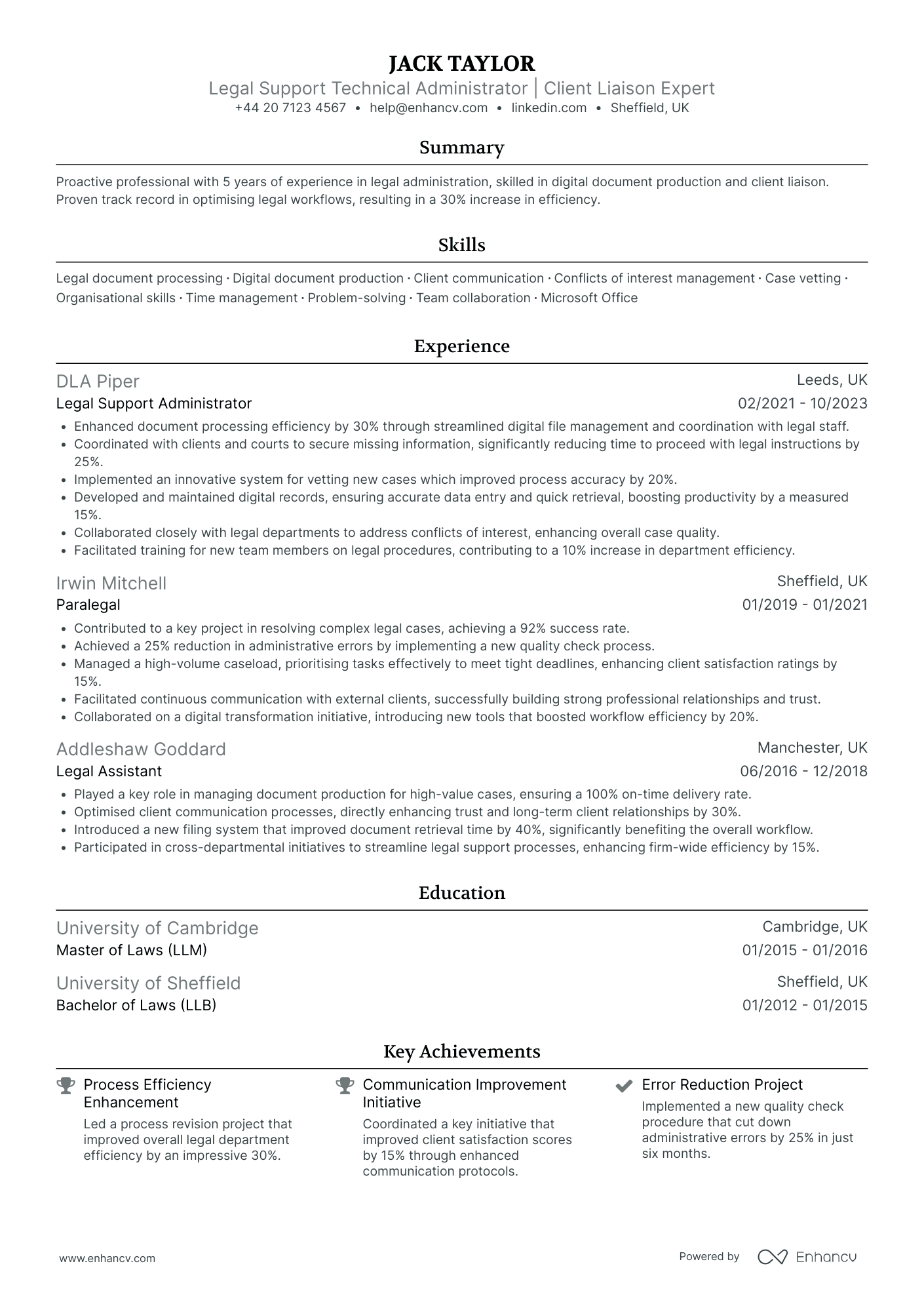
Go reverse chronological: most recent role first, working backwards. Admin careers are usually continuous, and this format lets the reader check your last two employers in seconds.
A skills-based CV only makes sense if you're writing your first one. If that's you, the no-experience section near the end of this guide covers the reordering.
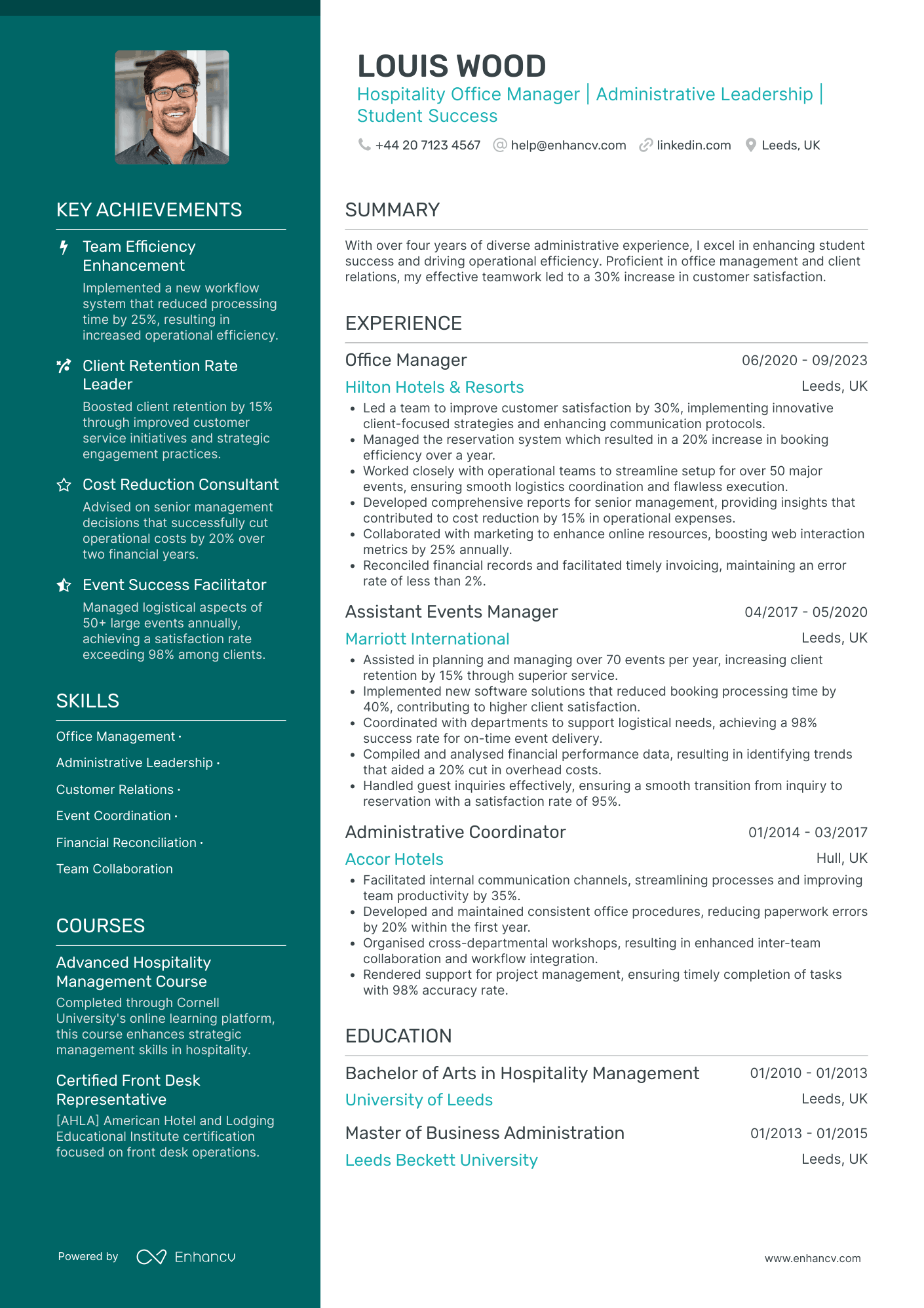
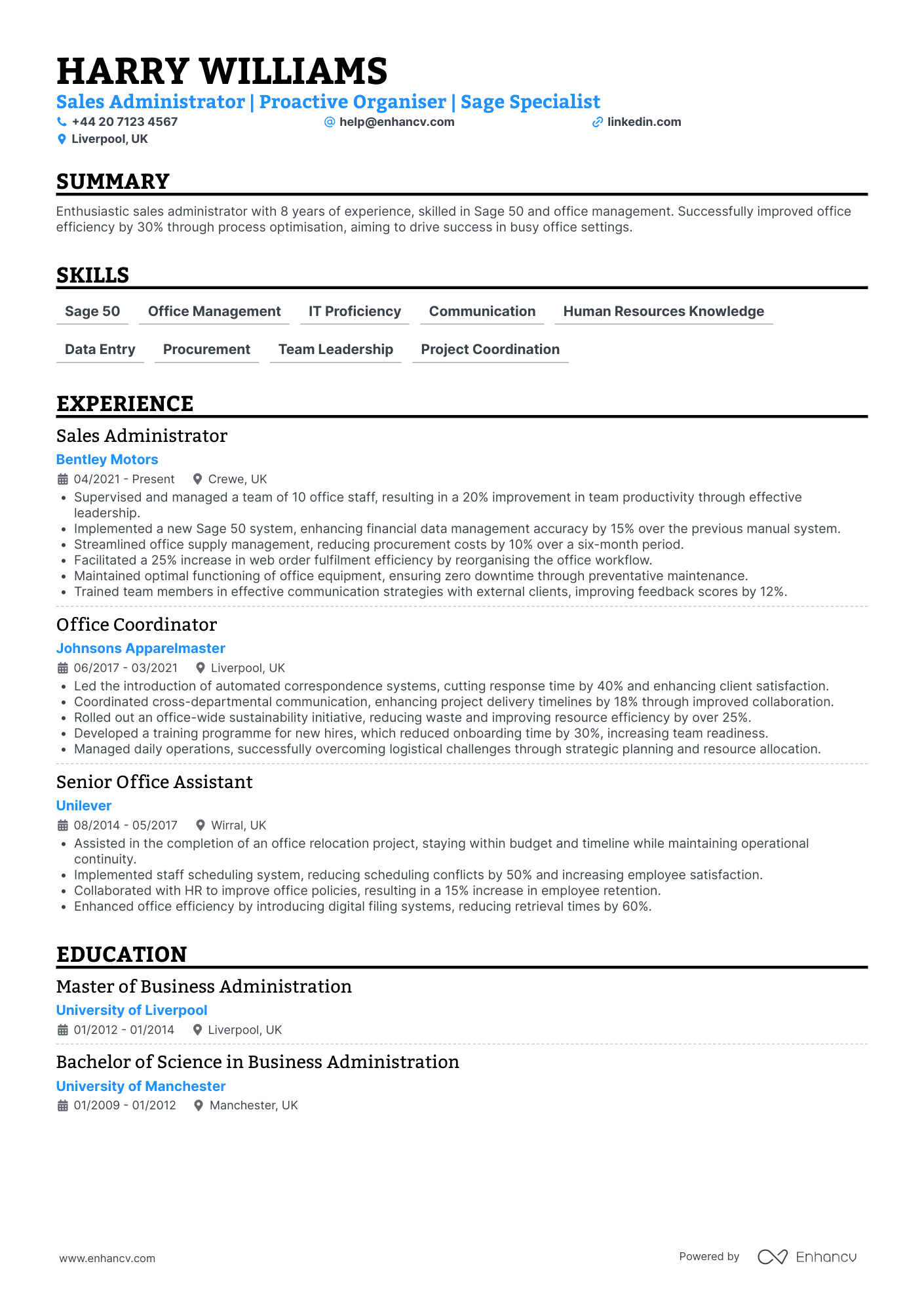
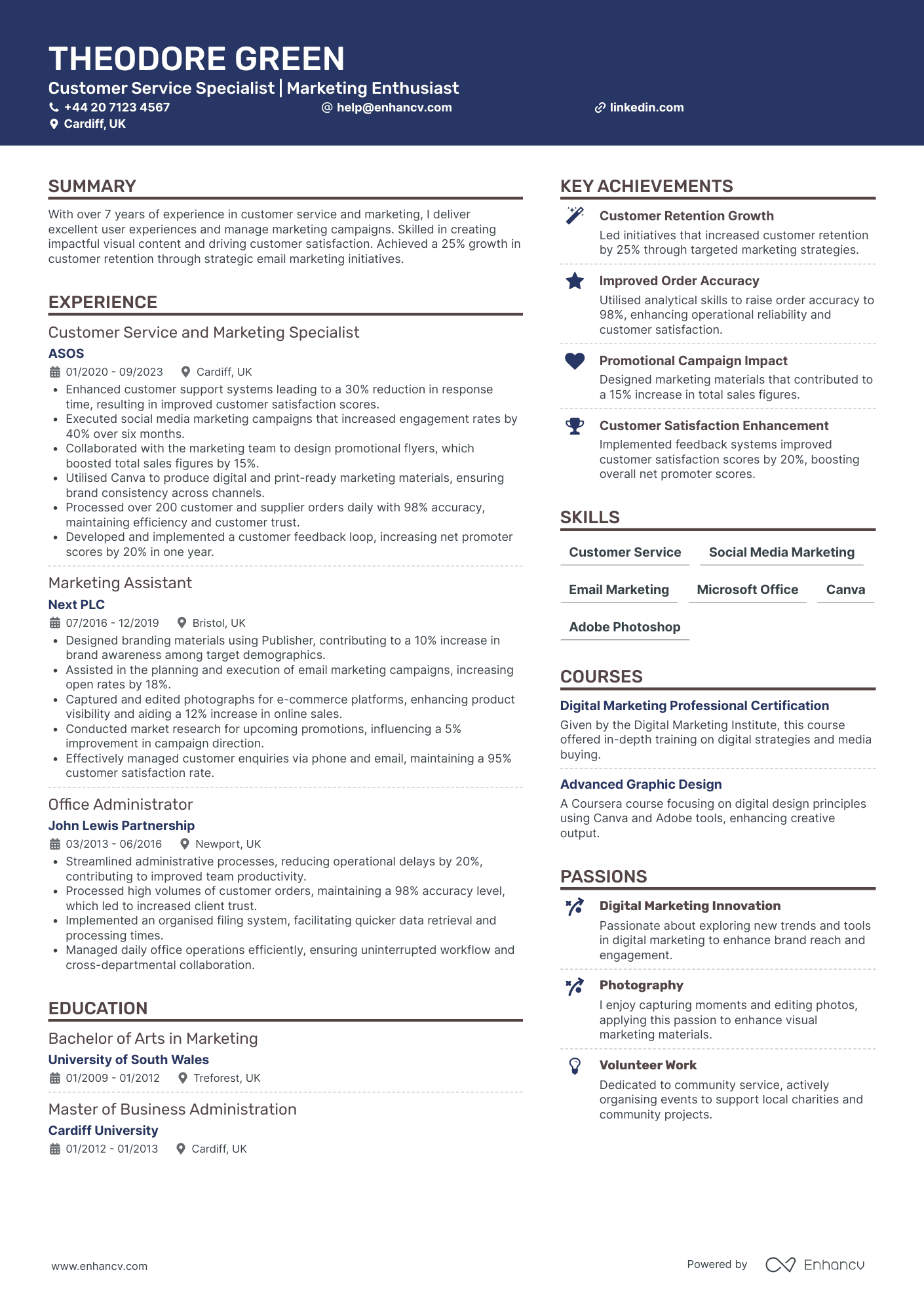
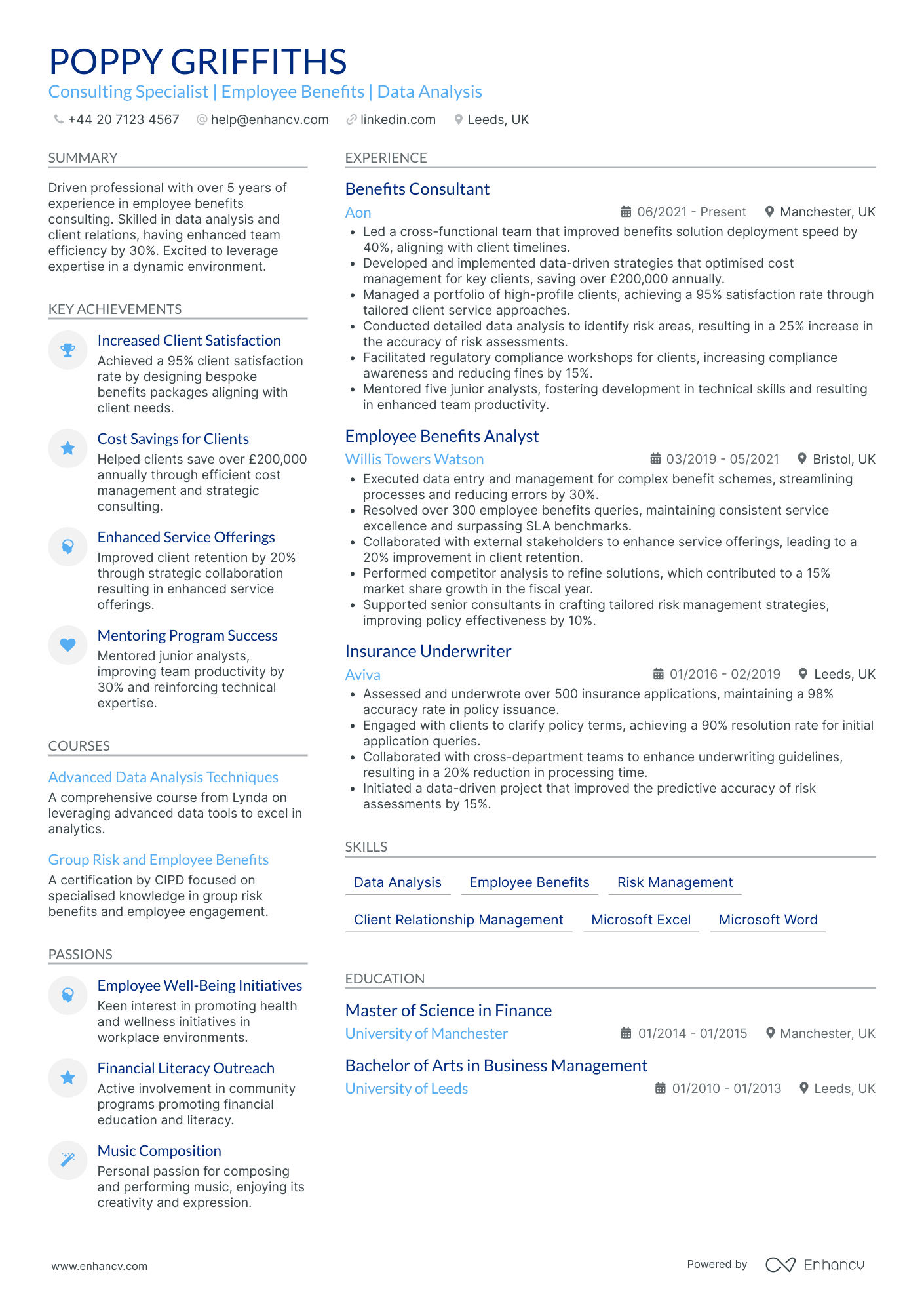
Keep the layout boring on purpose:
- Two pages. One is fine for under three years of experience, never three.
- Standard headings: Work Experience, Education, Skills. Renaming them to "My Journey" helps nobody.
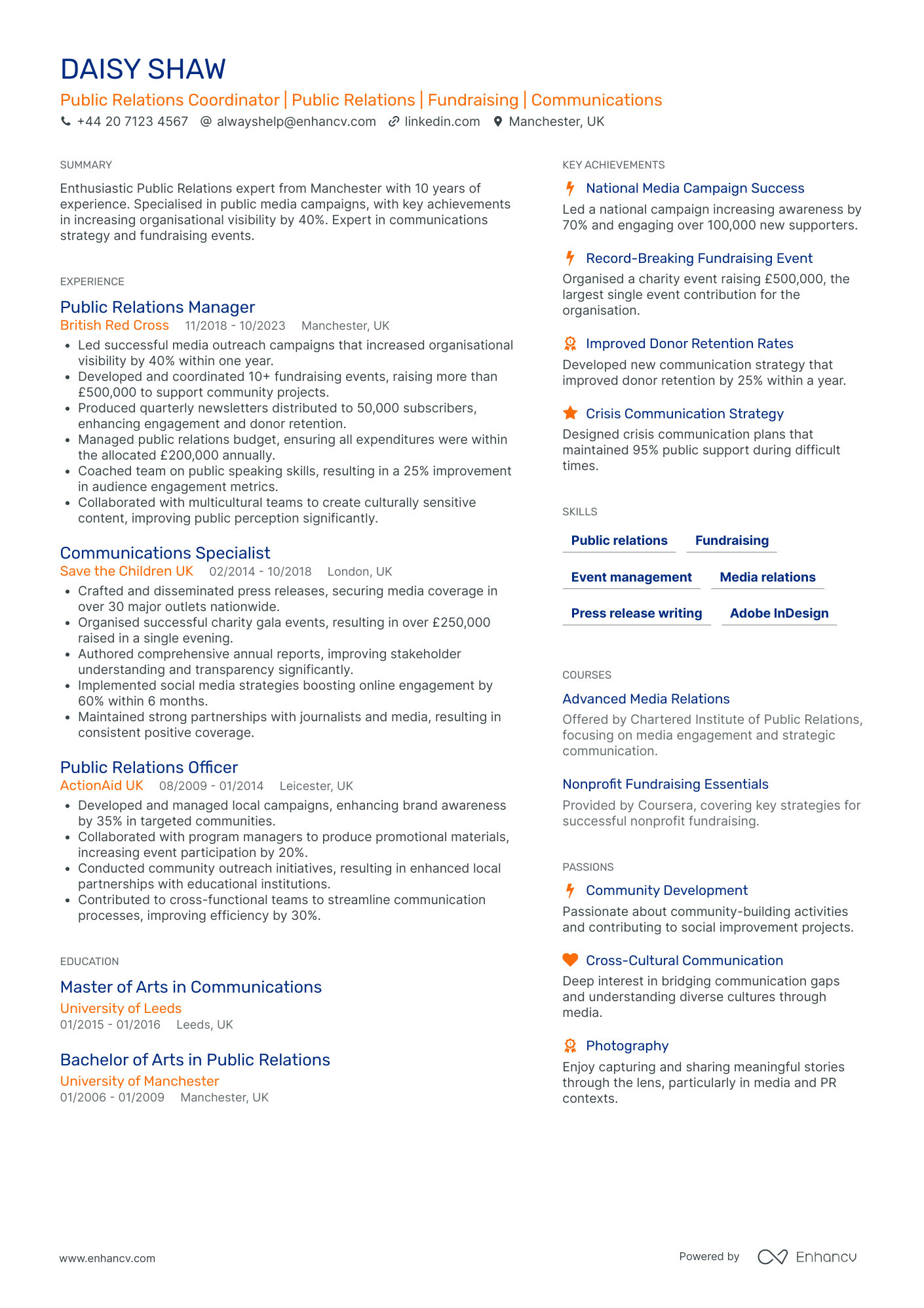
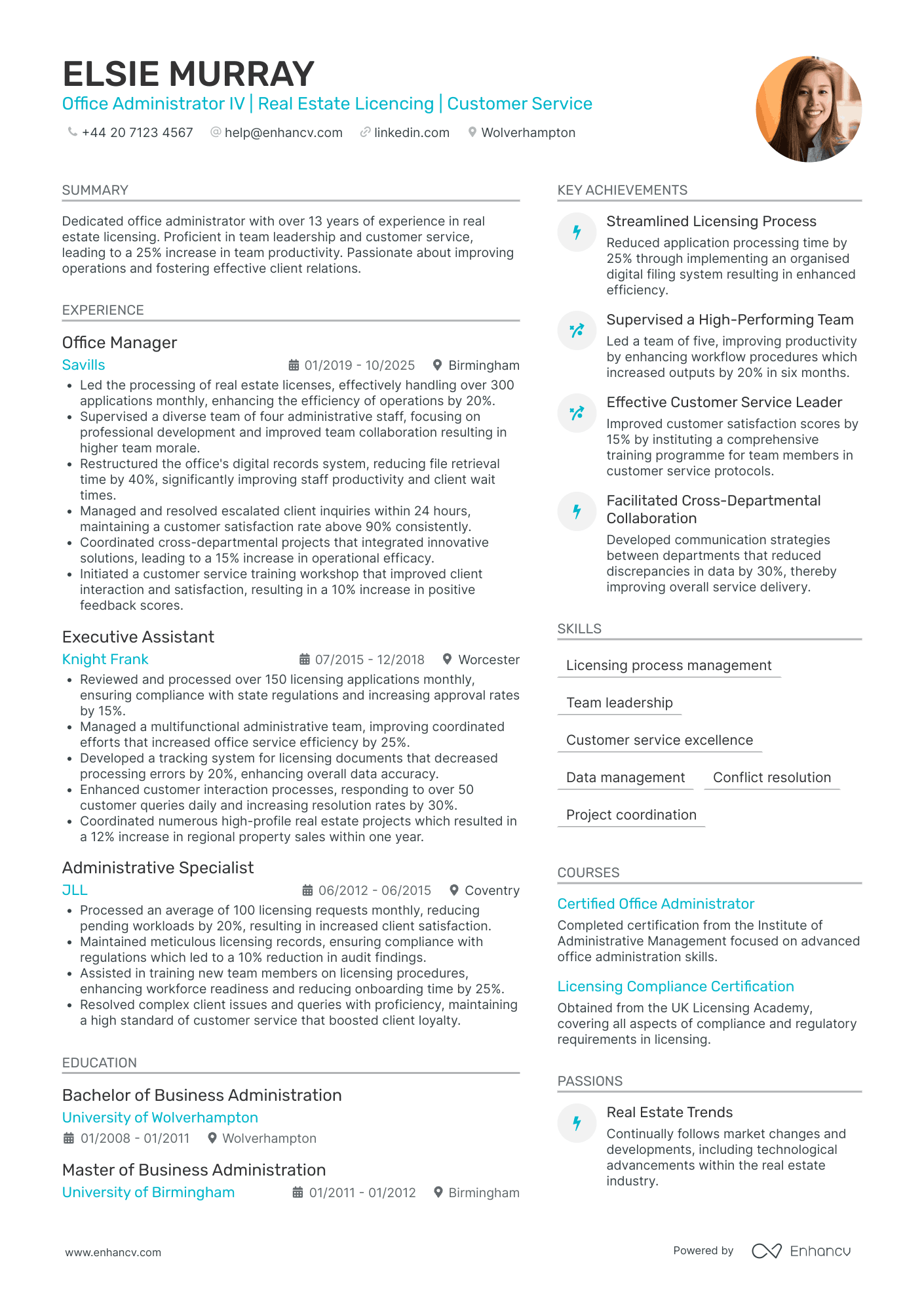
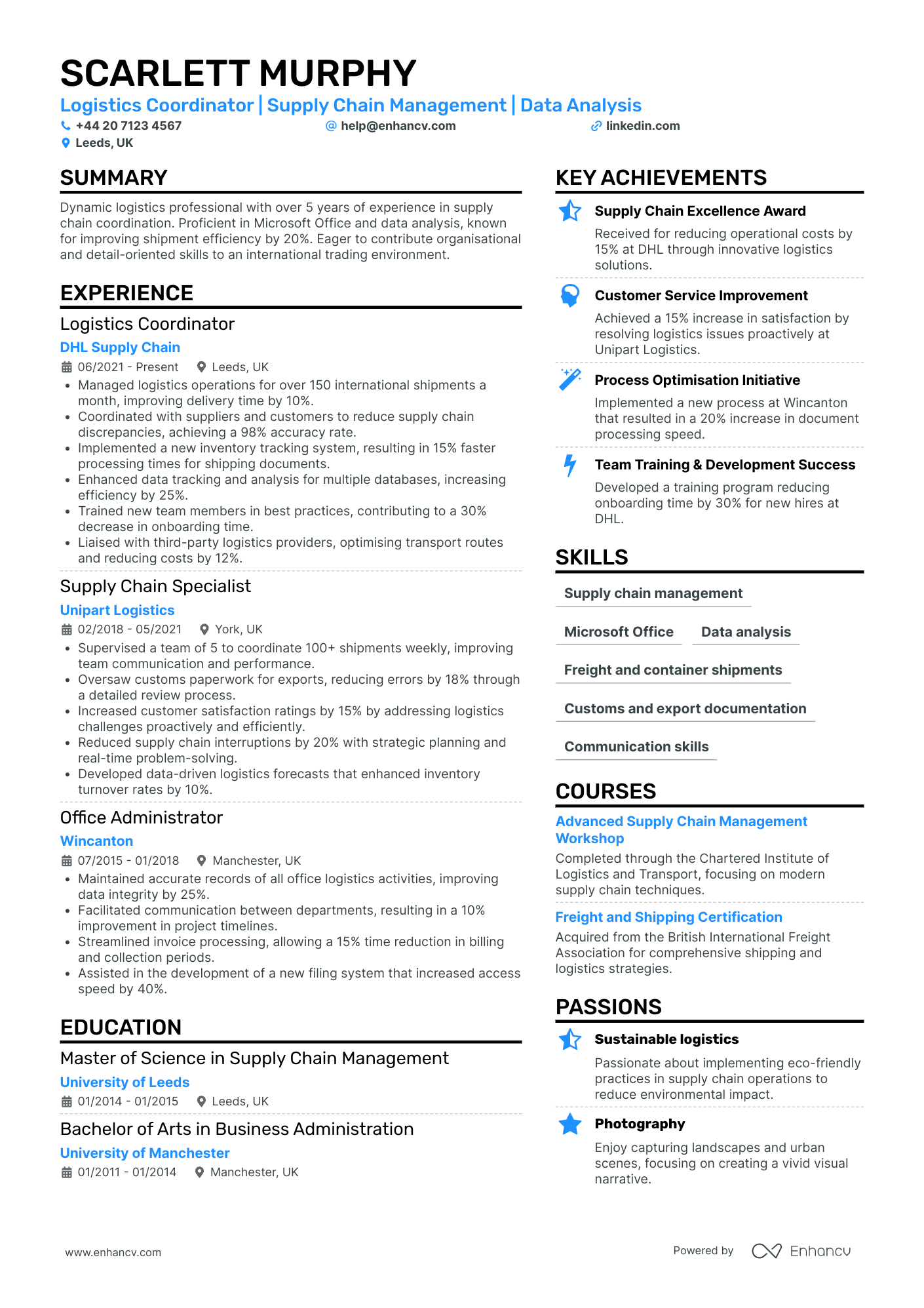
- One column or two, your call. Column count doesn't affect parsing, so lay the page out for the reader.
- One readable font, 10 to 12 point, with margins you haven't shrunk to cram more in.
White space is doing more work than you think. An office administrator's CV is itself a sample of their document formatting, and a cramped page reads as a cramped filing system.
Word or PDF: which file should you send?
Google this role's CV and the suggested searches are almost all file-format queries: Word format, template Word, sample PDF. The demand is real, and the answer depends on who's receiving the file.
For a direct application to an employer, send your CV as a PDF. The layout locks, the fonts hold, and it opens identically on every machine.
Going through a recruitment agency? Have a .docx ready. Agencies handle a large share of UK admin hiring, and reworking your CV into the agency's branded template is standard consultant practice. A Word file makes that painless, and your consultant will ask for one.
If the advert names a file type, that overrides everything. Some public-sector portals still insist on .docx uploads, and ignoring the instruction on an admin application is a self-disqualifying move.
Keep both versions of the same CV, identical in content. Update them together or the agency copy drifts out of date.
Enhancv's CV templates export as a polished PDF, ready for the direct route.
Will an ATS read it?
Larger UK employers, the NHS, and many agencies run applications through tracking software before a person reads them. That's a reason for an ATS-friendly CV, never a reason to panic.
Standard headings and real text (no CV-as-image exports) parse fine. Fonts, colour accents, column count, and a PDF export from a proper builder don't break parsing.
Plenty of smaller UK offices still read every CV by hand. Write for the human first and the software is covered by the same clean structure.
Before you send either file, it's worth knowing how your current CV scores on structure and parsing.
Is your resume good enough?
Drop your CV here or choose a file. PDF & DOCX only. Max 2MB file size.
Getting the header right
Name, phone, professional email, city, and a LinkedIn URL if the profile is current. That's the entire CV header.
No photo, no date of birth, no marital status, and never a National Insurance number. Some of the sample CVs ranking for this search still show full postal addresses, a habit from the 2000s that dates you instantly.
One line worth adding: a job title under your name that mirrors the advert. If the vacancy says "Office Administrator", your header says Office Administrator, even if your last employer called you a team coordinator.
A matched title earns the first glance. The experience section underneath has to hold it.
How to write the experience section
Most recent role first, three to five bullets each, and every bullet opens with a verb and lands on something measurable.
Admin work feels routine from the inside, which is exactly why quantified bullets stand out. The volume is the achievement.
Here's the same bullet before and after:
Before: "Responsible for processing invoices and supporting the finance team."
After: "Processed 240+ supplier invoices a month in Sage 50, keeping payment runs inside 30-day terms."
The second one tells the reader the system, the scale, and the standard. Run that rewrite on every duty you're tempted to list, and the section becomes a record of CV achievements rather than chores.
Numbers an office administrator can mine:
- Invoices and purchase orders processed each month
- Diaries managed, and for how many managers
- Suppliers and contractors coordinated
- Calls and visitors handled
- Document turnaround times
- Savings negotiated on ordering
- Accuracy rates on data entry
- Run diaries and travel for four directors, coordinating 30+ client meetings a month without a double-booking in two years
- Process around 200 supplier invoices monthly in Sage 50, reconciling against purchase orders and keeping payment runs within 30-day terms
- Cut stationery and consumables spend 18% by consolidating five suppliers into two and renegotiating delivery terms
- Take minutes for weekly senior team meetings and circulate actions within 24 hours, chasing owners to an 85% on-time completion rate
Tailoring your CV to each job advert
Admin job titles are chaos. Administrator, office coordinator, team administrator, and office manager often describe the same desk.
So tailor your CV mechanically. Pull three things from every advert: the exact job title, the named systems, and the first two requirements listed.
The title goes in your header. The systems become your CV keywords, spelled in your bullets and skills list the way the advert spells them. The top two requirements get answered by your first two bullets.
If the ad says Sage 50, your CV says Sage 50. "Accounting software" is a match for nothing.
Repeating that for every application is the tedious part of an admin job search. Enhancv's CV tailoring feature reads the advert and suggests matching edits section by section. An evening of rewriting becomes a few minutes of reviewing.

PRO TIP
Adverts name the systems they care about, so claim the level you can prove for each one. "Excel: pivot tables, VLOOKUP, mail merge" gets shortlisted, "advanced Excel" gets tested at interview.
Which skills to put on an office administrator CV
Rank your hard skills the way UK adverts rank them, with the spreadsheet and inbox work first.
Read a dozen live adverts for the role and the same names repeat: Excel and Outlook first, then Word and the rest of Microsoft Office, with CRM systems and data entry close behind. Finance-leaning posts add Sage or Xero.
That repetition is your skills section, in that order. Teams, SharePoint, minute-taking, and data entry round it out where you can genuinely back them.
Soft skills earn their place differently. Organisation, attention to detail, and communication only count when a bullet elsewhere on the page proves them, so treat the skills list as an index of evidence rather than a wish list.
Top skills for your office administrator CV:
Microsoft Excel (pivot tables, VLOOKUP)
Outlook diary management
Sage 50
Microsoft Teams and SharePoint
Minute-taking
CRM data entry
Organisation
Attention to detail
Written communication
Discretion
Prioritisation under interruption
Education and qualifications UK employers check
Most adverts ask for GCSE English and Maths at grade 4 (C) or above. List them in one line in your education section, with grades, unless a degree has since made them redundant.
The qualification that actually signals commitment to the role is the Level 2 or Level 3 Diploma in Business Administration, or the Business Administrator Level 3 apprenticeship. Either one earns its own line among your certifications, with the awarding body and year.
Finance-leaning admin roles rate AAT Foundation highly, so lead with it if the advert mentions invoicing or purchase ledger work.
A degree helps but the classification only matters if it's recent. Three years into your career, "BA (Hons) Business Studies, 2:1" can drop the classification and nobody will ask.
One distinction worth knowing: NHS, council, and civil service applications are scored against the published person specification. Mirror its wording line by line in your qualifications and statement. A small firm reads your last job first and your certificates afterwards.
Whichever reader you get, the personal statement is the first paragraph they meet.
Writing your office administrator personal statement
Three to four sentences at the top of page one: your title and years, your sector, the systems you run, and one number that proves the standard you work to.
A top-five result for this exact search still opens its sample CV with "a polite, friendly and sociable person". That sentence could caption anyone's LinkedIn photo, and it's been making admin CVs invisible since the 2000s.
Adjectives describe, numbers convince. Compare:
Office administrator CV personal statement example
Office administrator with six years' experience supporting director-level teams in professional services. Runs diaries, travel, and minutes for four senior managers while processing 200+ Sage 50 invoices a month. Cut consumables spend 18% through supplier consolidation. Looking to bring the same process discipline to a larger Leeds office team.
Office admin statements fail by being interchangeable, and the fix is mechanical. Sentence one: title, years, sector. Sentence two: the scope you run, with the systems named. Sentence three: one number that shows the standard, whether that's invoice volume, spend saved, or two years without a double-booking. I'd rather read a statement with one verifiable number than five well-chosen adjectives. Hiring managers I've compared notes with say the same. Write the number first, then build the sentences around it.
Writing an office administrator CV with no experience
Plenty of UK admin adverts are open to candidates starting out, so the entry route is real. Your first CV just carries the weight differently.
Lead with education and a skills section, then mine whatever work you've done for admin evidence. Retail and hospitality are full of it: till reconciliation, rota coordination, stock ordering, complaint handling, booking systems.
Write those bullets in admin language. "Reconciled tills and banked takings daily with zero discrepancies over 18 months" is an office administrator bullet that happens to have happened in a shop.
School or volunteer office exposure counts too. Minute-taking for a society, managing a club's shared inbox, or organising a fundraiser's logistics all demonstrate the job's core motions.
Career changers should resist the standard advice to switch to a skills-based CV. Keep the reverse chronological structure: hiding a solid work history creates more suspicion than it removes. Reframe each role's bullets toward coordination and process instead.
Conclusion
Reverse chronological, two pages, the right file for the recipient, and a number in every bullet.
Build the CV around what UK adverts actually ask for, and the interview becomes a conversation about evidence you've already shown.