
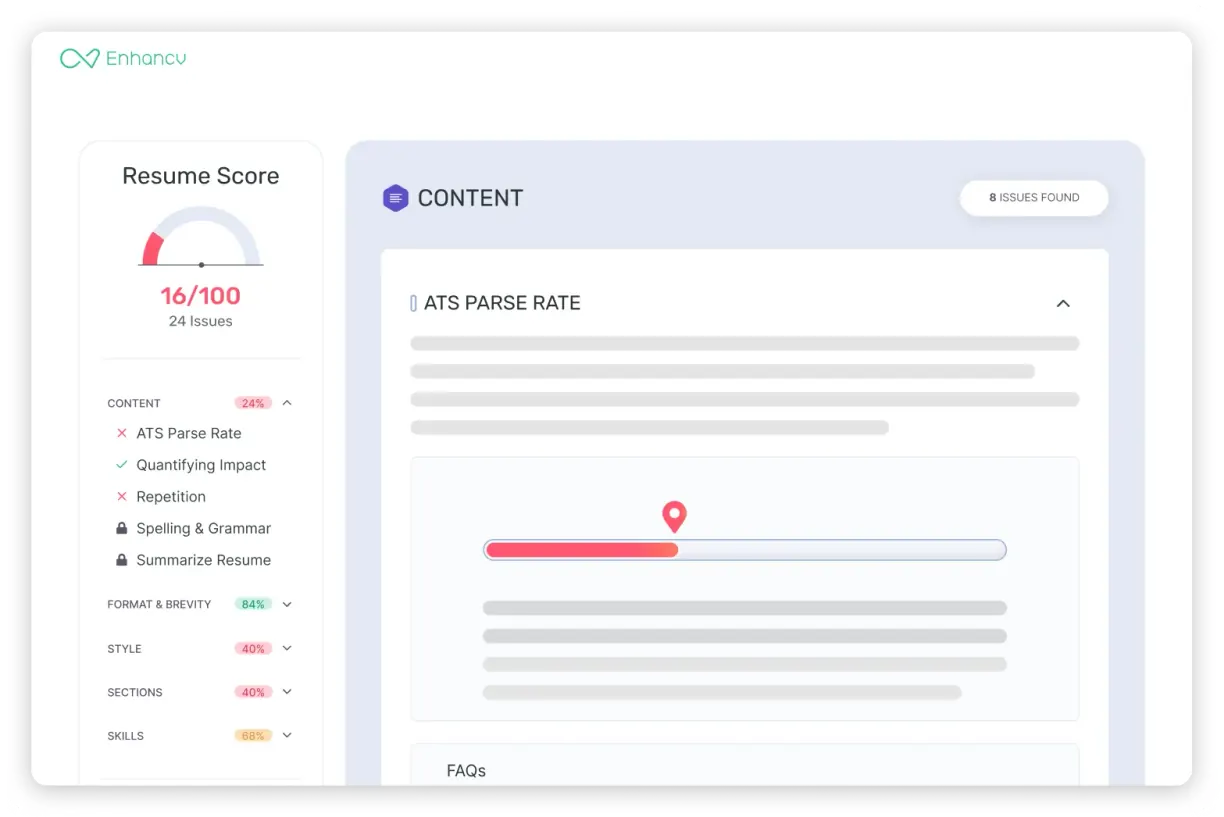
Enhancv's CV Checker builds your ATS score in two tiers
Most CVs are screened by an applicant tracking system (ATS) before a recruiter ever opens them: the ATS files your CV in a searchable database and extracts its content. How far you get depends on how well your CV is tailored to the role, the template you use, and the skills and keywords you include. After that, your CV still has to stand out on a busy shortlist and clear the red flags, bias and role-fit concerns a hiring manager weighs up — the CV Checker shows you how to handle both.
The content we can interpret
Like an ATS, the checker reads and interprets your CV's content and structure — against a job description if you add one, or against signals we've gathered from researching hundreds of ATS platforms such as Greenhouse, Lever and Workday. If we can make sense of your skills, experience and sections, the employer's ATS can too.

What the checker flags
An ATS won't judge spelling or weak writing, but recruiters will. The second tier of your score weighs the measurable achievements in your CV and the quality of the writing, flagging vague claims, unclear impact or missing context.


Your CV Checker goes beyond typos and punctuation
We've built in a range of AI models to help you craft a CV that's tailored to the role and ready to pass both ATS and human review. The tool checks for 27 crucial things across seven different categories on your CV — including ATS essentials, CV content and job tailoring with keywords in the most important sections, as well as recruiter red flags, potential discrimination factors and your seniority fit. Here's the full list of checks you'll receive:
ATS essentials
File format and size
ATS-friendly design
Professional email address
Header links compliance
CV file name
Dates and links consistency
CV sections
Essential sections
Contact information
Section order
Content
ATS parse rate
Quantifying impact with AI rewrite suggestions
Repetition of words and phrases
Spelling and grammar
Bullet length and consistency
Job tailoring
Hard skills match
Soft skills match
Action verbs
Tailored job title
Recruiter red flags
CV credibility
Interview risk signals
Peer benchmarking
LinkedIn profile match
Bias & discrimination
Age and date bias
Employment gaps
Seniority & impact
Career progression
Skills evidence
Leadership signals
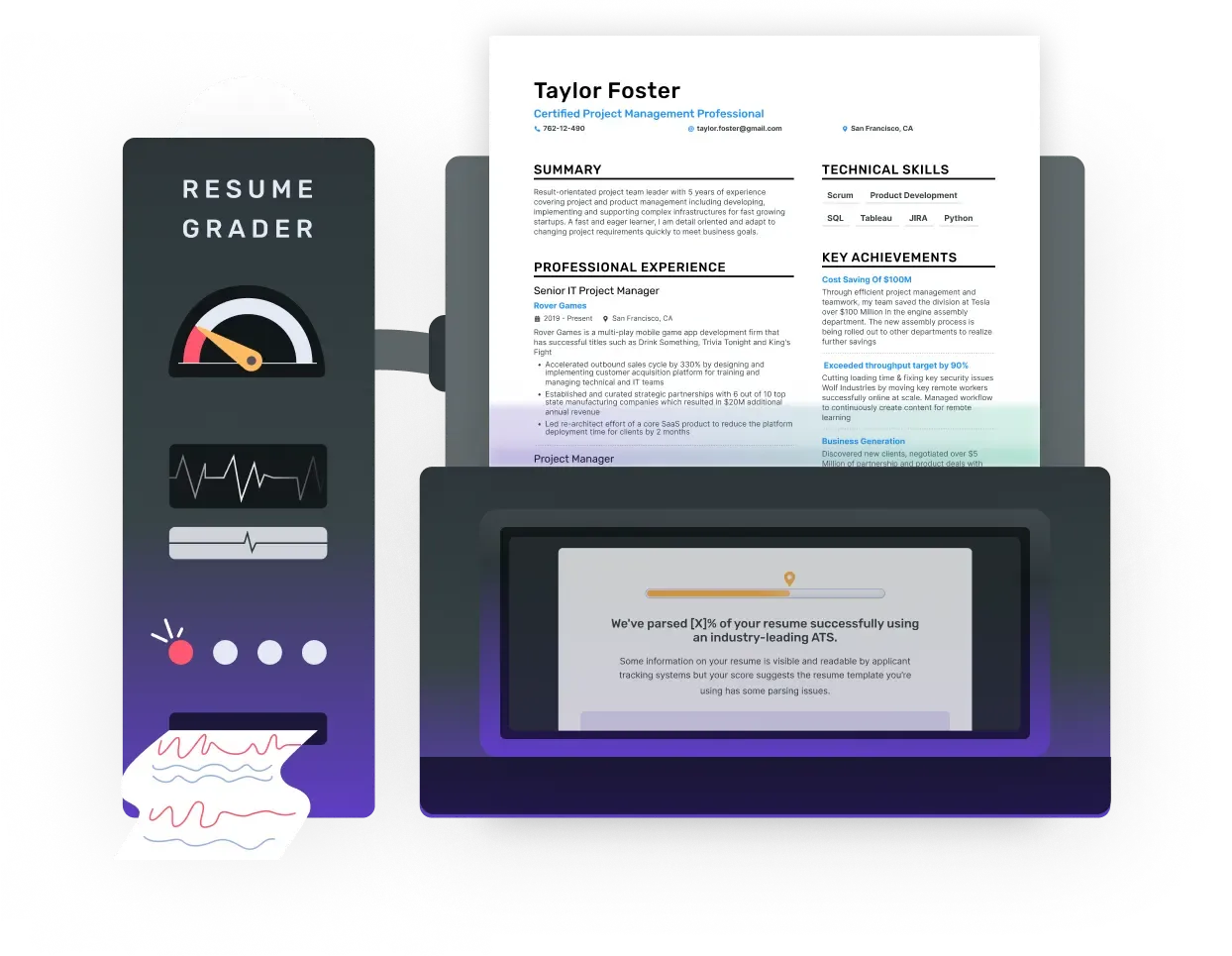
See how an ATS reads your CV
Part of your score reflects how well your CV can be parsed. We've reverse-engineered the most popular applicant tracking systems — BambooHR, Greenhouse, Lever, SAP SuccessFactors and Workday — to check yours. For every upload we look at the skills and keywords tied to your target role, plus readable contact details, date format, links, file type and length, then suggest fixes.
Tailor your CV to a job description
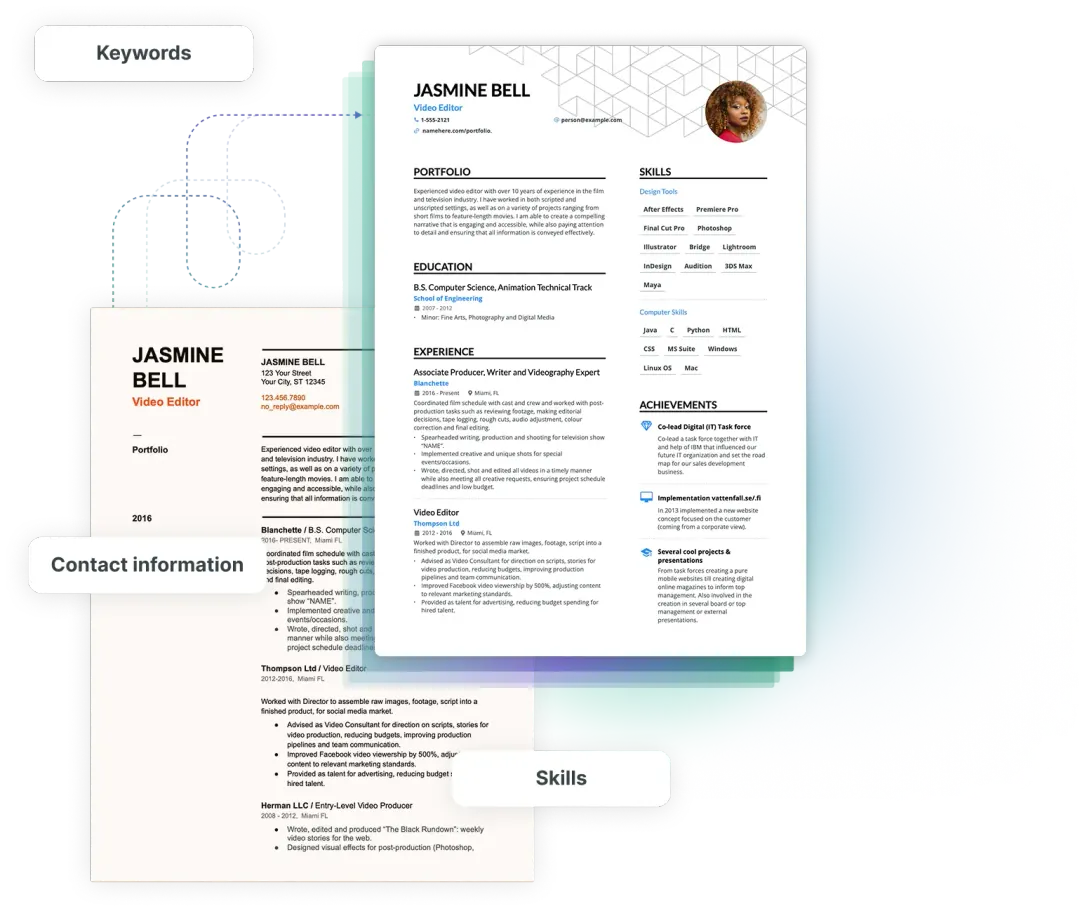
Paste the job you're applying for and the checker gives you job-specific tailoring suggestions, showing exactly which skills and keywords you already have or are missing. It also drafts an application-ready subtitle and suggests stronger action verbs.

Pass the hiring-manager check
An ATS is only the first hurdle. A hiring manager weighs an entirely different set of things, so the checker scans your CV for red flags — ambiguity, unintentional age bias, interview risks, leadership signals, evidence of your skills and how relevant your experience is — then gives practical tips on what recruiters care about: impact, credibility and writing quality.
Use the best CV builder
After receiving your checker score, you can further edit and refine your CV with Enhancv's builder. Quickly tailor your CV to the job posting, ensuring the right keywords and skills are present.
Get your CV score now!
Upload your CV to receive a personalised email with actionable feedback.
Drop your CV here or choose a file.
PDF & DOCX only. Max 2MB file size.



Enhancv Executive has changed my life: One week & four interviews later, I will be making 150% more doing the job I chose.

Frequently asked questions
What is a CV checker?
How do I check my CV score?
Upload your CV to Enhancv’s Resume Checker. Once the scan is complete, you’ll be redirected to a page showing your report, with a score displayed on the left-hand side.
Bear in mind, there’s no such thing as a genuine “ATS score.” Any online tool claiming to provide one isn’t showing you an actual ATS measure.
Enhancv’s CV scoring system is based on two key factors:
- Percentage of parsed content — Much like an ATS, we parse your CV to understand its content. The clearer the layout and structure, the better it will perform when processed by employer ATS software.
- Issues our checker finds — We highlight typos, weak phrasing, and missing impact. This reflects the quality of your writing and whether your CV includes measurable achievements.
How do I improve my CV score?
A higher CV score comes from strengthening the most important sections of your CV. Here’s how you can improve it:
- Revise your experience section to show measurable achievements. Go beyond listing duties—demonstrate what you accomplished in each role.
- Add skills that match the role you’re applying for, especially those mentioned in the job description.
- Include a dedicated accomplishments section to showcase the highlights of your career.
- Save your CV as a PDF and use a clean, professional template.
- Correct spelling and grammar errors, and keep your writing in an active voice throughout.
How do I know my CV is ATS compliant?
For an ATS-friendly CV, use keywords from the job description naturally, keep the layout simple, and stick with standard headings such as "Work Experience" and "Education".
Contrary to much of the advice online, saving your CV as a PDF from a professional builder like Enhancv is more reliable than Word or DOC files, as it preserves formatting. Double-column CVs work just as well as single-column ones, and fonts don’t make a big difference as long as they’re easy to read.
Always spell out acronyms along with their full terms, add a clear skills section, keep work history consistent with job titles and dates, and carefully check for spelling or grammar mistakes.
What is a good ATS score?
Enhancv’s CV Checker score is calculated using 19 checks across two main areas. A score above 80 is a good indication that your CV is in strong shape.
That said, the score is only part of the picture. Key sections such as contact details and work experience must be accurate and well-presented. Always review your CV carefully before sending an application.
Can an ATS read PDFs?
Yes. We’ve tested the most widely used applicant tracking systems and found that the idea an ATS can’t read PDFs is a myth. In fact, PDFs often perform better since they are static files that preserve formatting and cannot be altered once saved.
How do I review my CV for errors?
It’s easy to focus too much on individual sections and lose sight of how they fit together in your finished CV. A full CV review helps you step back and see the bigger picture.
Often this highlights issues such as a poorly placed skills section or a mismatch between your skills and achievements. That’s why careful proofreading and thorough quality checks are so important.
What should I focus on when checking my CV?
We’ve reviewed thousands of CVs from our users and gathered feedback from recruiters to identify the most common mistakes people make when creating their CV.
Here are the mistakes you should avoid:
- Using clichés and overused buzzwords
- Providing false or misleading information
- Leaving typos or grammar errors unchecked
- Listing duties instead of achievements
- Adding unrelated experience
- Relying on one generic CV instead of tailoring it
- Leaving out personality and individuality
- Using messy or inconsistent formatting
- Skipping unpaid experience, which can be valuable—especially for entry-level roles
Can I create a CV checklist?
Create a checklist of everything your CV should communicate. This could include:
- Key job achievements
- Culture fit shown through personality and hobbies
- Extracurricular activities, relevant websites, or projects
Once you draft your CV, compare it with your checklist to make sure nothing important is missing.
Also use the job description as a guide. It outlines the skills, experience, and competencies needed, so highlight accomplishments that align with the role.
In the end, your CV should clearly answer:
- Who are you?
- What experience do you have?
- What motivates you to join this company?
- How will you contribute to its success?
Should I read my CV after writing it?
Don’t leave your application until the last half hour before the deadline. To do this properly, start working on your CV early.
Give yourself time to step away from it—ideally for a few days—so you can come back with fresh eyes.
Reading it after a break makes you feel like an external reviewer, helping you catch errors and weak spots you would otherwise miss.
Does your CV checker serve other purposes?
Yes, Enhancv’s CV checker is ideal for creating a tailored CV for a specific job. It also works as a grammar checker and provides an overall critique, helping you spot and correct mistakes.