
LinkedIn CoachIs your LinkedIn profile working for you?
Enhancv's LinkedIn Coach runs a free LinkedIn audit with 16 targeted checks. Fai, your AI coach, works through your headline, About section, skills, and photo, then shows you how to optimize your LinkedIn profile for recruiters.
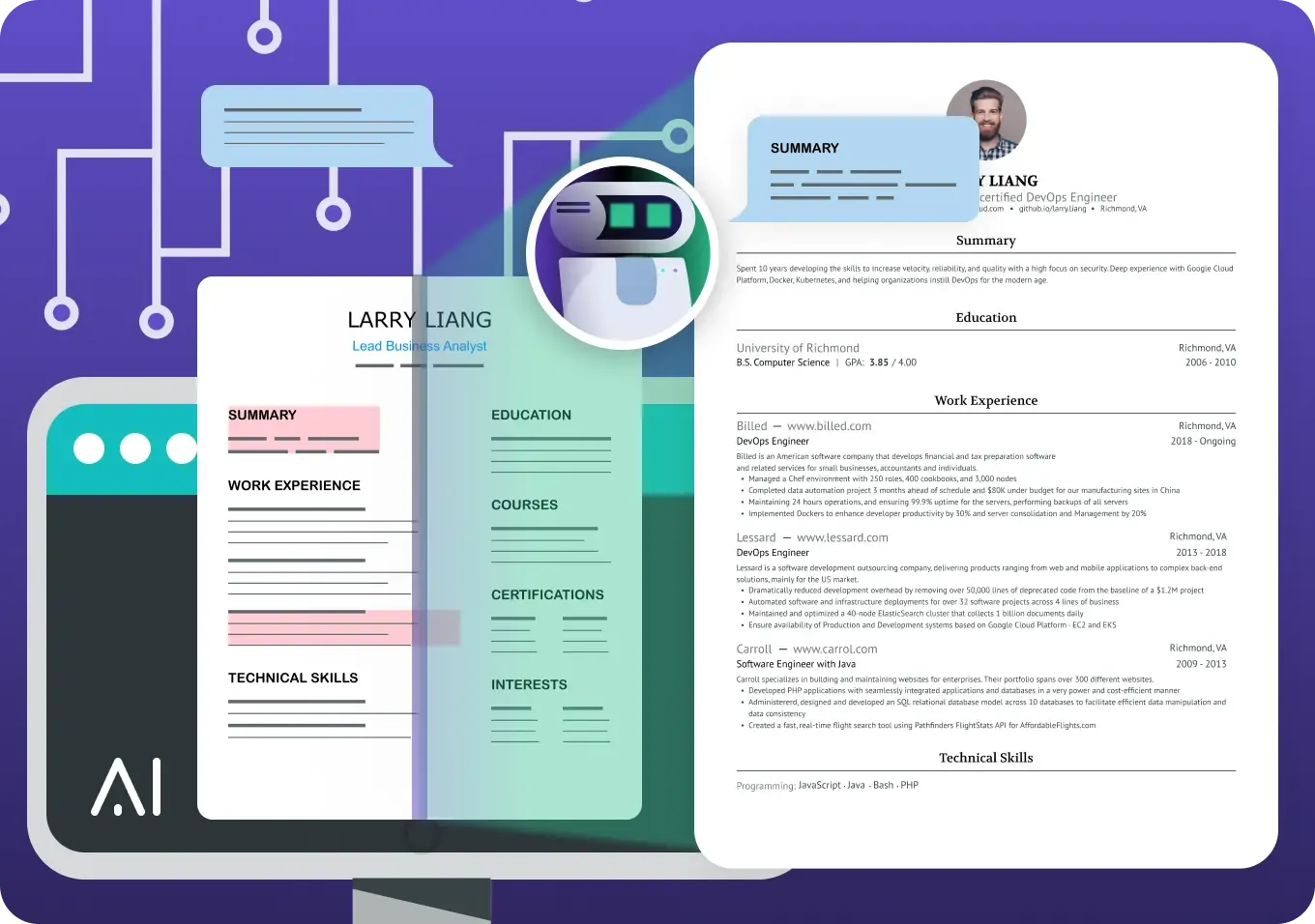
Enhancv's LinkedIn Coach uses a two-part review system
When recruiters search for candidates on LinkedIn, your profile has only seconds to make an impression. LinkedIn's own algorithm also ranks profiles based on completeness, keyword match, and engagement signals — meaning an under-optimized profile simply won't appear in searches.
What Fai analyzes in your profile
Similar to how a recruiter reviews a LinkedIn profile, Fai reads your headline, summary, experience, skills, and visual elements. The deeper the analysis, the more personalized the recommendations.
What your personalized checklist includes
Recruiters notice what algorithms don't: typos, vague bullet points, weak headlines, and missing social proof. Fai's second layer surfaces these human-readable quality issues so your profile performs with both algorithms and real people.


Our AI LinkedIn coach goes beyond surface-level feedback
Fai combines a LinkedIn profile analyzer with a coach's follow-through messages. The audit runs 16 targeted checks across your whole profile and provides specific fixes for issues. Here's the full list:
Visual Presence
Profile photo quality and professionalism
LinkedIn banner relevance and design
Profile Identity
Custom LinkedIn URL (vs. default numbered URL)
Headline strength (formula: Job Title | Key Skills | Unique Value/Impact)
Experience & Content
Quantified achievements (numbers and metrics in bullet points)
Spelling and grammar errors in experience descriptions
Experience entry completeness (title, company, dates, description)
Positioning
Target job role alignment
Key competencies for target role
About/summary section strength (50–80 words, value-focused)
Networking & Trust
LinkedIn skills count (optimal range: 15–30 skills)
Skill relevance to target role
Recommendations (social proof from managers, peers, clients)
Resume–LinkedIn profile alignment
Action Plan
Personalized PDF checklist generation
Email delivery of improvement summary
Meet Fai, your AI LinkedIn coach
Fai is an AI Linkedin Coach assistant trained on insights from over 10 recruiters with 120+ years of combined experience. She guides you through each profile section with context-aware suggestions — not generic advice.
Fai generates headline rewrites, summary drafts, skill recommendations, and even copyable message templates for requesting recommendations — all personalized to your target role and experience.
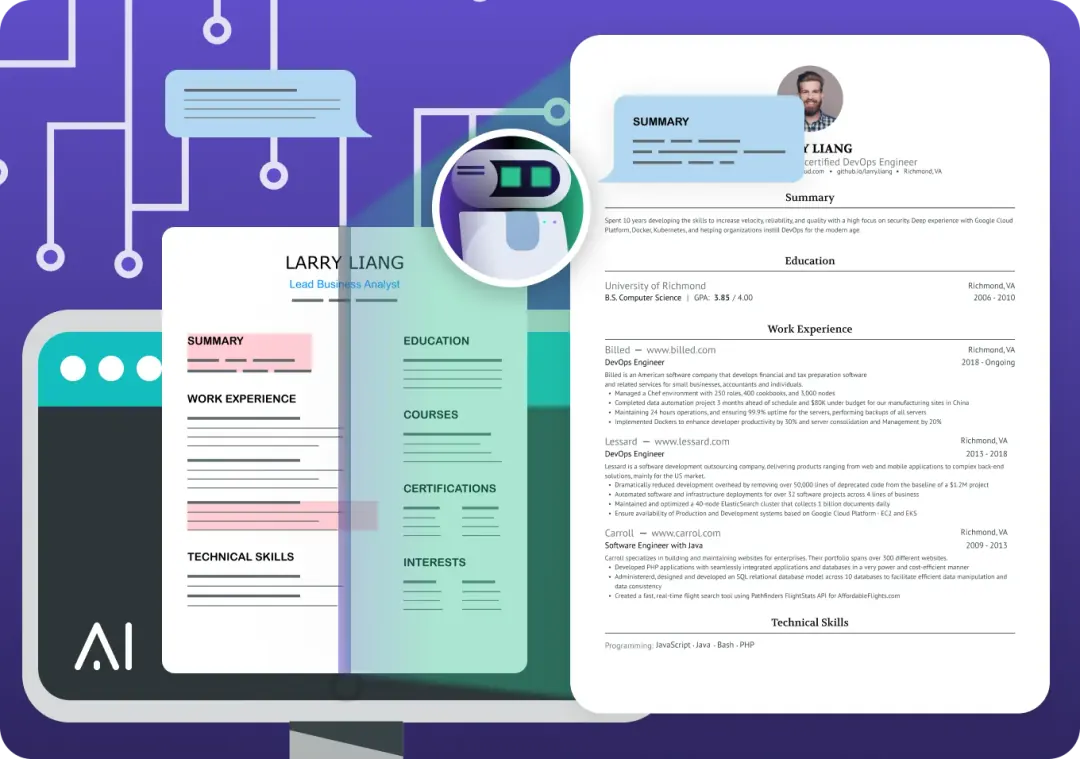
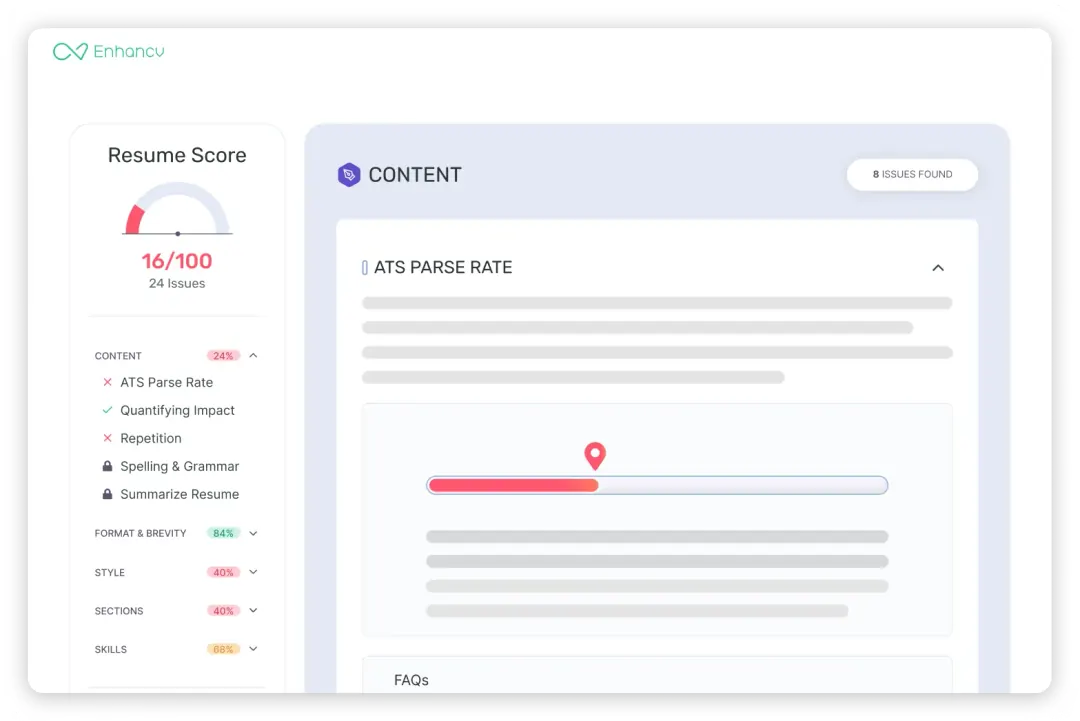
Optimize your LinkedIn profile from a recruiter's perspective
Fai flags the things recruiters actually notice: a missing professional photo, a generic headline, experience bullets that say what you did but not what you achieved, and a skills list that doesn't match your target role.
Fai gives you a specific fix for each one, based on your profile and target position. You stay in control of your account: she builds a to-do list as you go, and you make each change on LinkedIn yourself.
Build a resume that matches your optimized profile
A strong LinkedIn profile gets recruiters interested, but hiring managers ultimately want a resume. After coaching your LinkedIn, Fai connects you directly to Enhancv's resume builder with matching templates.
Create a resume that mirrors your newly optimized LinkedIn in a few clicks with Enhancv's LinkedIn resume builder. Keep your messaging consistent across both touchpoints for a stronger overall job application.


Enhancv Executive has changed my life: One week & four interviews later, I will be making 150% more doing the job I chose.

Get your LinkedIn audit and action plan now!
Analyze your profile and get a free LinkedIn review report. Fai walks you through every check, then emails you the full list of fixes.
Frequently asked questions
What is a LinkedIn coach?
A LinkedIn coach reviews your LinkedIn profile and tells you what to change to attract recruiters for the roles you want. Human LinkedIn coaches usually work in paid one-on-one sessions, and many also help with networking and posting strategy.
Enhancv's LinkedIn Coach handles the profile side with AI, for free. Your AI coach, Fai, runs 16 targeted checks, from your headline and photo to your skills and recommendations. She builds your personalized action plan as you go.
How does the AI LinkedIn profile checker work?
Paste your LinkedIn profile URL (or upload a PDF export of your profile) and Fai analyzes your profile section by section. For each area, she identifies what's working, what's missing, and what could be stronger, then generates specific suggestions personalized to your target role and experience level. At the end of the session, you receive a full action plan by email.
What is a LinkedIn audit?
A LinkedIn audit is a section-by-section review of your LinkedIn profile against what recruiters and LinkedIn's search look for. A thorough LinkedIn profile audit starts with the basics, like your photo, headline, custom URL, and About section. From there, the audit moves to what makes a recruiter reach out: quantified achievements, skills that match your target role, and recommendations.
Enhancv's LinkedIn Coach runs a free LinkedIn audit and turns every issue into a to-do list you can work through.
How do I audit my LinkedIn profile?
Read your profile from the top down, the way a recruiter would. Start with the photo, banner, and headline, then check that your custom URL replaces the default string of numbers.
Next, read your About section, experience, skills, and recommendations against the role you want. Look for bullets without numbers, skills that don't fit the role, typos, and old dates that reveal your age.
Enhancv's LinkedIn Coach does this in one pass. Paste your profile URL or upload a PDF export, and Fai flags what to fix in each area, then emails you the action plan.
Should you hire a LinkedIn coach or use an AI LinkedIn coach?
Start with an AI LinkedIn coach for the profile itself, and bring in a human coach if you need help beyond the page.
An AI LinkedIn optimizer like Enhancv's LinkedIn Coach covers the profile work in one free session. You get the audit, rewrites for your headline and About section, skill suggestions, and an action plan.
A paid human coach adds what software doesn't, like networking strategy, a plan for posting content, or accountability over several weeks.
What does it mean to optimize your LinkedIn profile?
Optimizing your LinkedIn profile means completing and sharpening every section until recruiters find you in search and want to reach out once they do.
In practice, you work your target role's keywords into the headline, About section, and skills, and back up your experience with numbers. Enhancv's LinkedIn Coach walks you through each step with Fai, your AI coach, and keeps a running to-do list of the changes.
How do I improve my LinkedIn profile for job searching?
To optimize your LinkedIn profile for a job search, start with the elements recruiters look for first:
- A headline that includes your job title, key skills, and unique value
- A professional photo (profiles with photos get 21x more views)
- A custom LinkedIn URL (linkedin.com/in/yourname)
- An About section that summarizes your experience and what you're looking for
- Experience bullets that quantify impact with numbers and metrics
- 15–30 relevant skills for your target role
- At least two to three recommendations from past managers or colleagues
What makes a strong LinkedIn headline?
Your headline is the first thing recruiters see in search results and connection requests, which makes it your single highest-impact optimization. A strong headline follows this formula: Job Title | Key Skills | Unique Value or Impact.
Avoid generic titles like "Experienced Marketing Professional" in favor of something specific: "Content Marketing Manager | SEO & Demand Gen | Helping B2B SaaS brands grow organic traffic." Fai generates four personalized headline options based on your experience and target role.
How important is a LinkedIn profile photo?
Very. LinkedIn's own figures show members with a profile photo get 21 times more profile views and nine times more connection requests. Your photo is the first visual signal of professionalism, and it appears next to your name in every search result, message, and comment.
A good photo doesn't need to be studio-quality: clear lighting, a neutral background, and professional attire are the essentials. Fai reviews your current photo and flags if it's missing or likely to hurt first impressions.
What should my LinkedIn summary (About section) include?
Your About section is your pitch. Use it to tell recruiters who you are, what you bring, and what you're looking for, in around 50–80 words. Lead with your professional identity and strongest value proposition. Include two or three of your most significant accomplishments (with numbers where possible). Close with a clear statement of your target role or what kind of opportunities you're open to. Avoid copying your resume word for word. This section should feel personal and direct.
How many skills should I list on LinkedIn?
LinkedIn lets you add up to 100 skills, but the best range for most profiles is 15–30. Fewer than 10 signals an incomplete profile, and more than 40 can dilute your relevance for specific roles. Prioritize skills that match your target job descriptions and industry keywords. Fai identifies the 10 most relevant skills for your target role based on your experience, and you choose which ones to add.
How do I get LinkedIn recommendations?
Recommendations are one of the most underused trust signals on LinkedIn, and one of the most persuasive to recruiters. Aim for at least three recommendations from people who can speak directly to your professional work: a former manager, a peer colleague, and ideally a client or stakeholder.
Personalize every request: reference a specific project you worked on together and what you'd like them to highlight. Fai provides ready-to-send message templates for each type of recommender.
Is it okay to use AI for your LinkedIn profile?
Yes, as long as the profile still describes your real experience in your own words. AI is good at spotting gaps and drafting a stronger headline, About section, or bullets, and you stay the editor of every line.
A general chatbot works from whatever you paste into it. Enhancv's LinkedIn Coach reads your actual profile and asks about your target role before suggesting anything. Where a line needs a number, Fai leaves a placeholder for you to fill with the real figure.
Does the LinkedIn Coach give you a LinkedIn profile score?
Fai rates your profile check by check, not with a single number. Each area gets a pass or a specific fix, and a progress meter shows how far you are through the coaching session.
Does LinkedIn profile optimization really help with job searching?
Yes. A complete, keyword-rich profile ranks higher in LinkedIn's recruiter search results, which puts you in front of hiring managers who are actively searching. When a recruiter does find you, through a job application or a mutual connection, a polished profile turns their interest into outreach.
Think of it as SEO plus a sales page for your career.
Is the LinkedIn Coach free?
Yes. The core LinkedIn Coach experience is a free LinkedIn review, including all 16 profile checks and your personalized action plan. Enhancv Pro users also get additional live profile scrapes and the most up-to-date profile data, since LinkedIn limits how often you can re-import a profile.