
AI Job Application Tracker Chrome Extension
Track and organize your job search with Enhancv—directly from your browser. Save jobs instantly from LinkedIn, Indeed, Glassdoor, and more. Skip the spreadsheets and manual copy-pasting. Take control of your job applications—all with one simple Chrome extension.
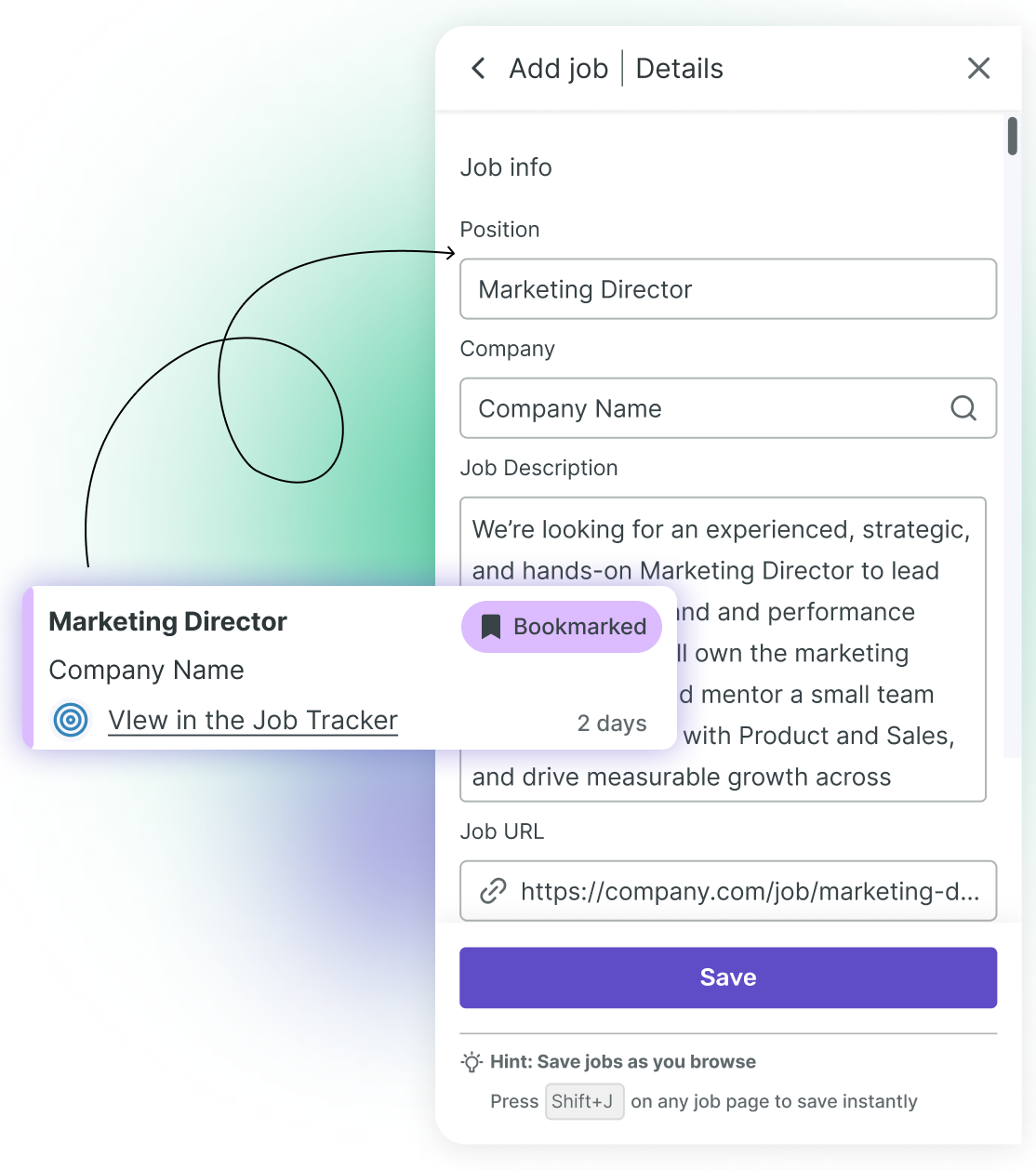
How to start tracking jobs with Enhancv’s Chrome extension
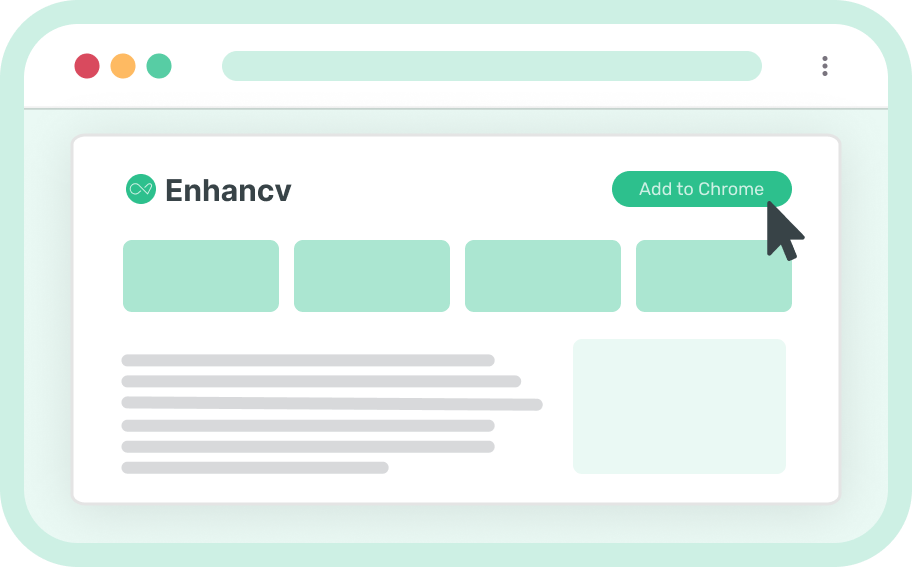
1
1. Install the Job Application Tracker extension
Go to the Chrome store and add the extension to your browser.

2
2. Browse top job boards
We support LinkedIn, Indeed, Glassdoor, Greenhouse, Workday, and more.
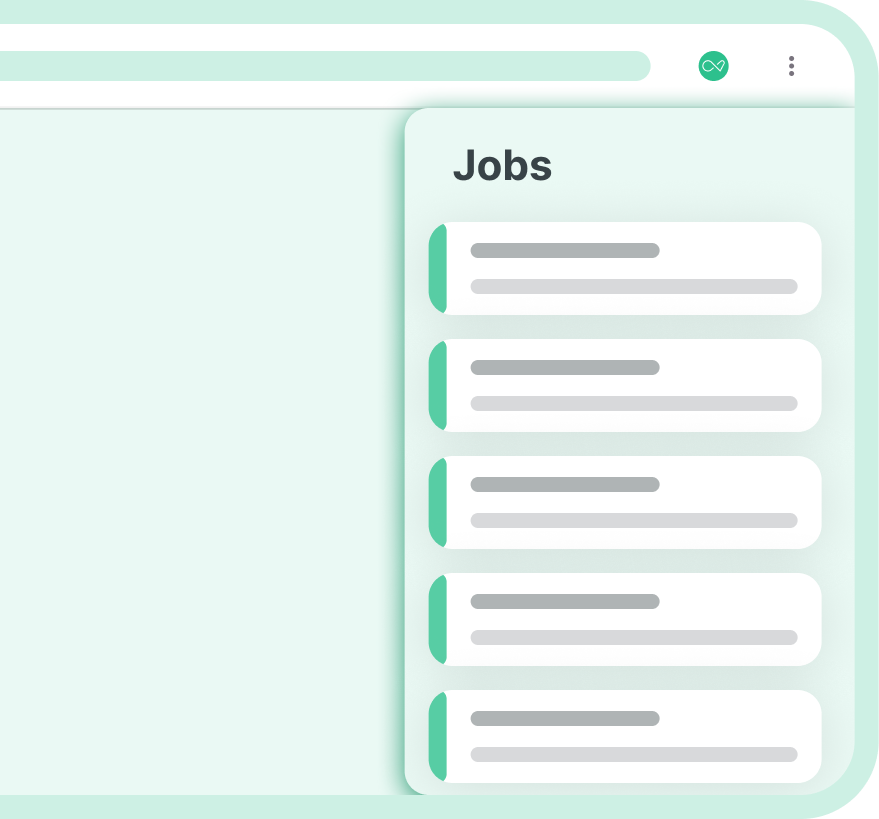
3
3. Save jobs instantly
Enhancv’s extension automatically detects jobs and prompts you to save them.

4
4. Organize and track your applications
Go to your Enhnacv profile—you’ll find everything saved in the Job Application Tracker.



Get Started Today
Ready to take control of your job search? Add the Enhancv Job Tracker Chrome Extension to your browser and start saving jobs in seconds.
Add to ChromeFrequently asked questions about Enhancv’s Chrome extension
How do I install the Enhancv Job Tracker Chrome Extension?
It’s really easy, here’s how:
- Click the “Puzzle” icon in the top right corner of your Chrome browser.
- Then click “Manage extensions.”
- On the left side of your screen, you’ll see a link to the Chrome Web Store.
- Click the link and use the search bar to find “Enhancv Job Application Tracker.”
- When you see the listing, click the “Add to Chrome” button.
- Then click the “Puzzle” icon again and click the pin function to start using the extension.
Which job boards are supported?
We support LinkedIn, Indeed, Glassdoor, Greenhouse, Workday, and many other leading job boards.
What job details are captured?
The extension captures position, company, job description, URL, type, location, salary (if available).
What if a job isn’t detected?
You can still save the job manually—just fill in the key details using the familiar Enhancv Job Tracker panel.
How is my data used?
We handle your privacy with care. The extension only scans for job-related terms (application, interview, employer, offer). You’re in control of which you save. Personal or unrelated websites won’t be stored in any capacity.
Can I organize or edit my saved jobs?
Yes! In the Job Application Tracker you can add notes, update the application status, and see a summary of your weekly progress, all from the side panel.
Does it work on mobile?
Currently, the extension is available for Chrome desktop browsers.