



Most IT CVs read like the job advert pasted into bullet form: a wall of tools, a list of duties, and no sign of what actually changed because you were there.
Recruiters for technical roles skim for proof, and they skim fast. The CVs that survive that first pass all share a clean, predictable structure that puts the evidence where a busy reader looks first. If you want the fundamentals first, see how to write a CV.

Key takeaways
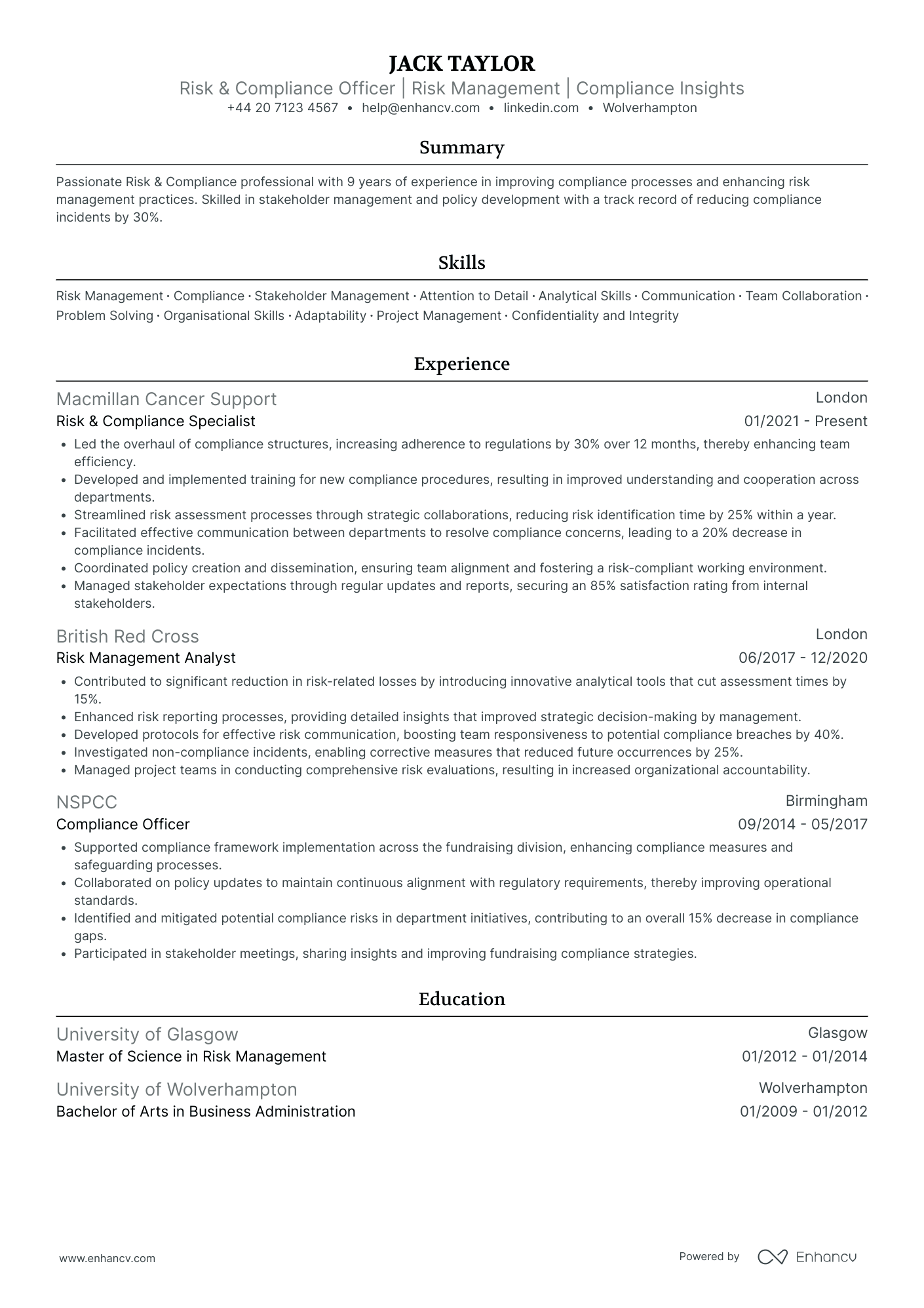
- Lead with format. Two pages, reverse chronological, one clean column, sent as a PDF unless the advert asks for Word.
- IT applications almost always pass through an ATS, so keep headings standard and skip the tables, columns, and graphics that scramble parsing.
- Name your stack the way the advert does: languages, frameworks, cloud, and tools, never vague labels like "various technologies".
- Quantify impact: uptime, tickets closed, deployment time cut, users supported, money saved.
- Open with a short personal statement that names your specialism and one concrete result.
- List the certifications employers screen for (CompTIA, Microsoft, Cisco, AWS, ITIL) and mark anything in progress.
Formatting your IT CV
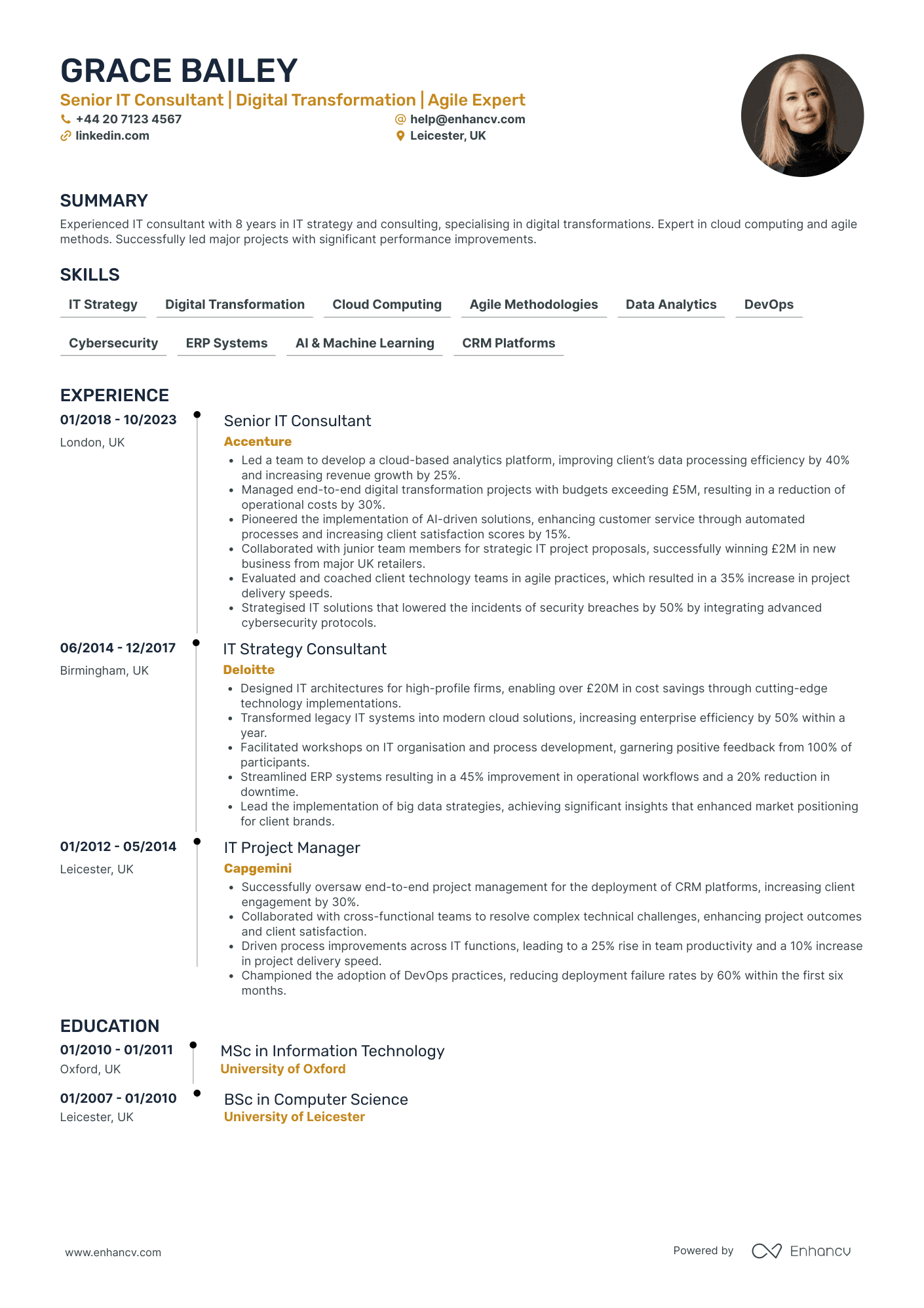
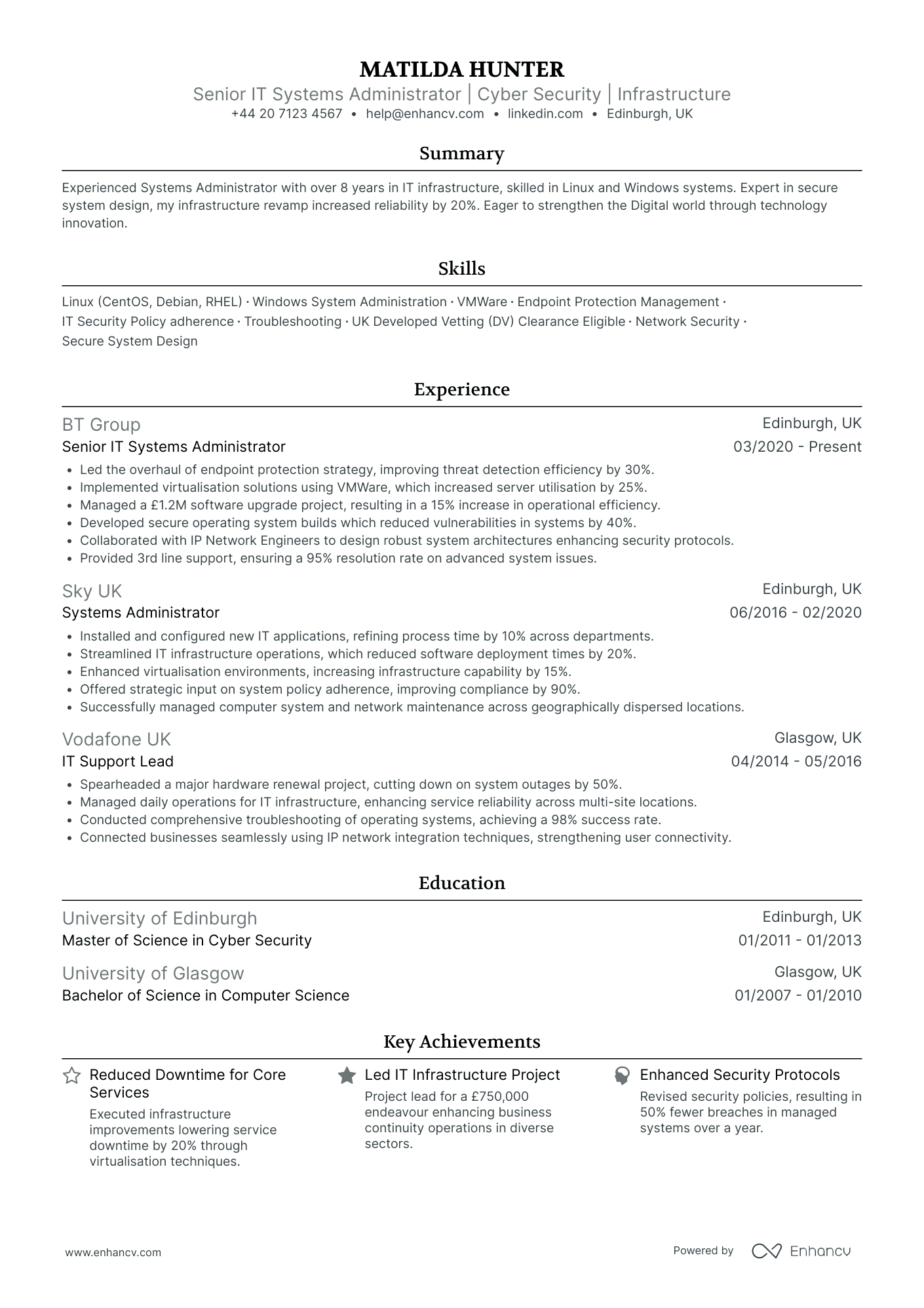
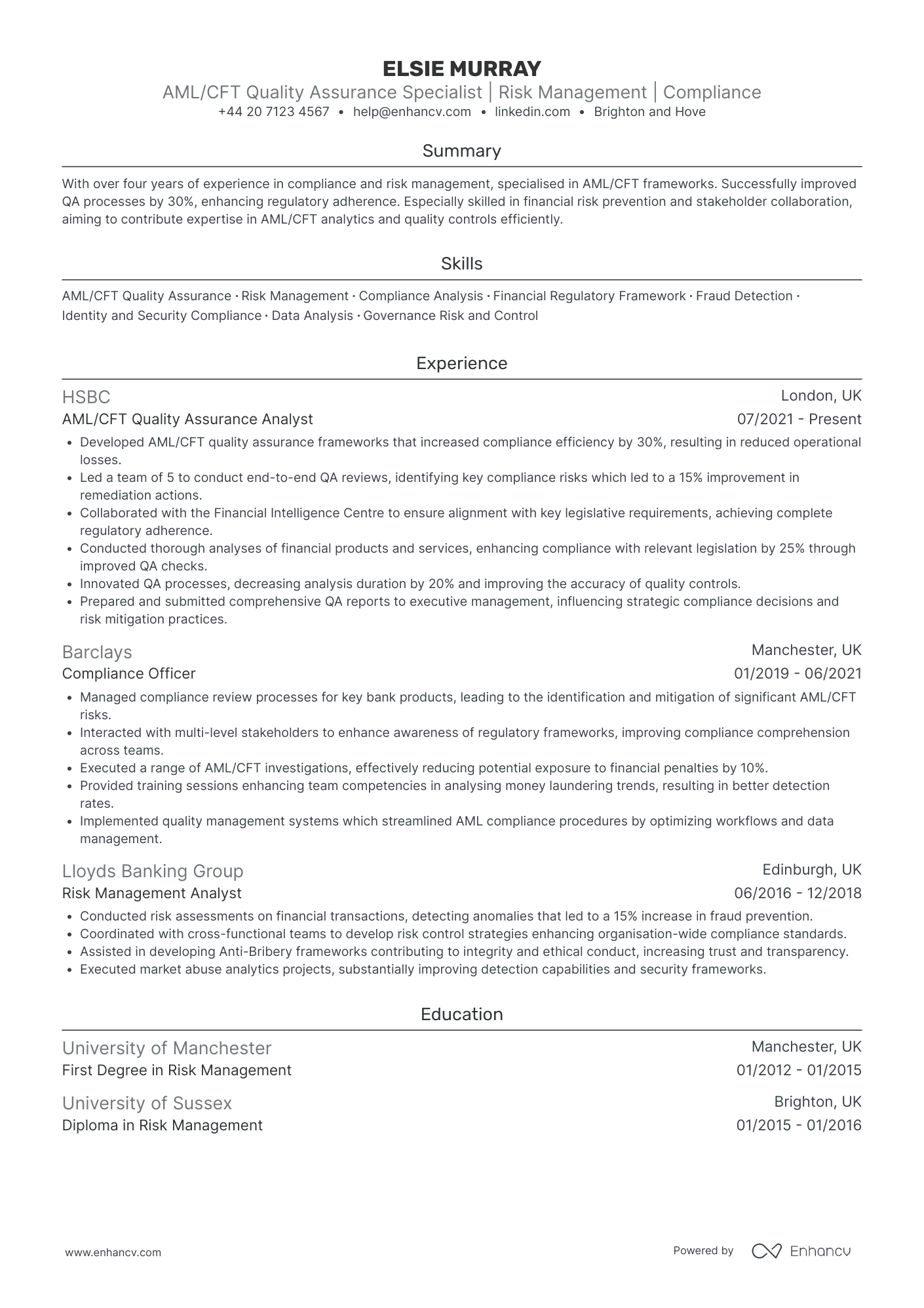
Start with a reverse chronological layout. Recruiters and the software they use both expect your most recent role first, and IT hiring almost always runs through an ATS before a human ever sees the page.
Keep it to two pages. That is the UK standard for anyone past their first role, and a third page rarely earns its place. Early in your career, one page is plenty.
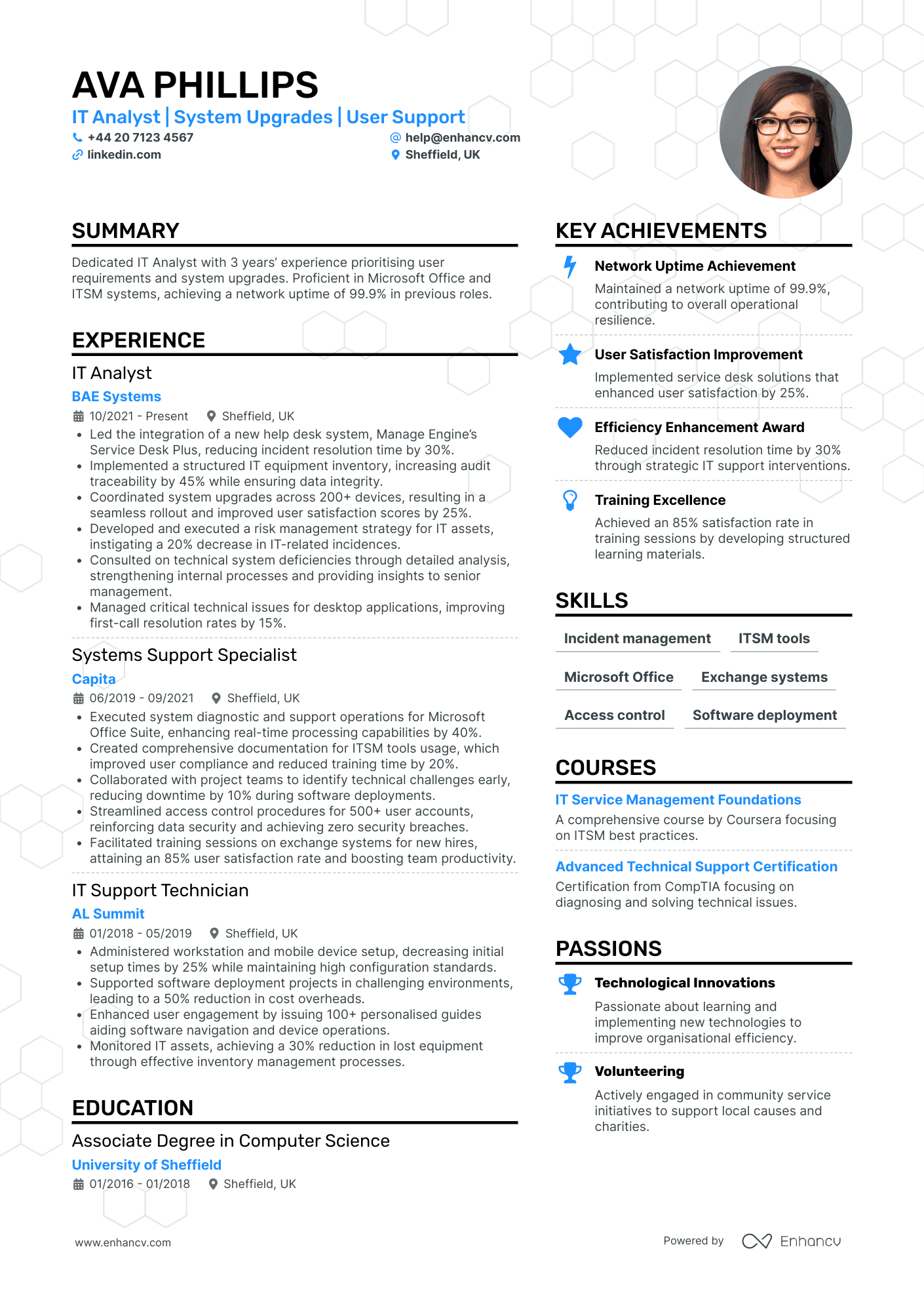
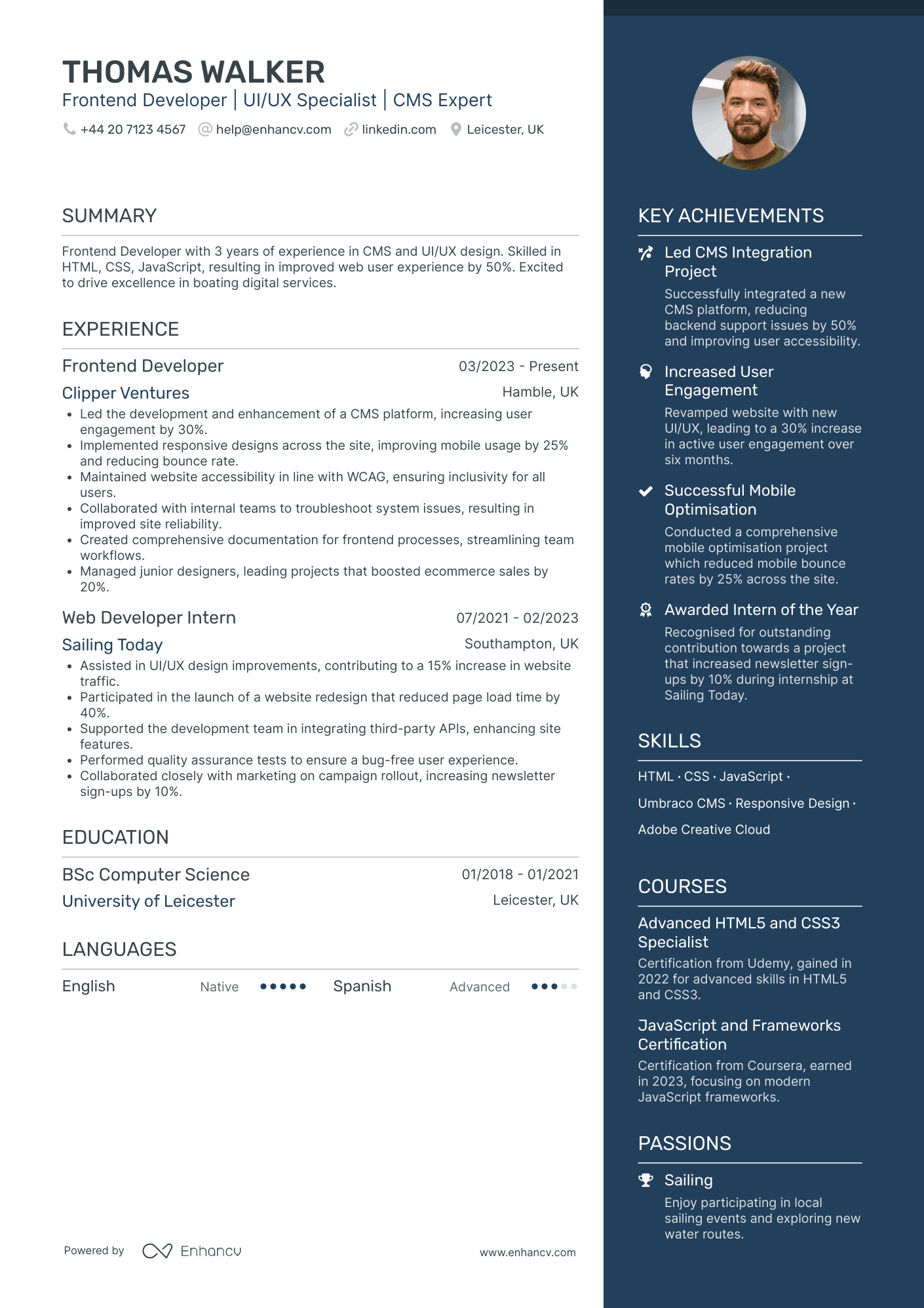
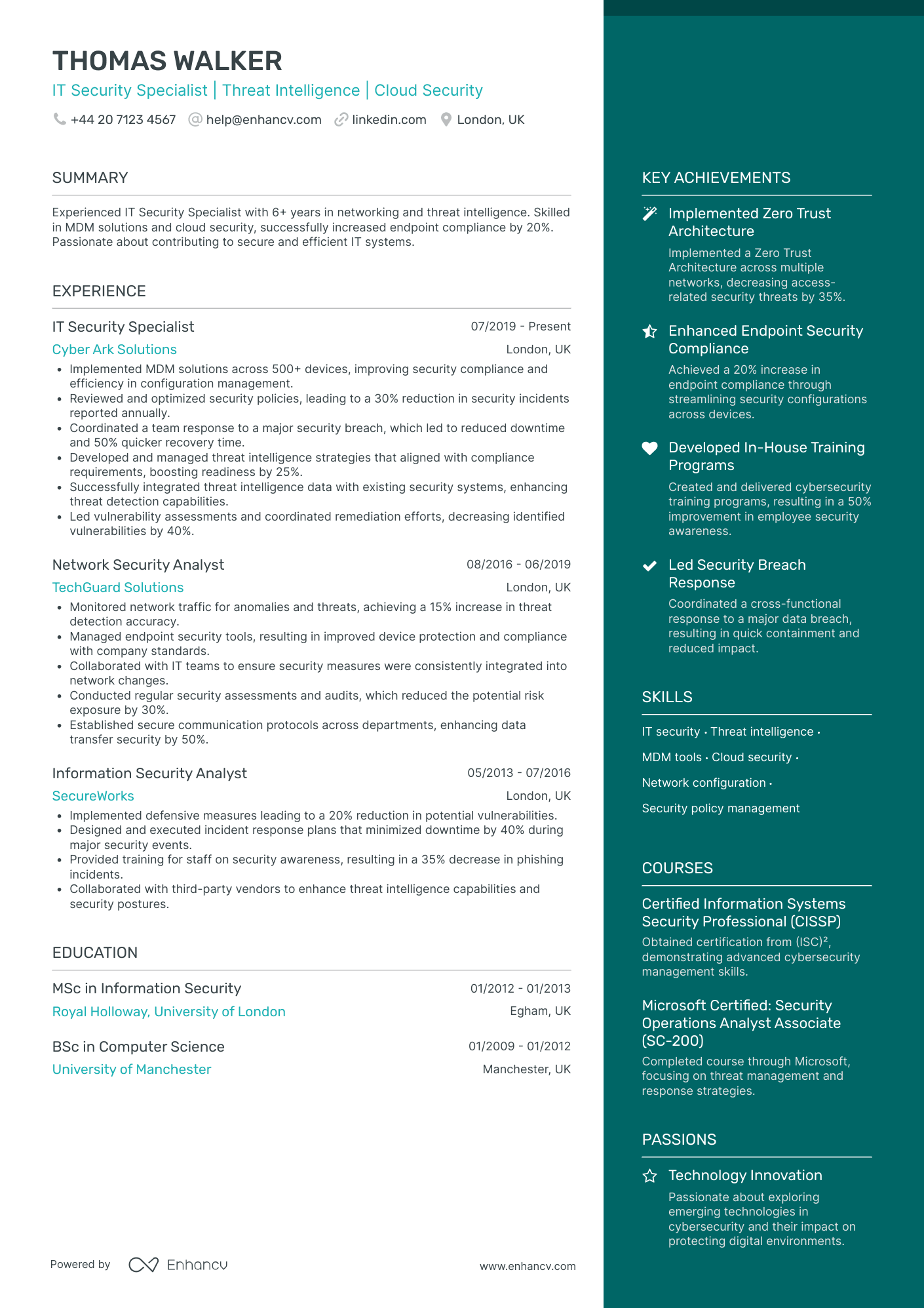
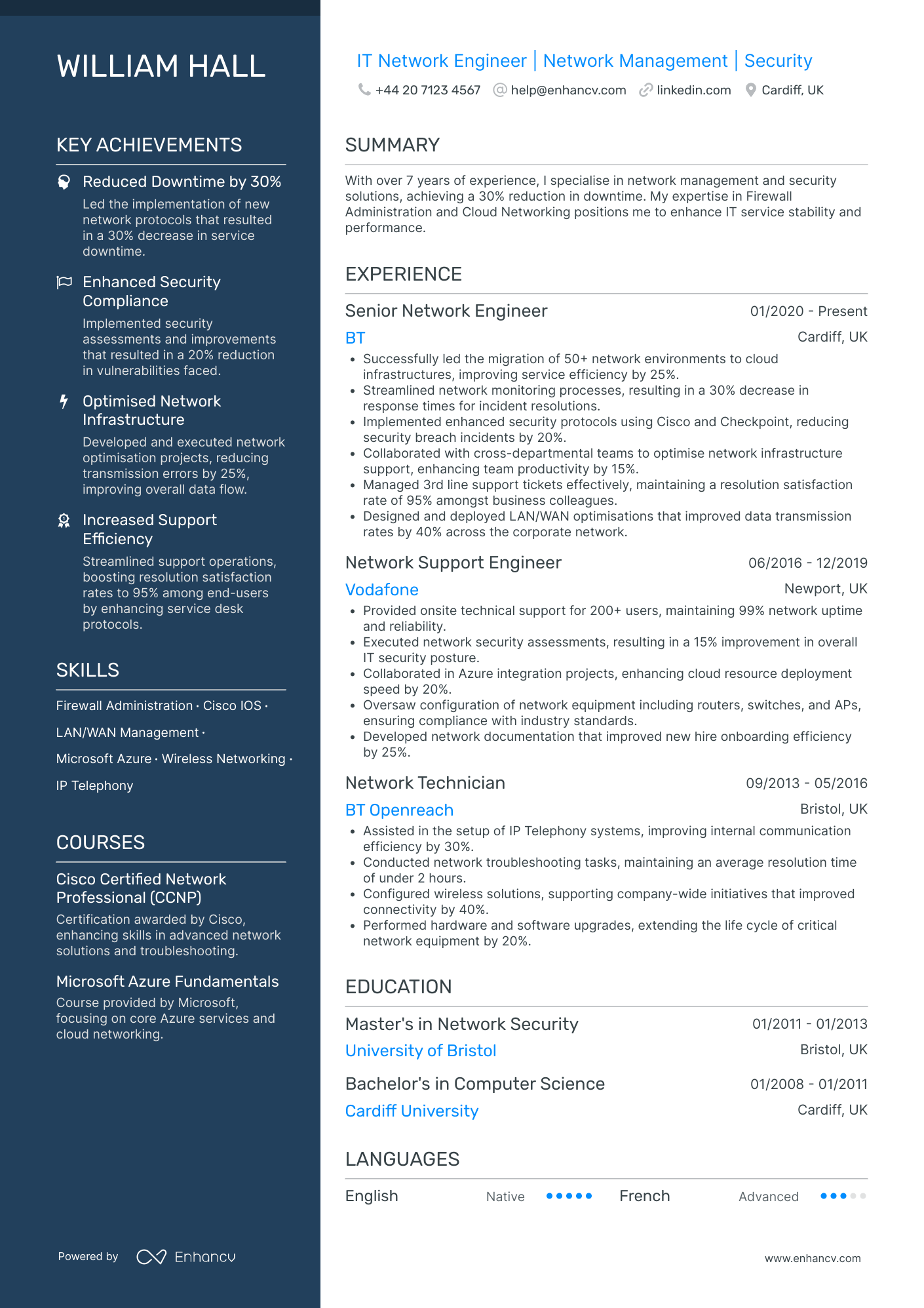
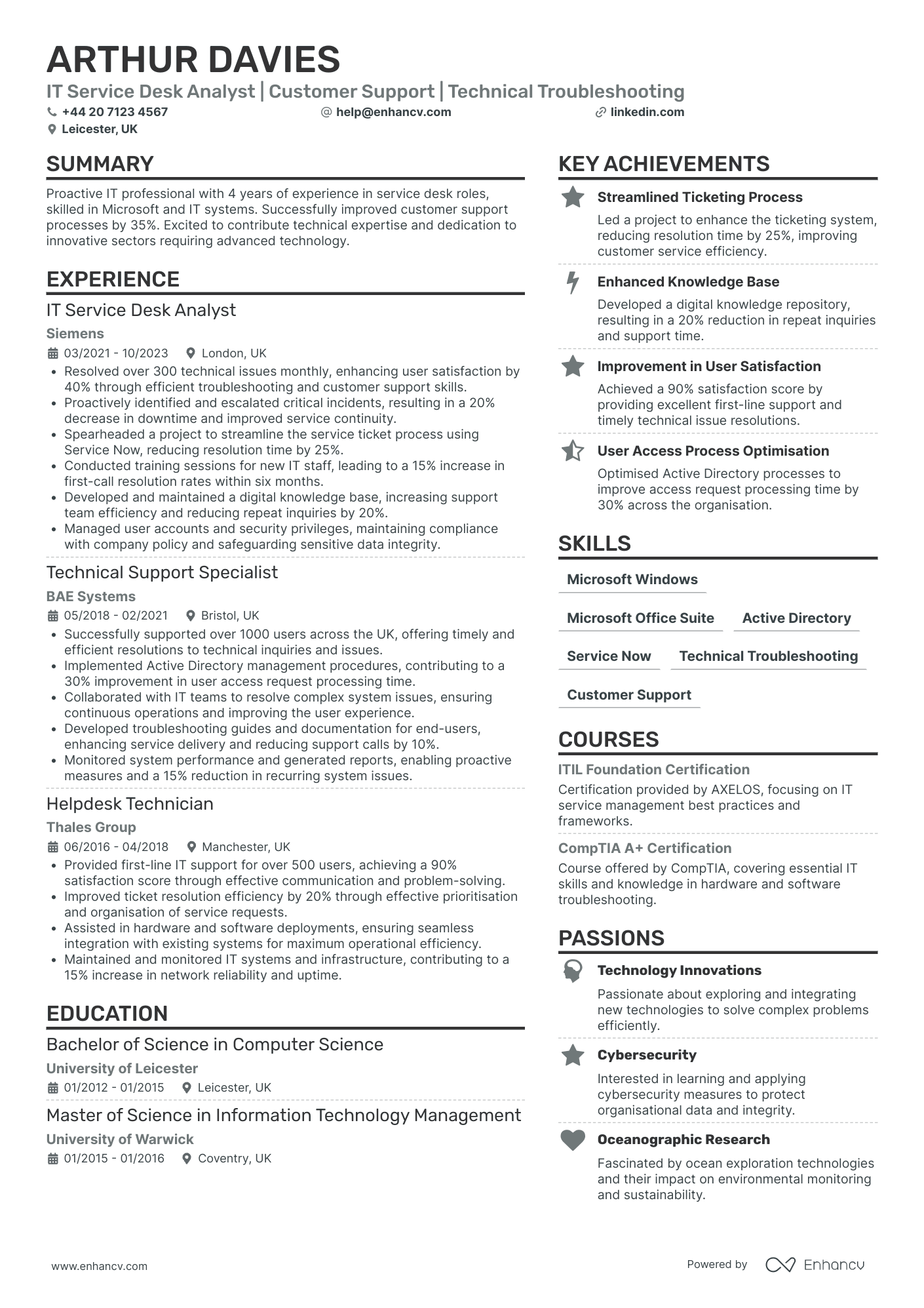
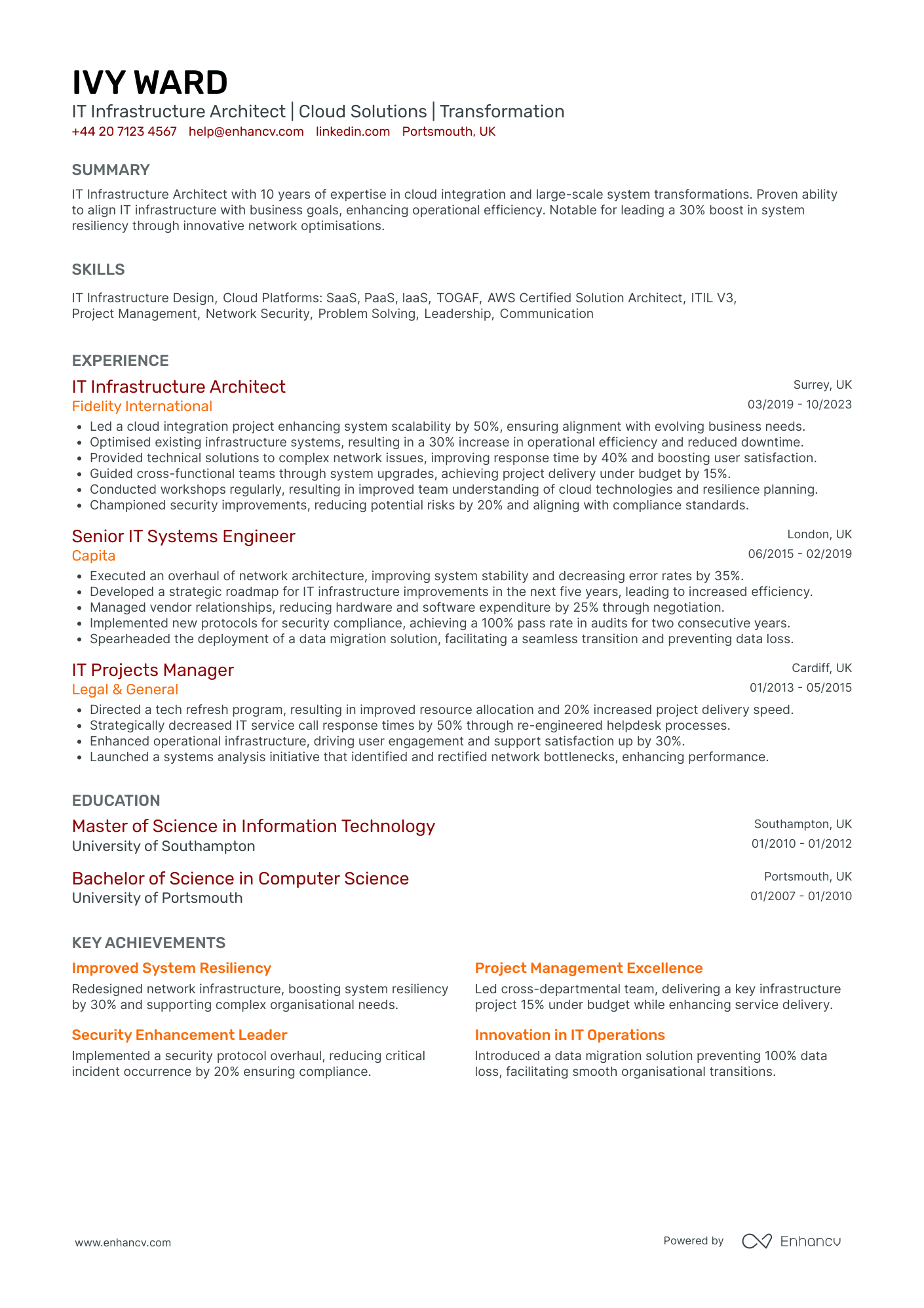
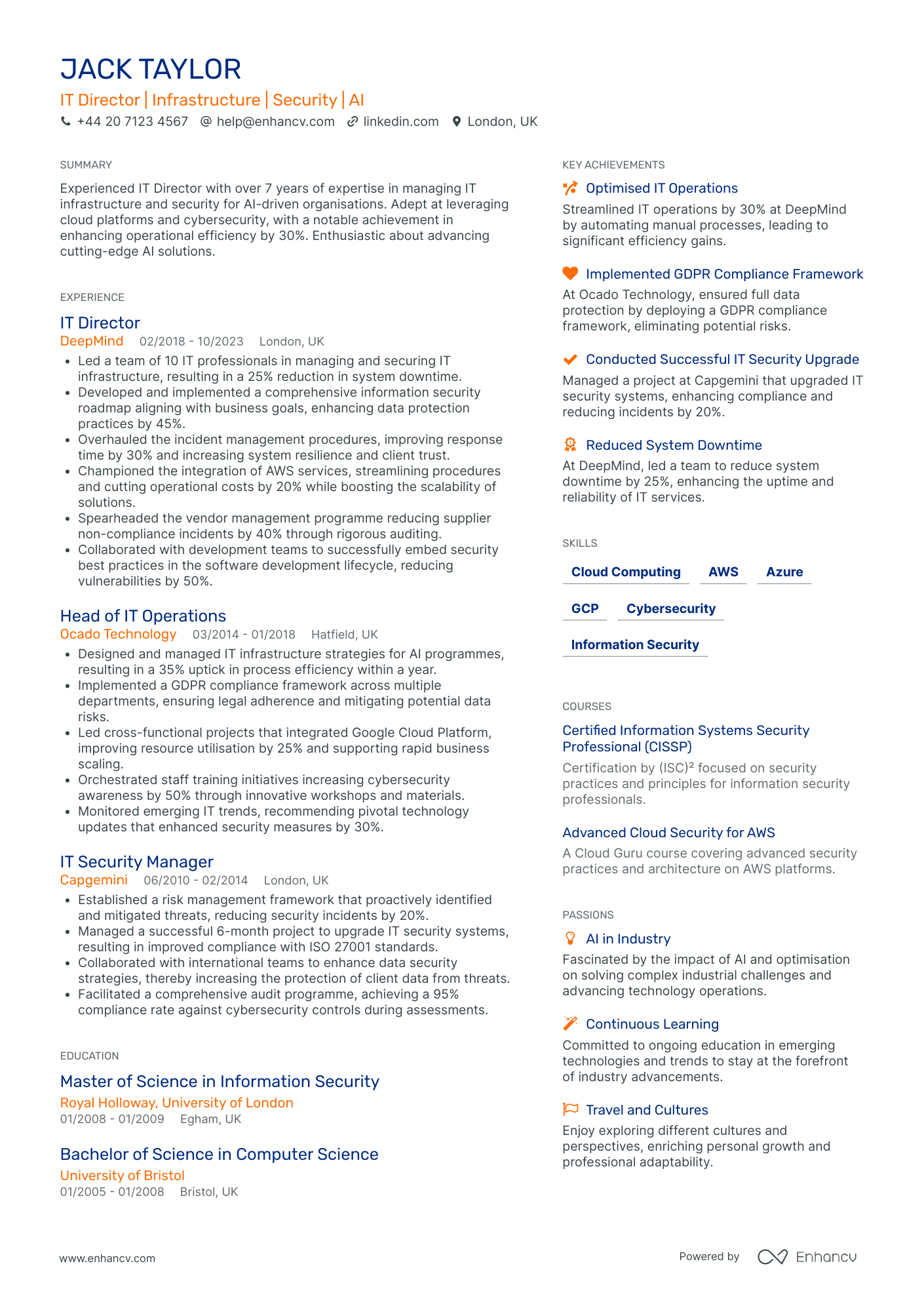
Use one column, standard headings, and a readable font. Two-column templates and sidebars look sharp in the preview and then scramble when a parser reads them top to bottom, so save the visual flourish for your portfolio.
Put your links in the header, beside your name and location: GitHub, a personal site, or a portfolio of shipped work. A hiring manager who can click straight to your code is halfway to shortlisting you.
Send a PDF for direct applications so the layout holds on every machine. Keep a Word copy for recruitment agencies, which often reformat CVs into their own template. If the advert names a file type, follow it.
Get the housekeeping right too, because small inconsistencies read as carelessness in a detail-driven field. Use one date format throughout, keep your contact details to an email, a phone number, and a location, and name the file something a recruiter can find later, like Jane-Okafor-IT-CV.pdf rather than cv-final-v3.
The seven-second rule is real enough to design around, because a recruiter's first look is closer to a glance than a read. Front-load every section so the first line carries the weight, and never bury your strongest evidence at the foot of a role.

PRO TIP
Before you send, run the copy-paste test: open your PDF, press select-all, and paste it into a blank document. If your name lands in the middle of a skill or your dates jump around, an ATS sees the same mess. Fix the layout, not just the wording.
Is your resume good enough?
Drop your CV here or choose a file. PDF & DOCX only. Max 2MB file size.
Choosing an IT CV template
A template saves you from formatting from a blank page, but pick one built for parsing rather than for show. The best IT CV template is single column, uses standard section headings, and exports cleanly to PDF.
Free Word templates are everywhere and fine as a starting point, though many hide their structure in text boxes and tables that an ATS reads out of order. Test one before you trust it: open the file, select all, and paste into a plain document. If the text comes out scrambled, a parser will scramble it too.
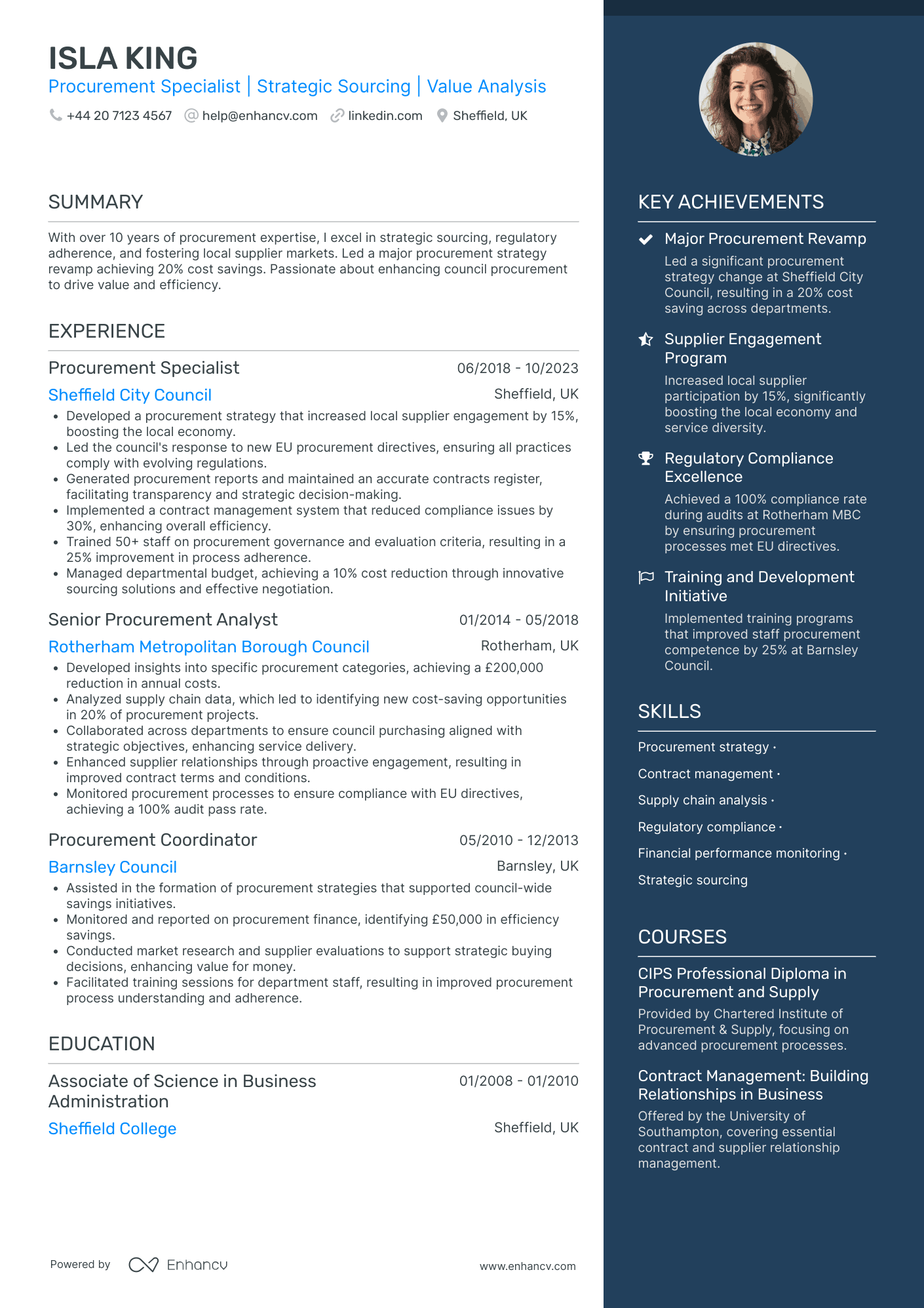
Leave a few things off whatever template you choose. Skip the photo, the skill rating bars, and the colour blocks that eat half a page, because none of them survive an ATS and none of them tell a hiring manager what you can do. A rating bar claiming "Python 90%" is a claim a parser drops and an interviewer distrusts.
Match the template to the role. A back-end engineer, a service desk analyst, and an IT project manager need the same clean bones with a different emphasis on top. Rather than building from scratch, start from a tested layout: Enhancv's CV templates export to a clean, ATS-parsable PDF and keep your headings where a scanner expects them.

Cut these from an IT CV
Photos and headshots, skill rating bars and star ratings, two-column sidebars, colour blocks and heavy graphics, tables that hold your work history, and "references available on request". Each one either confuses a parser or takes space that a project or a metric could use.
What the UK IT job market looks like
What employers ask for should shape what sits at the top of your CV. Here is what the current UK market shows.
| What | UK IT roles |
|---|---|
| Sample | 17,299 UK IT postings in the last ~30 days (Enhancv's internal job feed) |
| Where the work happens | Onsite 71%, hybrid 27%, remote 3% |
| Experience level asked for | Entry 34%, mid 31%, lead 26%, senior 8% |
| Skills listed most often | Project Management, Stakeholder Management, Risk Management, Agile, Data Analysis |
Two things should change how you write. Most IT roles are still onsite or hybrid, with 71% of UK IT postings onsite over the last ~30 days on Enhancv's internal job feed, so a recruiter needs to see where you are and whether you can commute or relocate. Put your city in the header and state your working preference plainly.
Fully remote IT roles are rarer than job-seekers expect, at roughly 3% of these postings, so if you are set on working from home, target the hybrid listings and say so early rather than assuming it. The seniority split is broad, with entry, mid, and lead roles each taking a sizeable share, which means the same clean format works whether this is your first helpdesk job or your fifth infrastructure role. Only the emphasis at the top changes.
The skills that recur most often lean toward delivery as much as code. Project Management, Stakeholder Management, and Risk Management sit at the top, with Agile and Data Analysis close behind. The feed catches every job title containing "IT", from first-line support to programme delivery, which is why management skills rank so high, so read the split as a reminder to name the delivery and leadership work you have done, not only your stack.
Skills to put on an IT CV
List skills in the words the advert uses, and split them so a reader can scan. Your hard skills are your stack: the languages, operating systems, cloud services, networking, and tools you work in daily. Name versions and specifics, because "various technologies" tells a recruiter nothing they can screen on.
Across current UK postings the most-listed skills lean toward delivery as much as code, so if you run projects, manage stakeholders, or handle risk, list those alongside the technical detail. For a section that holds up, see IT skills for a CV.
Soft skills count for more in IT than the stereotype allows, because most technical work stalls on communication rather than on code. Prove each one in a bullet: "translated requirements for non-technical stakeholders" beats "great communicator".
Top skills for your IT CV:
Networking (TCP/IP, DNS, DHCP)
Windows and Linux administration
Cloud (AWS, Azure)
Active Directory and Microsoft 365
SQL and databases
Scripting (PowerShell, Bash, Python)
ITIL service management
Agile delivery
Cybersecurity fundamentals
Data analysis
Communication
Problem solving
Stakeholder management
Prioritisation
Teamwork
Group the list so a scanner can read it at a glance. A few labelled clusters, such as Languages, Cloud and infrastructure, Tools, and Methodologies, beat one long comma-separated run that blurs into noise. Keep the strongest and most role-relevant cluster first.
List only what you can defend in an interview. If you have touched a tool once, put it under working knowledge rather than expertise, because a technical interviewer will find the gap fast.
PRO TIP
IT adverts are dense with exact keywords: "Azure", "Kubernetes", "ITIL", "CI/CD". Mirror the ones you genuinely have, spelled exactly as the advert spells them. An ATS matches strings, so "AWS" and "Amazon Web Services" are not the same to a parser. Name both if the role does.
Writing your IT personal statement
Three or four sentences at the top: your specialism, your level, one concrete result, and what you are looking for. It is the first thing a human reads, so make it specific to you and to the role. See more personal statement examples if the opening line will not come.
Skip the generic opener every other CV uses. "Hard-working IT professional with a passion for technology" is filler a recruiter has read a thousand times and can verify on none of it.
Lead with evidence instead:
IT CV personal statement example (experienced)
Infrastructure engineer with six years supporting Windows and Linux environments for a 2,000-user manufacturing firm. Cut unplanned downtime by 30% by rebuilding the patch and monitoring pipeline, and led the migration of 40 servers to Azure with zero data loss. AWS and Azure certified, looking to bring reliability engineering to a cloud-first team in Manchester.
Compare that with the version that says everything and proves nothing:
Personal statement to avoid
Hard-working and passionate IT professional with excellent communication skills and a proven track record. A strong team player who thrives in fast-paced environments and is always eager to learn new technologies and take on new challenges.
The strong one names a stack, a scale, and a result the reader can picture. The weak one could belong to anyone who has ever owned a laptop.
Writing your first IT CV changes only the evidence, not the shape. Swap the years of experience for your strongest project or qualification, name the tools you used, and state what you built or fixed. "Final-year Computer Science student who built a ticketing app in Python and Flask and ran it for a 200-member society" gives a recruiter something concrete to picture.
Writing your IT experience section
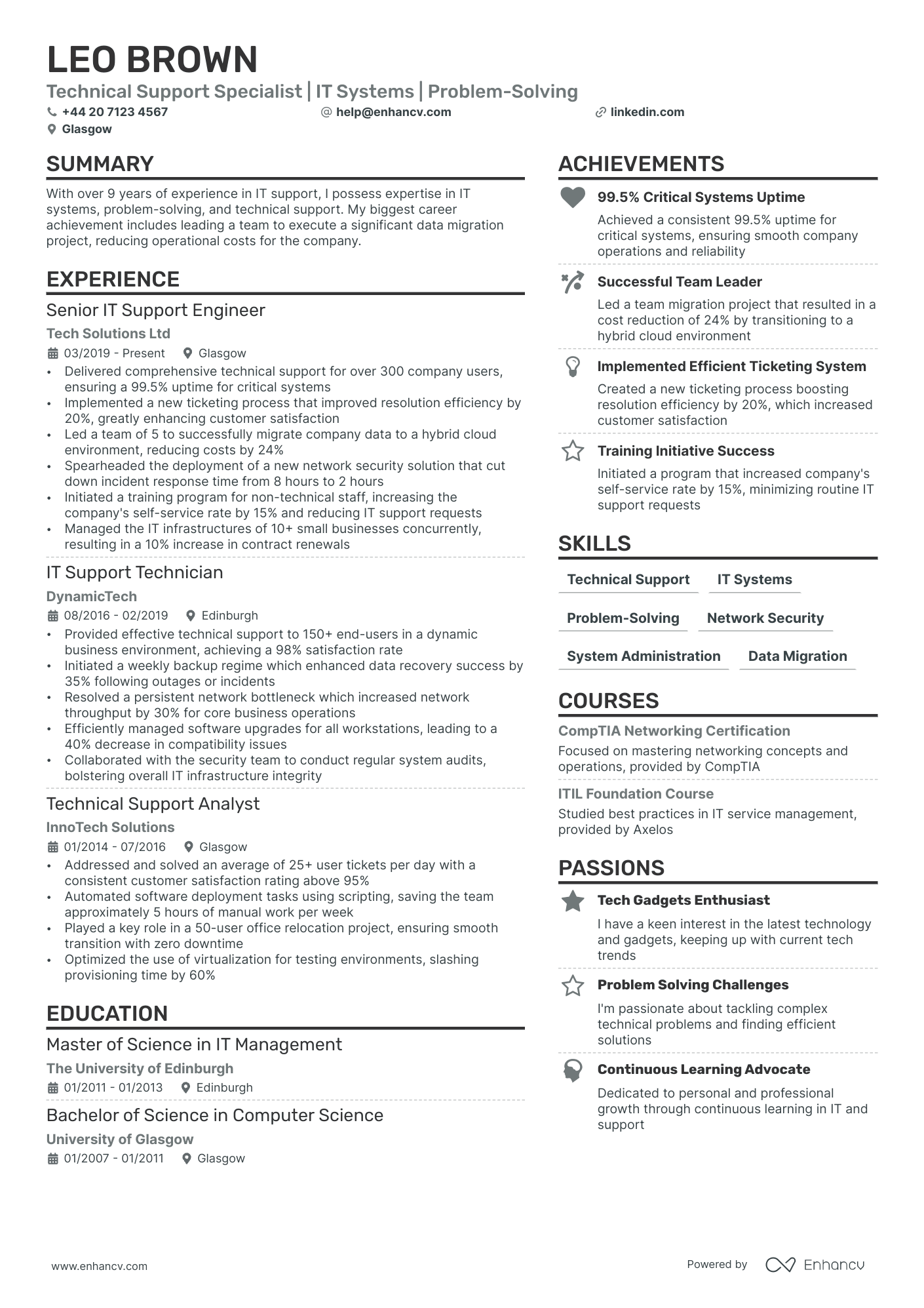
Write each role as a dated heading, then bullets that lead with a verb and finish on an outcome. For the mechanics, see work experience on a CV. In IT the outcome is nearly always measurable: uptime, ticket volume, deploy time, incidents prevented, users supported, money saved.
Drop the responsibilities-only bullet. "Responsible for server maintenance" describes a job title. "Rebuilt the backup schedule and cut restore time from four hours to twenty minutes" describes an engineer, and those are the achievements that get read first.
Open each bullet with an action verb. Here is the shape to aim for:
- Resolve 60+ support tickets a week across hardware, networking, and Microsoft 365, holding first-line resolution at 85%
- Cut recurring VPN and printer incidents by 40% by scripting a standard build in PowerShell and documenting fixes in the knowledge base
- Led the rollout of multi-factor authentication to 500 staff with zero lockout escalations
- Migrated 30 servers from on-premise to Azure across two weekends with no unplanned downtime
Around a third of UK IT postings are pitched at entry level, so a thin work history is common and beatable. If you are writing your first IT CV, use a skills-led structure and give real weight to home labs, university or side projects, and any support or helpdesk work. "Built and documented a home network with a Raspberry Pi firewall and Pi-hole" is a real bullet that shows initiative and a stack.
Tailor every application. Pull the exact tools and duties from the advert and mirror the ones that are true of you, matching the keywords it uses. Enhancv's CV tailoring feature reads the job ad and suggests the matching edits, which saves rewriting your CV from scratch for every role.
Education and certifications for an IT CV
In IT, certifications often carry more weight than the degree, and sometimes stand in for one. List the ones employers screen for and mark anything in progress, because "studying towards" still signals direction.
The names that come up again and again: CompTIA A+ and Network+, Microsoft certifications for Azure and Microsoft 365, Cisco CCNA, the AWS associate tiers, and ITIL for service roles. If a certification is your main qualification, give it a dedicated block near the top.
Bootcamps and online courses count when they are recent and relevant, so list a completed cloud or security course the way you would list any other qualification, with the provider and the year. Do not pad the section with a dozen half-finished tutorials, because a long list of introductions reads as noise rather than depth.
Keep education tidy. Degree, classification, institution, and year, then stop. A 2:1 in Computer Science needs one line, not a paragraph, and old A-levels can drop off once you have a few years behind you.
The IT CVs that get interviews are boring in the best way. Clean structure, standard headings, and a stack named exactly as the advert names it. Then, inside that plain frame, one or two bullets that prove impact: an outage prevented, a migration shipped, a system made faster. Recruiters skim for those lines first. Give them a document that is easy to parse and easy to believe, and you have already beaten most of the pile.
Conclusion
Lead with a clean, ATS-safe format, name your stack in the advert's own words, and prove impact with numbers a recruiter can picture.
Pair the CV with a short cover letter that says why this role and this team, and a list of tools becomes an application worth shortlisting.
Author's take - the Enhancv team
The IT CVs that get interviews are boring in the best way. Clean structure, standard headings, and a stack named exactly as the advert names it. Then, inside that plain frame, one or two bullets that prove impact: an outage prevented, a migration shipped, a system made faster. Recruiters skim for those lines first. Give them a document that is easy to parse and easy to believe, and you have already beaten most of the pile.