
CV Feedback While You Write, in the Enhancv Editor
Fix mistakes as you edit, see what recruiters may question and get comments from people you trust.
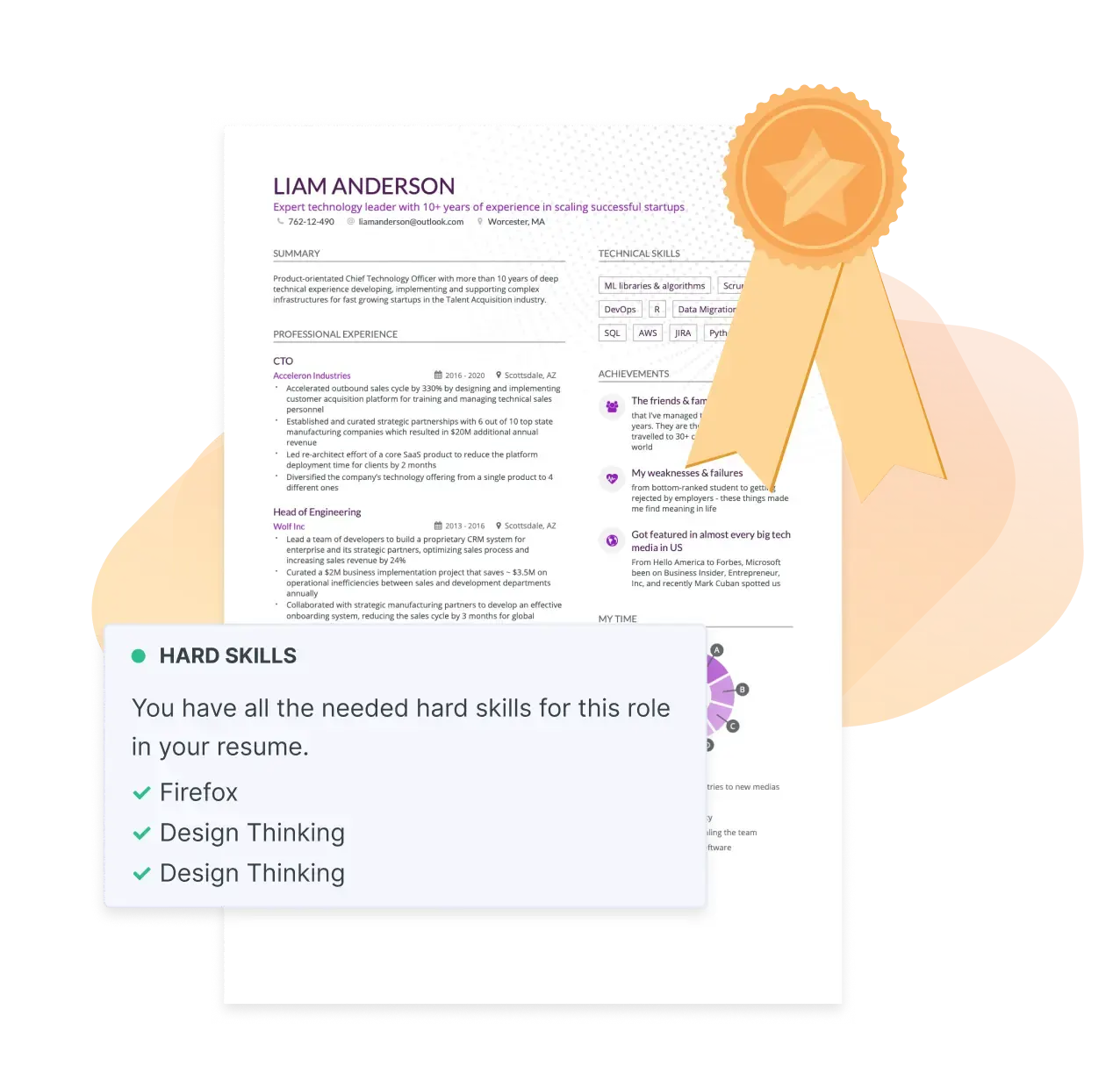
CV Feedback · in the Enhancv editor
What is Enhancv CV Feedback?
Enhancv CV Feedback is the feedback you get on your CV inside the Enhancv editor. ‘Fix Mistakes’ checks your writing as you edit, and recruiter checks read your CV the way a recruiter would. A comment link also lets people you trust leave notes on it.
Every issue points to the line it’s about and tells you how to fix it. There’s no overall score to decode: the number on the ‘Fix Mistakes’ button is how many issues are left.
How CV Feedback works
From first draft to ready to send, in three steps.
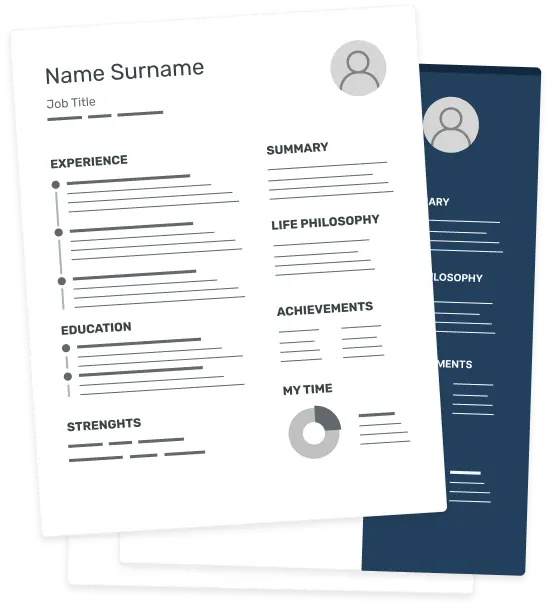
Open or upload your CV
Start a new CV, upload a PDF or Word file, or import your LinkedIn profile. The feedback works on the copy in the editor.
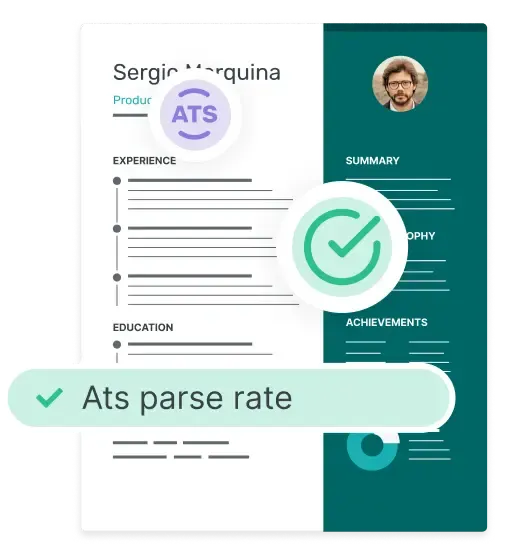
Click ‘Fix Mistakes’
The button sits in the editor toolbar. The number on it tells you how many issues are left to fix.
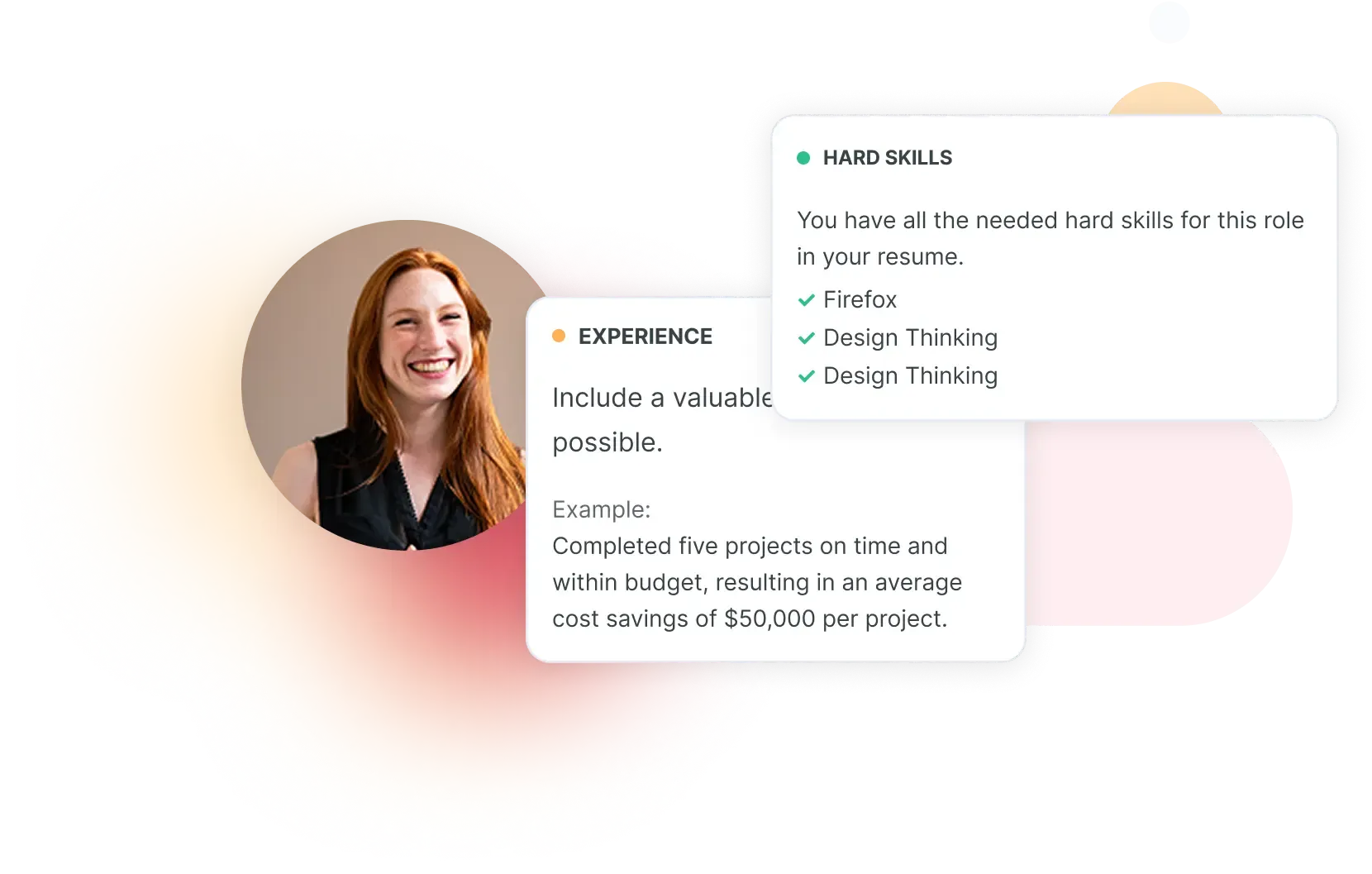
Work through each issue
Every issue shows the line it’s about, why it matters and how to fix it. Edit the line, ask the AI Assistant for help or mark the issue done.
Writing checks while you edit
- Spelling and grammar: a misspelt word comes with suggested replacements.
- Wording and readability: long lines, filler words and missing punctuation, with one-click fixes that shorten a line or cut the filler.
- Recommendations: tips on structure, such as an empty field or too many bullet points for an older role.
‘Fix Mistakes’ checks your text each time your CV saves, so the list stays up to date while you write. Open a check to see the issues it found. Many come with a fix you apply in one click.
To write first and check later, switch any of these checks off in the panel’s settings and back on when you’re ready.
Recruiter checks: your CV through a recruiter’s eyes

Credibility

Interview risks

Age bias

Employment gaps

Scope and ownership
Skill gaps
What a recruiter finding looks like
- Your line: ‘Led the move to a new CRM.’
- Recruiters may ask: ‘How many people switched over, and how long did it take?’
- How to fix it: add the size and the timeline, for example ‘Moved [number] sales staff to a new CRM in [number] months.’
Every finding quotes the line it’s about. Click the quote and the editor jumps to that line in your CV. Here’s an interview risk, start to finish:
From there, you decide: edit the line yourself or click ‘AI Help’ to hand the finding to the AI Assistant. Click ‘Done’ once it’s sorted. If the question is a fair one, prepare your answer with Interview Help.
CV Feedback or the CV Checker?
Both look for what a recruiter would notice. The difference is where you work and what you get back.
| CV Feedback | CV Checker | |
|---|---|---|
| Where it works | In the editor, on the CV you’re writing | On its own page, with a file you upload |
| What you get | A list of issues that updates as you edit | A score out of 100 and a report on that file |
| Comments from other people | Yes, through a comment link | No |
| Best for | Getting a CV ready to send | A quick check of a CV you already have |
If you started with the CV Checker, it can open your file in the editor, where ‘Fix Mistakes’ takes over.
Get feedback from people you trust



Enhancv Executive changed my life: one week and four interviews later, I’m set to earn 150% more in the job I chose.



Ready for honest feedback on your CV?
Open your CV in Enhancv, click ‘Fix Mistakes’ and start with the first issue on the list.
Get Feedback on Your CVFrequently asked questions about CV Feedback
What is CV Feedback in Enhancv?
It’s the feedback you get on your CV inside the Enhancv editor. It comes from the writing checks while you edit, the recruiter checks and essentials with Pro, and the people you share your CV with.
How is it different from the CV Checker?
Enhancv’s CV Checker scores a file you upload and gives you a report on it. CV Feedback works inside the editor, on the CV you’re writing, and the list of issues updates as you edit.
Where do I find it in the editor?
Click ‘Fix Mistakes’ in the editor toolbar. The number on the button shows how many issues are left. On a cover letter, the same button runs the writing checks.
Does CV Feedback give my CV a score?
Not an overall one. Instead, you get a list of issues to fix, and the number on the ‘Fix Mistakes’ button counts what’s left. Each recruiter check shows a percentage and how it went: good, fair or needs work.
What do the recruiter checks look at?
Credibility, interview risks, age bias, employment gaps, scope and ownership, and skill gaps. They also cover the essentials: your sections, contact details, links and dates.
Is CV Feedback free?
On the 7-day free plan, the writing checks run, some suggestions stay locked and the recruiter checks show as a preview. Pro gives you the full list and runs the recruiter checks.
How often can I run the recruiter checks?
With Pro, they run when you open your CV. After a big edit, click ‘Reset Recruiter Checks’ for a fresh read, up to 100 times a day. One or two rounds are usually enough: the checks are built to be critical.
Can the AI fix the issues for me?
Partly. Many writing issues come with a one-click fix, such as a spelling suggestion or a shorter version of a line.
For a recruiter finding, click ‘AI Help’ to hand it to the AI Assistant, which suggests changes. Each change it makes uses AI credits, and you can edit the line yourself instead.
Do the people I share my CV with need an account?
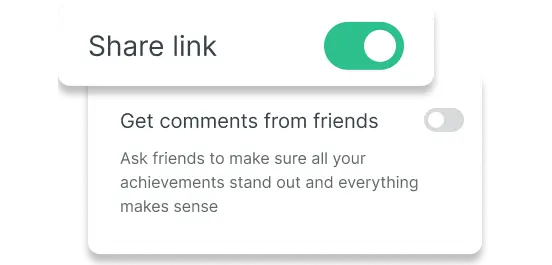
No. They open your comment link, click any spot on your CV and write a note. They’re asked for their name so you know who left it.
Who can see my CV and the comments?
Only people who have the link can open your CV, and only you see the comments. Search engines don’t index the page, and you can turn the link off at any time.
Does it work for CVs in other languages?
Yes. Enhancv detects your CV’s language, and you can change it under ‘Design & Font’. The writing checks follow that language, so a CV you translate into French or German for a job abroad gets French or German suggestions.
Does it compare my CV with a job advert?
No, CV Feedback looks at the CV itself. To match it to one job advert, tailor your CV to the job description with ‘Check & Tailor’.